

By the end of this lesson you will be able to:
- Compare cloud service models (IaaS, PaaS, SaaS) by responsibility split between customer and provider.
- Identify real-world examples for each model.
- Recommend which model best fits a given business need.
- Physical infrastructure (data center, servers, networking, storage)
- Platform (operating system, runtime, middleware)
- Application (your code, data, user-facing services)
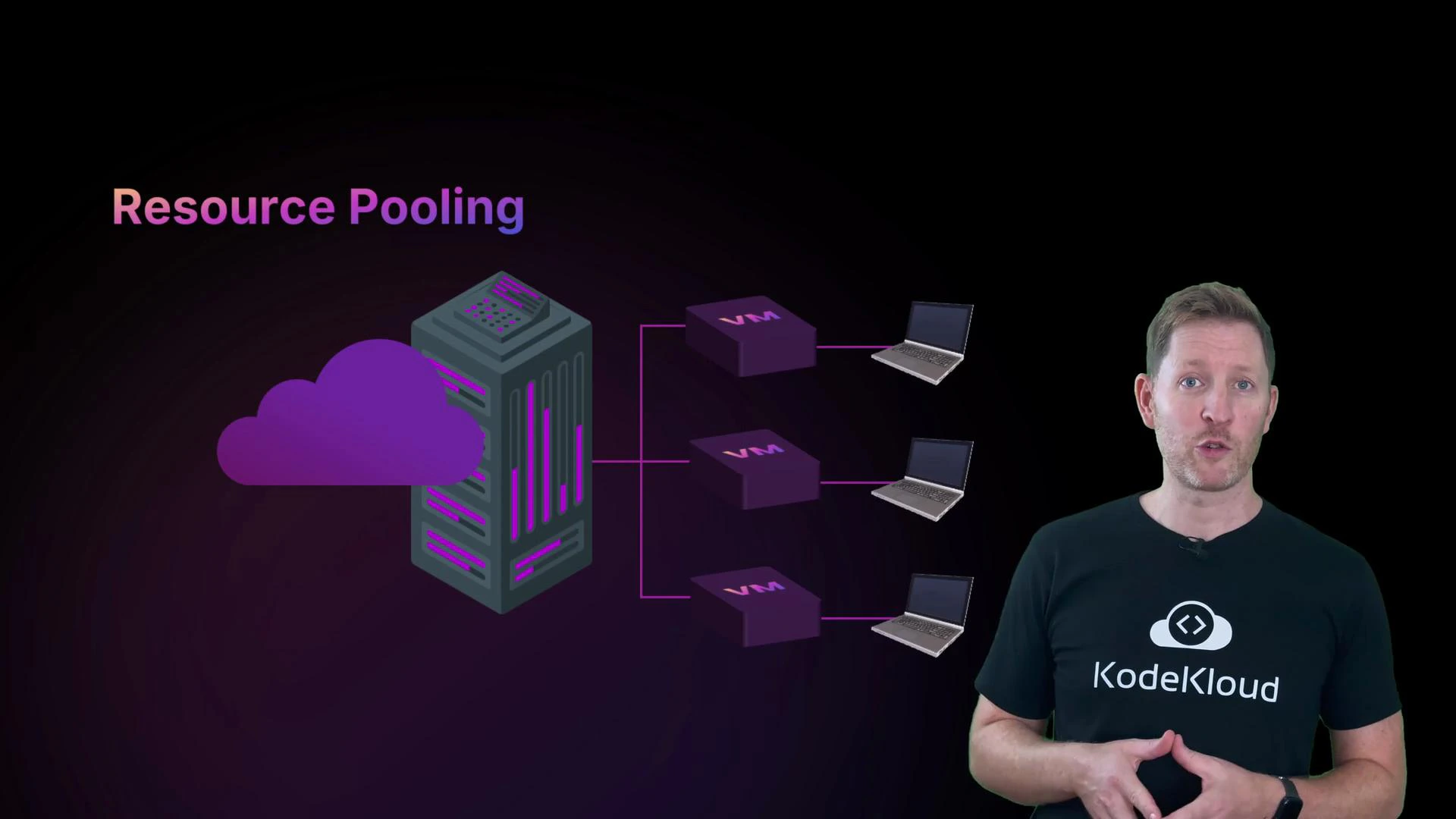
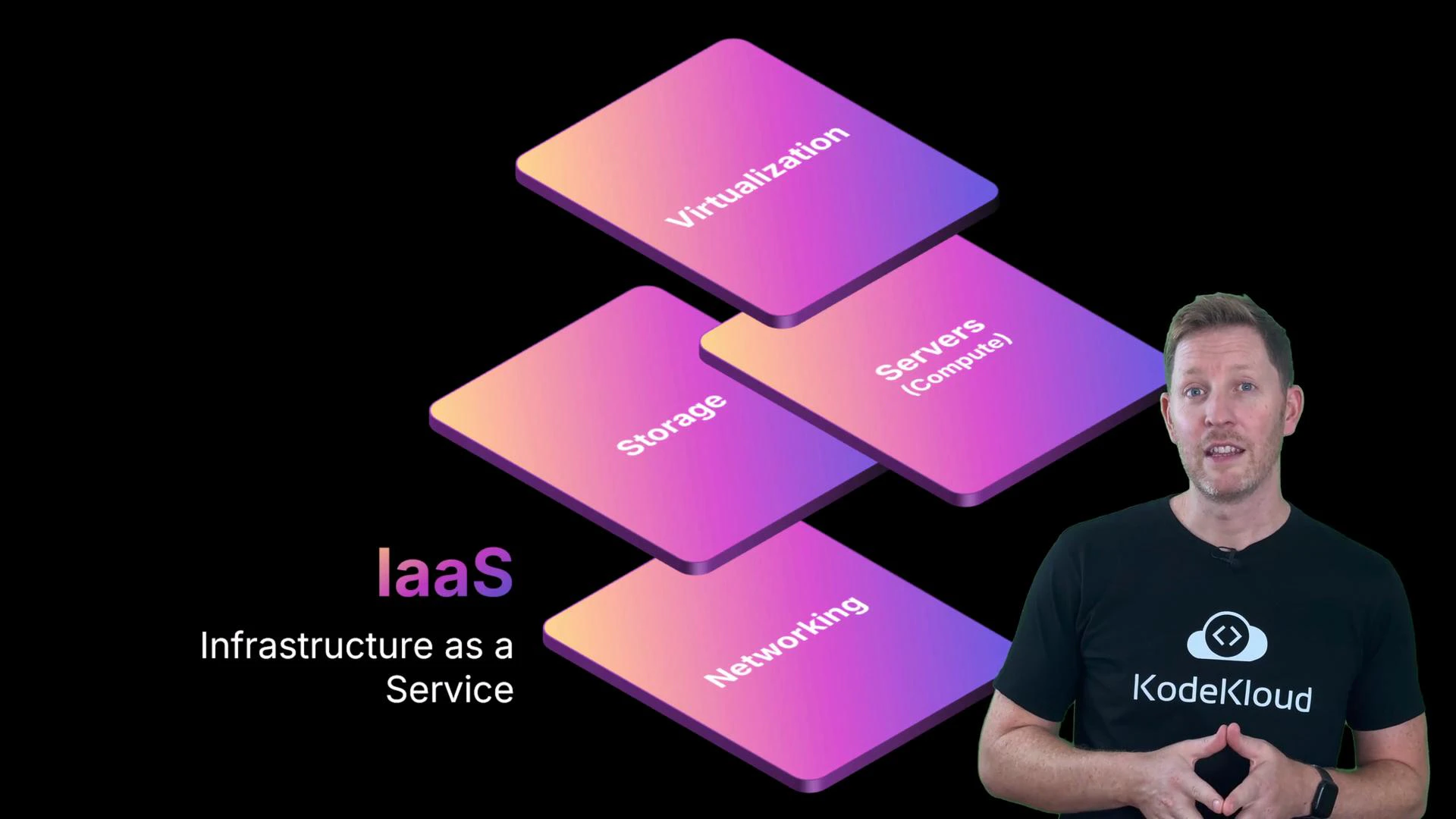
- The provider supplies the foundational infrastructure: servers, storage, networking, and virtualization.
- You (the customer) install and manage the operating system, application runtimes, applications, and data.
- This gives flexibility and control over architecture and configuration, but you remain responsible for OS patching, security configuration, and application lifecycle.
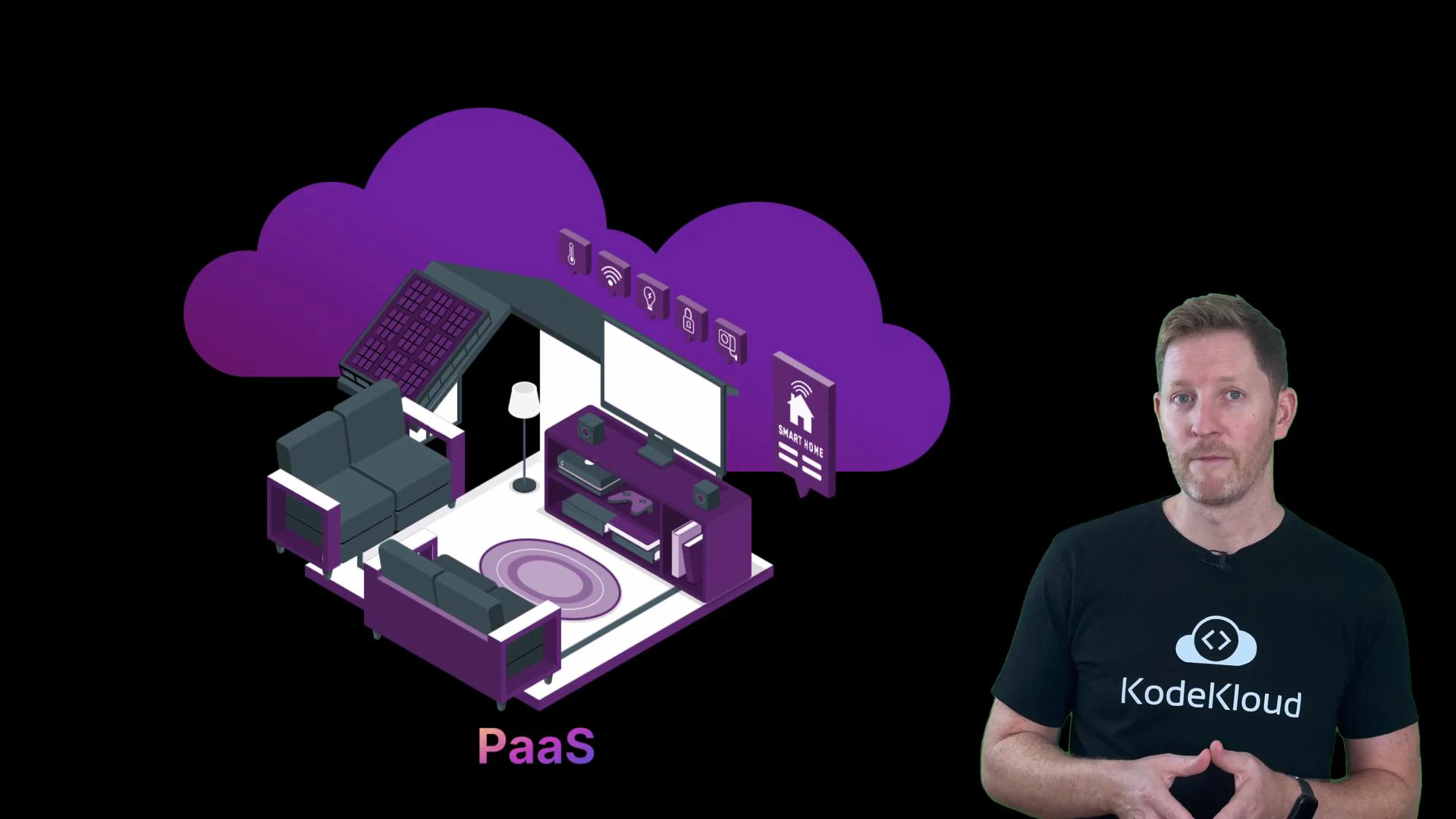
- The provider manages the infrastructure and the underlying platform (OS, runtime, middleware).
- You focus on deploying and managing your application code and data.
- PaaS reduces operational overhead and accelerates development and deployment cycles by handling provisioning, OS maintenance, and scaling.
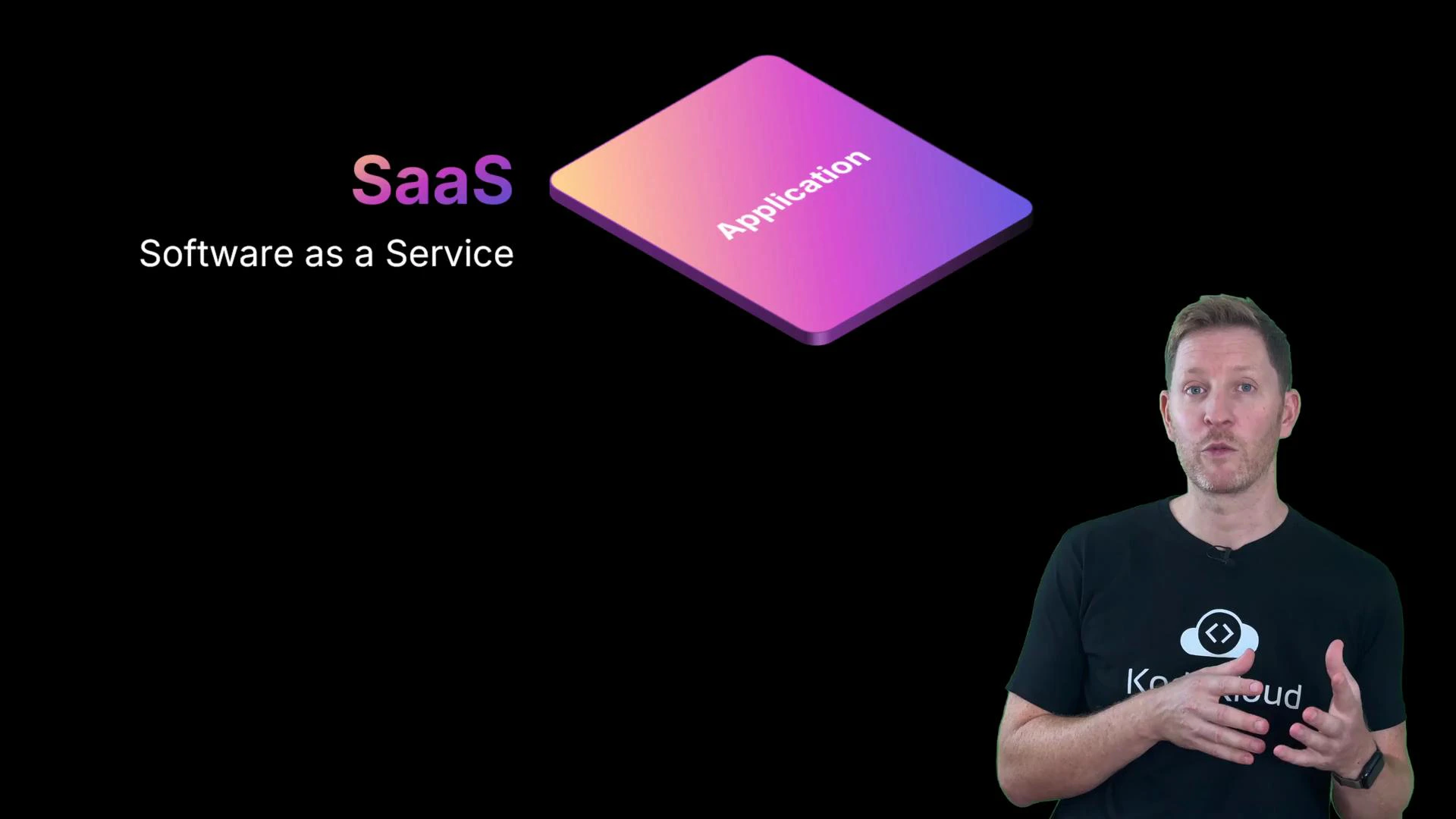
- The provider manages infrastructure, platform, and the application itself.
- You simply use the software (via browser or API) and handle only configuration and user-level administration.
- This model maximizes convenience and minimizes operations work for end-users.
- Infrastructure = building shell (walls, wiring, plumbing, power)
- Platform = fixtures and fittings (kitchen, appliances, heating)
- Software = how you use the space (cooking, relaxing, hosting guests)
- IaaS is like an unfurnished apartment — landlord maintains building systems, you furnish and maintain the interior.
- PaaS is like a furnished apartment with working appliances — you bring personal items and start using it.
- SaaS is like a hotel room — everything is managed; you check in and use the service.
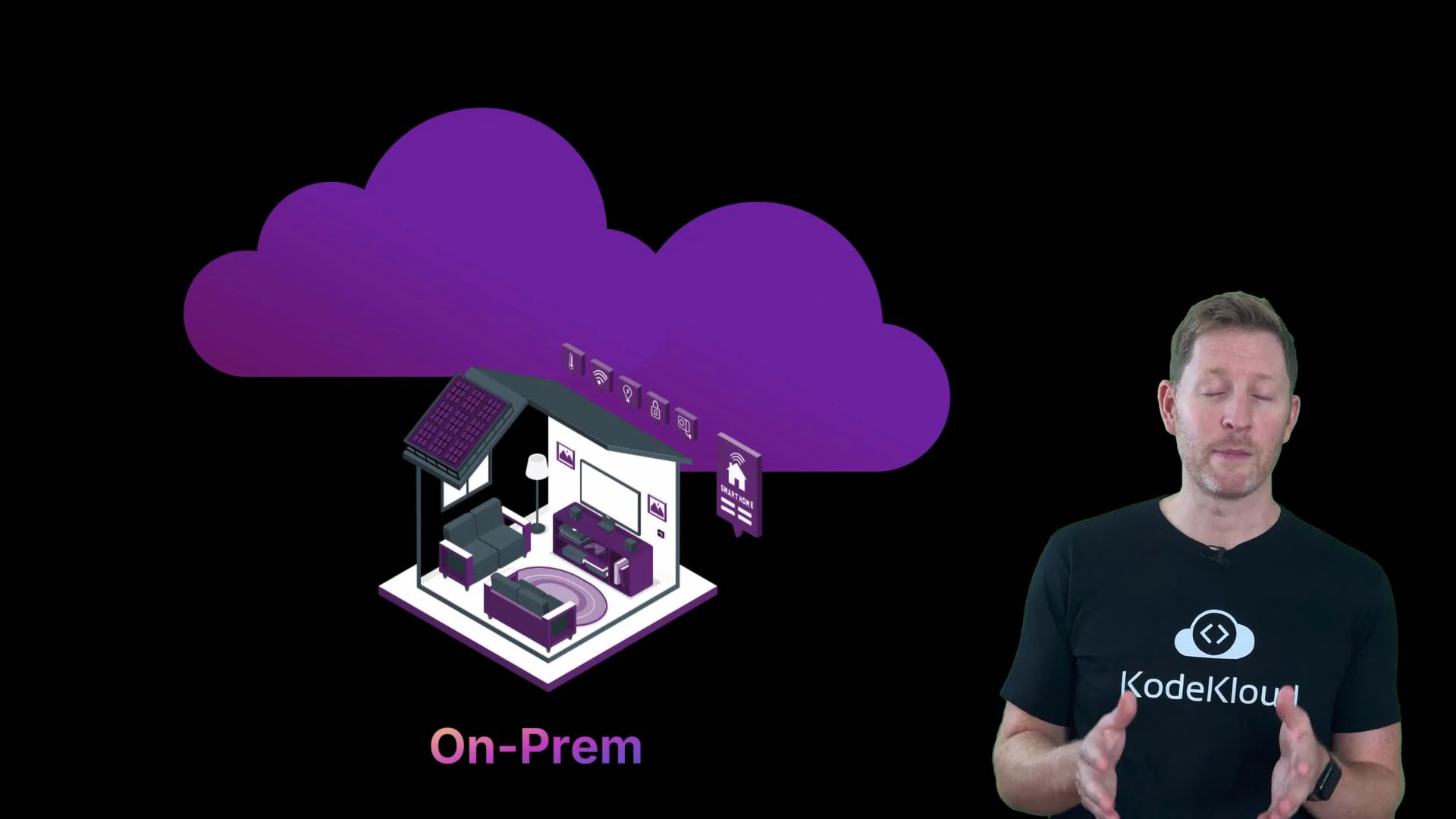
- On-premises: the organization owns and operates every layer — hardware, OS, platform, and application.
- Cloud: responsibility is shared and depends on the chosen service model.
- Run the video pipeline (uploads, processing, streaming) without managing physical servers.
- Deploy new features quickly (comments, tagging, search) with minimal system setup.
- Use reliable admin tools (email, docs, team calls) without building backend services.
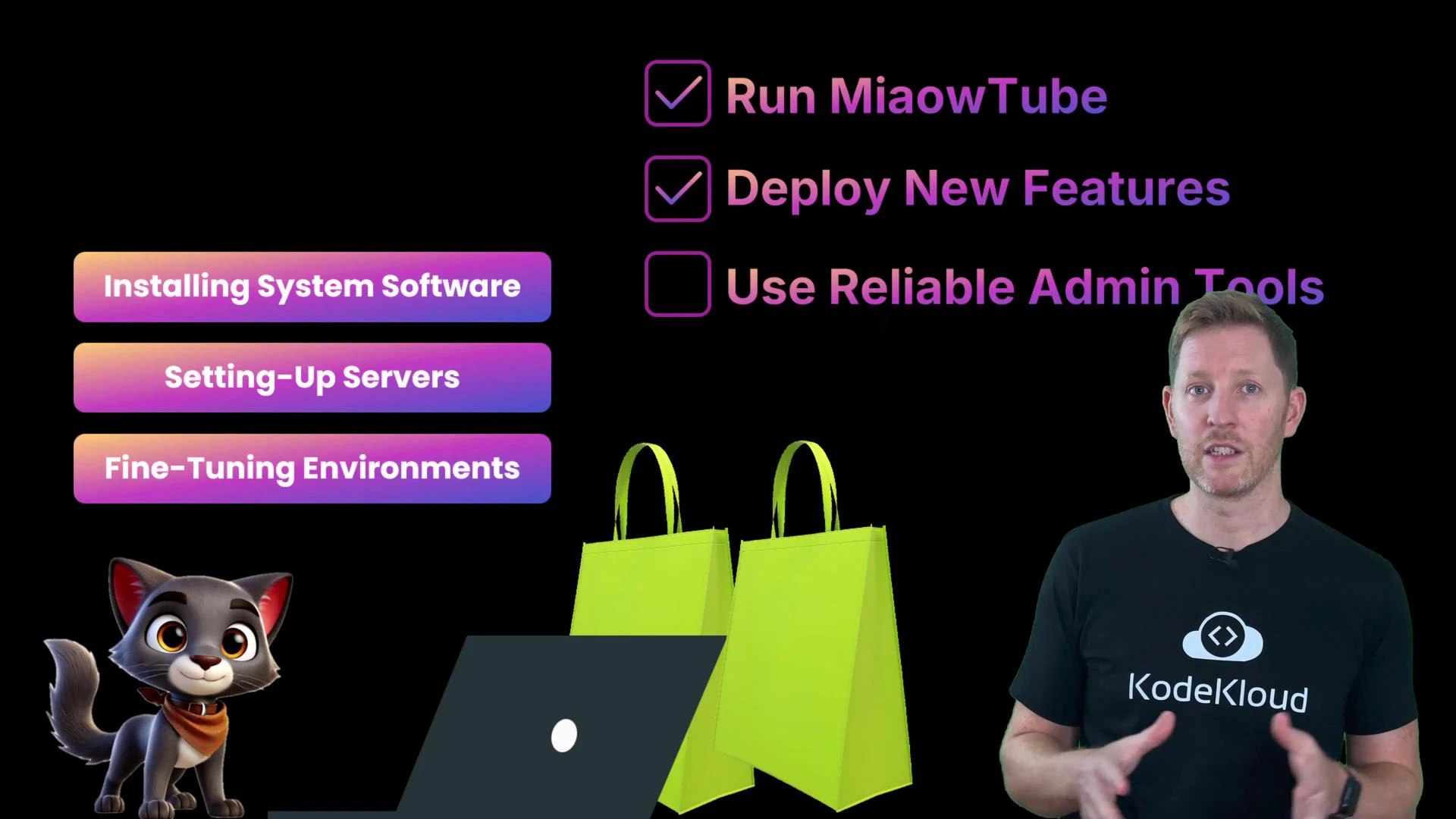
- IaaS for custom, resource-intensive components.
- PaaS to accelerate application development and deployment.
- SaaS for productivity and admin tools.
Quick check
Which statement is true?
A. IaaS gives you ready-made apps like email and spreadsheets.
B. PaaS requires you to manage the operating system yourself.
C. SaaS handles all the backend, so you can just log in and use it. Answer: C. SaaS products are fully managed by the provider — you use the app without handling setup, patching, or maintenance. Statement A is false (ready-made apps are SaaS). Statement B is false (with PaaS the provider manages the OS and runtime). Recap
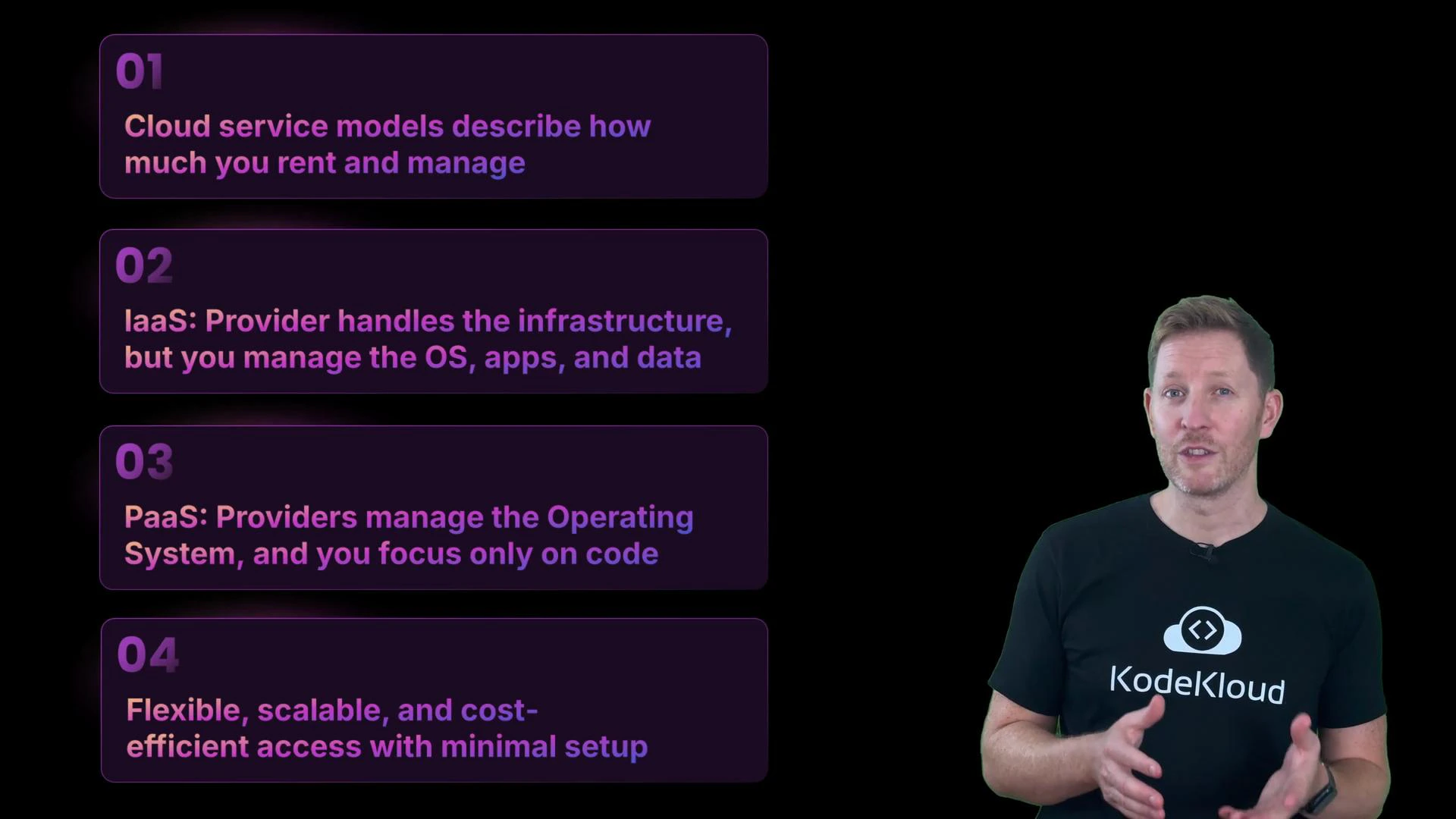
- Cloud service models define how much of the IT stack you rent versus manage.
- IaaS: provider handles infrastructure; you manage OS, apps, and data.
- PaaS: provider also manages OS and platform; you focus on code and data.
- SaaS: provider manages everything; you use the software.
- The trade-off: more provider responsibility reduces operational complexity but also reduces direct control.
- Most organizations use a mix of models to balance control, speed, and cost.
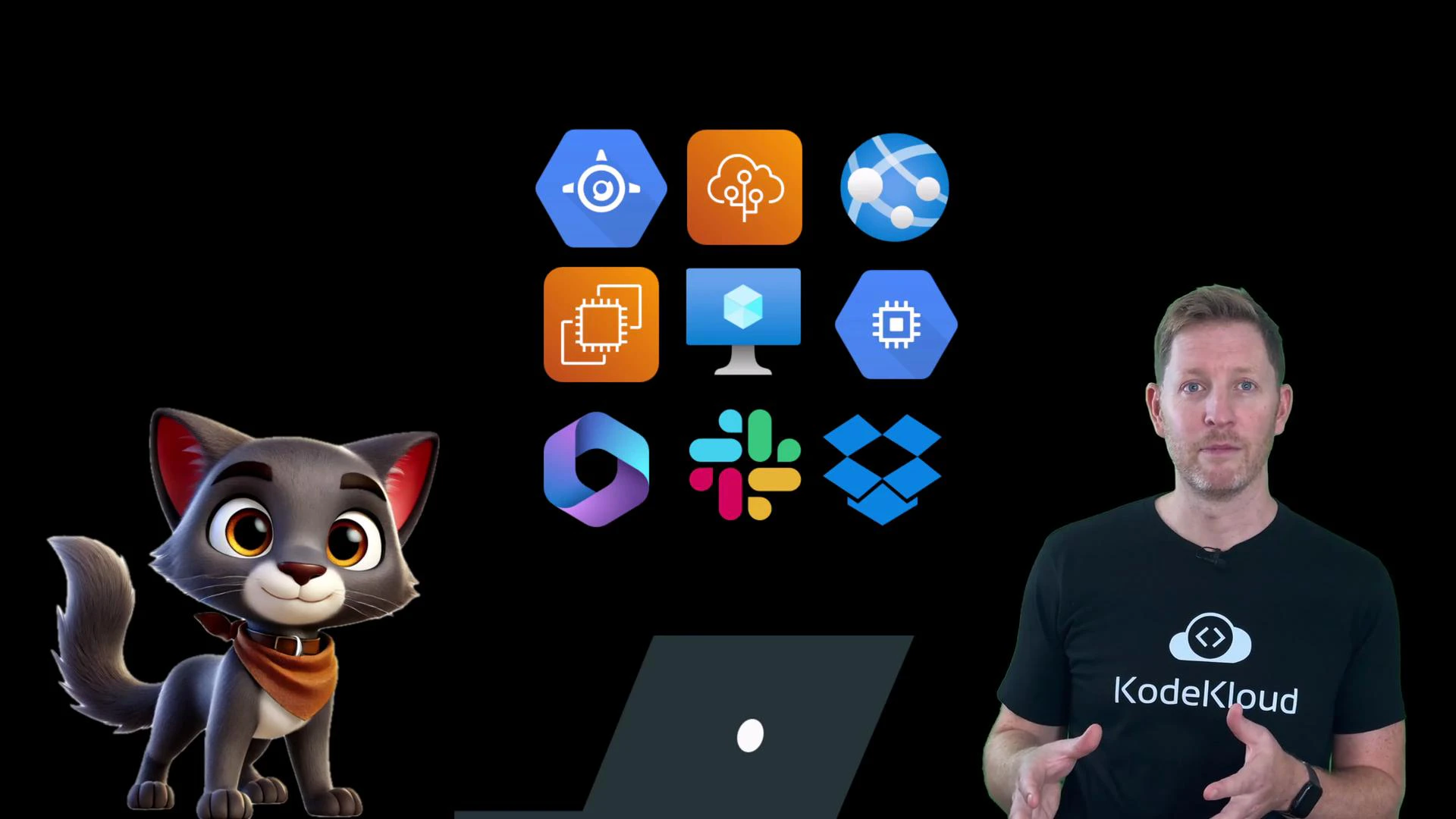
- Amazon EC2 (IaaS)
- Google Compute Engine (IaaS)
- Azure Virtual Machines (IaaS)
- Google App Engine (PaaS)
- AWS Elastic Beanstalk (PaaS)
- Azure App Service (PaaS)
- Google Workspace (SaaS)
- Microsoft 365 (SaaS)