

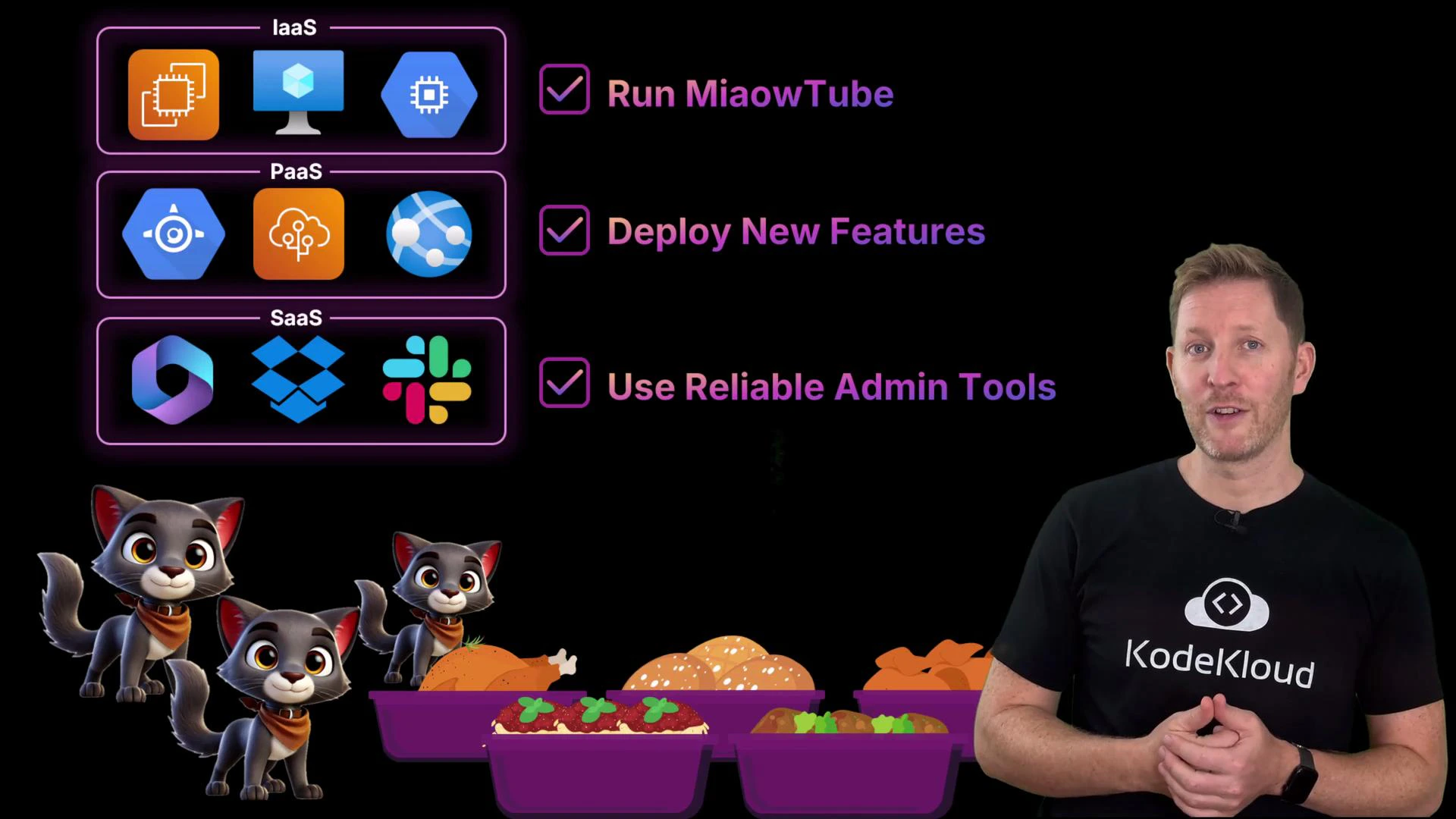
- Run the platform on an IaaS provider for core infrastructure.
- Ship features quickly using PaaS.
- Use SaaS for day-to-day collaboration and admin.
Public cloud — speed and scale for global workloads
Cody and the team visit the AWS booth to plan hosting the core MiaoTube platform (video uploads, processing, streaming). The rep recommends a public cloud for high-traffic workloads. Key benefits of public cloud:- Infrastructure is owned and managed by the provider and shared across customers — no need to buy or provision physical servers.
- Resources (VMs, containers, managed services) can be launched in minutes, enabling rapid scaling for traffic spikes.
- The provider handles physical hardware, power, cooling, and networking, reducing operational overhead.
- Global presence: run services from data centers around the world to reduce latency.
- Less direct control over the underlying hardware; correct configuration is required to ensure tenant isolation.
- Responsibility for compliance and data residency remains with you — choose regions and configure policies accordingly.
- Using proprietary managed services increases the risk of vendor lock-in and makes migration harder later.
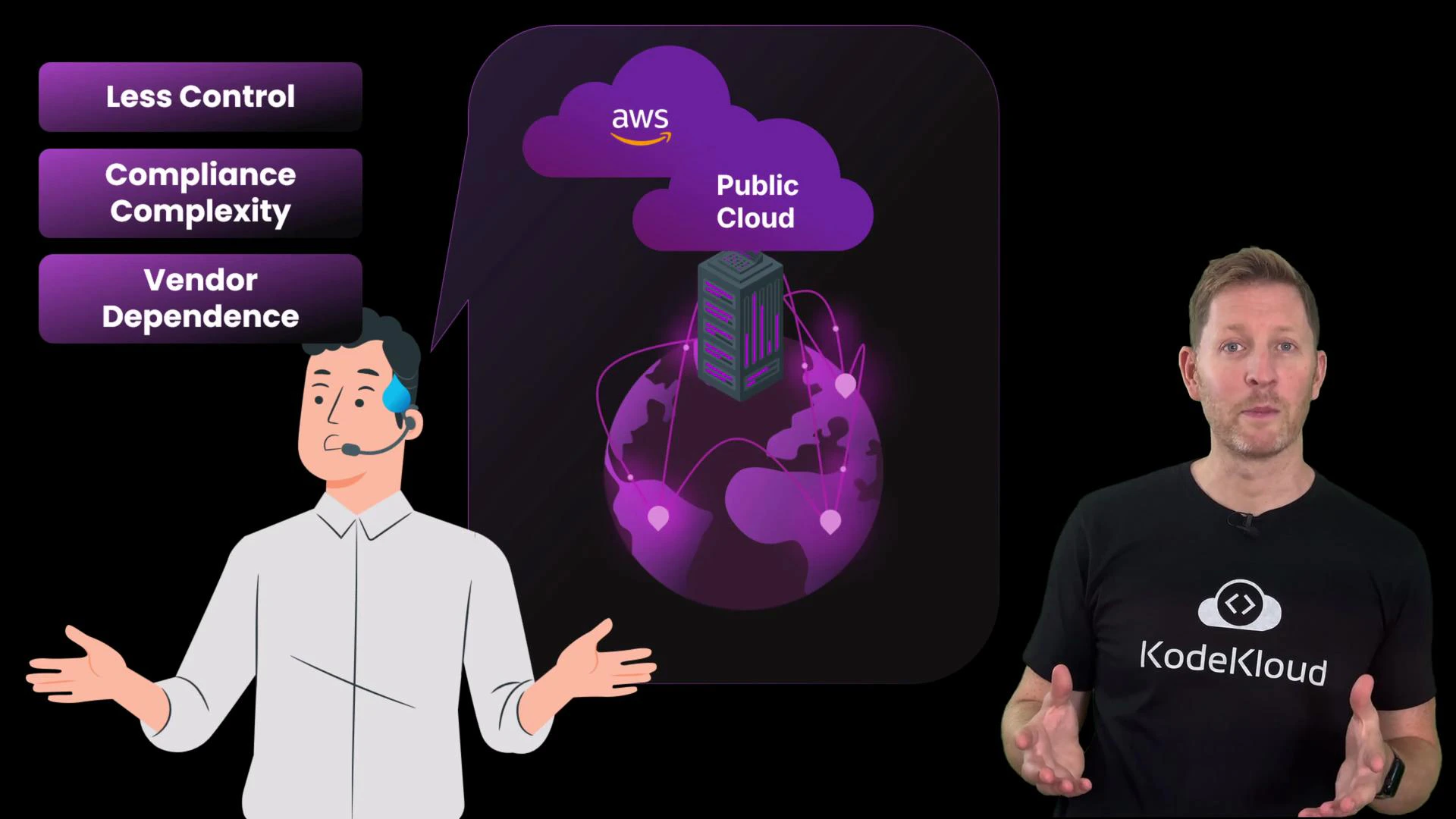
Public cloud gives fast access to resources, but beware of vendor lock-in and ensure your compliance requirements (data residency, encryption, audit) are enforced through architecture and configuration.
Private cloud — control and isolation for sensitive workloads
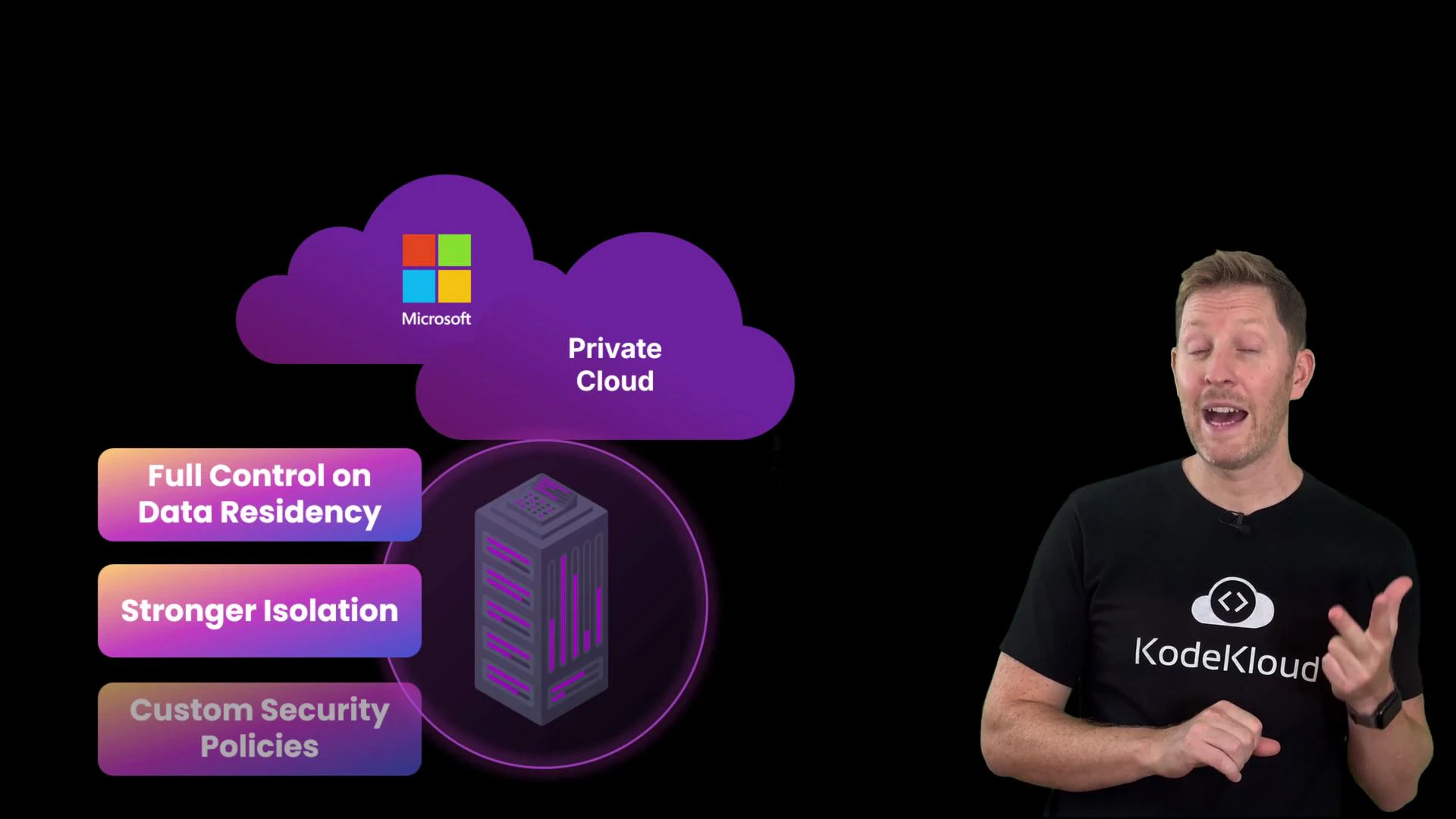
Next, the team visits the Microsoft booth. For collaboration tools (email, document editing, video calls) handling sensitive internal data, Cody considers private cloud options like Microsoft 365 paired with private hosting or managed private cloud. Private cloud characteristics:- Dedicated hardware and isolated environments, hosted on-premises or by a trusted provider.
- Clear control over data residency and where information physically resides.
- Stronger isolation — no other tenants share your infrastructure.
- Customizable security policies, monitoring, and compliance controls.
- Higher cost because infrastructure isn’t shared.
- More operational responsibility for patching, integration, monitoring (unless you use a managed private offering).
- Generally slower to provision and scale than public cloud.
Hybrid cloud — combine scale and control
Because MiaoTube already runs services in both public and private environments, they’re effectively hybrid. For the second requirement (fast feature delivery), they choose Azure App Service for the front-end features (comments, tagging, feeds) while keeping sensitive account data in a private environment. Hybrid cloud blends public and private resources and connects them via networking, identity, and integration tooling:- Use public cloud for scalable, cost-effective services and experiments.
- Keep regulated or sensitive workloads in private cloud or on-premises systems.
- Use centralized tooling to operate both environments with a unified view.
- Added operational complexity — you manage two infrastructures.
- Secure data flow between environments and address compliance boundaries.
- Avoid duplication and keep an eye on cross-environment costs.
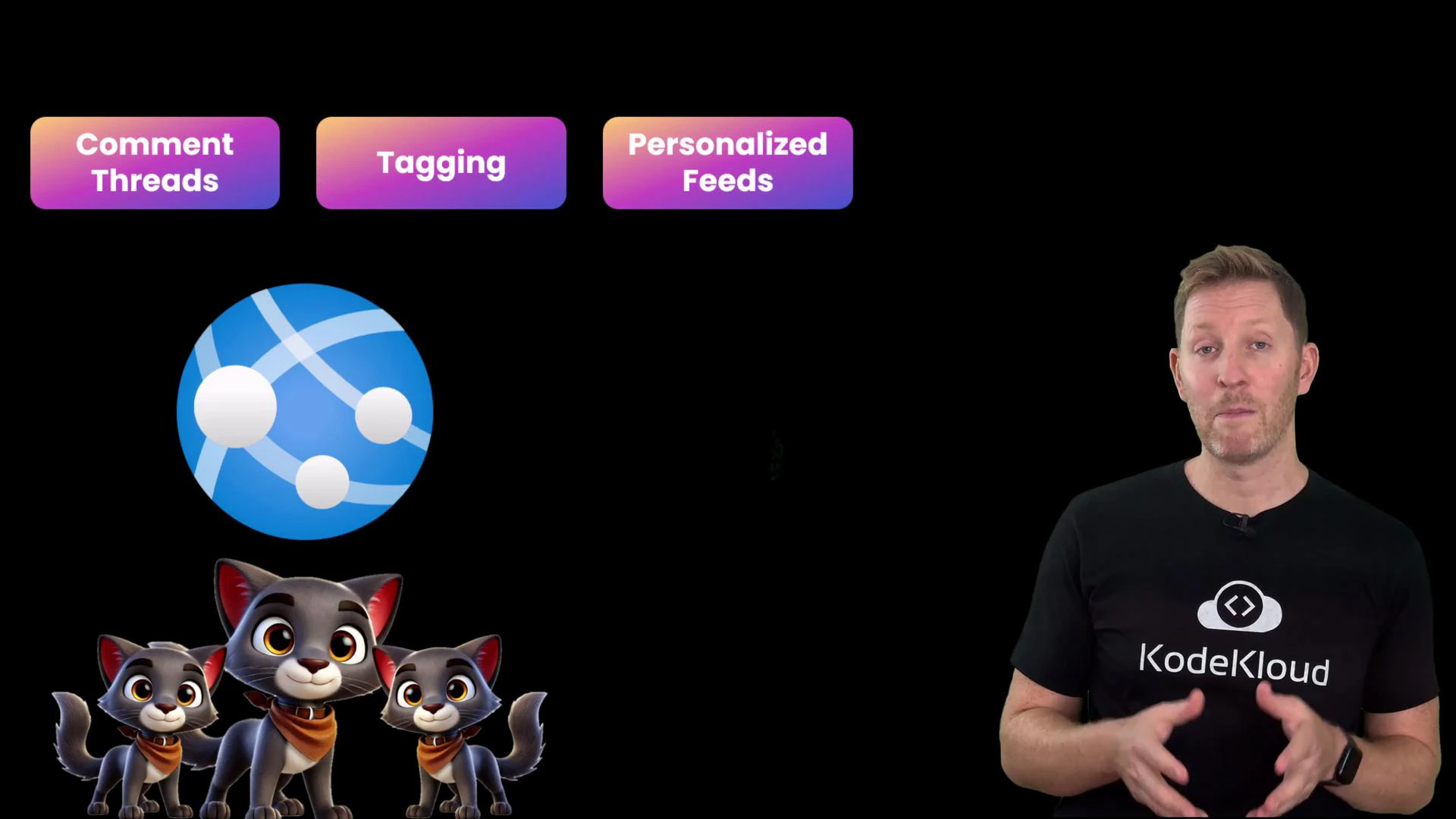
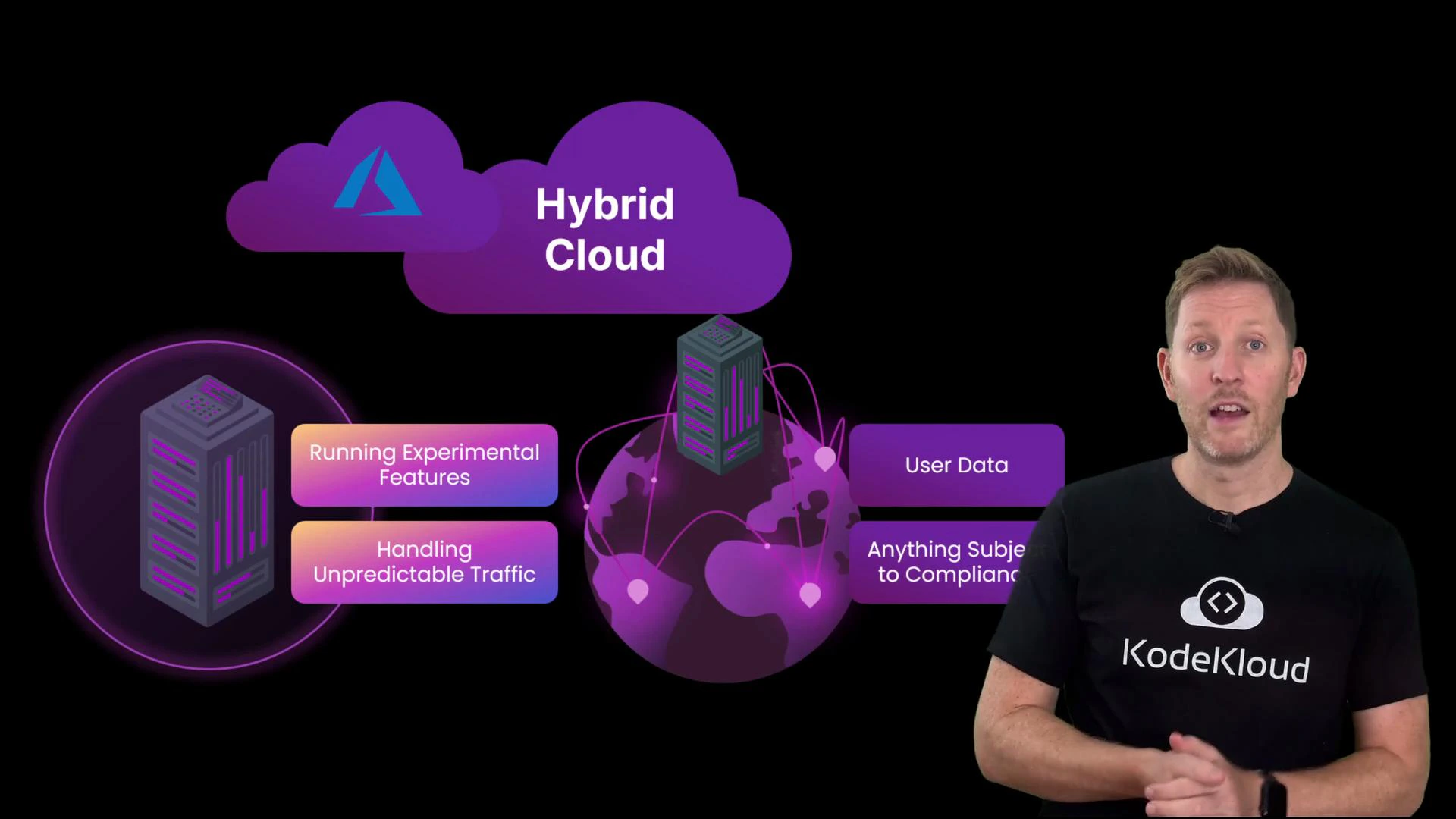
Hybrid cloud gives you flexibility: run public services for scale and place sensitive data on private infrastructure. Use network encryption, consistent IAM, and monitoring to reduce integration risks.
Multi-cloud — resilience and best-of-breed services
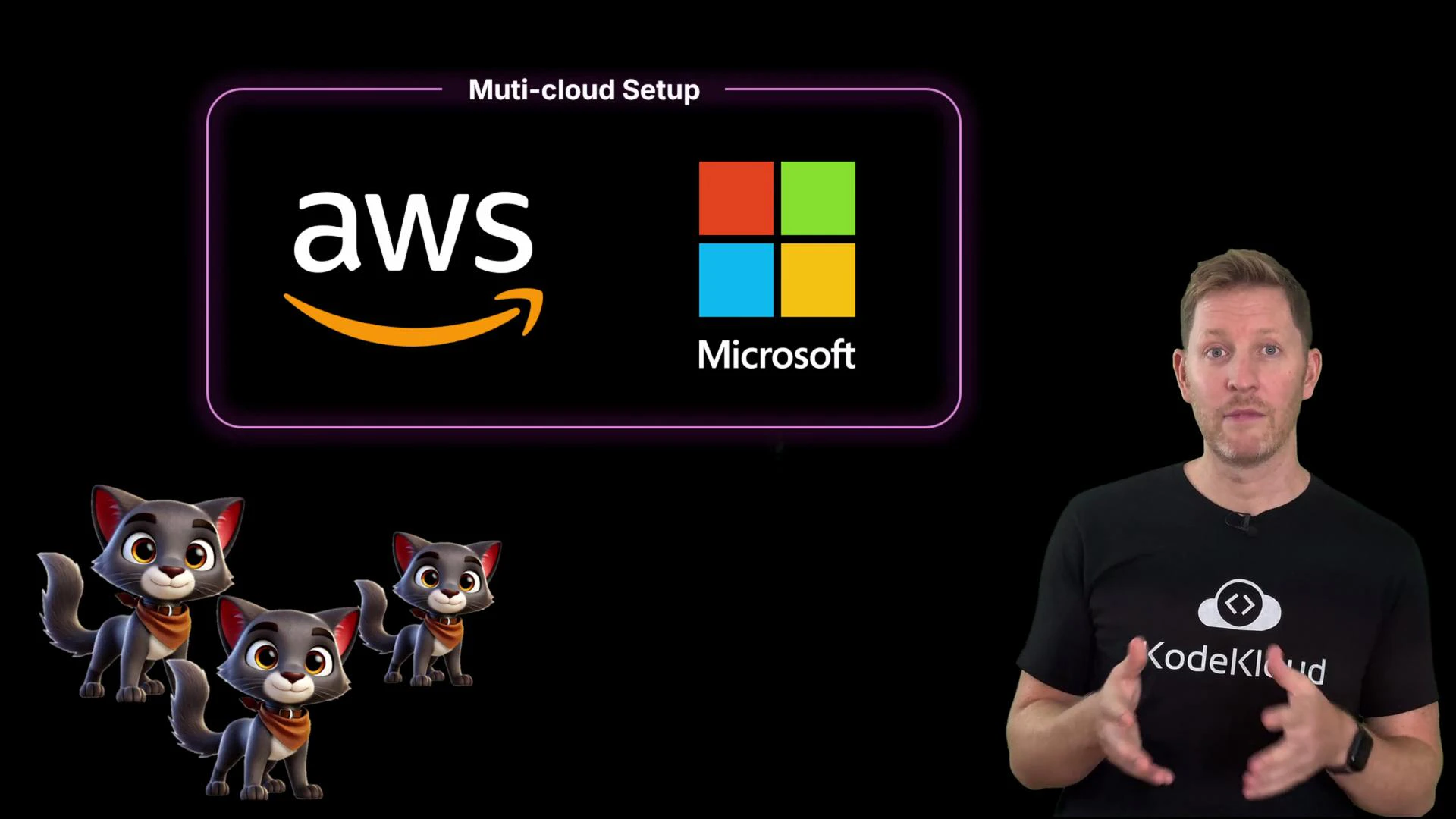
MiaoTube uses both AWS and Microsoft, which makes them a multi-cloud organization — a common outcome as teams pick the best service for each workload. Advantages of multi-cloud:- Resilience — architected correctly, no single provider outage takes everything down.
- Flexibility — pick best-in-class services from multiple vendors, reducing single-vendor dependency.
- More complex billing and operational dashboards.
- Teams must be trained to operate multiple platforms and tools.
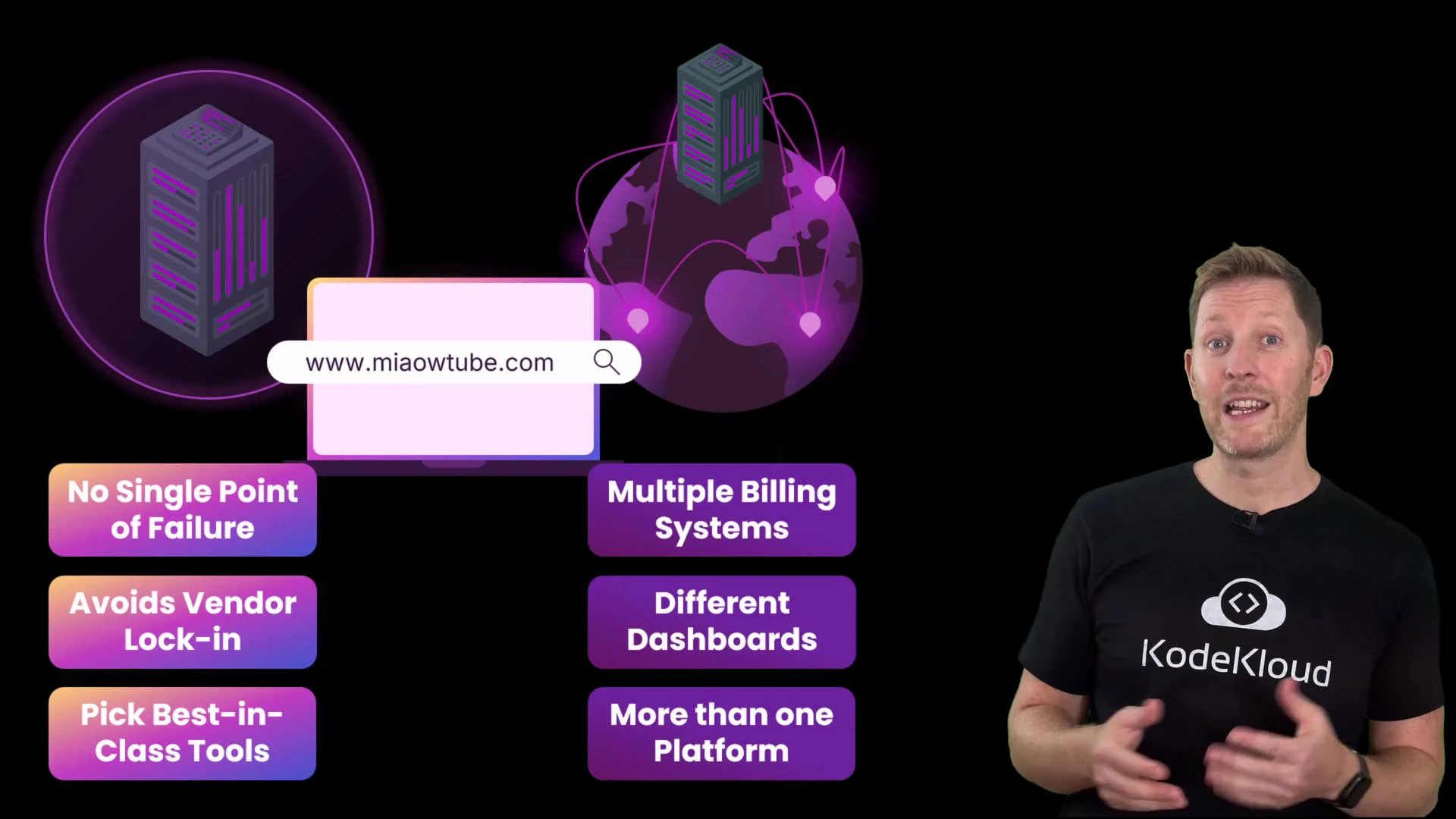
Deployment model quick comparison
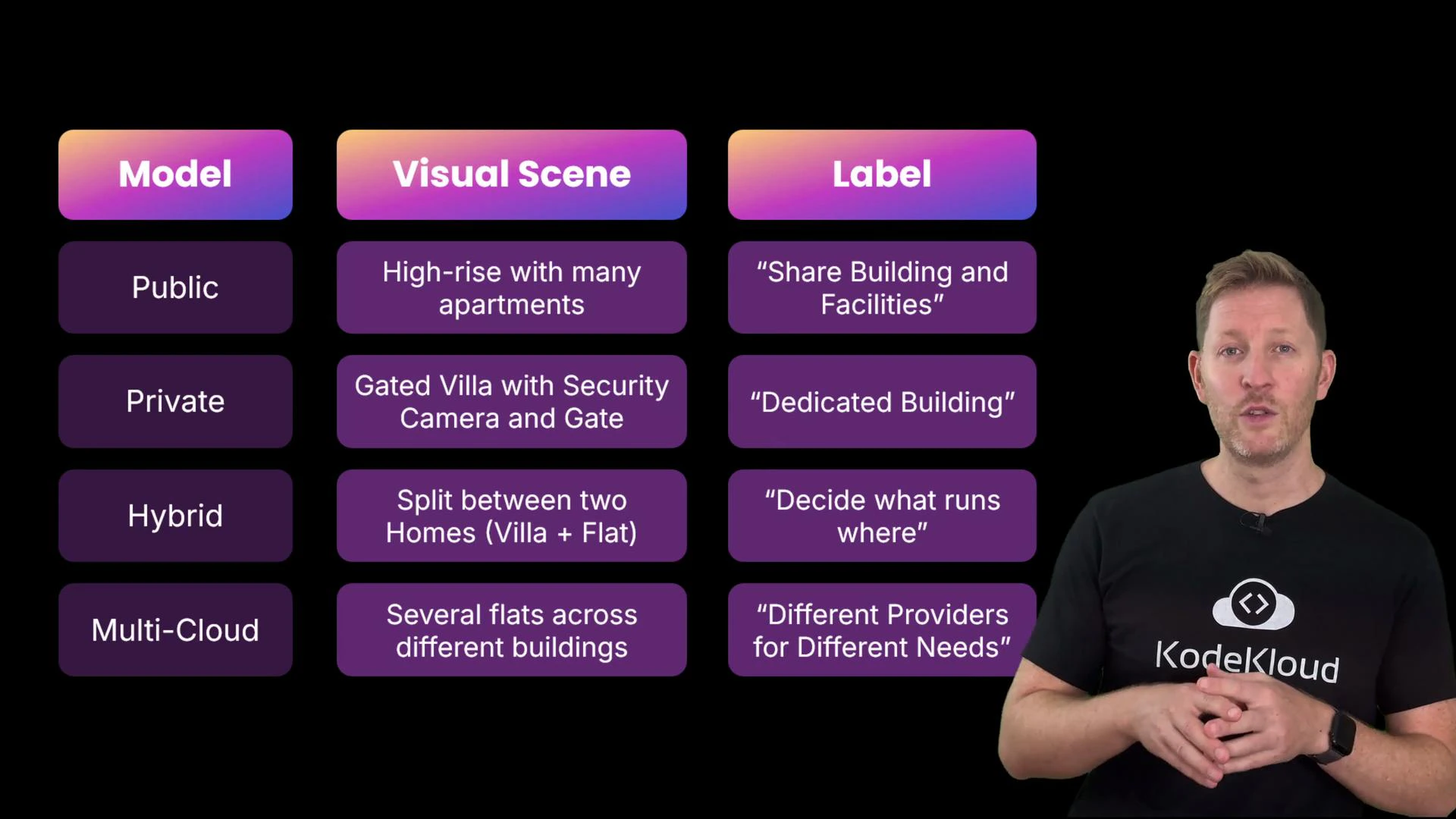
Analogy: deployment models as housing types
Think of service models like different rental types:- Public cloud — an apartment in a busy block: quick and affordable, limited customization.
- Private cloud — a private villa: full control and privacy, higher cost and maintenance.
- Hybrid cloud — renting both a villa and a city flat: run sensitive work privately, everyday workloads in the flat.
- Multi-cloud — properties across town from different landlords: spreads risk, increases management overhead.
Quick quiz
Which statement is true? A. Public cloud means your app is visible to other customers using the same provider.B. A private cloud gives you full control over infrastructure that no other customer shares.
C. Hybrid cloud always requires on-premises hardware.
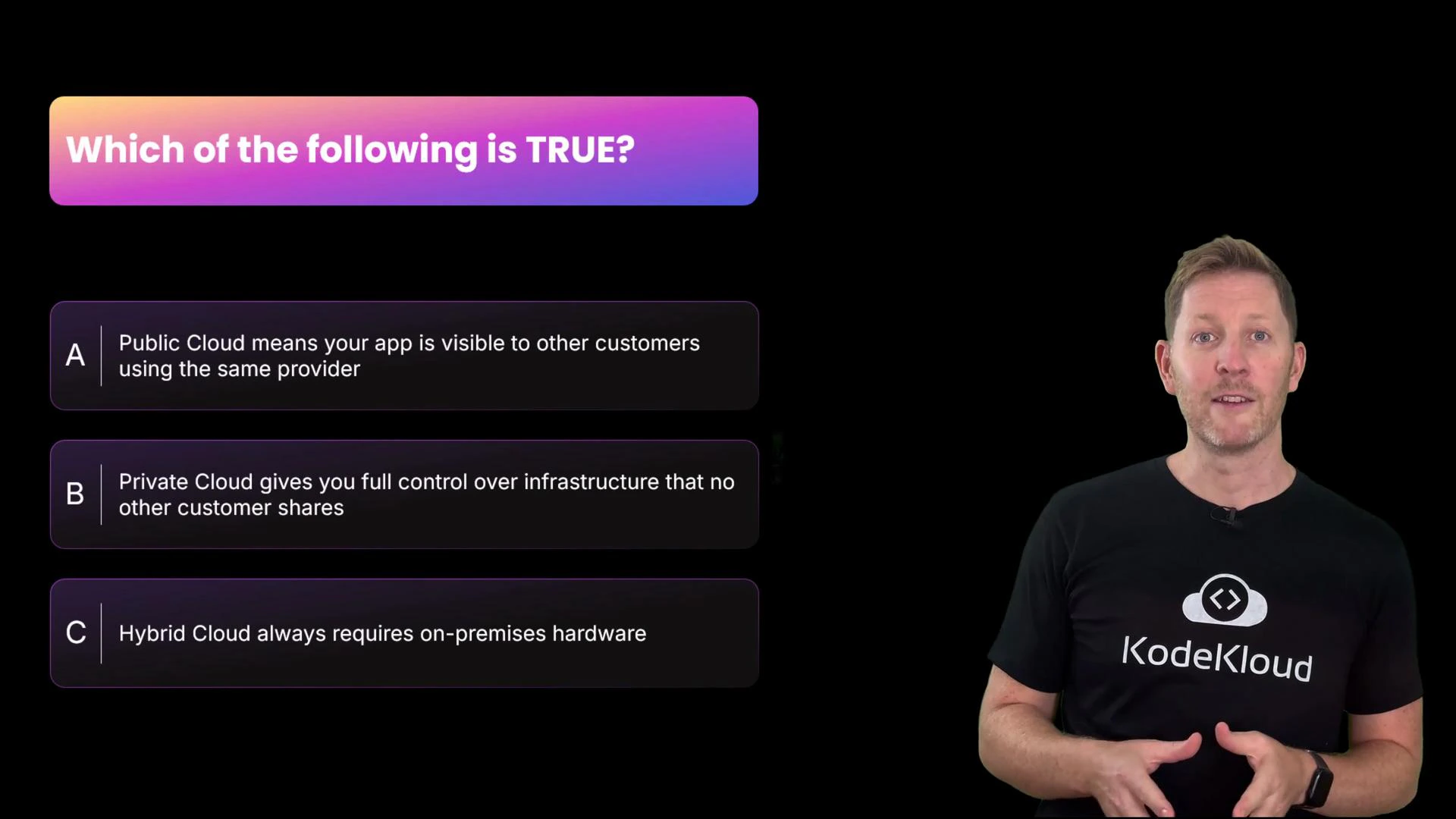
- A is false — public cloud shares physical infrastructure, but proper isolation prevents your app or data from being exposed to other customers.
- B is true — private cloud uses dedicated infrastructure for a single organization, enabling greater control and isolation.
- C is misleading — hybrid cloud can include on-premises hardware, but it does not always require it. Hybrid refers to integration between private and public environments, which can both be hosted by providers.
Recap — choose the right model for each workload
- Public cloud: fast, scalable, cost-effective; less control.
- Private cloud: dedicated, isolated, auditable; higher cost and ops overhead.
- Hybrid cloud: combine scale and control; requires integration and secure data flow.
- Multi-cloud: resilience and flexibility; manage increased operational complexity.
Links and references
- AWS: https://aws.amazon.com/
- Microsoft Azure: https://azure.microsoft.com/
- Microsoft 365: https://www.microsoft.com/microsoft-365
- Cloud computing overview (Wikipedia): https://en.wikipedia.org/wiki/Cloud_computing