

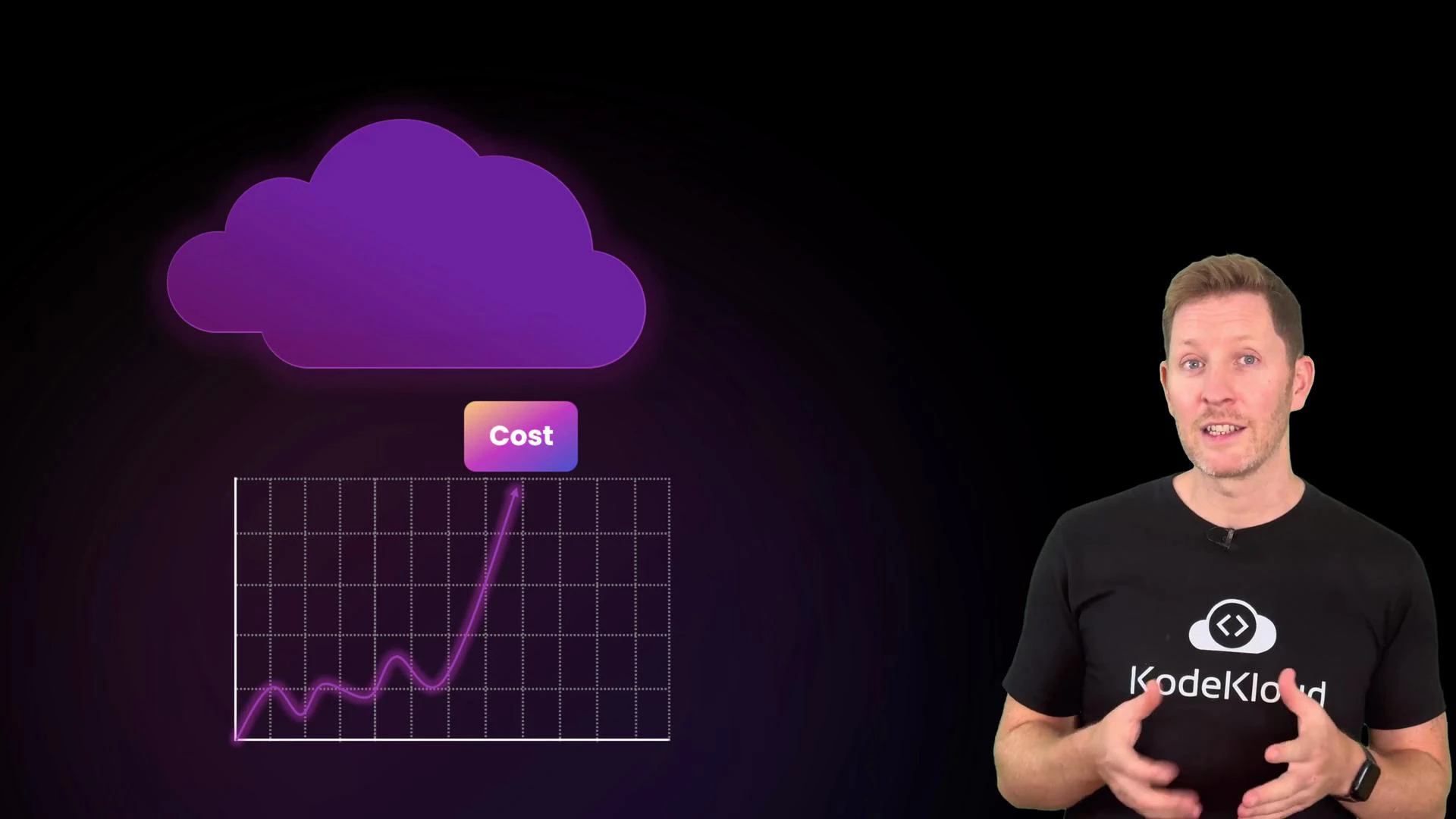
From CapEx to OpEx: how cloud changes spending
Before cloud, most IT spending was CapEx (capital expenditure): large up‑front investments in servers, networking, and datacenter space intended to be used for years. Cloud shifts that model toward OpEx (operational expenditure): you rent compute, storage, and other services on demand and pay based on usage (billing granularity varies by provider and service).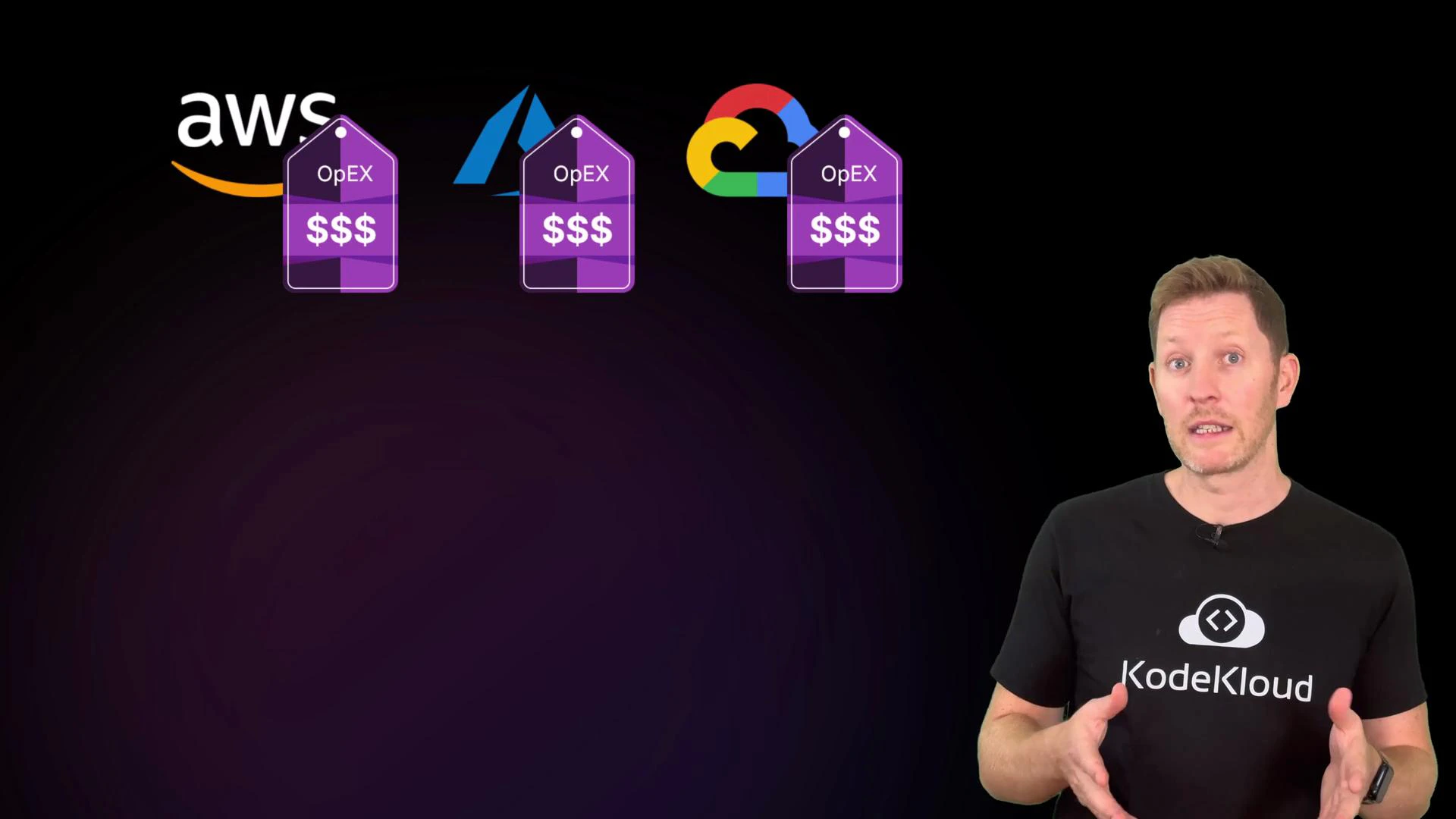
Service models: who manages what and where costs appear
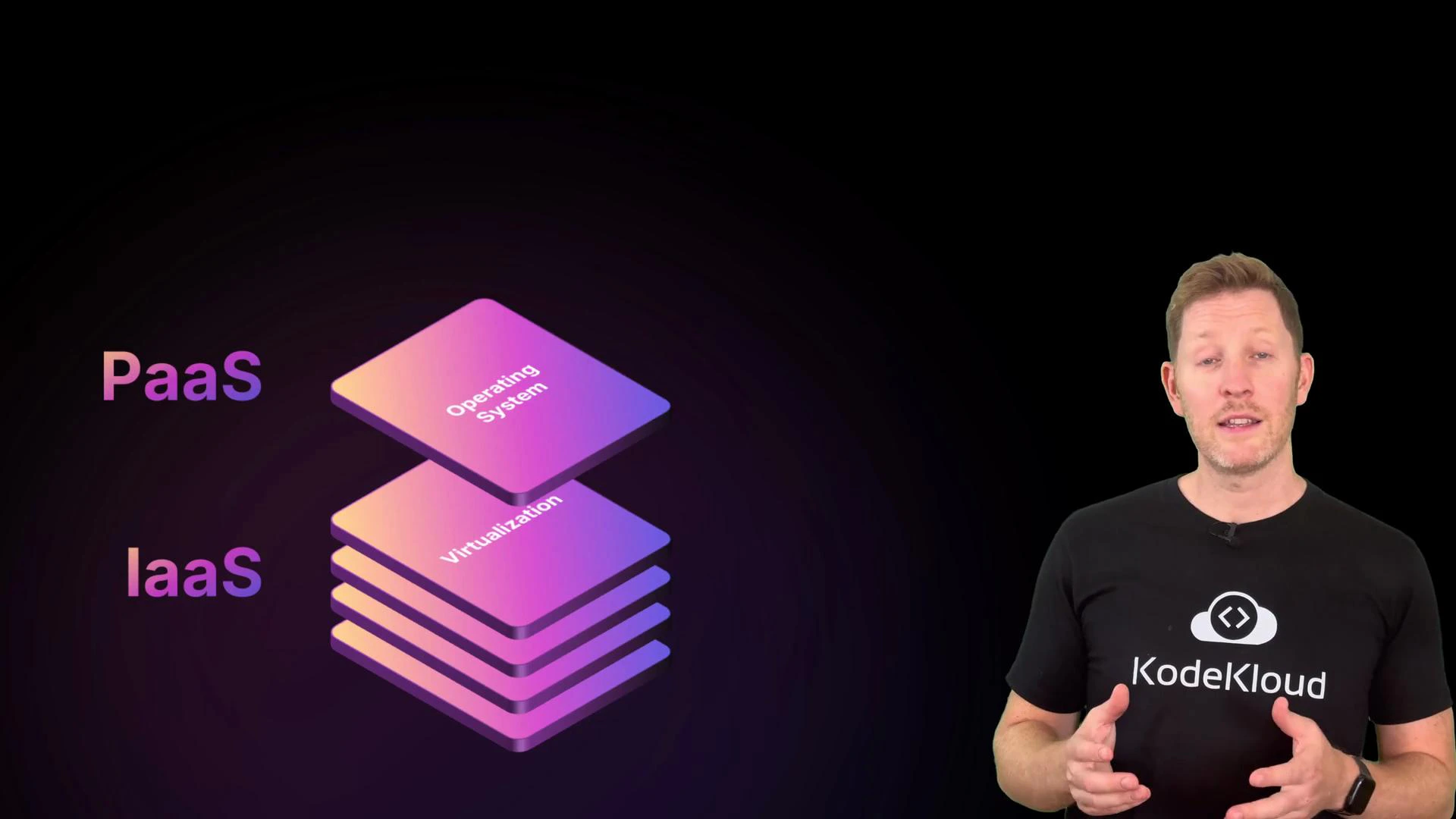
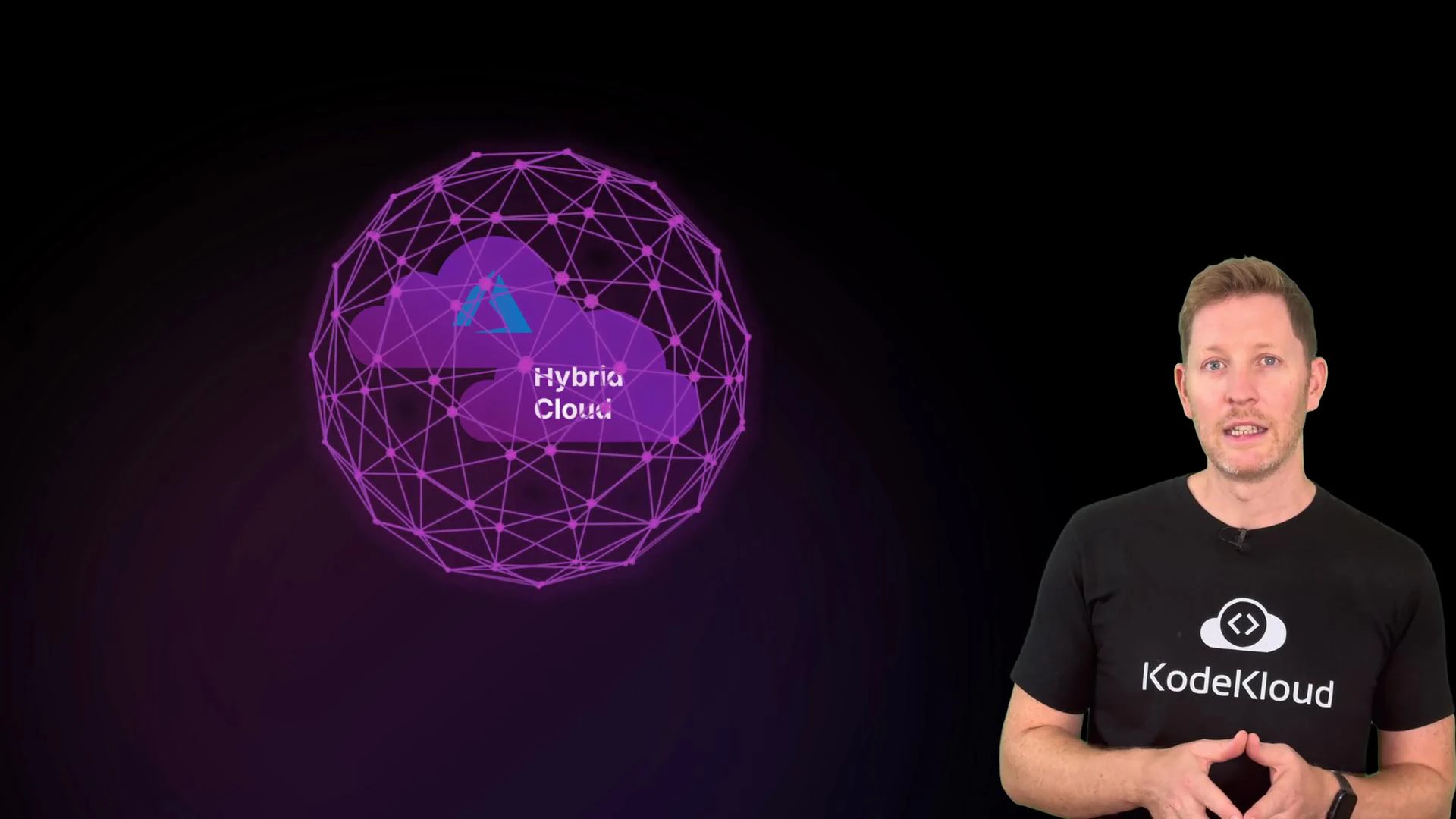
Deployment models: cost implications
FinOps: governance for cloud costs
FinOps brings financial accountability into engineering teams by combining people, processes, and tooling. Its goal is predictable spend through visibility, ownership, and incentives that encourage cost-conscious decisions without slowing delivery.
FinOps is a cross-functional practice — not a single vendor product. Key activities include tagging, budgeting, cost allocation, and rightsizing so teams make predictable, accountable choices about cloud spend.
Common cost traps and practical fixes
Right-sizing
- Don’t pick top-end instances “just in case.” Rightsizing is matching resources to actual demand. Use cloud provider recommendations and rightsizing tools to identify cheaper instance types with comparable performance.
- Non‑production environments often run 24/7. Schedule automated shutdowns outside business hours and provide automated startup scripts or CI jobs for on‑demand access — high ROI with low disruption.
- For steady, long-running workloads use reserved instances, savings plans, or committed-use discounts to reduce costs (savings can range widely by provider and commitment type).

Commitment discounts save money but add financial risk if usage drops. Evaluate historical utilization, consider partial coverage, and use convertible/ flexible plans where available.
- Large environments become hard to track. Tagging (or labeling) resources with metadata such as
team,environment(dev/staging/prod),project,cost-center, andownerenables accurate cost allocation and cleanup. Enforce tag policies and use them in billing reports.
Quick assessment — pop quiz
Pop quiz — which statement is true? A. Capital expenditure, or CapEx, refers to ongoing cloud costs paid monthly.B. Rightsizing means choosing the biggest server option to handle any future growth.
C. FinOps is a cloud monitoring tool provided by AWS, Azure, and GCP.
D. Commitment plans offer discounts for predictable long-term cloud usage.
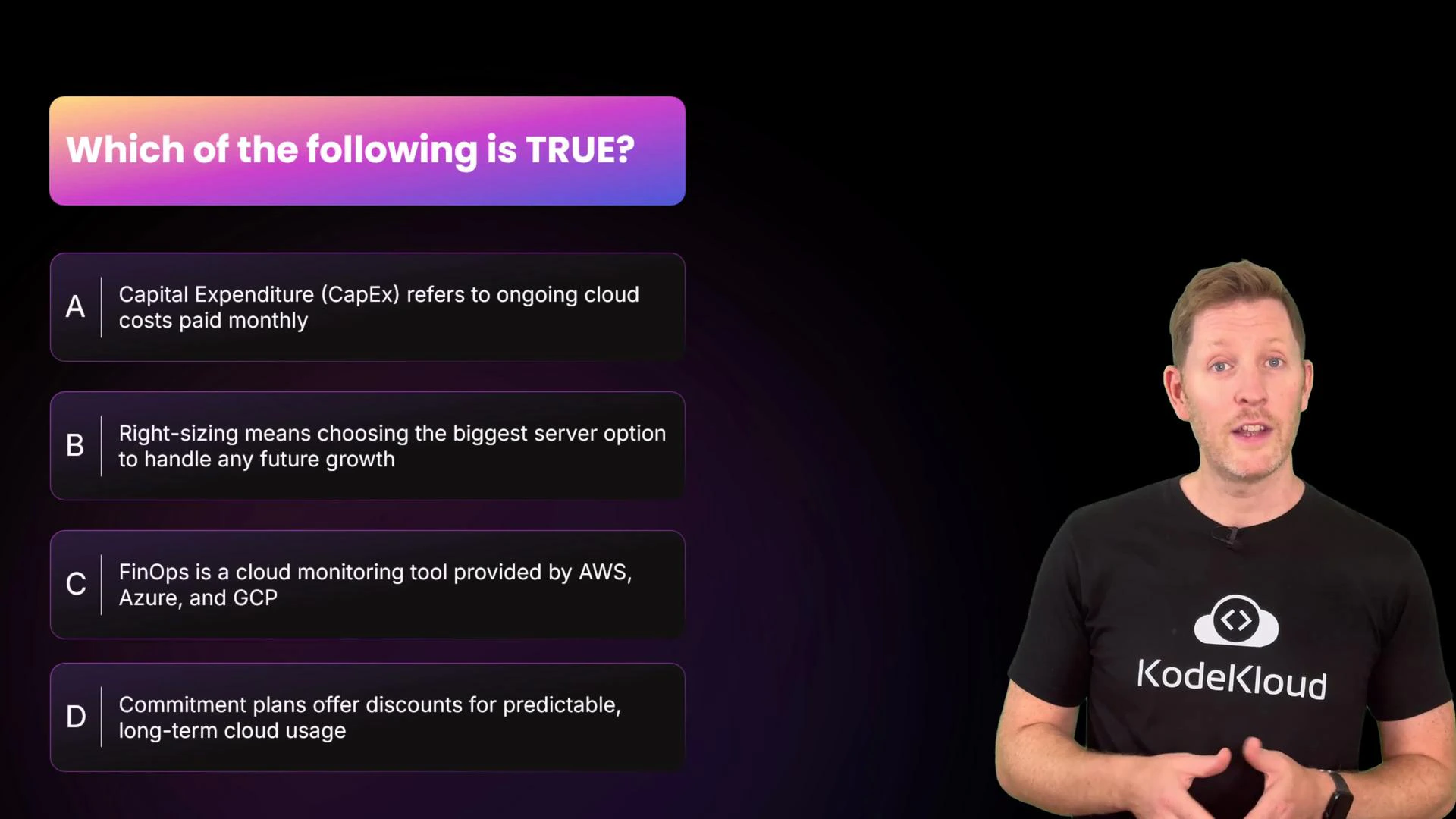
- A is backwards: CapEx is upfront spending (on‑prem hardware); cloud typically uses OpEx (pay‑as‑you‑go).
- B is incorrect: Rightsizing is about matching resources to actual needs, not overprovisioning.
- C is incorrect: FinOps is a cross‑team practice and cultural approach, not a single monitoring product.
Recap — practical checklist
- Understand CapEx vs OpEx: cloud converts many capital purchases into usage‑based operational spend.
- Apply the basics: rightsizing, automating non‑prod shutdowns, using commitment discounts for steady workloads, and enforcing tagging for visibility.
- Use FinOps principles to ensure teams have ownership, visibility, and incentives to control costs while moving quickly.
Links and references
- FinOps Foundation — practices and community resources
- Kubernetes cost optimization basics — general guidance on resource requests/limits and cluster sizing
- AWS Cost Management docs: https://aws.amazon.com/aws-cost-management/
- Azure Cost Management: https://learn.microsoft.com/azure/cost-management-billing/
- Google Cloud Billing: https://cloud.google.com/billing