


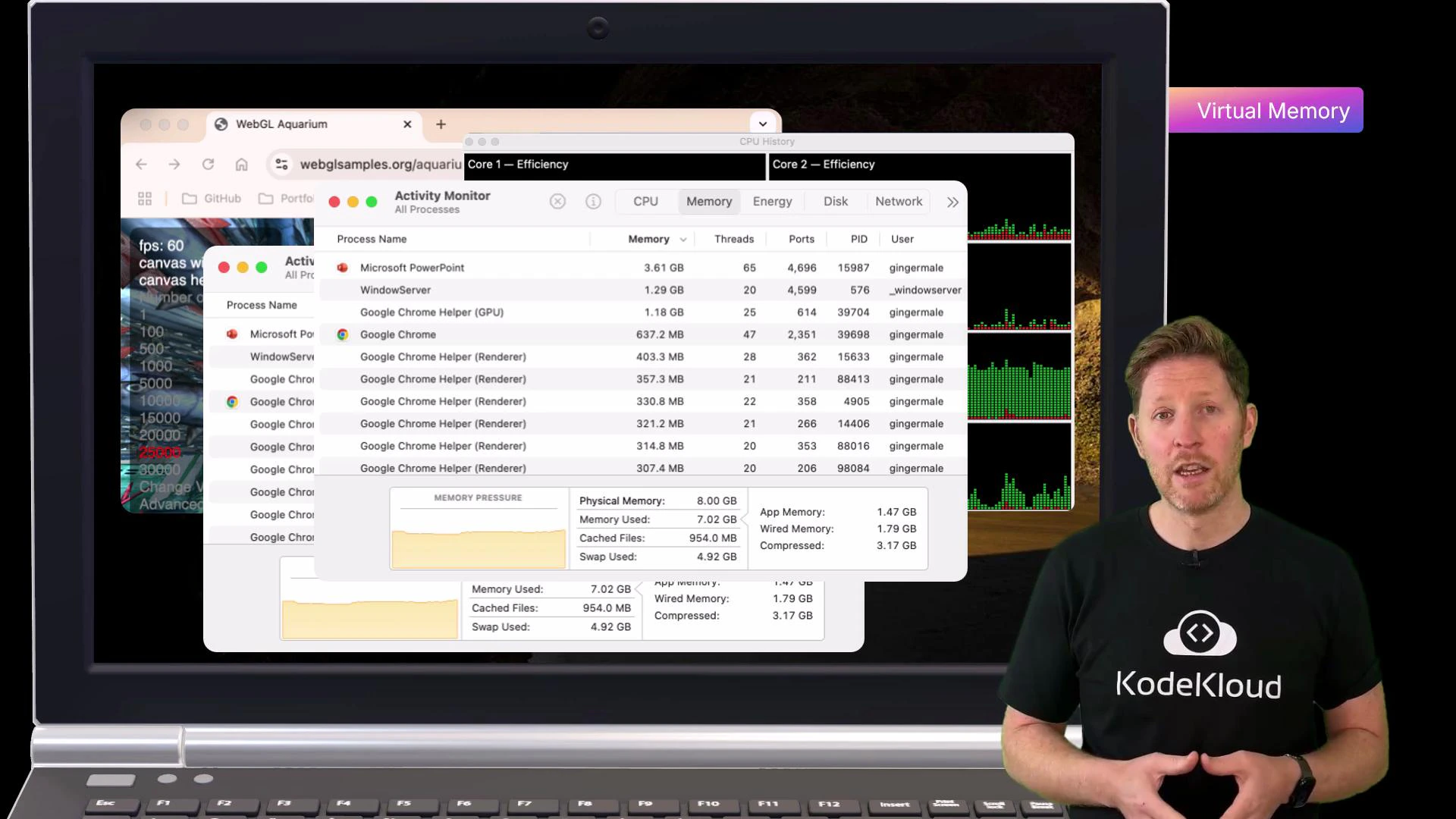
When a system runs out of RAM it swaps pages to disk (virtual memory). Disk-based swapping is much slower than RAM and is a common cause of freezing, lag, and poor responsiveness.
- Explain volatile vs non-volatile memory and how that affects performance and persistence.
- Classify memory and storage types (registers, cache, DRAM, SSD, HDD, virtual/cloud storage).
- Describe trade-offs in access speed (latency), bandwidth, cost per GB, and durability.
1) Access method
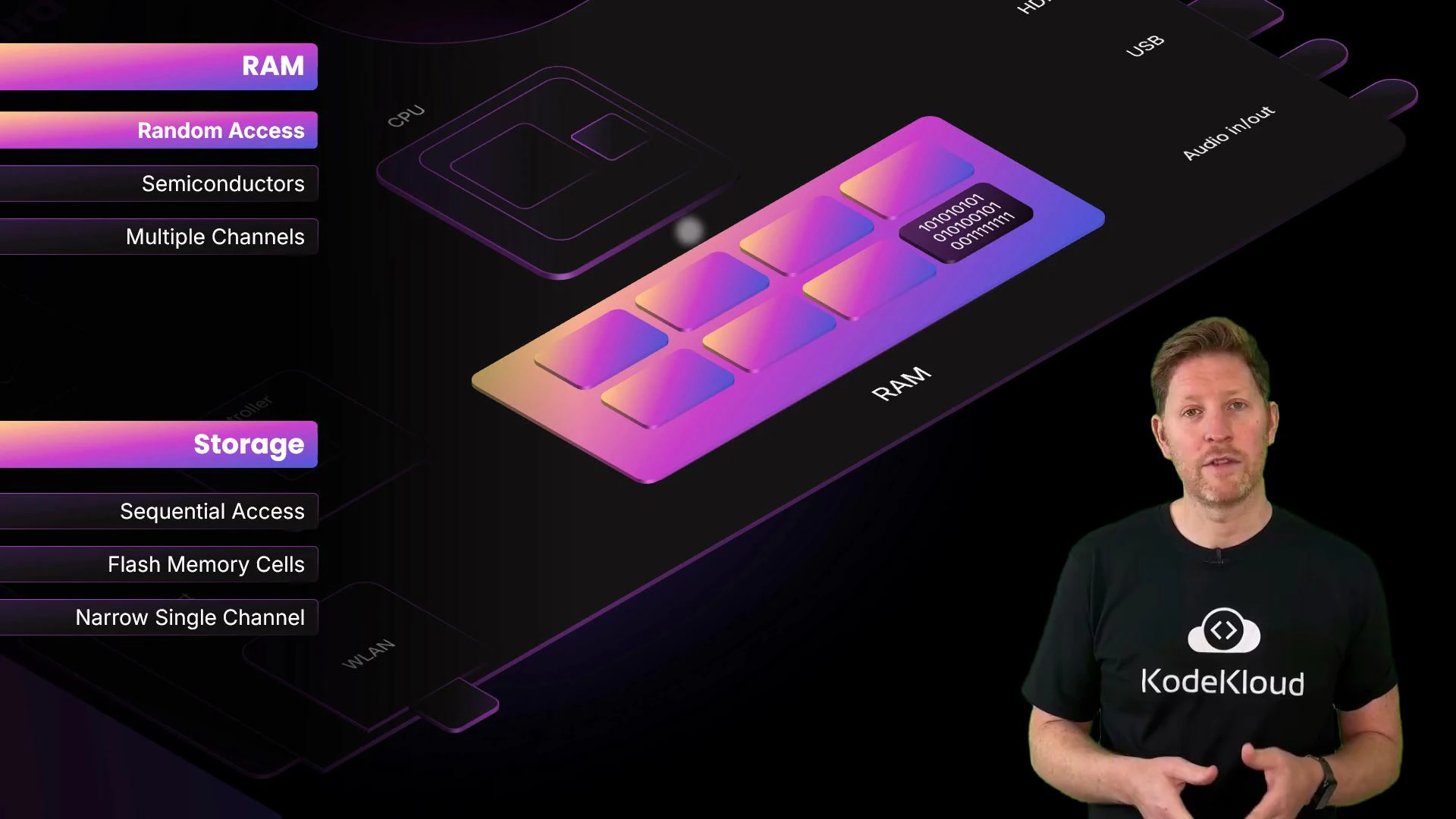
- Random access memory (RAM): roughly constant time to read/write any address — ideal for CPU workloads that require quick, arbitrary reads and writes.
- Sequential-access media (e.g., magnetic tape): must be read in order, much slower for random reads.
2) Physical composition
Both RAM and SSDs use semiconductor technology, but they differ in construction and behavior.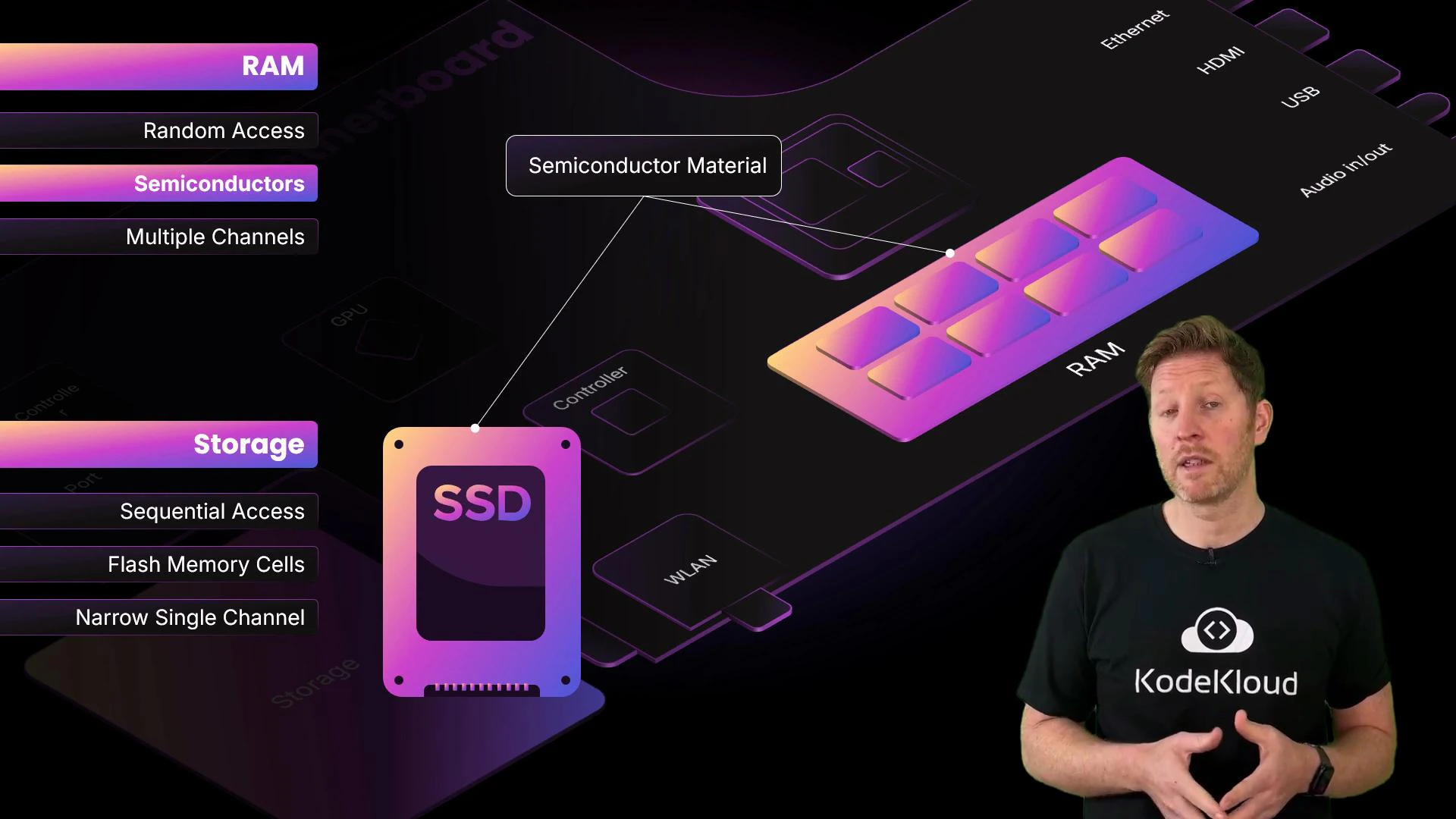
- DRAM (typical system RAM): implemented with capacitors and transistors. Very fast charge/discharge cycles allow quick reads/writes. DRAM is volatile — it loses contents when power is removed.
- NAND flash (SSDs): stores data by trapping charge in memory cells. Flash is non-volatile (retains data without power) but has higher read/write latency than DRAM and limited write endurance compared to RAM cells.
- HDDs: magnetic platters and moving heads — high capacity and lower cost per GB, but much higher latency for random access.
3) Architecture
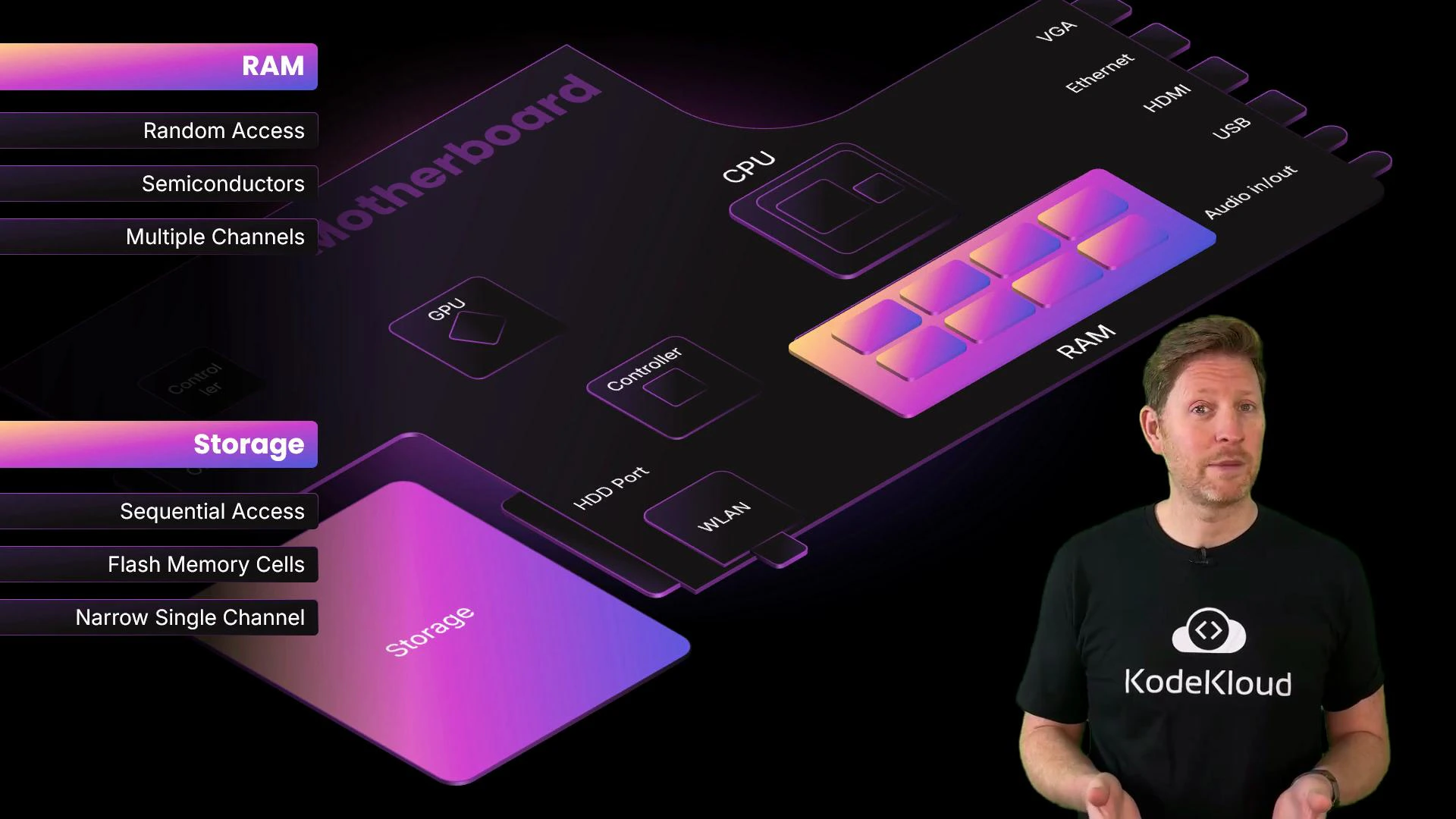
How memory connects to the CPU affects throughput and latency. Wider buses and multiple channels increase parallel transfer capacity.- Multi-channel memory (dual/tri/quad) increases throughput by sending more bits per cycle — analogous to widening lanes on a highway.
- Storage interfaces (SATA, NVMe over PCIe) can provide high sequential bandwidth, but still introduce higher latency compared to system memory (DRAM).
- Even with high PCIe bandwidth, DDR memory attached directly to the memory controller is much lower latency than NVMe.
CPU memory hierarchy (fastest → slowest)
- Registers: inside CPU cores, store current operands and pointers (fastest, smallest).
- CPU cache (L1, L2, L3): on-die or very near the CPU, stores frequently accessed data (very fast, small).
- Main memory / DRAM: larger working store for processes (fast, larger, volatile).
- Local storage (SSD/HDD): non-volatile, large capacity, higher latency.
- Remote/cloud storage: very large capacity and persistence, highest latency.

Practical takeaway: faster memory is physically closer to the CPU, uses higher-speed semiconductor technology, and costs more per GB. Slower storage is farther from the CPU and is cheaper per GB, but swapping to it causes dramatic slowdowns.
Upgrading storage capacity (e.g., larger SSD) does not replace the speed advantage of RAM. If applications exceed available RAM, add more RAM or reduce the working set — high-capacity storage will still cause swapping and slower performance.
- Checking RAM usage and paging metrics.
- Ensuring the working set fits in RAM for critical workloads.
- Using faster RAM (higher frequency / dual-channel) and sufficient capacity before investing only in larger storage.
- Understanding Virtual Memory and Paging
- DRAM vs NAND Flash Overview
- SSD vs HDD: How They Differ
- Memory Hierarchy (computer architecture)