

In this lesson, we will configure a Kubernetes cluster using kubeadm. The setup involves three virtual machines (VMs): one master node (kube-master) and two worker nodes (kube-node one and kube-node two). We will cover verifying environment prerequisites, installing the container runtime, configuring the cgroup driver, installing kubeadm (along with kubelet and kubectl), initializing the control plane, and finally joining the worker nodes.Documentation Index
Fetch the complete documentation index at: https://notes.kodekloud.com/llms.txt
Use this file to discover all available pages before exploring further.
Verifying the Environment
Before proceeding, ensure that systemd is in use as the init system on your master node. Run the following command:Reviewing Prerequisites
Prior to installation, verify that your system meets the necessary prerequisites outlined in the official kubeadm documentation. The requirements include a compatible Linux distribution (Ubuntu in this demo), at least 2 GB of memory, and 2 CPUs. Additionally, verify your network interface and system UUID with these commands: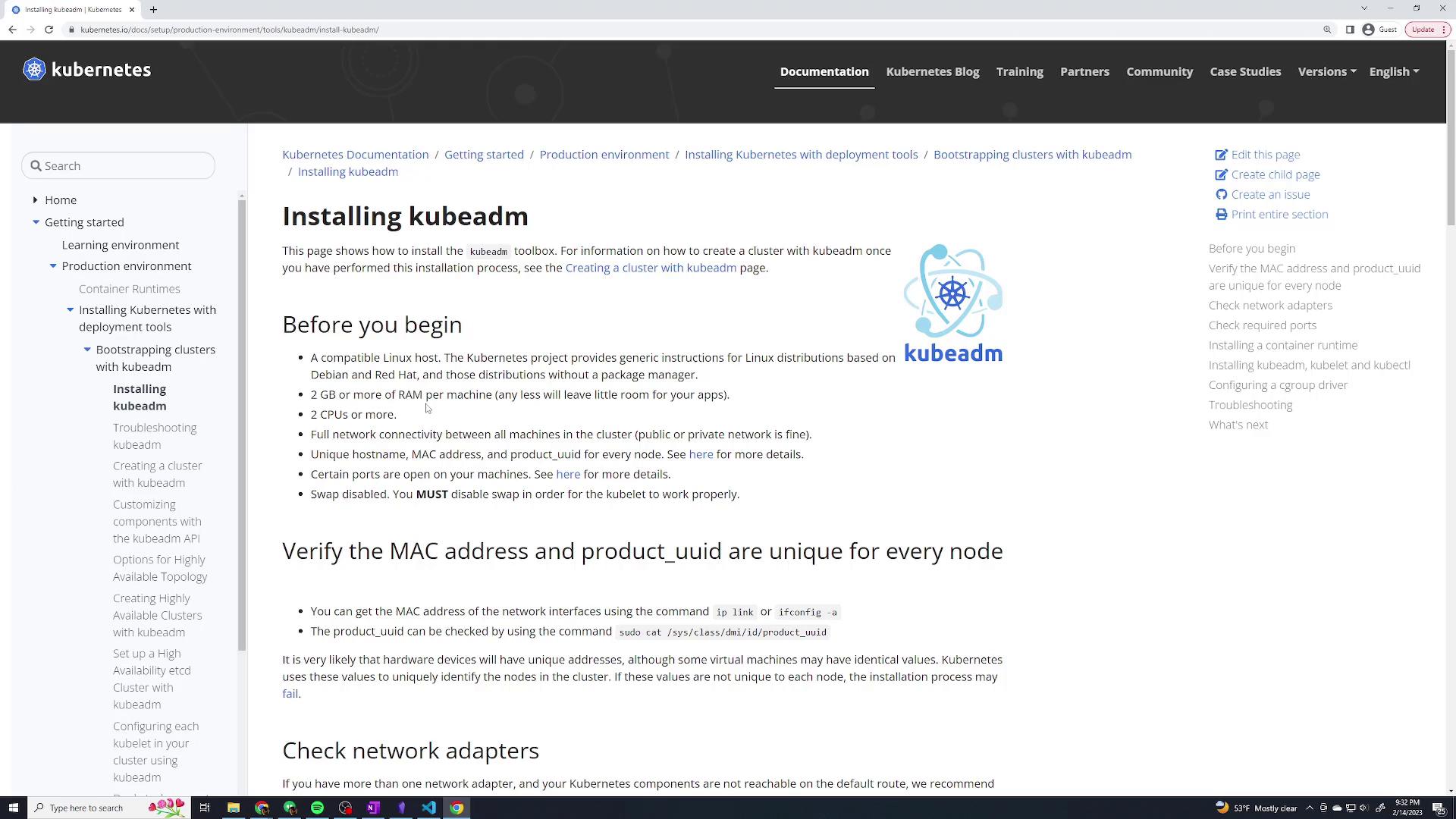
Installing the Container Runtime
We will use ContainerD as our container runtime in this demo. For more details on different container runtimes, refer to the Container Runtimes page. Open the container runtime documentation: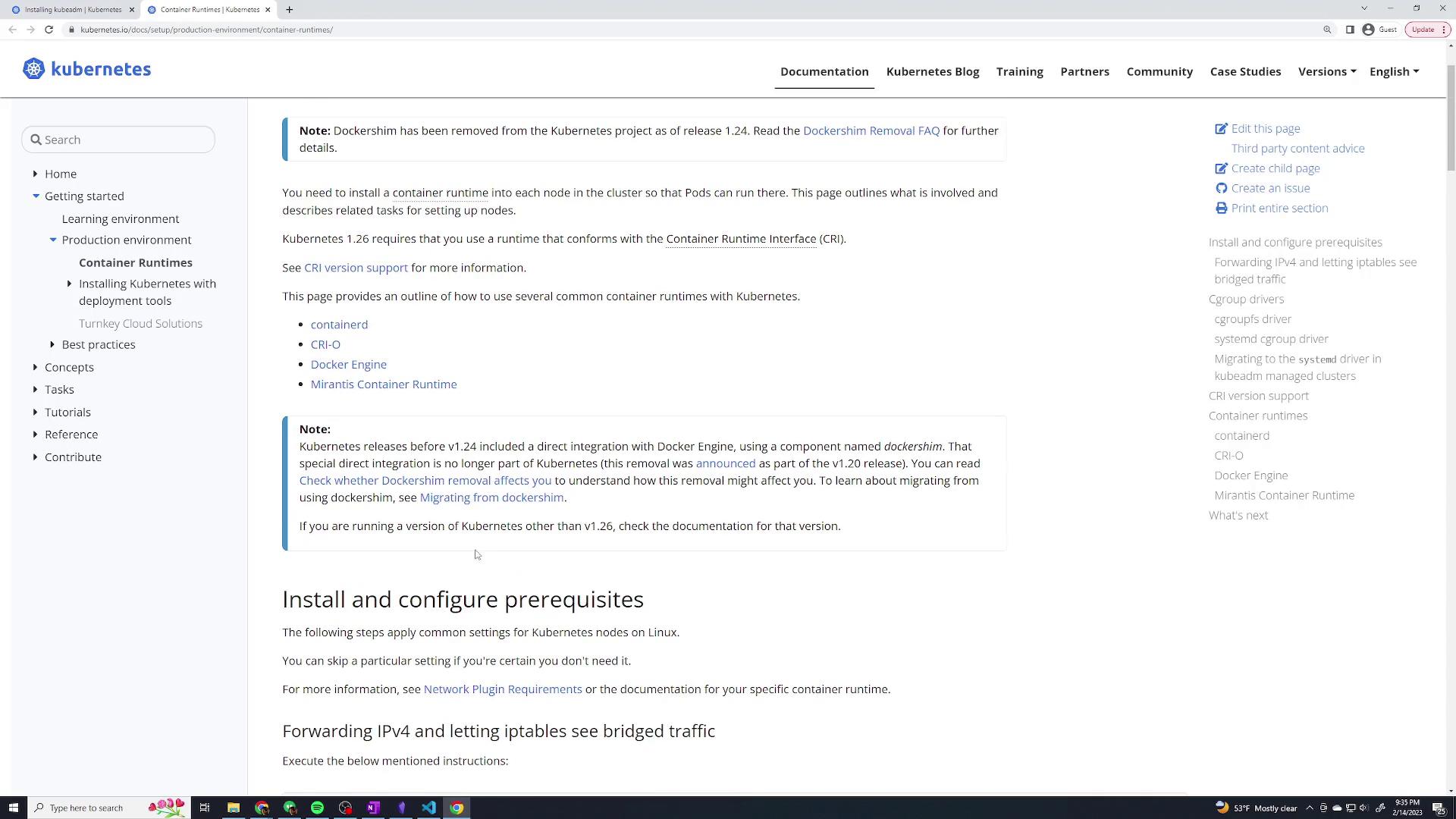
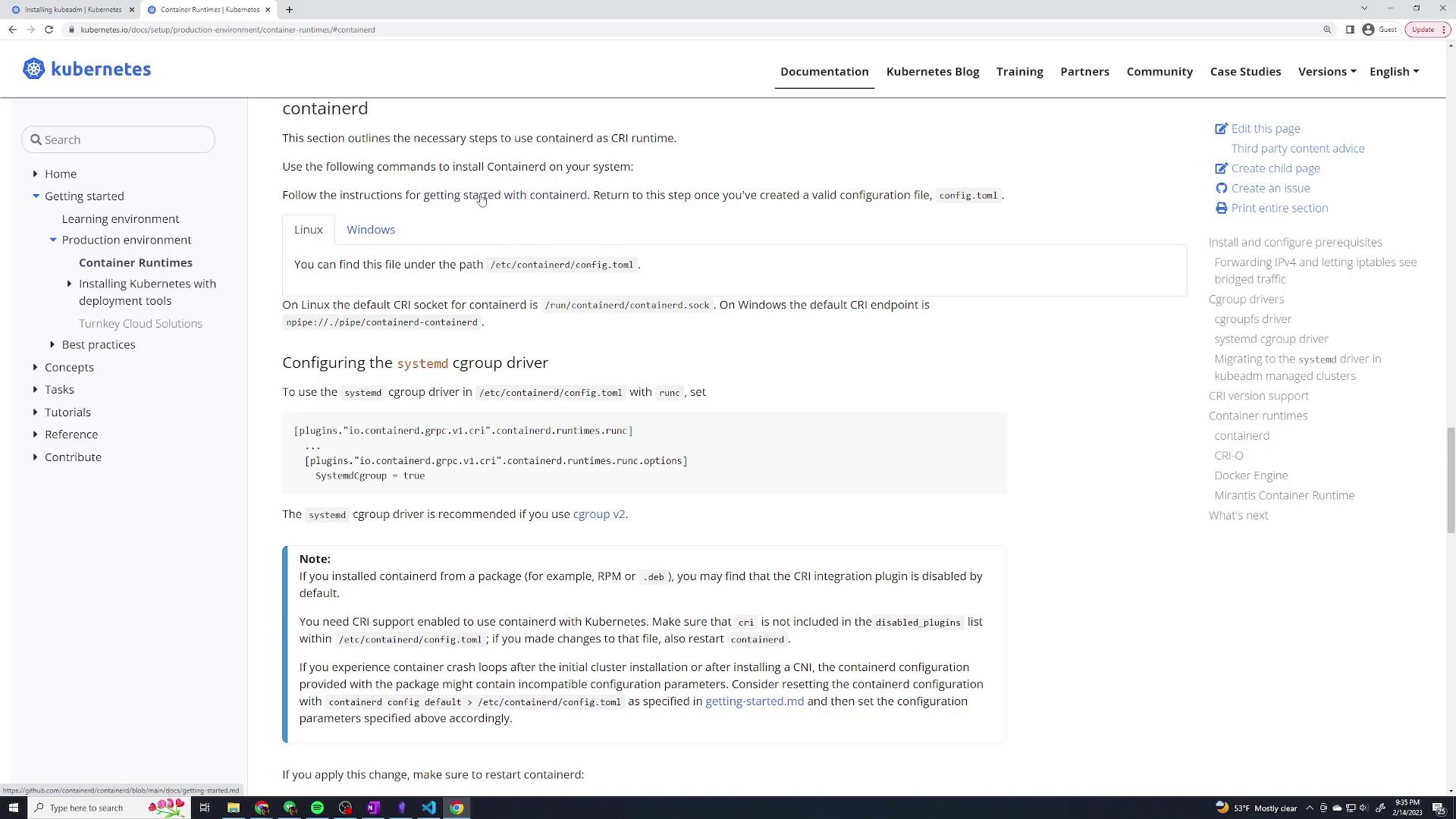
Loading Necessary Kernel Modules
Before installing ContainerD, load the required kernel modules on all nodes. Create the configuration file with the necessary modules:br_netfilter and overlay modules are loaded:
Configuring and Installing ContainerD
Follow these steps to install ContainerD on Ubuntu:-
Clean Up Previous Installations
Remove any Docker-related installations:
-
Set Up the Docker Repository
Install necessary packages, add Docker’s GPG key, and configure the repository:
-
Install ContainerD
Install ContainerD using apt:
-
Verify ContainerD is Active
Check the status of the ContainerD service:
Configuring the Cgroup Driver for ContainerD
For proper operation, both the kubelet and ContainerD must use the same cgroup driver. As our system uses systemd, configure ContainerD accordingly:-
Edit the ContainerD Configuration File
Open the configuration file:
-
Configure the Systemd Cgroup
Replace the existing content with the snippet below (be sure there are no additional stray lines):
-
Restart ContainerD
Restart the service on all nodes:
Installing kubeadm, kubelet, and kubectl
Kubeadm is used to bootstrap the cluster, kubelet manages Pods on each node, and kubectl allows you to interact with the cluster.-
Update the Package Index and Install Prerequisites
-
Add the Kubernetes APT Repository
Add the Kubernetes repository and its GPG key:
-
Install Kubernetes Components
Update and install kubelet, kubeadm, and kubectl:
Initializing the Control Plane
On your master node, initialize the Kubernetes control plane. Be sure to specify the pod network CIDR (10.244.0.0/16 for this demo) and the API server advertise address (the static IP of the master node).-
Determine the Master Node’s IP Address
Use the following command:
For example, if your master node’s IP is 192.168.56.2 on interface enp0s8, proceed to the next step.
-
Initialize kubeadm
Run the following command on the master:
During initialization, kubeadm will output important details including the admin kubeconfig setup and the join command for worker nodes. Save these details for later use.
-
Set Up kubeconfig
Configure your kubeconfig file to use kubectl on the master node:
Optionally, set the environment variable temporarily:
Deploying the Pod Network Add-on
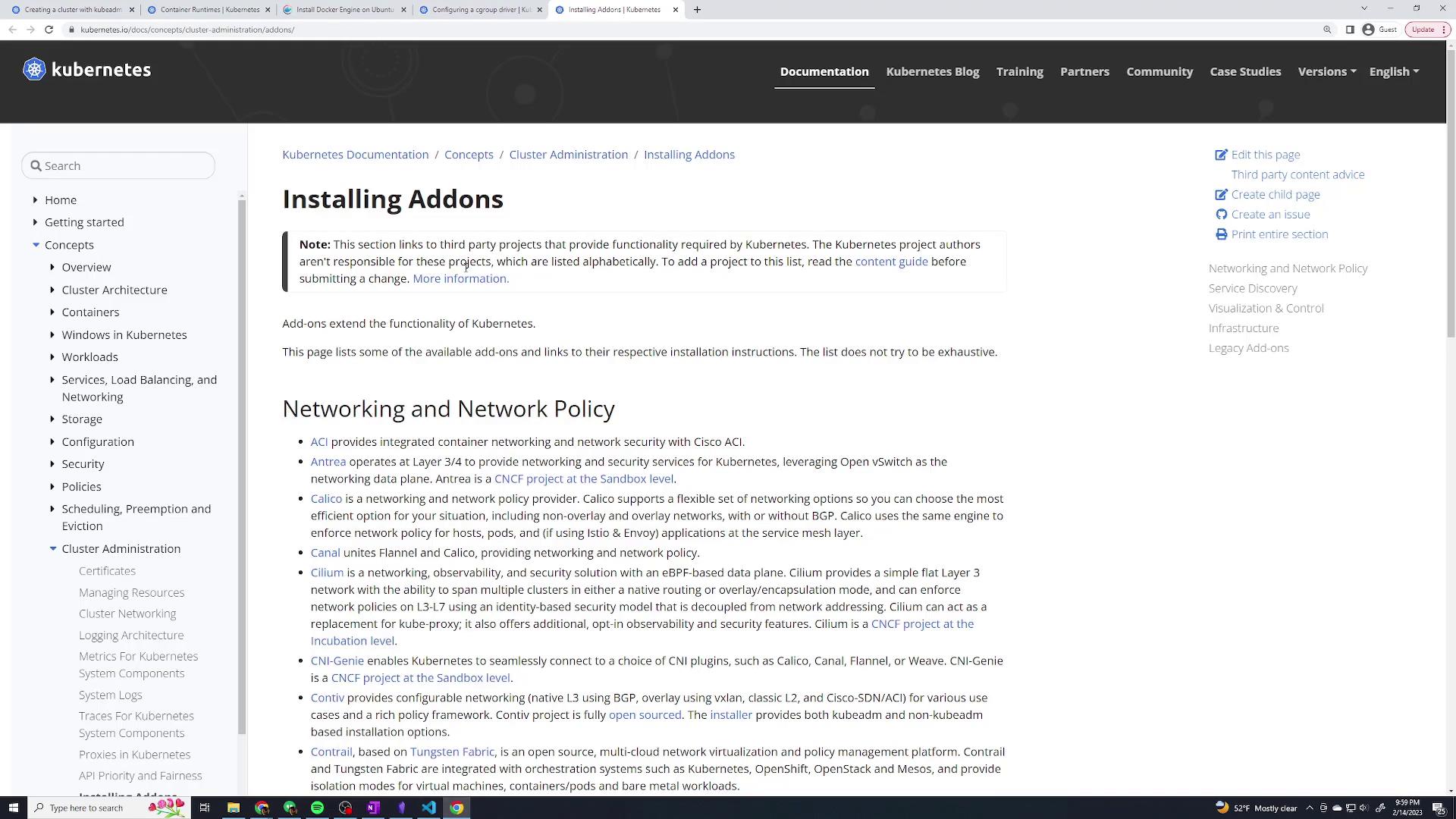
With the control plane initialized, deploy a pod network to enable communication between Pods across different nodes. In this demo, we use Weave Net.-
Apply the Weave Net DaemonSet
Run the following command on the master node:
-
Verify the Deployment
Verify that the Weave Net pods are running:
You should see Weave Net pods running under the kube-system namespace.
Joining the Worker Nodes
On each worker node, use the join command (output during the master initialization) to connect them to your cluster. For example, on a worker node run:If you encounter an error indicating that the command must be run as root, ensure you are prepending
sudo as shown in the command above.Testing the Cluster
To test your new Kubernetes cluster, deploy a simple nginx pod on the master node:-
Deploy an Nginx Pod
-
Check the Pod Status
Wait a few seconds and then verify its status:
-
Clean Up
After confirming that the pod is running, remove it: