

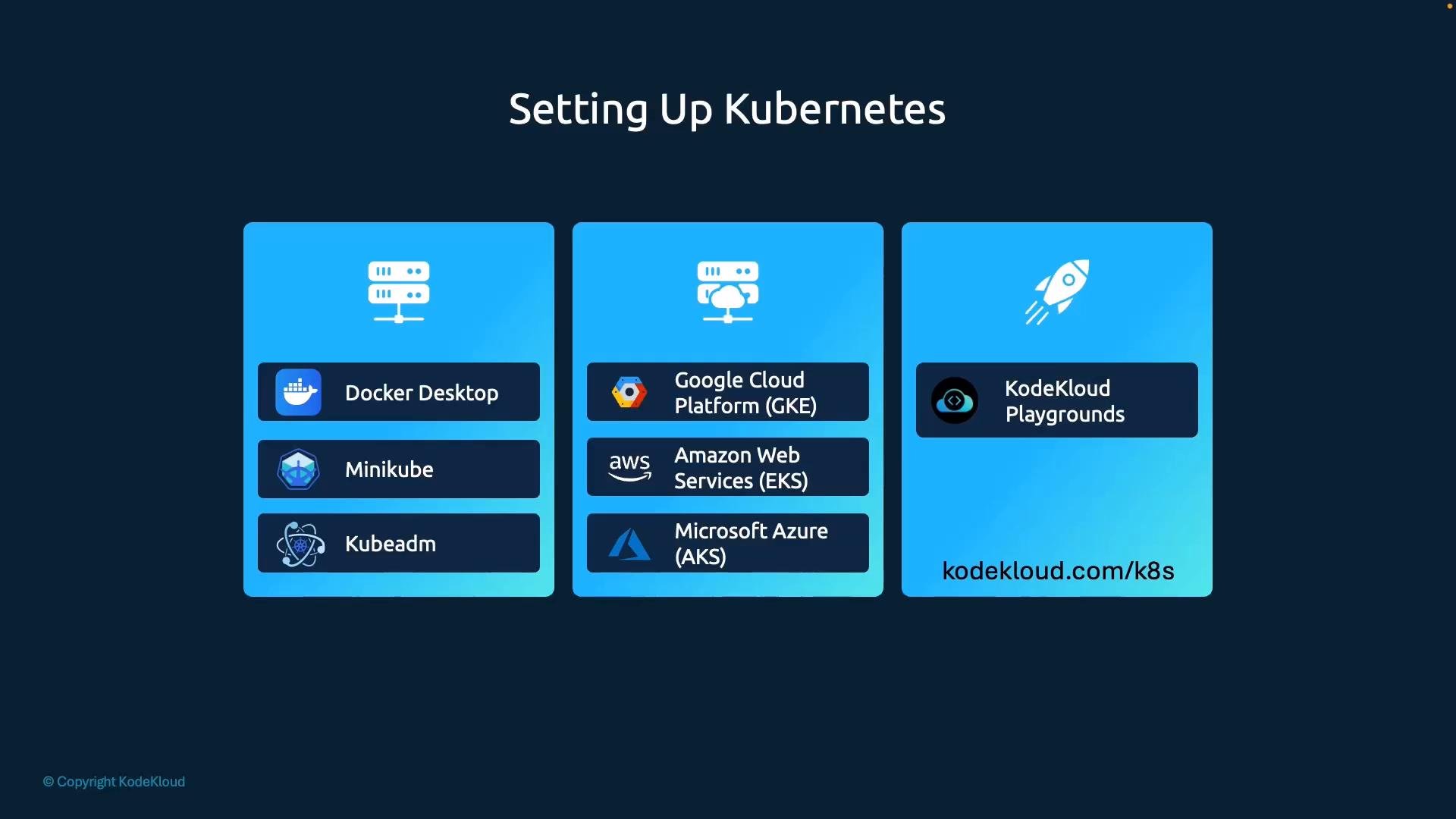
- Install locally on your laptop or VMs using tools like Docker Desktop, Minikube, or kubeadm.
- Use a managed Kubernetes service from a cloud provider such as GKE, EKS, or AKS.
- Use an online playground that provides instant access to hosted Kubernetes clusters for quick practice and labs.
Docker Desktop
Docker Desktop provides the quickest local Kubernetes experience for many users because it bundles a single-node Kubernetes control plane with Docker itself. After installation, enable Kubernetes in Docker Desktop’s Settings to create a local cluster and a kubeconfig entry so
kubectl can access it.
- Platforms: macOS (Intel & Apple Silicon), Windows (x86_64; ARM support varies), Linux (Docker Desktop available on some distros).
- Use case: quick development and manifest testing without managing a VM or separate hypervisor.
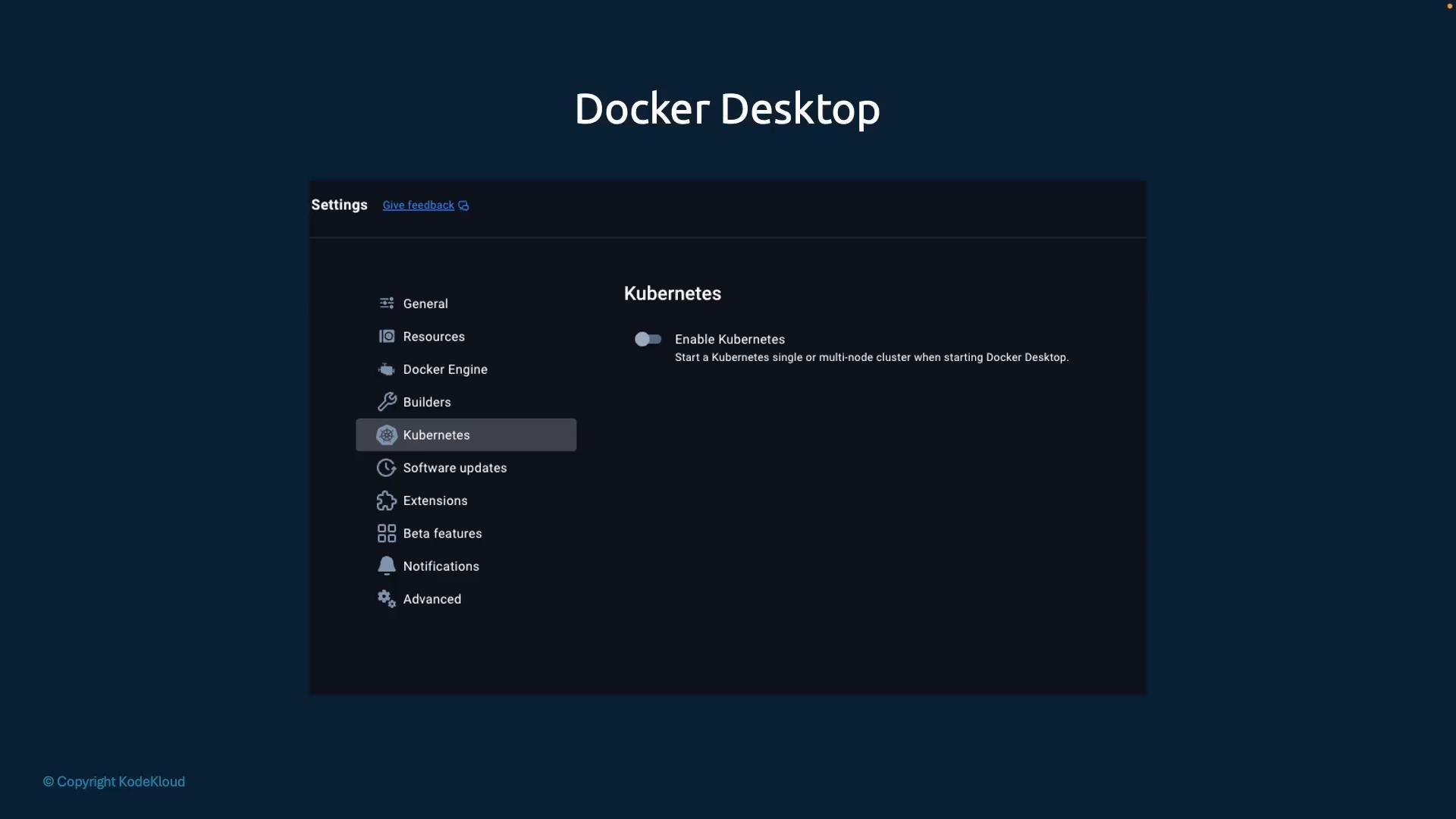
~/.kube/config) so kubectl commands target the local cluster. This is an excellent starting point for developers who want low-friction access to Kubernetes.
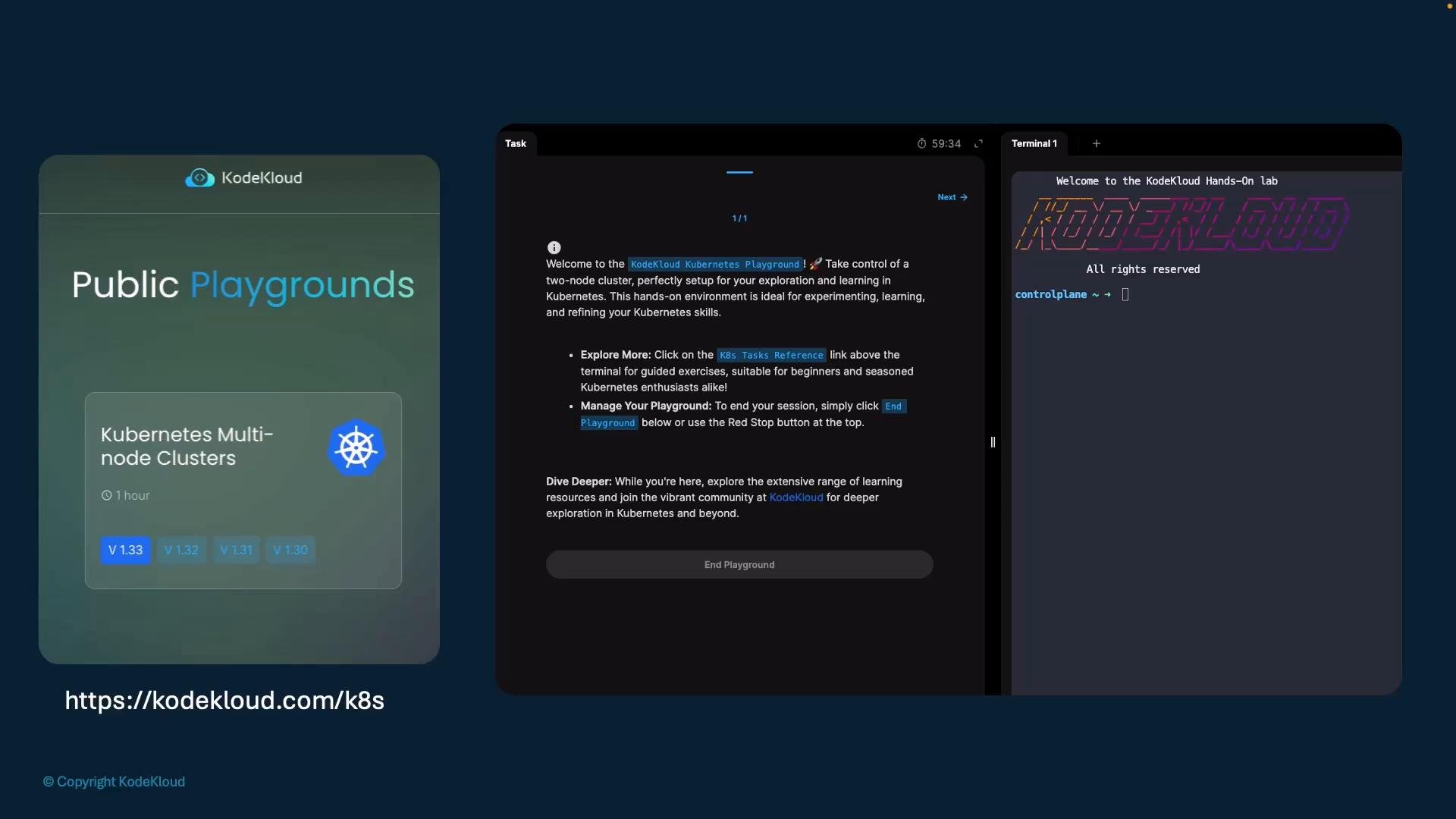
KodeKloud Public Playgrounds
If you prefer browser-based access to a hosted Kubernetes cluster, public playgrounds like KodeKloud let you launch one-click clusters with a terminal in the browser. These are ideal for learning, completing coursework, or comparing behavior across Kubernetes versions without installing anything locally.
- Benefits: instant access, preconfigured tasks, multiple Kubernetes versions.
- Limitations: ephemeral sessions and potential concurrency limits.
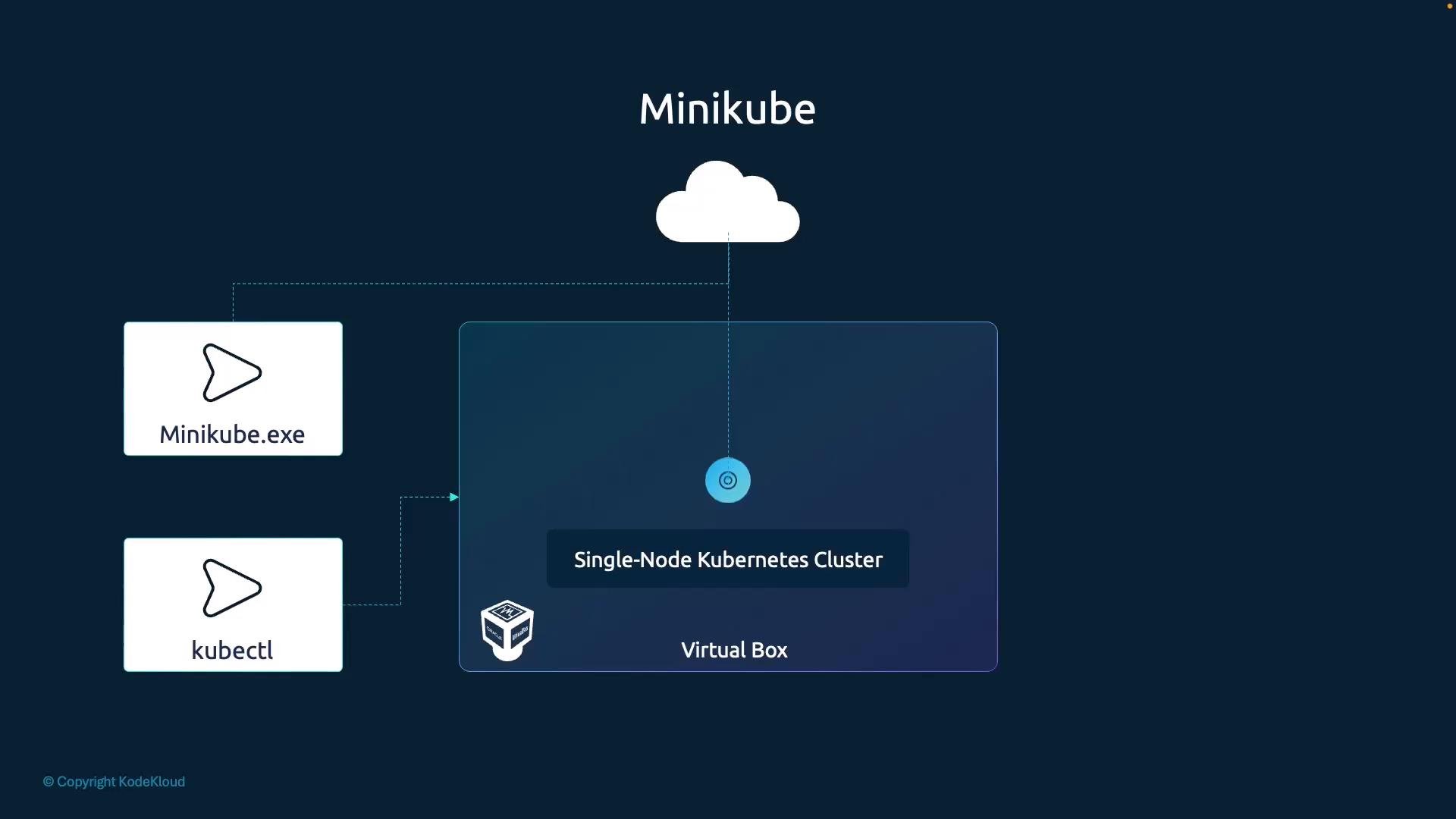
- Drivers: VM-based drivers (VirtualBox, Hyper-V, KVM) or container-based drivers (Docker, Podman).
- Minikube handles downloading the VM/ISO and starting the node for you when using VM drivers.
- For container drivers, Minikube runs the components as containers on the host runtime.
Prerequisites checklist:
- Install a supported hypervisor for your OS (
VirtualBox,Hyper-V, orKVM) if you plan to use a VM driver, or confirm a container runtime (DockerorPodman) is available for container-based drivers. - Download and install
minikubefor your platform: https://minikube.sigs.k8s.io/docs/ - Install
kubectlso you can interact with the cluster: https://kubernetes.io/docs/tasks/tools/install-kubectl/
minikube startdownloads and boots the Minikube VM or starts containers depending on the driver.kubectl get nodesconfirms the single node is Ready and accessible.kubectl version --clientshows thekubectlclient version installed locally.
- Kubernetes basics: https://kubernetes.io/docs/concepts/overview/what-is-kubernetes/
- Minikube docs: https://minikube.sigs.k8s.io/docs/
- Docker Desktop: https://www.docker.com/products/docker-desktop
- KodeKloud public playgrounds: https://kodekloud.com/k8s