This article guides beginners through Kubernetes, covering fundamentals, interactive labs, and troubleshooting to simplify complex topics and enhance learning.
Use this file to discover all available pages before exploring further.
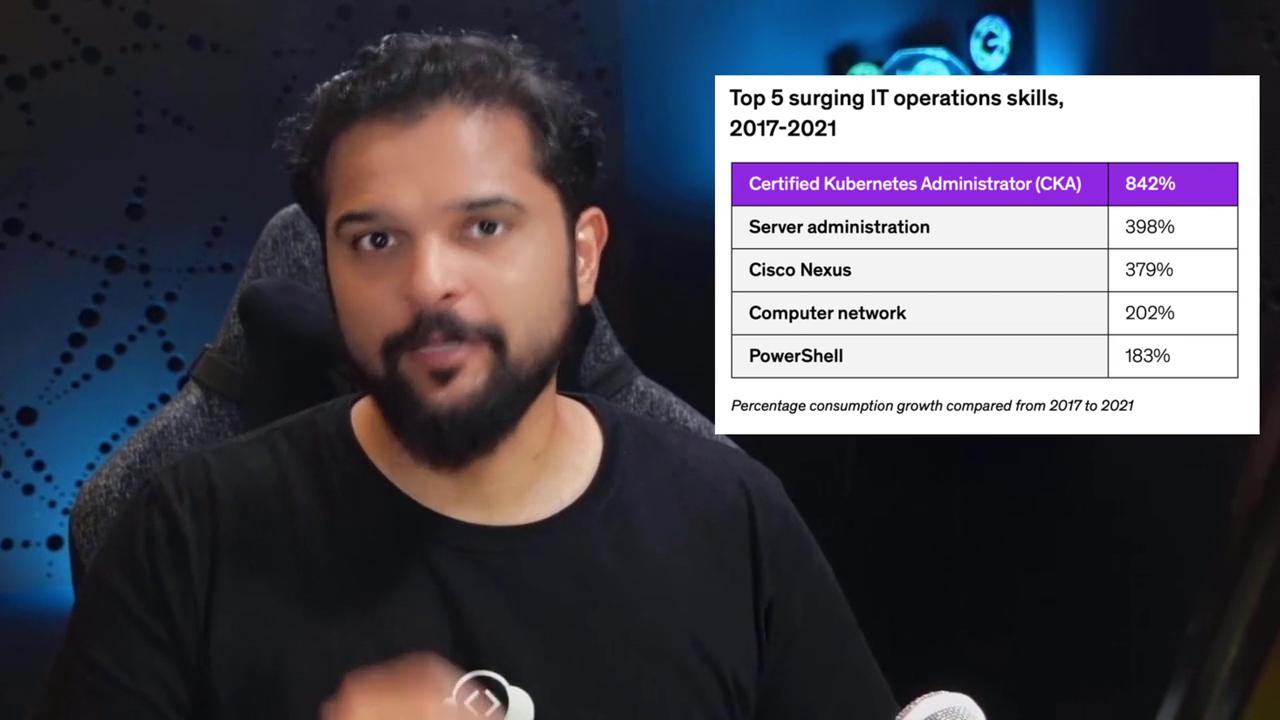
According to the Linux Foundation’s 10th Annual Open Source Jobs Report, 77% of organizations are expanding their use of cloud and container technologies. Furthermore, the Udemy for Business Workspace Learning Trends Report highlighted an 842% surge in Kubernetes demand—a growth rate more than double that of any other IT operational skill over the past five years.
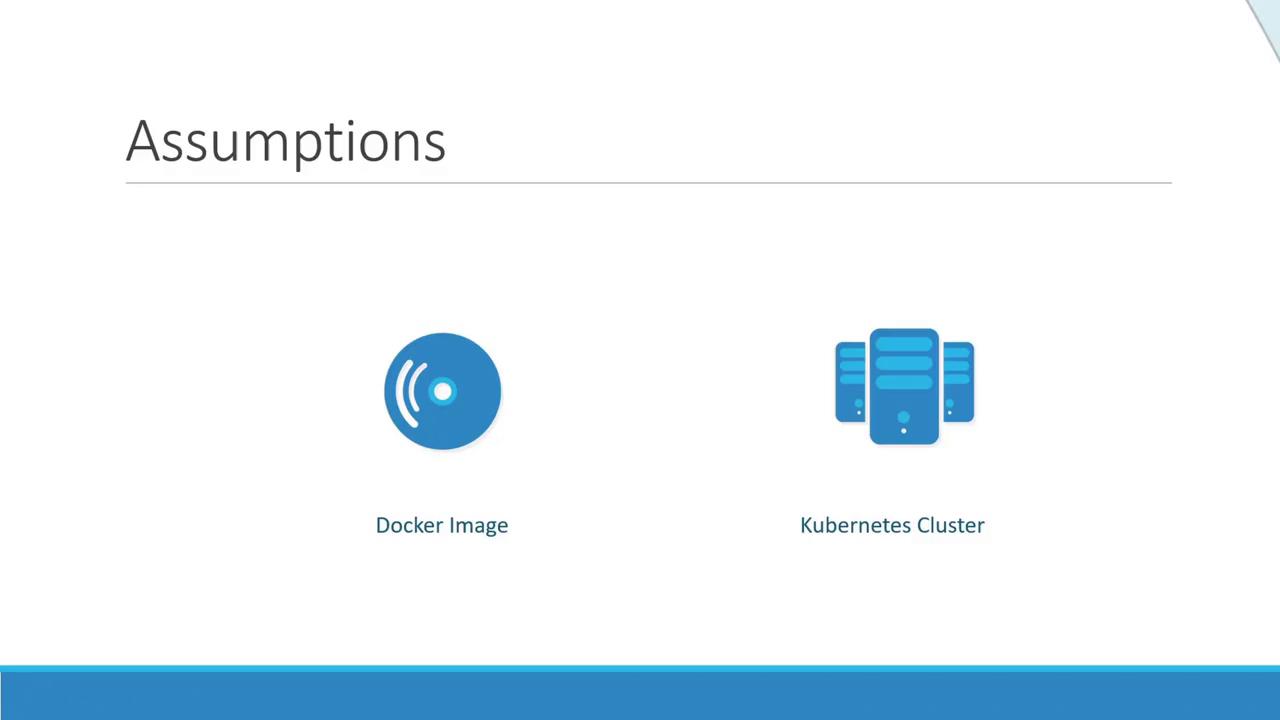
My name is Mumshad Mannambeth, and in this article, I will guide you through your first steps into Kubernetes, the leading platform for hosting production-grade applications. With an increasing demand for Kubernetes-skilled engineers, this is the ideal time to explore the technology.For many beginners, Kubernetes appears complex due to a lack of foundational knowledge and the absence of a proper learning infrastructure. This guide addresses those challenges by starting with the basics:
We begin by covering container fundamentals before gradually introducing core Kubernetes concepts. Throughout this guide, you will find clear illustrations, engaging analogies, and step-by-step demos designed to simplify complex topics.Beyond theory, our interactive labs provide live Kubernetes environments directly in your browser. You will complete coding exercises that mirror real-world Kubernetes challenges.
Our labs require no high-end hardware or external cloud platforms, so you can experiment on older systems or locally without worrying about cloud costs.
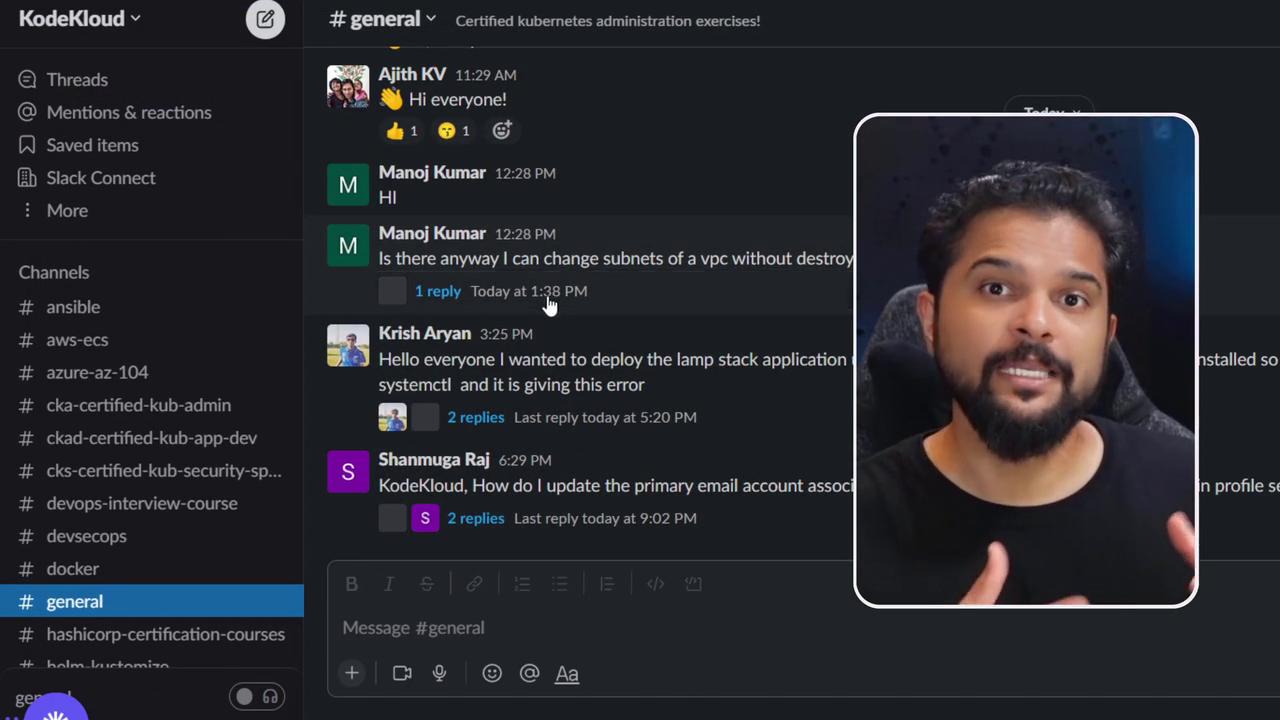
Each lab is uniquely designed with tools tailored to the lesson at hand. Instead of a generic copy-and-paste environment, every lab is curated to emphasize the topic you have just studied. You’ll actively solve problems, analyze scenarios, and adjust configurations as you learn.You will also be challenged with hands-on exercises requiring analysis, troubleshooting, and configuration tweaks. If you need assistance, hints and solutions are available, along with access to an exclusive Slack community channel:
In addition to our robust lab environments, we are proud to be a CNCF certified Kubernetes training partner. This certification confirms that our training and course content meet industry standards.
We are confident that you will benefit immensely from this course. To ensure your satisfaction, we offer a 30-day money-back guarantee. There is nothing to lose—enroll today and embark on your Kubernetes journey with confidence. I’ll see you in class!