

cisco.nxos, Juniper, and Arista. While Ansible includes general networking modules, real-world automation typically requires vendor-specific capabilities—this is exactly the gap filled by collections.
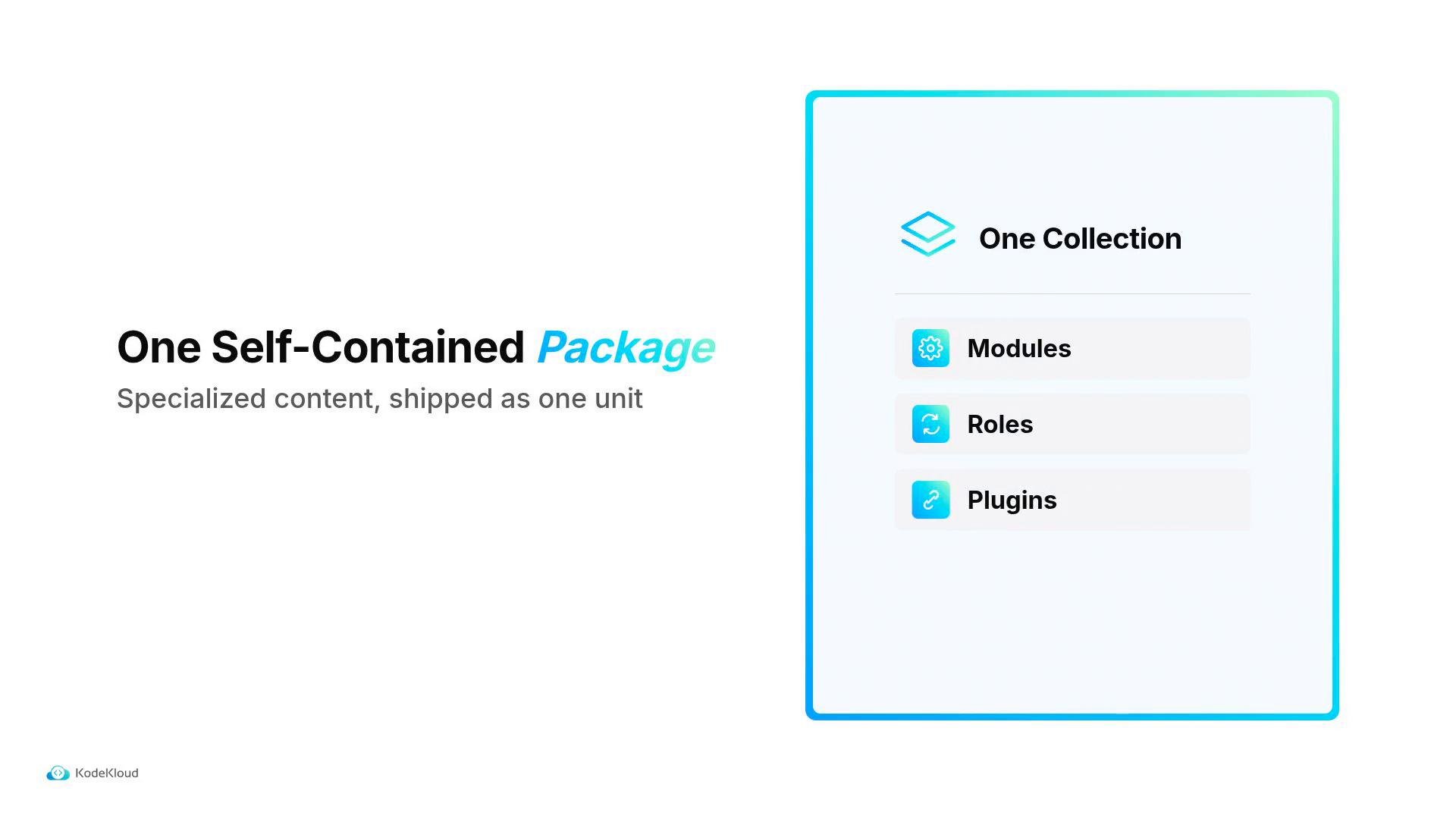
A collection packages specialized content—modules, roles, plugins, and playbooks—into one
namespace.name. You use that name both to install the collection and when referring to its content in playbooks.
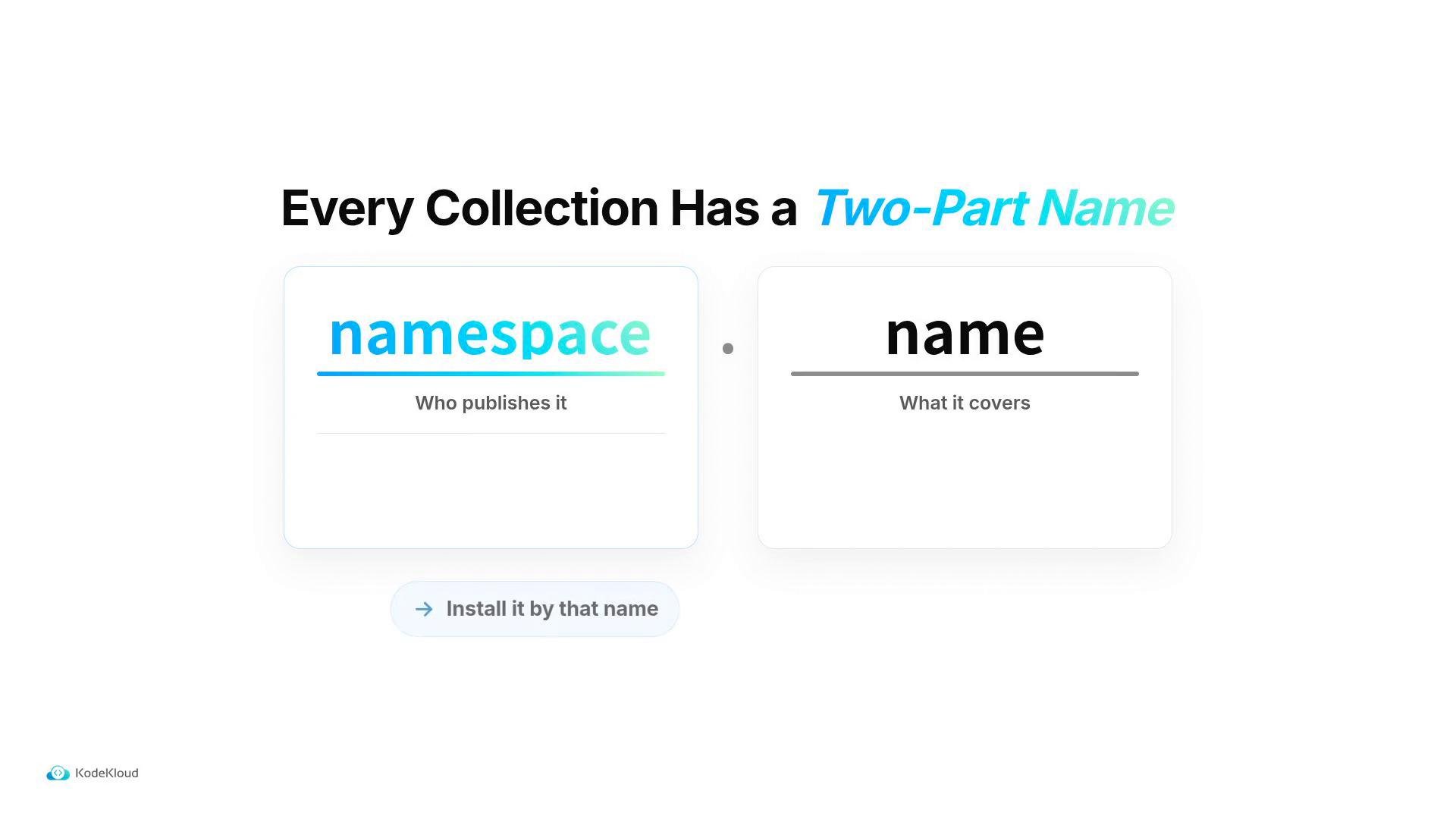
cisco.ios for Cisco IOS device modules). Use the collection’s name to install it and to reference its modules.
Collections were introduced in Ansible 2.10. Manage them with
ansible-galaxy collection commands whether you’re using ansible-core or the bundled ansible package. See the official docs: https://docs.ansible.com/ansible/latest/collections/index.htmlWhat’s inside a collection?
Collections group related content types so you can distribute vendor-specific automation cleanly:Common ansible-galaxy collection commands
Referencing collection modules (FQCN)
Modules included in collections can be invoked by their fully qualified collection name (FQCN):namespace.collection.module_name. Using the FQCN avoids ambiguity and makes playbooks explicit.
Example: calling the ios_config module from cisco.ios using its FQCN:
Best practices
- Use the
collections:list in your play to avoid repeating FQCNs when multiple tasks use the same collection. - Pin collection versions in automation or documentation to ensure reproducible runs.
- Inspect collection CHANGELOGs and release notes before upgrading—vendor modules can introduce breaking changes.
- When sharing playbooks, include a
requirements.ymlfor collections so others can install dependencies automatically. Examplerequirements.yml:
Always validate collection upgrades in a test environment before applying them in production. Module behavior, parameter names, or connection plugins can change between major releases.
Quick reference
- Collections were introduced in Ansible 2.10 to simplify distribution of vendor-specific content.
- Install and manage collections with
ansible-galaxy collection. - Use FQCNs (
namespace.collection.module) for explicitness, or declare collections in the play to use short names. - Always document or pin collection dependencies for repeatable automation.
- Ansible Collections docs: https://docs.ansible.com/ansible/latest/collections/
- Managing Collections with ansible-galaxy: https://docs.ansible.com/ansible/latest/cli/ansible-galaxy.html