

Example 1: Adding a User
Traditional Shell Script
Consider this shell script that adds a user to a Linux system:Equivalent Ansible Playbook
Ansible simplifies the process dramatically. The playbook below performs the same operation on the localhost with just a few lines:Example 2: Enhanced Script with Validation and Targeted Execution
Improved Shell Script with User Existence Check
This enhanced shell script checks if the user already exists before attempting to add them:Ansible Playbook Targeting Specific Servers
Changing the execution target in Ansible is as simple as modifying one line. For instance, to perform the same task on a specific group of web servers in a disaster recovery environment, use this playbook:Using Ansible, you can easily shift focus from a single host to multiple servers by updating the target hosts. This provides flexibility in managing both local and remote environments.
Real-World Use Cases
Imagine needing to restart several hosts in a specific order. For instance, you may need to shut down your web servers first, followed by database servers, then reboot and restart them in reverse order. With Ansible, creating such a playbook is straightforward and can be executed whenever necessary. Another common scenario involves provisioning a complex infrastructure that spans both public and private clouds, managing hundreds of virtual machines. Ansible can provision VMs on platforms like Amazon AWS and private environments such as VMware. It then configures applications, updates configuration files, installs necessary software packages, and modifies firewall rules. Moreover, its extensive library of built-in modules facilitates integration with other systems—such as pulling data from your CMDB or triggering automated workflows via ServiceNow.
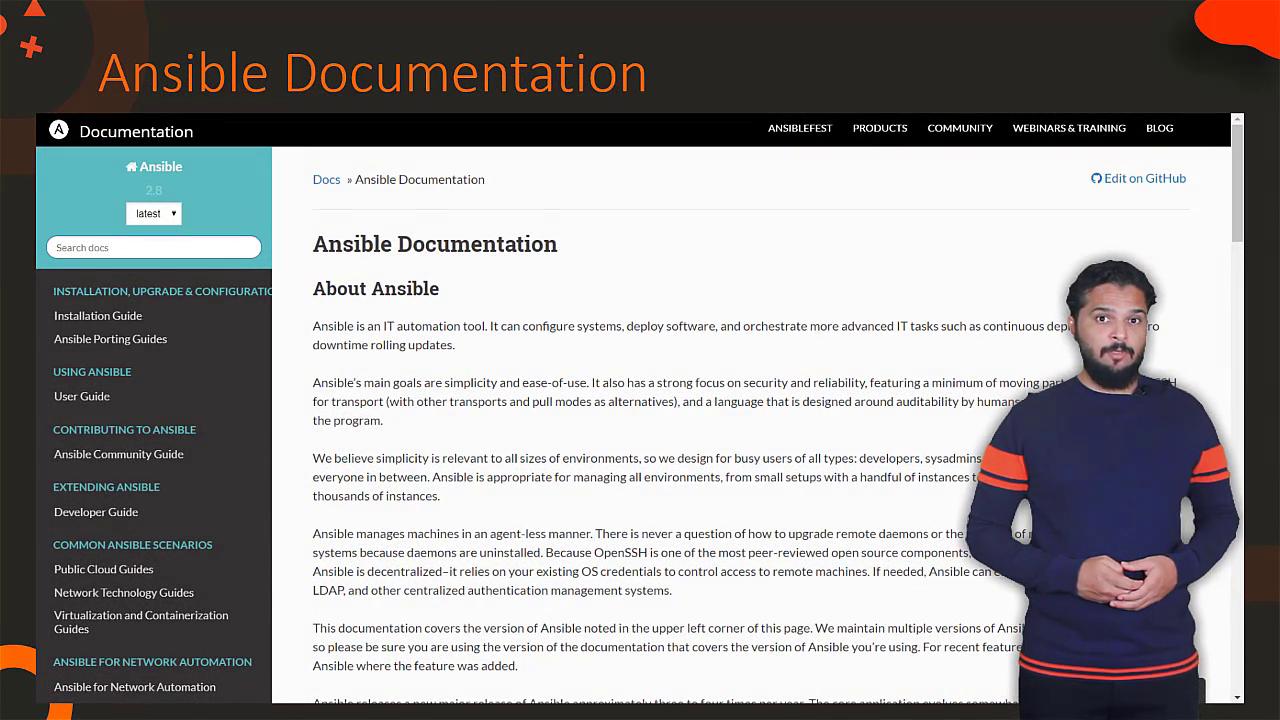
This article provided an overview of Ansible, showcasing its benefits and advantages over traditional scripting. In the upcoming lessons, we will guide you through setting up an Ansible hands-on lab environment and delve into more advanced playbook configurations. Stay tuned for the next lesson!