Use this file to discover all available pages before exploring further.
Ansible playbooks are the cornerstone of automation with Ansible, providing a powerful language to orchestrate tasks across multiple servers and complex infrastructure setups. Within a playbook, you define a sequence of tasks that can range from executing simple commands on servers to deploying and configuring hundreds of virtual machines across public and private clouds.
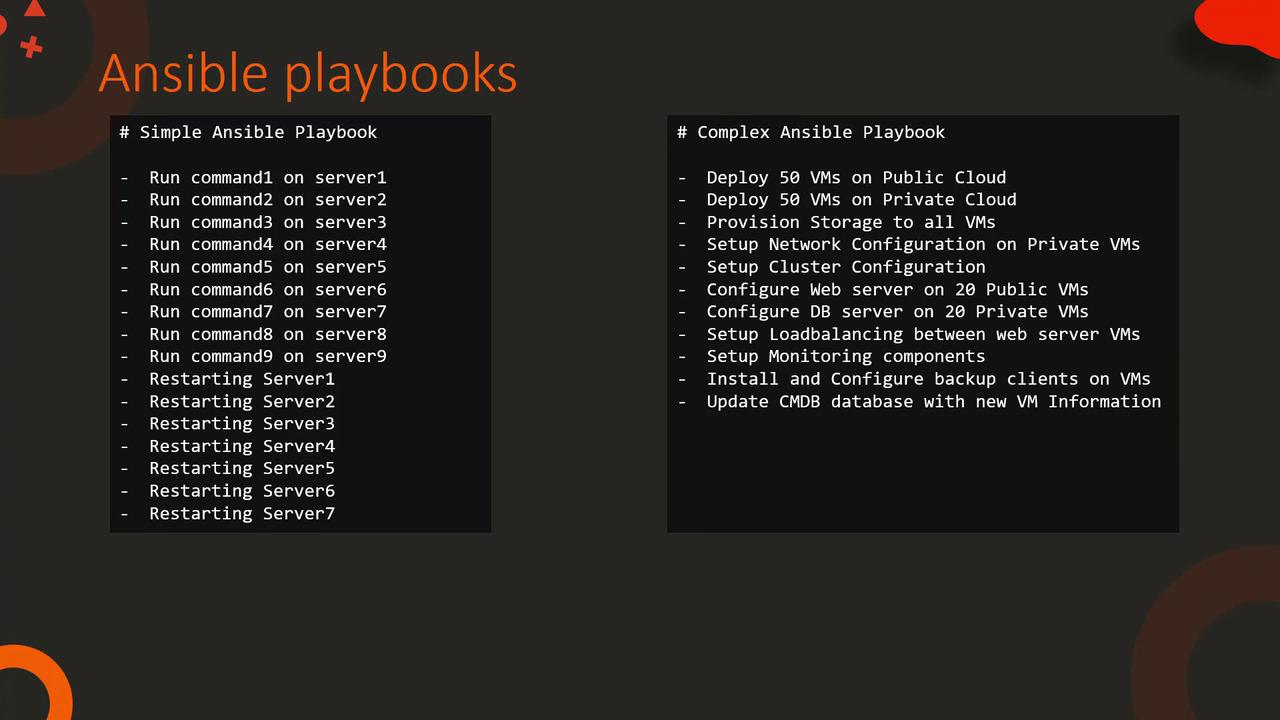
Below are examples of tasks that might be included in both simple and complex playbooks:
# Simple Ansible Playbook- Run command1 on server1- Run command2 on server2- Run command3 on server3- Run command4 on server4- Run command5 on server5- Run command6 on server6- Run command7 on server7- Run command8 on server8- Run command9 on server9- Restarting Server1- Restarting Server2- Restarting Server3- Restarting Server4- Restarting Server5- Restarting Server6- Restarting Server7# Complex Ansible Playbook- Deploy 50 VMs on Public Cloud- Deploy 50 VMs on Private Cloud- Provision Storage to all VMs- Setup Network Configuration on Private VMs- Setup Cluster Configuration- Configure Web server on 20 Public VMs- Configure DB server on 20 Private VMs- Setup Loadbalancing between web server VMs- Setup Monitoring components- Install and Configure backup clients on VMs- Update CMDB database with new VM Information
This diagram visually compares a simple playbook to a more complex one, illustrating tasks from basic server command execution to large-scale virtual machine deployments.
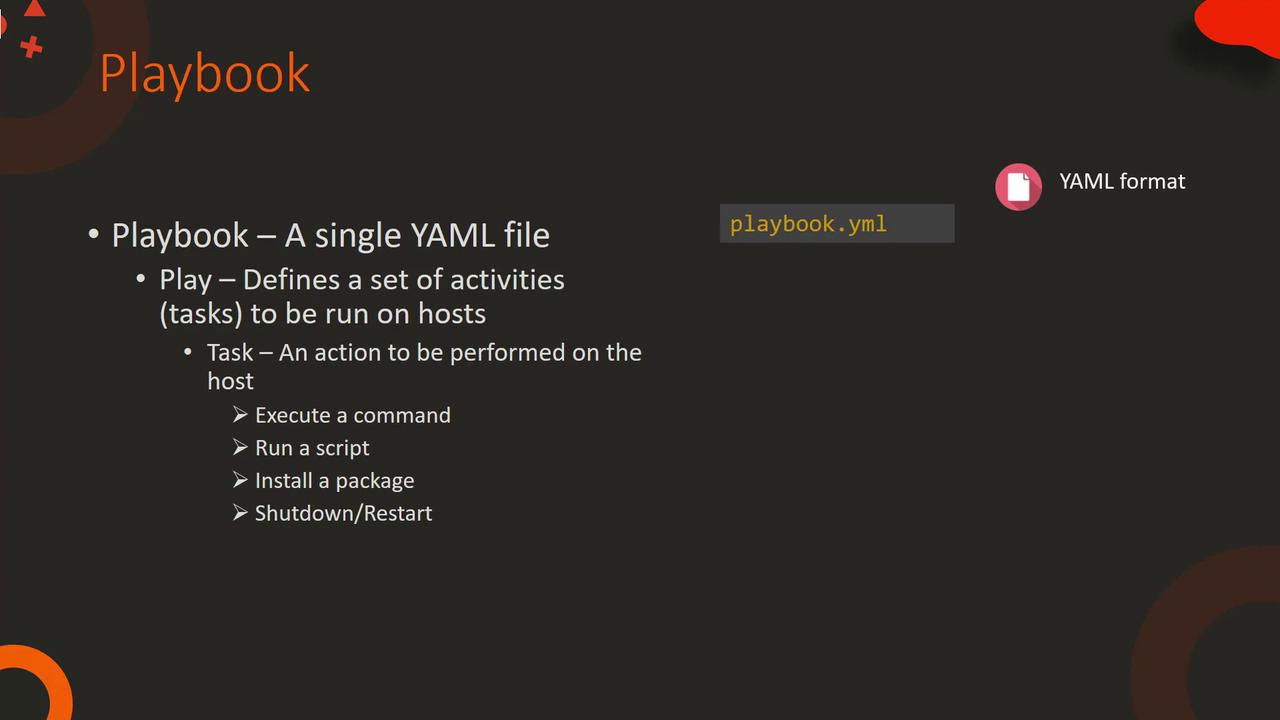
Playbooks are written in YAML format, so having a good grasp of YAML syntax is essential for writing error-free configurations.
An Ansible playbook is a YAML file that contains a list of plays. Each play targets specific hosts defined in your inventory and comprises multiple tasks. A task represents a single action, such as executing a command, running a script, installing a package, or restarting a service.Consider the following sample playbook:
- name: Play 1
  hosts: localhost
  tasks:
    - name: Execute command 'date'
      command: date

    - name: Execute script on server
      script: test_script.sh

    - name: Install httpd service
      yum:
        name: httpd
        state: present

    - name: Start web server
      service:
        name: httpd
        state: started
In this example, tasks execute sequentially on the specified host (localhost). The playbook prints the current date, runs a server-side script, installs the HTTP service using the yum module, and finally starts the web server.
To further illustrate the structure, here’s an example of a playbook with two separate plays:
- name: Play 1 hosts: localhost tasks: - name: Execute command 'date' command: date - name: Execute script on server script: test_script.sh- name: Play 2 hosts: localhost tasks: - name: Install web service yum: name: httpd state: present - name: Start web server service: name: httpd state: started
Each play is represented as a dictionary with keys like “name”, “hosts”, and “tasks”. It is crucial to maintain the specified order of tasks within a play since they are executed sequentially. Changing the order may result in unexpected behavior, for example, trying to start a service before it is installed.
Hosts Parameter: Defines the target for the play. Although the examples here use “localhost”, you can specify any host or group from your inventory. When a group is used, tasks are executed concurrently on all hosts within that group.
Modules: The core building blocks of Ansible. Some common modules demonstrated above include:
command
script
yum
service
There are hundreds of modules available by default. For detailed documentation, refer to the official Ansible documentation or use the ansible-doc -l command to list them.
Modules, tasks, and play definitions work in unison to create an orderly and efficient automation workflow. As you grow more comfortable with Ansible, you’ll discover advanced modules and strategies to manage configurations across a diverse range of environments.Happy automating!