

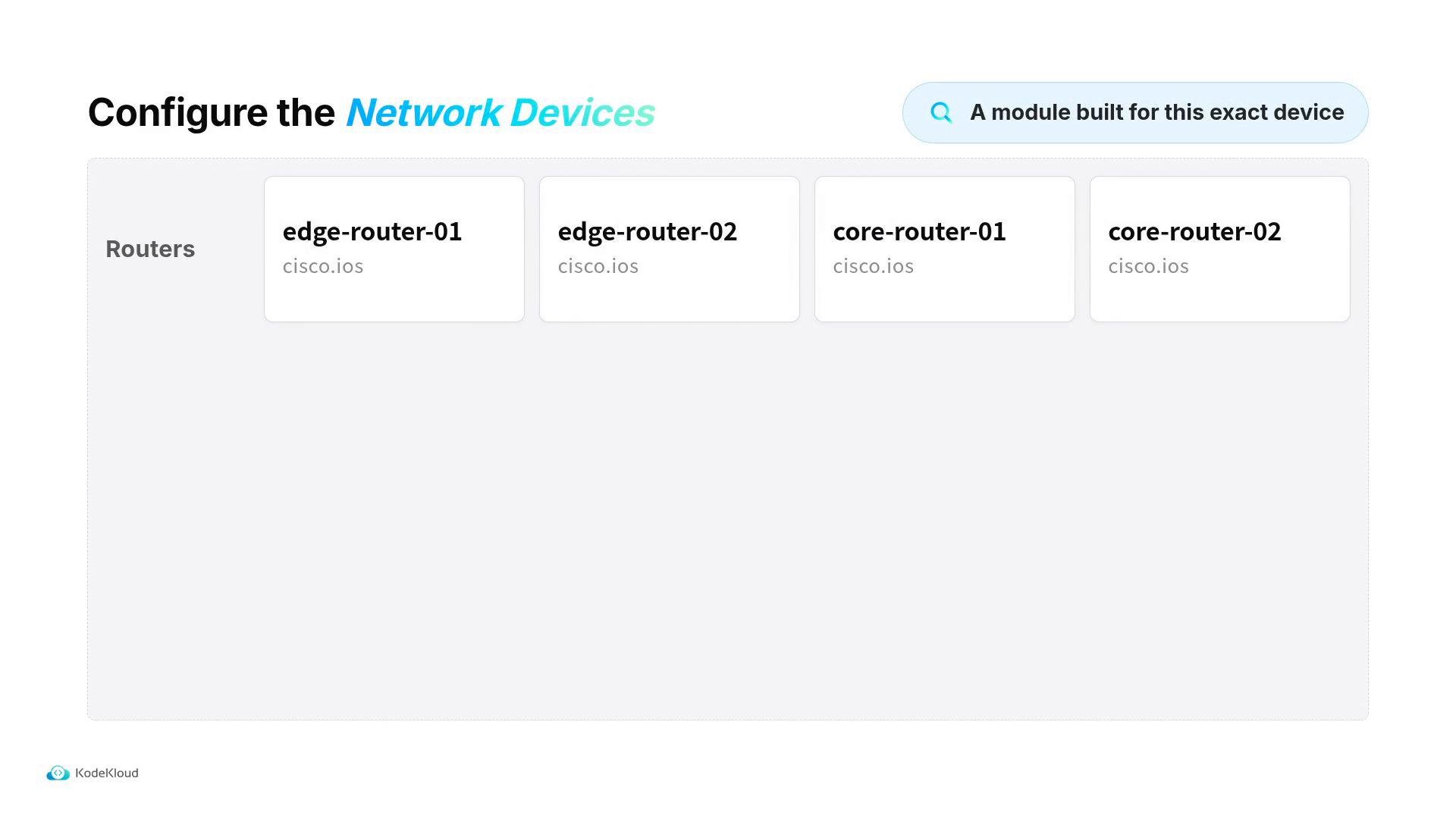
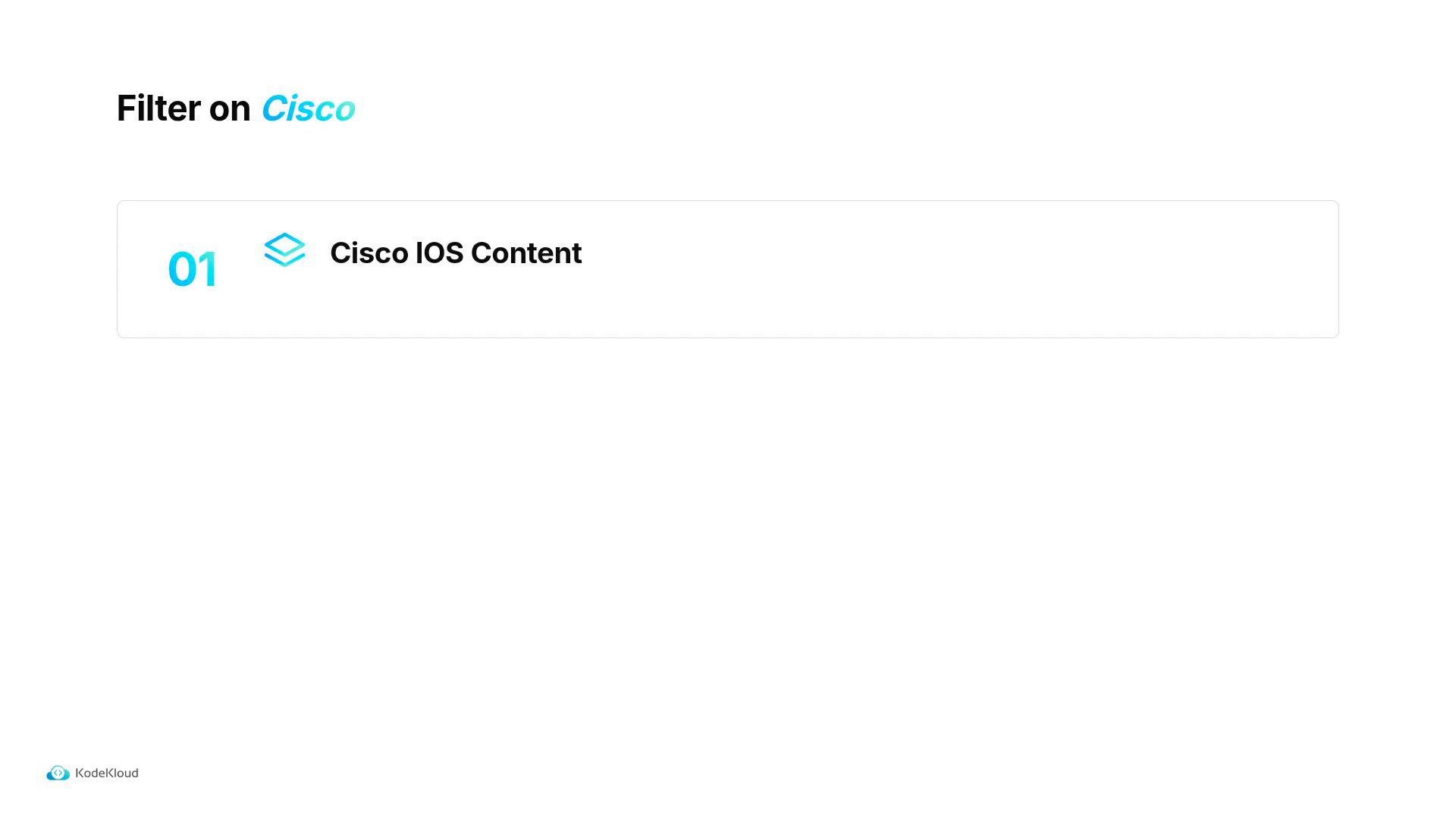
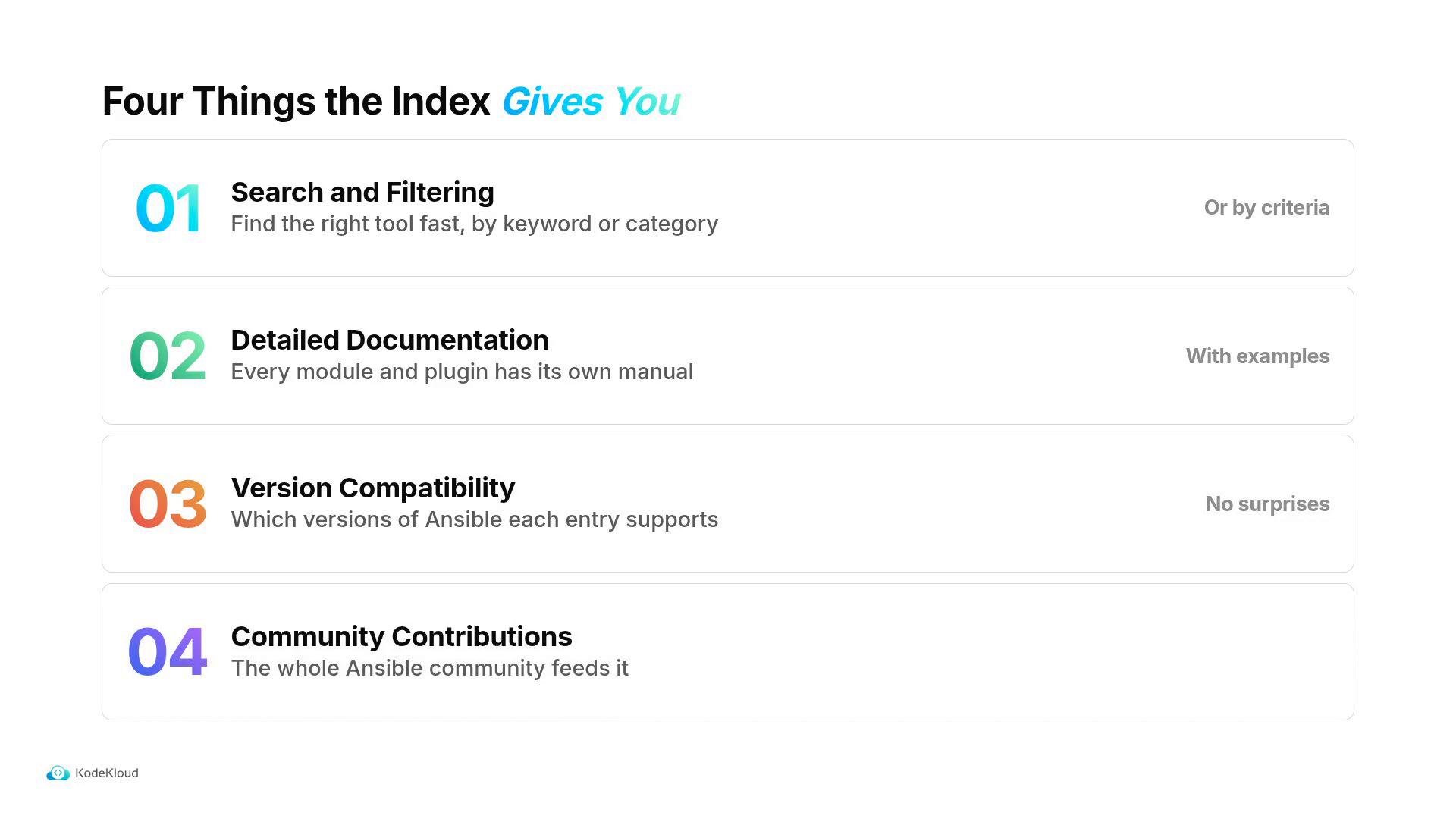
cisco.ios), and the index returns matching entries. Each entry links to its documentation, usage examples, and version compatibility notes — everything you need to adopt it into a playbook.
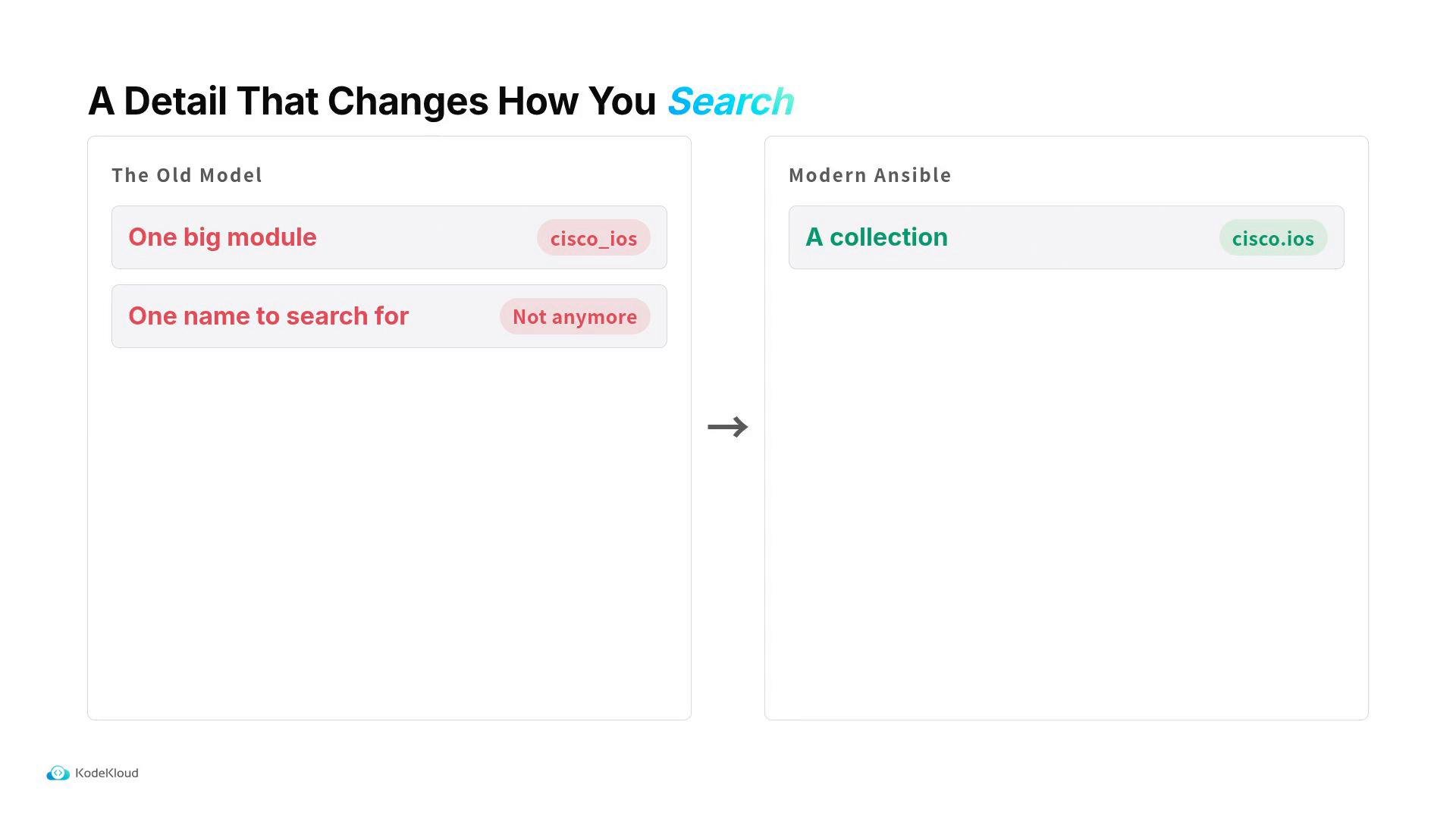
cisco.ios collection first, then pick the specific module inside it (for example ios_config or ios_facts).
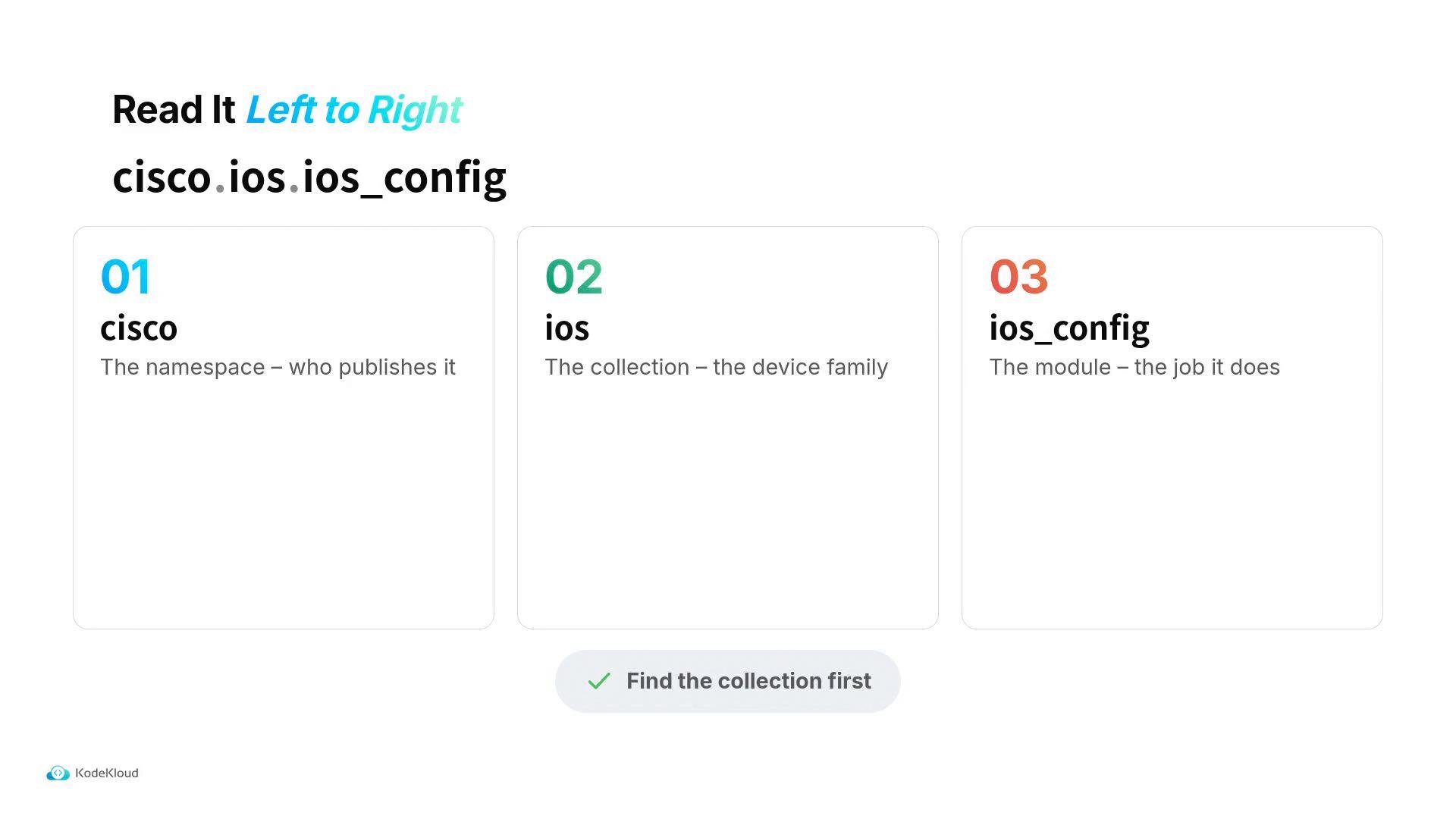
namespace.collection.module. Using an FQCN in your playbook ensures Ansible runs the exact code you expect and avoids ambiguity.
Always prefer the FQCN (for example
cisco.ios.ios_config) in playbooks to avoid conflicts between similarly named modules from different collections.cisco.ios.ios_config module to set a device hostname:
ansible-doc. Query a single module to see options and examples, or list everything a collection provides with -l:
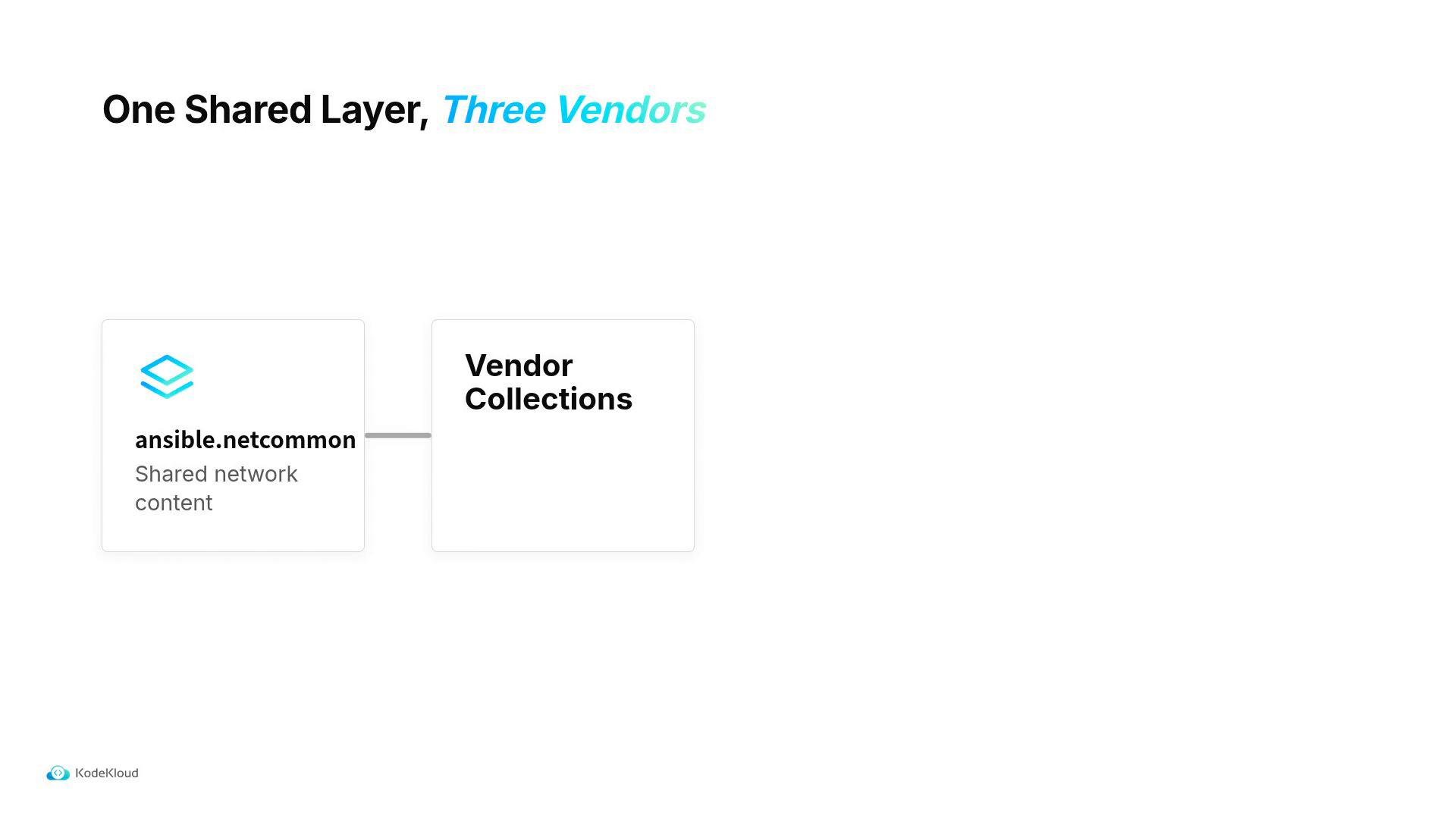
ansible.netcommon content they depended on until follow-up fixes were released. Several vendor collections were affected, including cisco.ios, arista.eos, and junipernetworks.junos.
When upgrading Ansible Core, upgrade your network collections at the same time and test together. Do not bump Core alone in production without validating collection compatibility.
ansible.netcommon) used by multiple vendor collections. If a shared layer changes, multiple vendor collections can be affected at once.
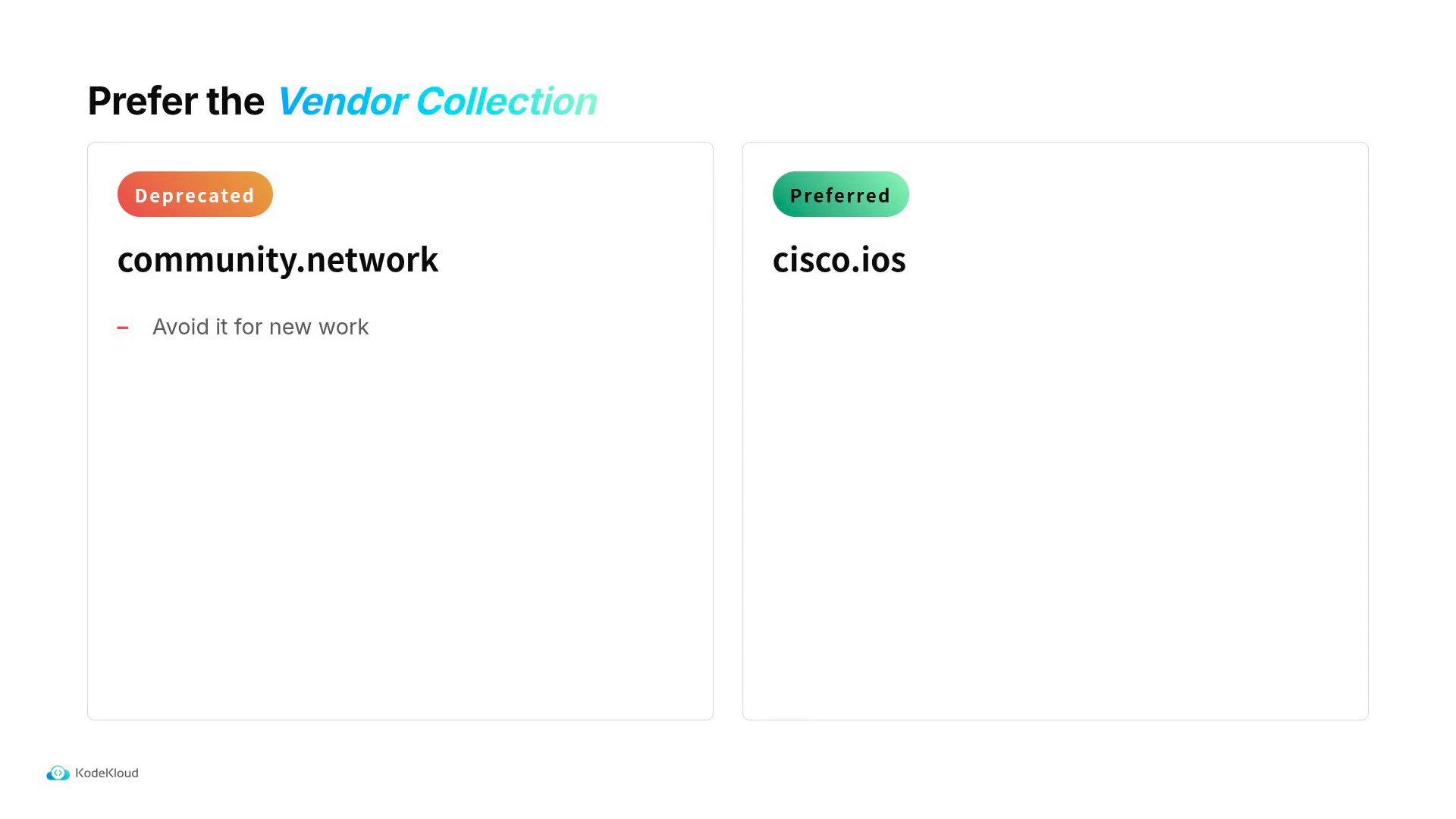
community.network, know that much of that content has been superseded by vendor-provided collections. Prefer vendor collections (for example, cisco.ios) when available — they tend to be better maintained and tested against the vendor’s platforms.
- Ansible Galaxy — cisco.ios: https://galaxy.ansible.com/cisco/ios
- Ansible CLI docs — ansible-doc: https://docs.ansible.com/ansible/latest/cli/ansible-doc.html
- ansible.netcommon on Galaxy: https://galaxy.ansible.com/ansible/netcommon
- community.network on Galaxy: https://galaxy.ansible.com/community/network