

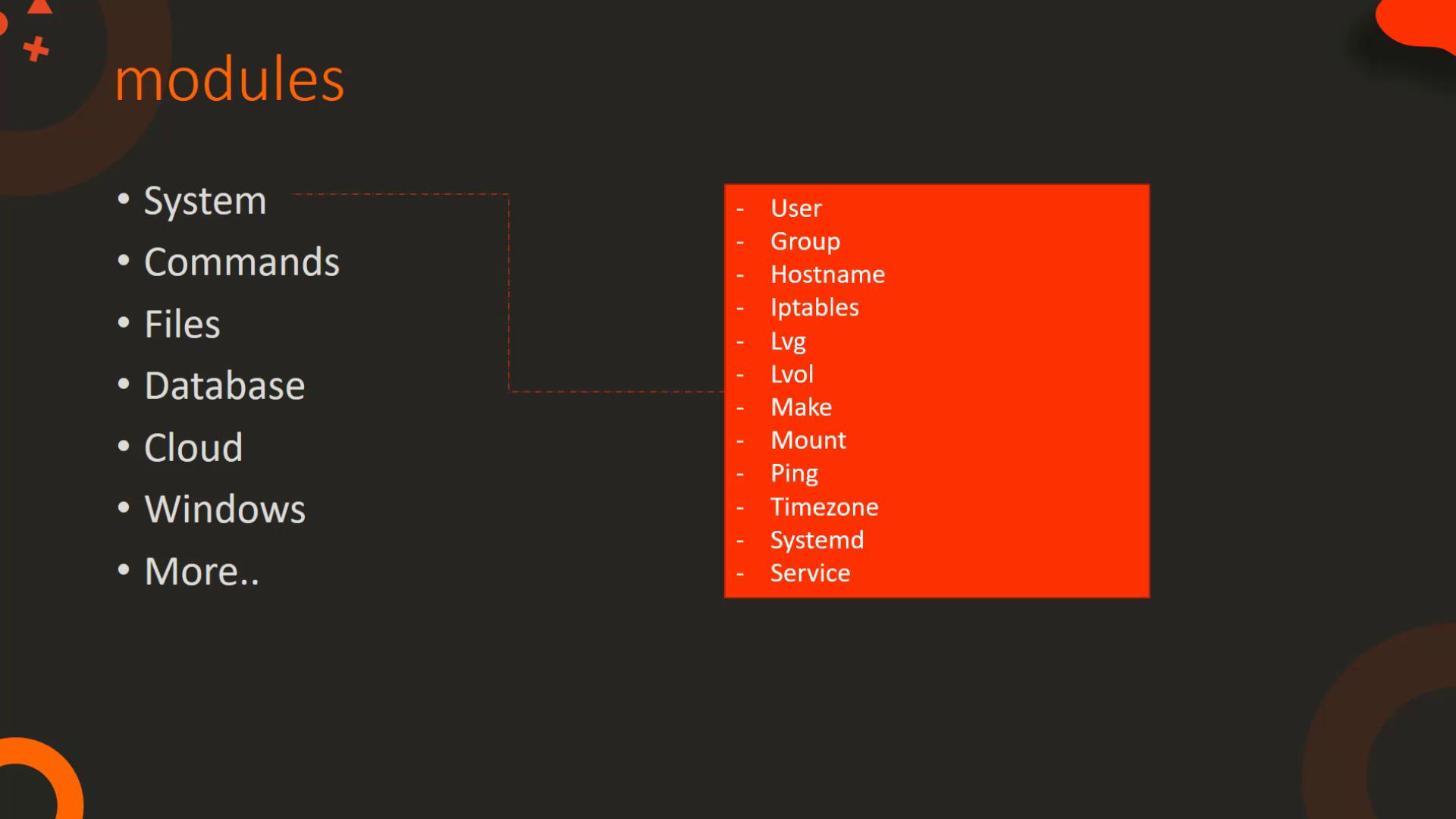
- System Modules: Perform actions at the operating system level, such as managing users and groups, configuring IP tables and firewalls, handling logical volumes, managing mount operations, and controlling services (start, stop, restart).
- Command Modules: Allow execution of commands or scripts on a host. Use the
commandmodule for simple commands or theexpectmodule for interactive commands. Thescriptmodule lets you run local scripts on remote hosts. - File Modules: Facilitate operations on files, including setting file permissions with ACL, compression with
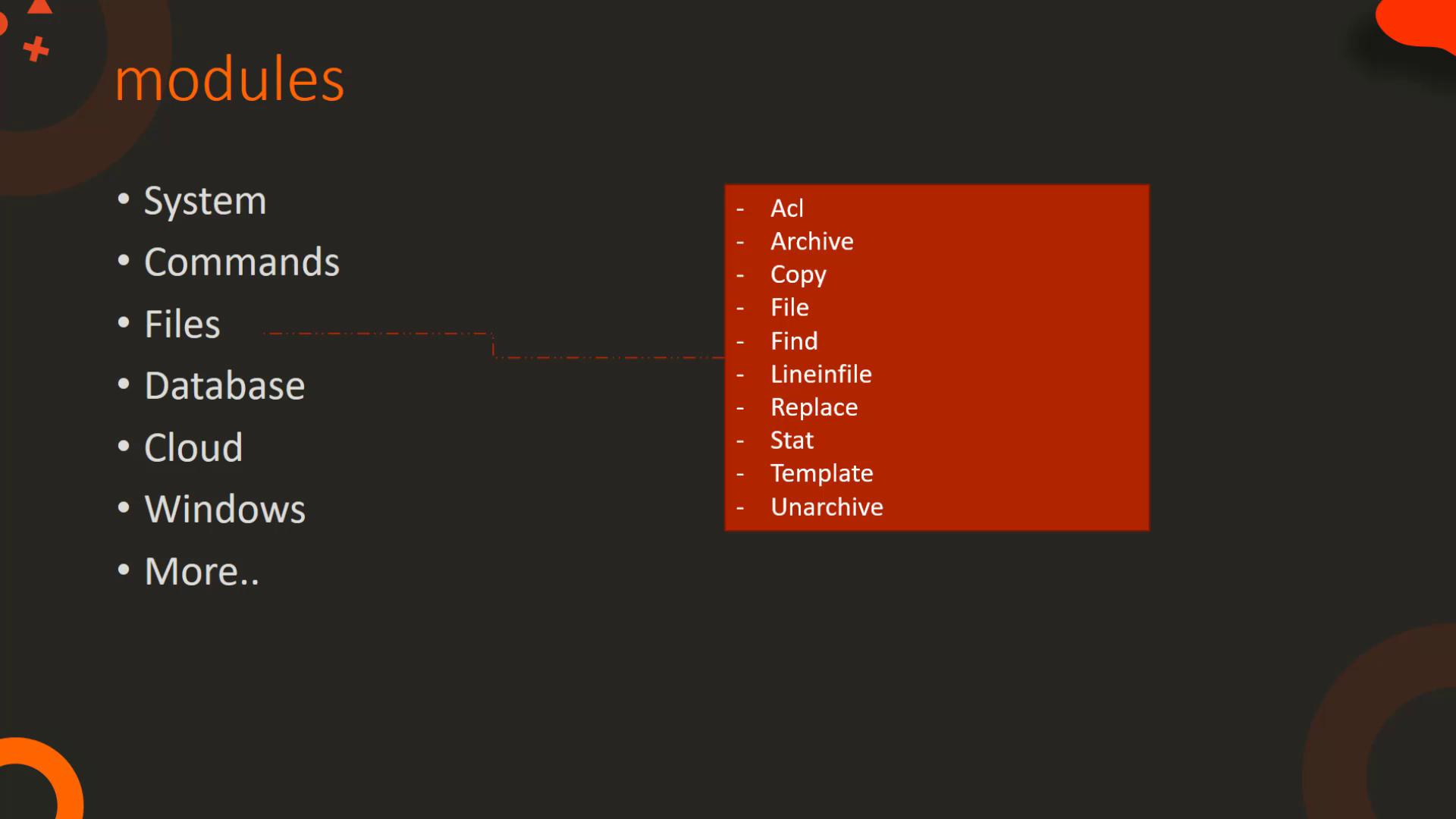
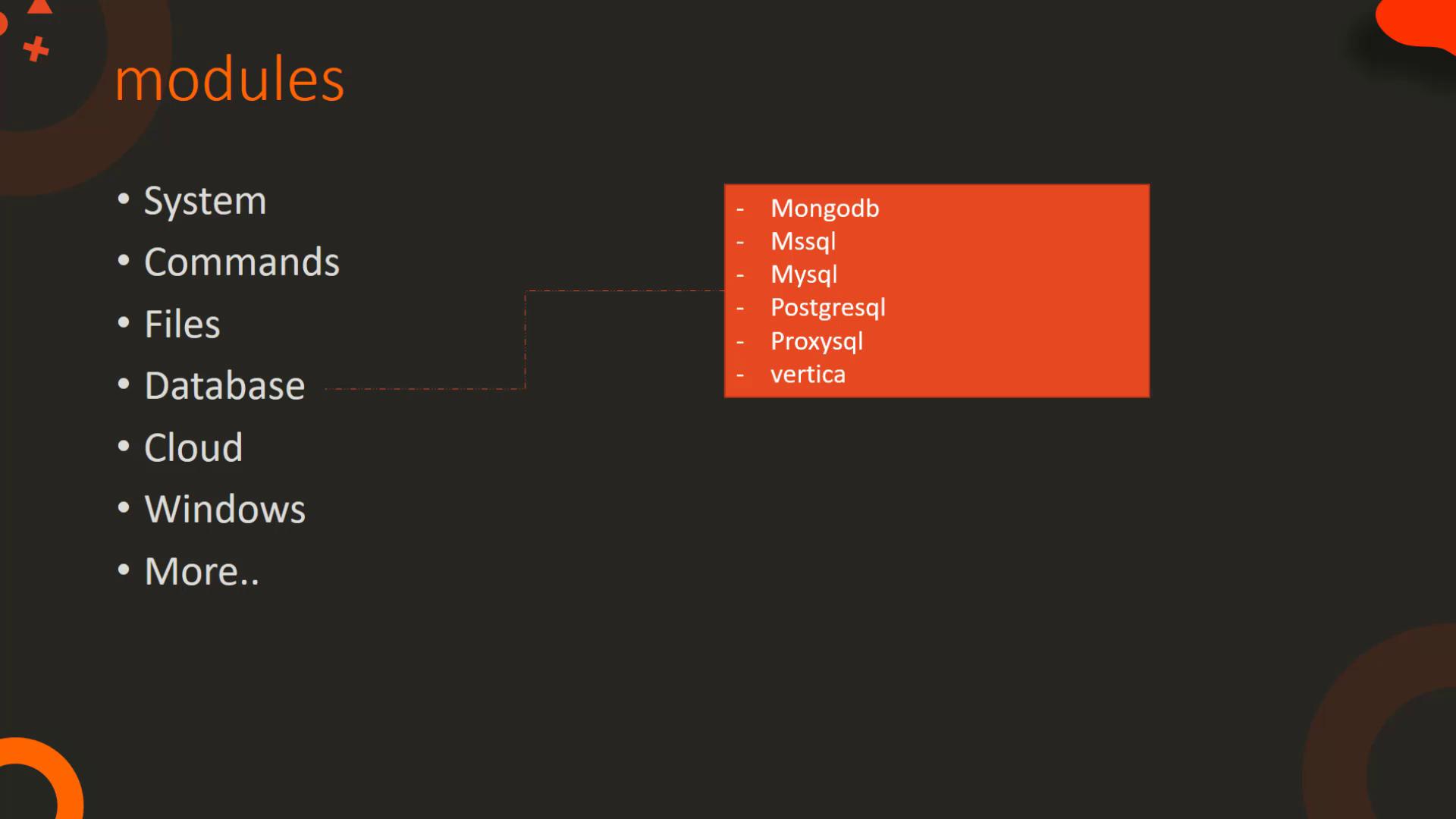
archive/unarchive, and file content modifications using modules likefind,lineinfile, andreplace. - Database Modules: Manage database operations for systems such as MongoDB, MySQL, MS SQL, and PostgreSQL, allowing you to add, remove, or update configurations.
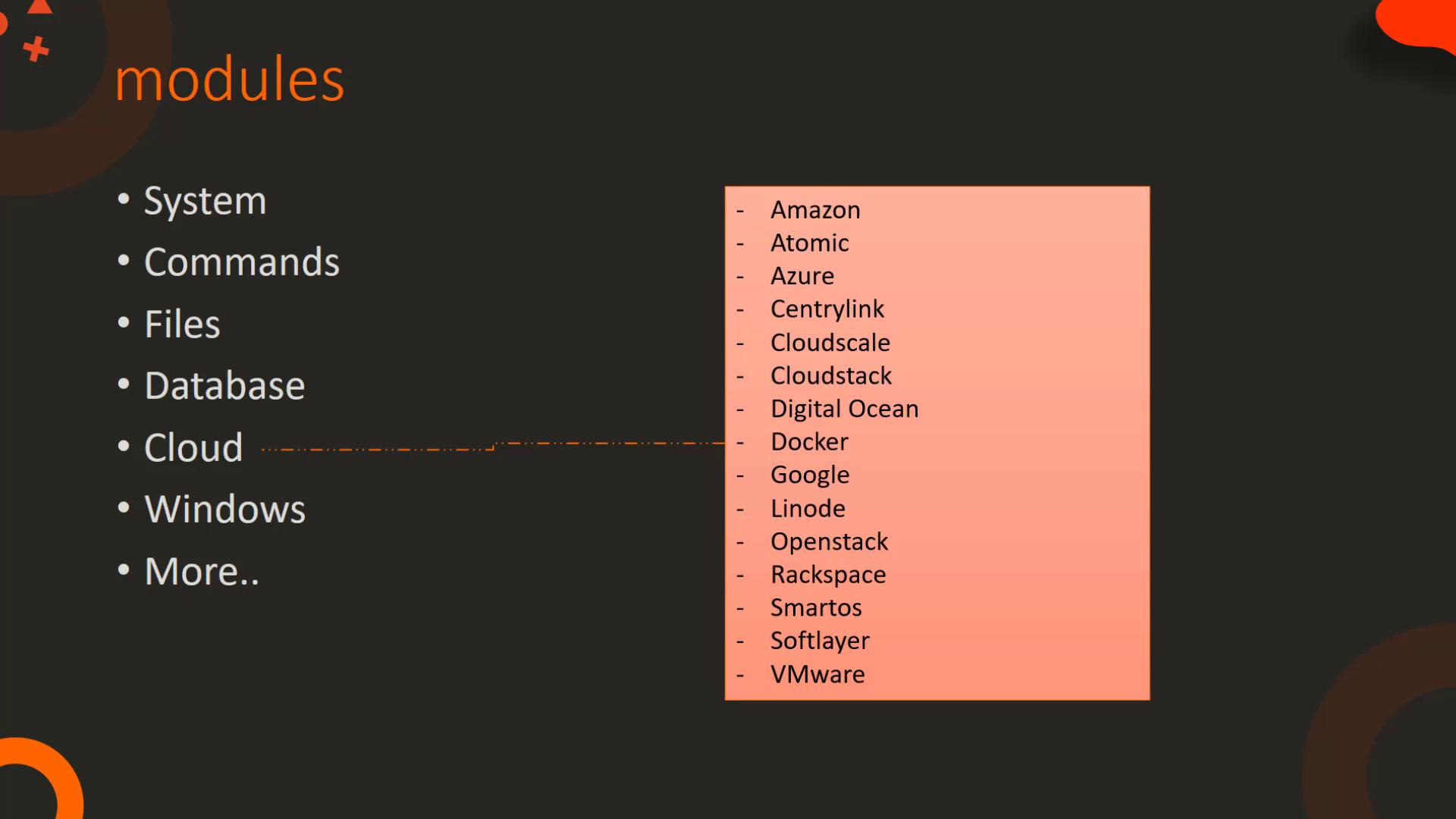
- Cloud Modules: Offer robust functionalities for various cloud providers including Amazon, Azure, Docker, Google, OpenStack, and VMware. They help manage tasks like instance creation/destruction, networking, security configurations, container management, and data center operations.
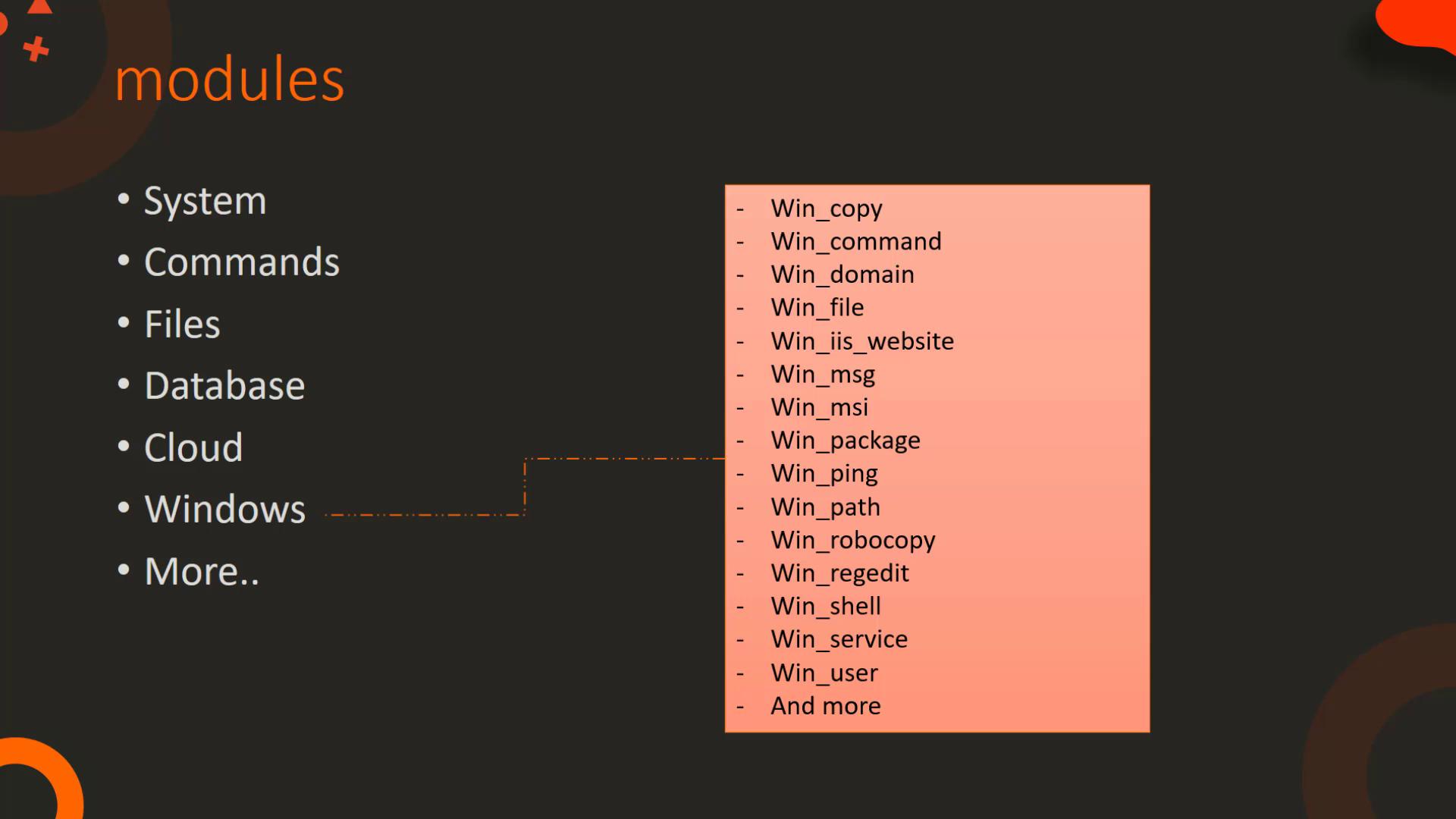
- Windows Modules: Optimize management of Windows environments. Modules like
win_copy,win_command,win_service, and others help with tasks ranging from file transfer to installing software and managing Windows services.
The Command Module
The command module executes a command on a remote node using key-value pair parameters. Below is an example playbook that runs thedate command and displays the contents of /etc/resolv.conf:
chdir and creates modify the execution behavior. The chdir parameter changes the working directory before executing the command, while the creates parameter prevents command execution if a specific file or directory already exists.
One important concept is “free form” input. In the command module, the command itself (e.g., cat /etc/resolv.conf or mkdir /folder) is provided as a free form string. In contrast, modules like the copy module require explicit parameter names:
The command module accepts free form commands, making it ideal for straightforward executions, while modules such as copy require a structured key=value syntax.
The Script Module
The script module facilitates executing a local script on remote nodes. When invoked, Ansible automatically transfers the script from the controller machine to the target nodes and then runs it. This automation simplifies tasks that require script execution across multiple machines. Simply specify the local path of the script and include any necessary arguments.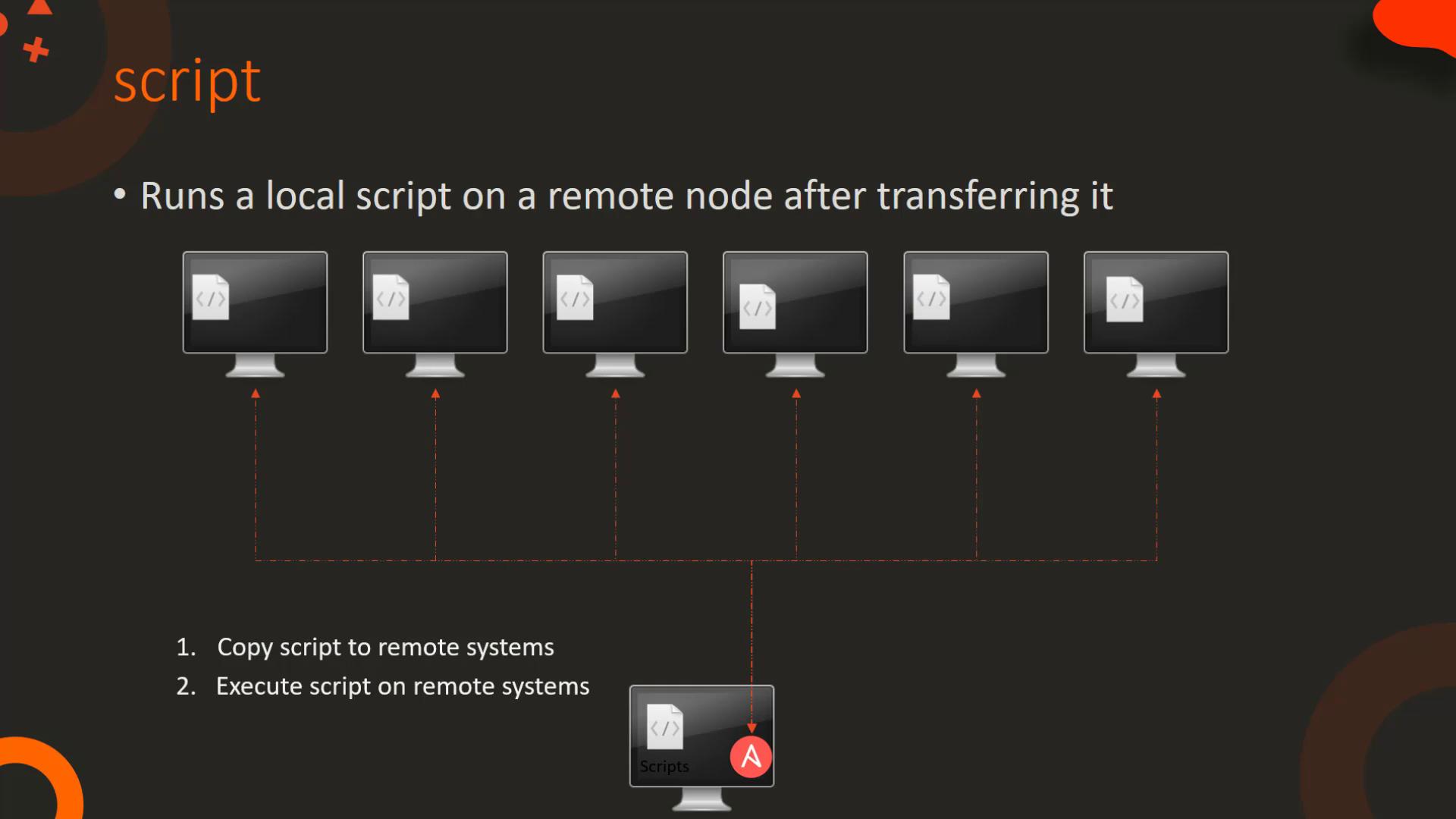
The Service Module
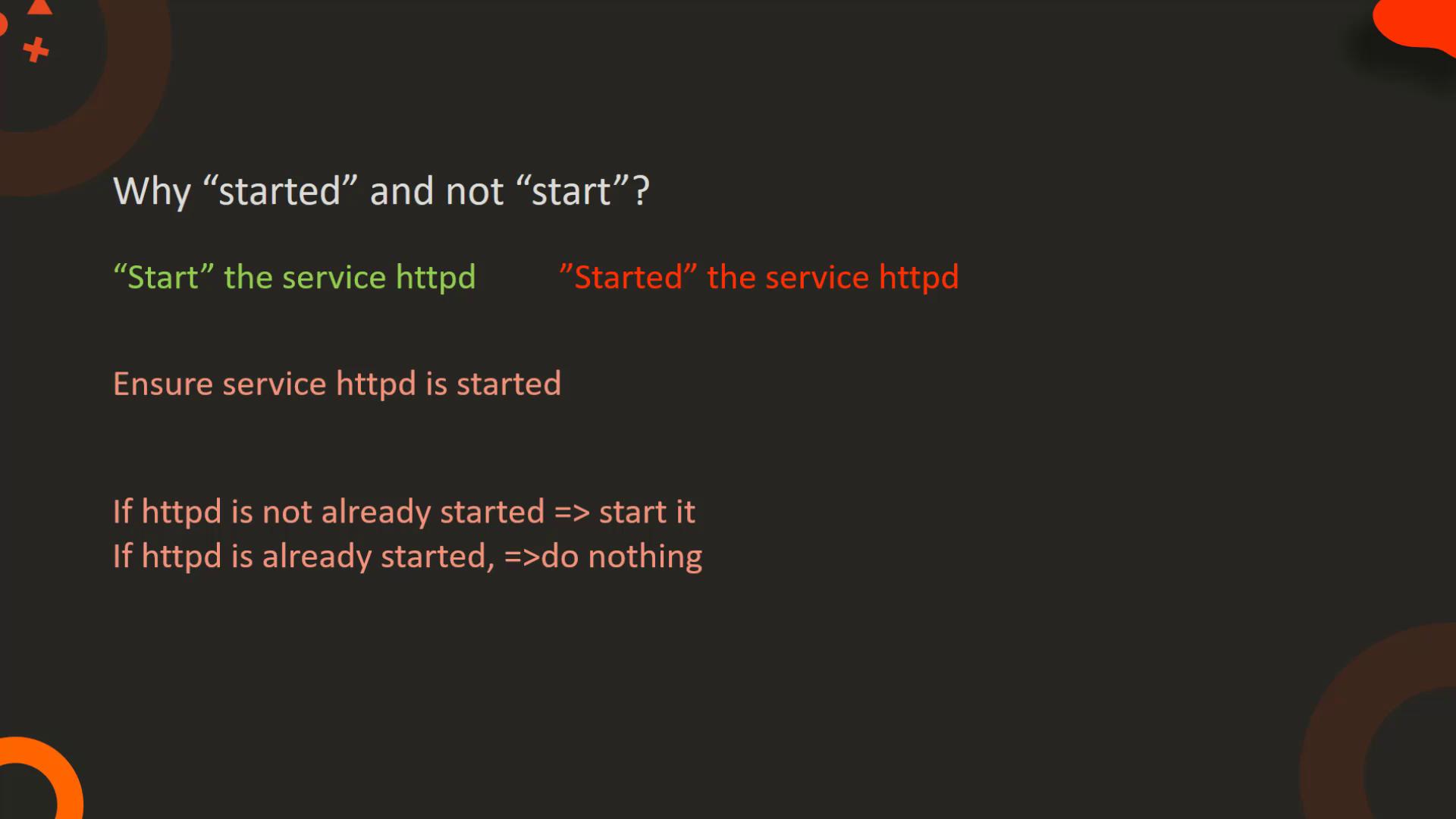
The service module manages system services, enabling you to start, stop, or restart them. Below is an example playbook to start a database service:name parameter identifies the service (in this case, PostgreSQL), and the state parameter declares the desired state. The use of “started” instead of “start” ensures that if the service is already running, Ansible performs no extra action, promoting idempotency.
Idempotency ensures that running the same playbook multiple times results in a consistent state without unintended side effects.
The Lineinfile Module
The lineinfile module is essential for managing file content. It ensures that a specific line is present in a file by adding or replacing it as needed, making it highly useful for configuration management. For example, to add a new DNS server entry to/etc/resolv.conf:
Summary Table of Ansible Module Categories
This concludes our detailed walkthrough of essential Ansible modules. To extend your knowledge, explore Ansible’s comprehensive documentation and practice these modules in real-world scenarios. For more detailed information, visit the official Ansible Documentation. See you in the next lesson!