This article discusses how Ansible Lint enhances the quality of Ansible playbooks by identifying errors, bugs, and stylistic issues.
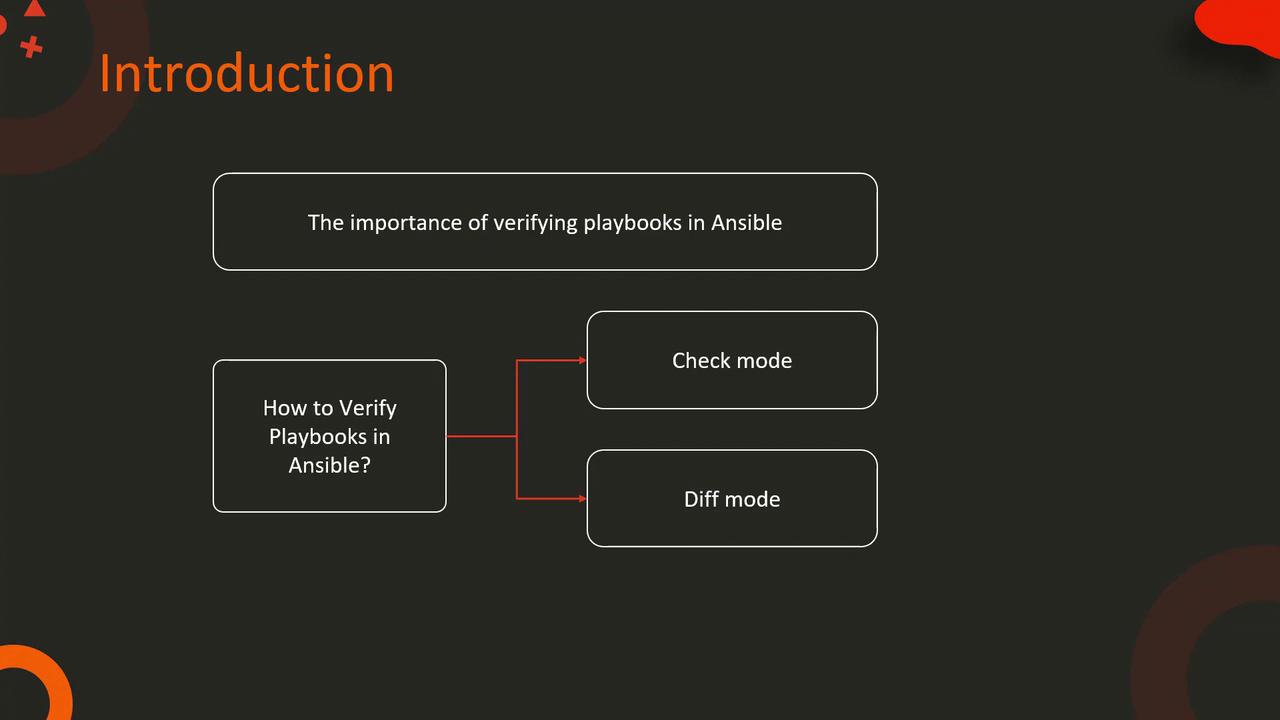
Verifying your Ansible playbooks using check mode and diff mode is a crucial step to ensure your configurations behave as expected. Now, let’s explore how you can take your quality assurance to the next level using Ansible Lint.
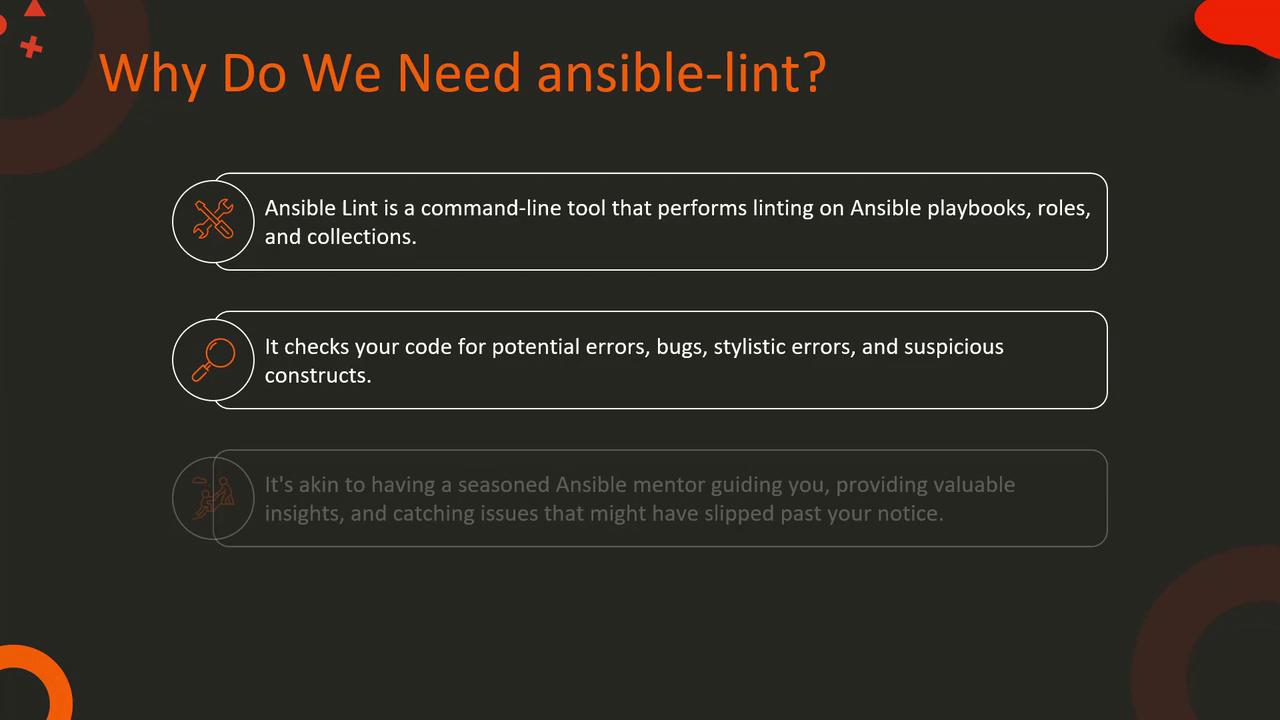
Imagine you are a DevOps engineer at a busy software company. As you automate your infrastructure with Ansible, your growing collection of playbooks can become increasingly complex. Over time, this complexity might lead to challenges in understanding and maintaining your configurations. This is where Ansible Lint becomes essential.Ansible Lint is a command-line tool designed for linting playbooks, roles, and collections. It meticulously scans your Ansible code for potential errors, bugs, stylistic issues, and suspicious constructs. Think of it as having an experienced mentor by your side offering valuable insights and catching issues that might go unnoticed.
Consider a sample playbook named style-example.yaml that installs and configures Nginx. The playbook contains some style-related issues such as inconsistent indentation and non-uniform naming conventions for tasks.
- name: Style Example Playbook hosts: localhost tasks: - name: Ensure nginx is installed and started apt: name: nginx state: latest update_cache: yes - name: Enable nginx service at boot service: name: nginx enabled: yes state: started - name: Copy nginx configuration file copy: src: /path/to/nginx.conf dest: /etc/nginx/nginx.conf notify: - Restart nginx servicehandlers: - name: Restart nginx service service: name: nginx state: restarted
When you run Ansible Lint on this playbook, you might see warnings like the following:
$ ansible-lint style_example.yml[WARNING]: incorrect indentation: expected 2 but found 4 (syntax/indentation)style_example.yml:6[WARNING]: command should not contain whitespace (blacklisted: ['apt']) (commands)style_example.yml:6[WARNING]: Use shell only when shell functionality is required (deprecated in favor of 'cmd') (commands)style_example.yml:6[WARNING]: command should not contain whitespace (blacklisted: ['service']) (commands)style_example.yml:12[WARNING]: 'name' should be present for all tasks (task-name-missing) (tasks)style_example.yml:14
If Ansible Lint completes without any output, it means your playbook is free of linting issues.
This detailed feedback helps you pinpoint and address issues such as inconsistent indentation, incorrect module usage, and non-uniform task naming. Regularly integrating Ansible Lint into your workflow can help maintain the quality and reliability of your automation scripts.This concludes our discussion on Ansible Lint. By incorporating this tool into your continuous integration processes, you can ensure that your Ansible playbooks are both efficient and error-free. For more detailed information, refer to the official Ansible Documentation and explore advanced linting practices.Happy automating!