

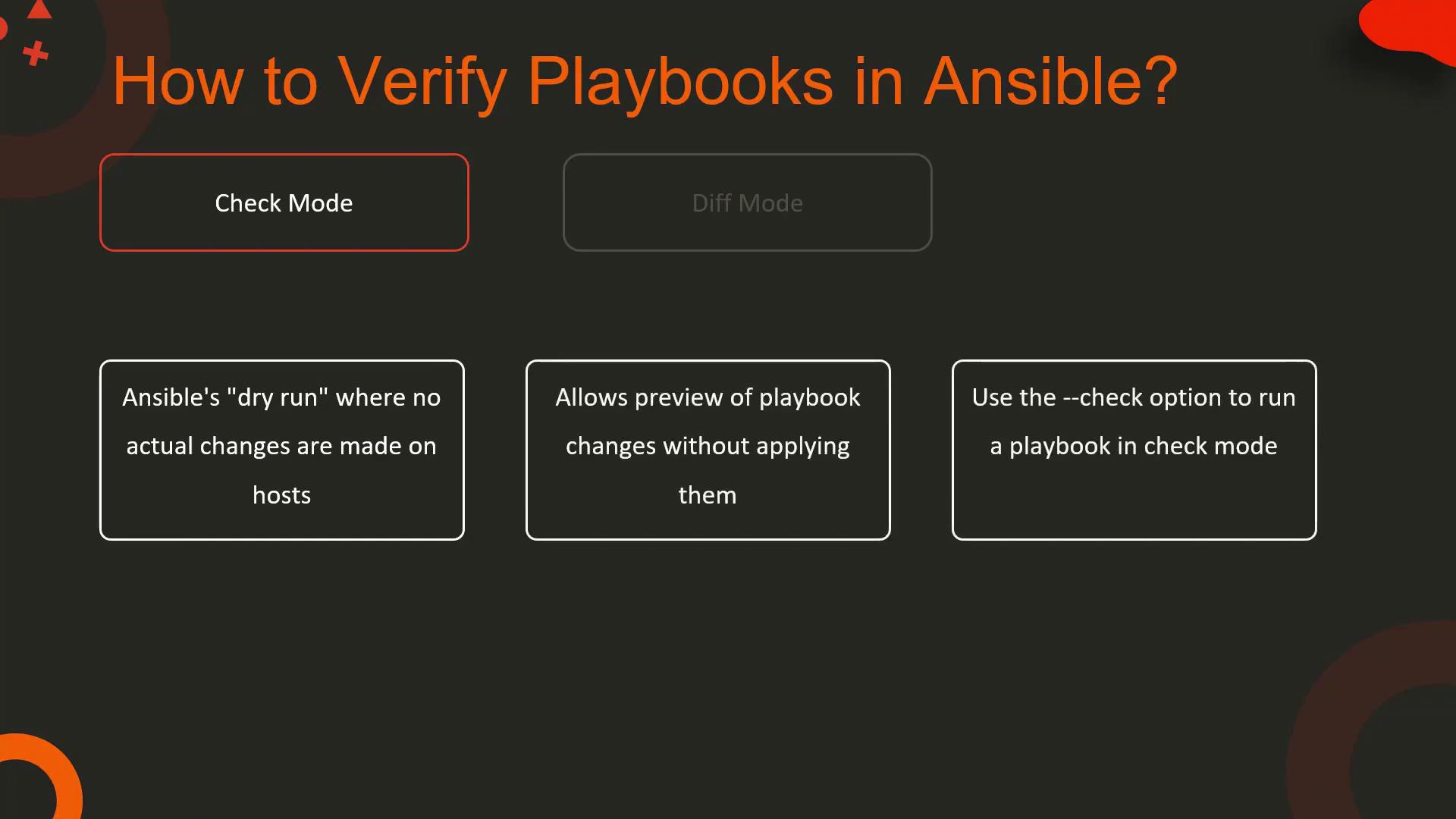
Check Mode
Ansible’s check mode is a dry-run feature that simulates the execution of your playbook without making any changes to the hosts. It clearly shows what changes would be made if the playbook were executed in a live environment. To run a playbook in check mode, simply add the--check option.
Not all modules support check mode. Tasks using unsupported modules will be skipped, so always verify module compatibility.
install_nginx.yml that installs the Nginx web server. Running it in check mode would look like this:
Diff Mode
Diff mode provides a before-and-after comparison by showing the differences between the current system state and the state after applying the playbook. This feature is especially useful when you need to understand precisely what changes will be made. To enable diff mode, include the--diff option when running your playbook.
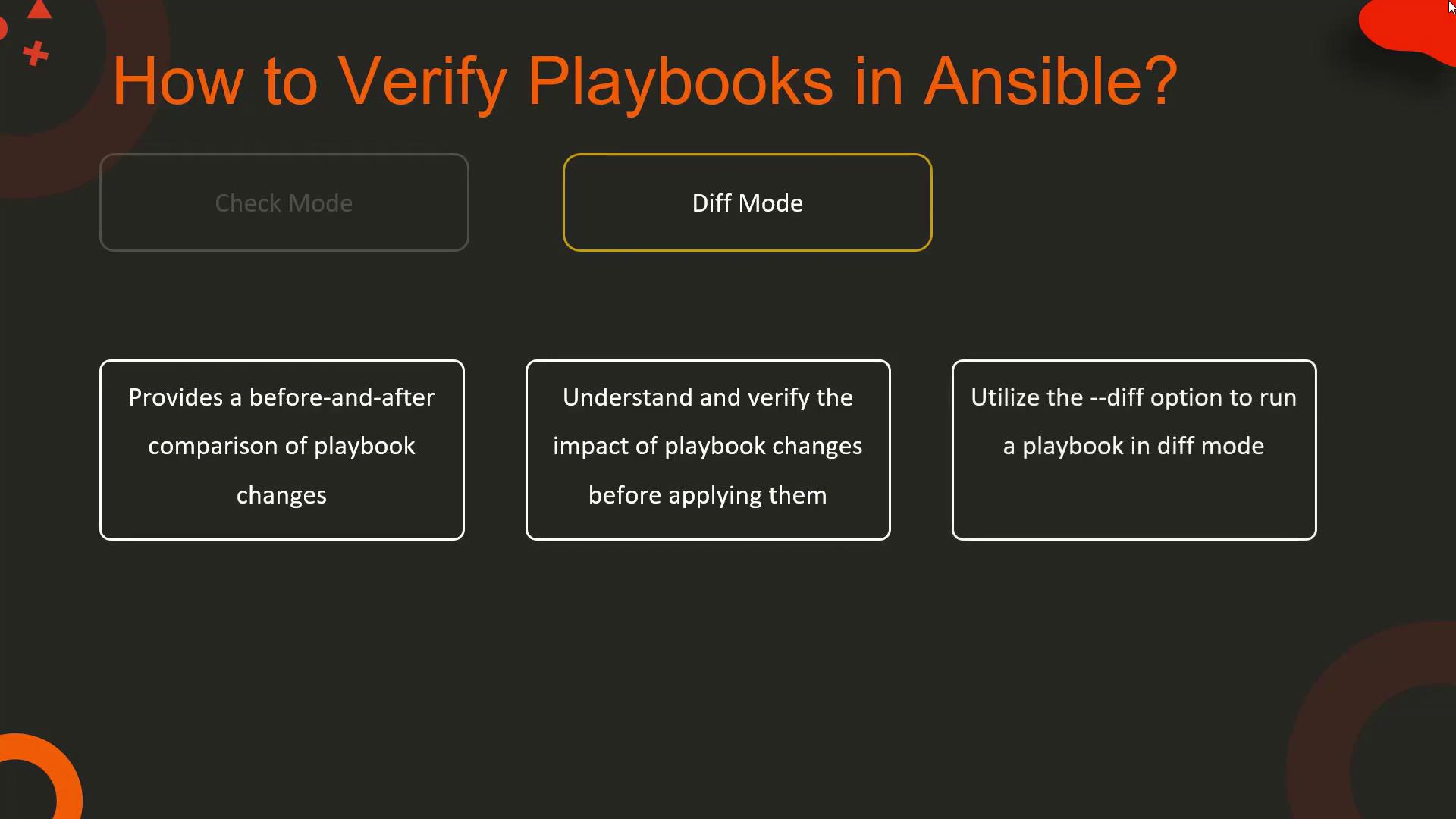
configure_nginx.yml that enforces a specific configuration line within a file. Running the playbook with both check and diff modes will provide detailed insights into any changes:
/etc/nginx/nginx.conf if the playbook were executed.
Syntax Check Mode
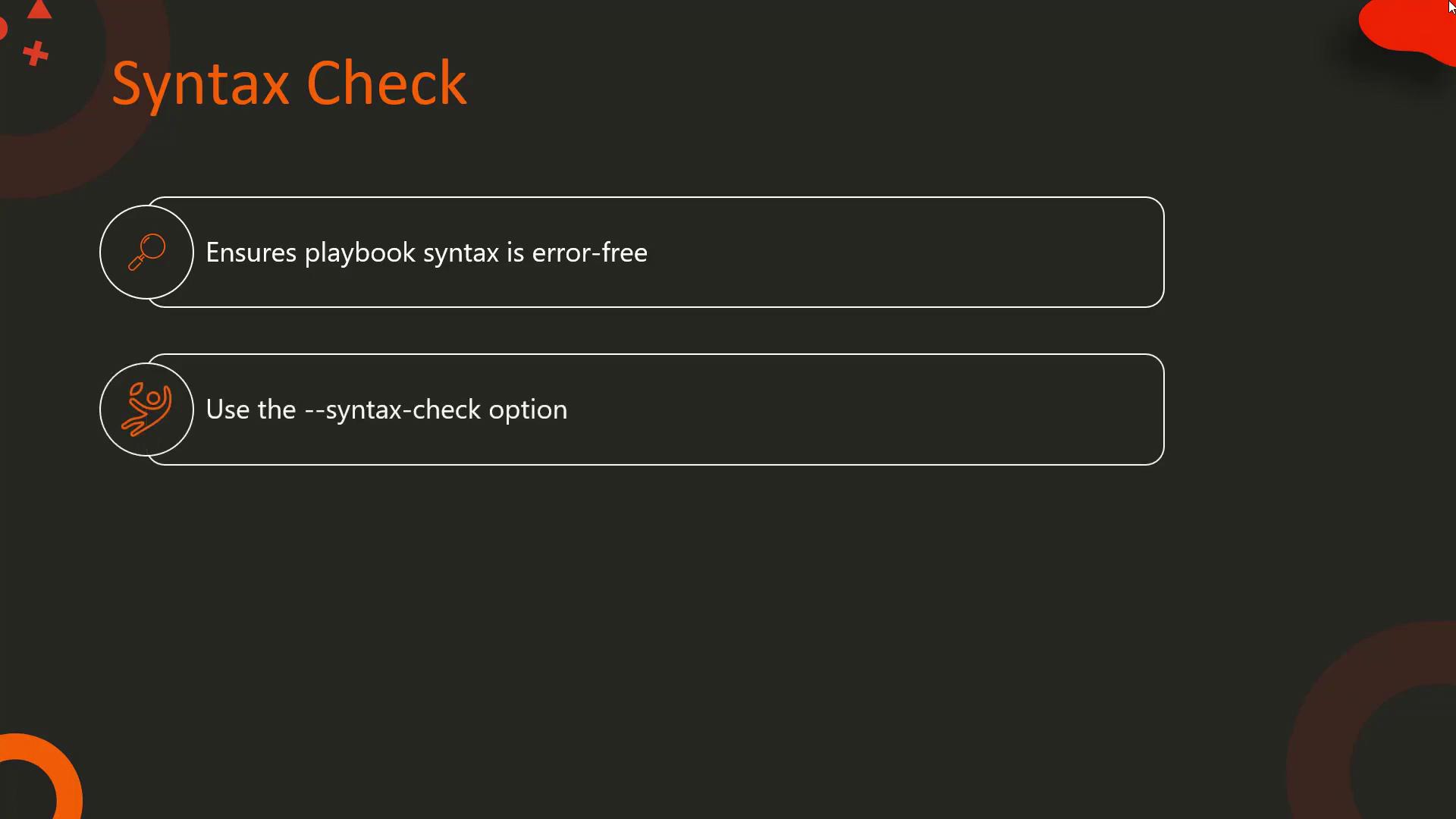
Before executing any playbook, it’s essential to ensure that your YAML syntax is correct. Ansible offers a syntax check mode which quickly validates your playbook, catching potential syntax errors early. Use the--syntax-check option to perform this verification.
configure_nginx.yml:
lineinfile, running the syntax check again will produce an error:
By leveraging check mode, diff mode, and syntax checks, you can confidently ensure that your Ansible playbooks will execute as intended, maintaining the stability and reliability of your production environment. Happy automating, and we’ll see you in the next lesson!