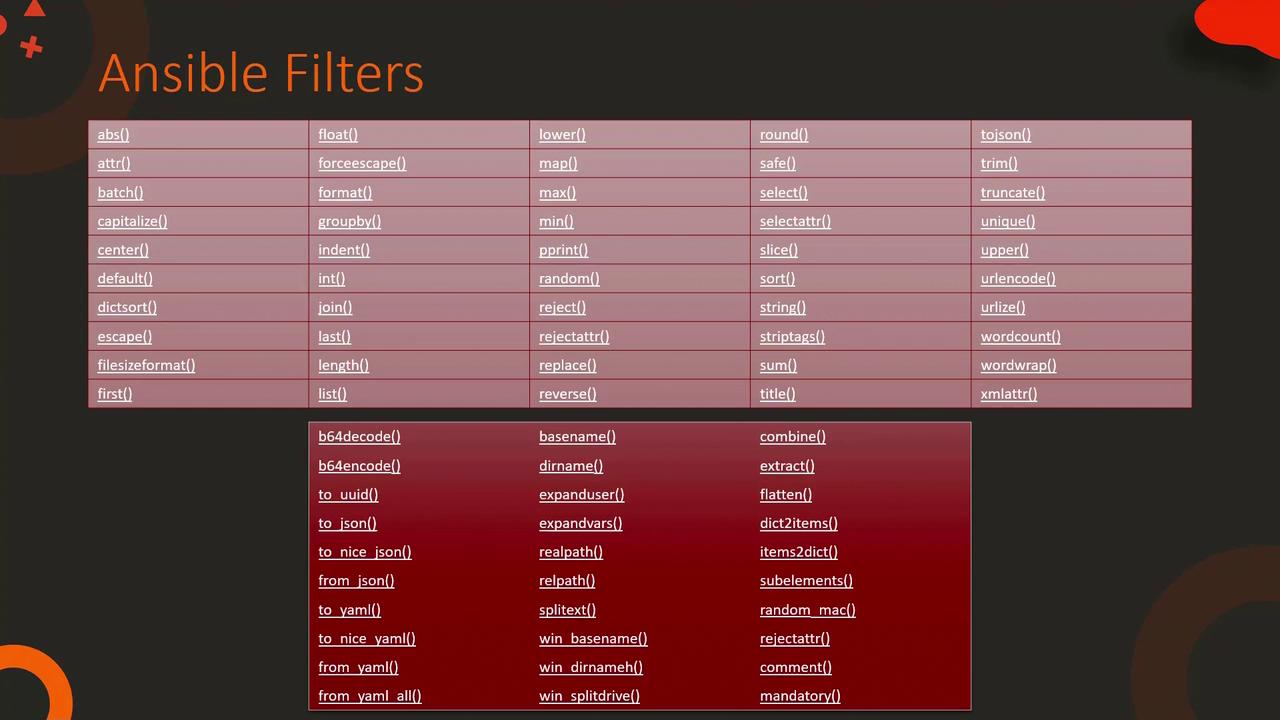
File-Related Filters
Let’s begin by reviewing some file-related filters. For example, to extract the file name from a Linux file path such as/etc/hosts, you can use the basename filter. This returns hosts. However, note that this filter will not correctly handle Windows file paths due to the use of backslashes. In that case, the win_basename filter is required.
Similarly, if you need to split a Windows path into its drive letter and remaining path, apply the win_splitdrive filter. This filter returns an array—where the first element is the drive letter and the second element is the rest of the path. You can chain it with the first filter to obtain only the drive letter if needed.
Variable Interpolation in Playbooks
In a standard Ansible playbook, Jinja2 templates undergo variable interpolation before task execution. Consider the following examples for an inventory file and a playbook snippet that uses thensupdate module.
Inventory File (/etc/ansible/hosts)
Playbook Using the nsupdate Module
Deploying a Web Server
Consider a scenario where you need to deploy a web server by copying a localindex.html file to each web server’s default directory using Ansible’s copy module. You can start with a static inventory, playbook, and HTML file, then enhance the solution with a templated approach.
Initial Setup with Static Files
Inventory File (/etc/ansible/hosts)
Playbook (playbook.yml) Using the Copy Module
Local HTML File (index.html)
index.html file is copied to each web server. However, if you want each server’s homepage to display its own hostname and IP address, you can leverage variable interpolation within a Jinja2 template.
Dynamic Content with Jinja2 Templates
A better approach is to convert your static HTML file into a dynamic Jinja2 template. Rename the file toindex.html.j2 and introduce variables. Below is an example showing the updated inventory, playbook, and Jinja2 template that customizes each server’s index page based on its name.
Inventory File (remains unchanged)
Updated Playbook (playbook.yml) Using the Template Module
Jinja2 Template File (index.html.j2)
{{ inventory_hostname }} with the host’s actual name. For instance, if inventory_hostname is web1, the generated file will be:
web2 and web3 will receive personalized HTML files.
Note: This templating approach is not limited to static web pages. You can also generate configuration files for services such as Nginx or Redis dynamically.
Dynamic Configuration Files
Nginx Configuration Template
Below is an example of an Nginx configuration template (nginx.conf.j2) that uses variables to define the upstream server and image directory.
Redis Configuration Template with Default Filters
You can also incorporate Jinja2 filters to provide fallback values within configuration files. For instance, the following Redis configuration template uses thedefault filter:
Generating Configurations with Jinja2 Loops
Jinja2 loops allow you to generate configuration file entries dynamically. For example, you can generate a list of nameserver entries for the/etc/resolv.conf file using a for loop.
Template for resolv.conf (resolv.conf.j2)
/etc/resolv.conf file will be:
Note: When using templates within roles, ensure they are stored in the role’s dedicated templates directory.
Templates in Roles Directory Structure
An effective directory structure for organizing your Ansible roles might look like the image below: