

- Ask for expected throughput: how many notifications per day? Is traffic steady or bursty?
- Example: 10 million notifications/day ≈ 115 notifications/second on average — modest for most databases and queues.
- Always ask for peak/arrival patterns. A marketing blast to 1 million users at 09:00 AM creates a massive burst that must be handled without dropping messages.
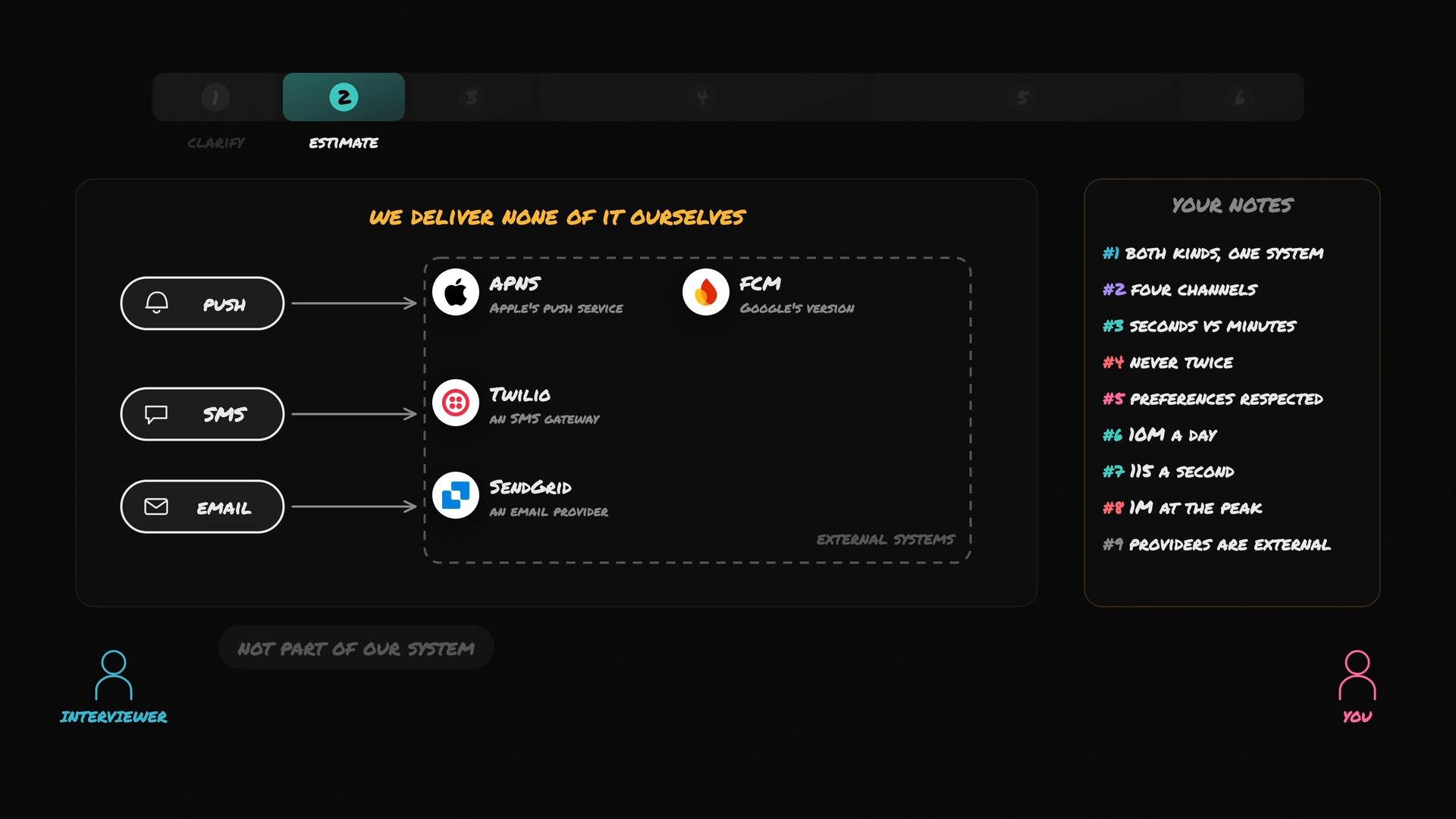
External providers are out-of-process. Design for retries, timeouts, idempotency, and backpressure — you cannot assume constant availability or latency from third-party services.
- Single POST /notify endpoint.
- Caller provides the target, message, and delivery channels.
- The API accepts the request, persists a notification record, and returns immediately with an identifier (for tracing and status checks).
- Actual delivery is performed asynchronously by worker/dispatcher processes that talk to external providers.
- Keeps the caller fast and decoupled.
- Lets you buffer work and apply retries, rate-limiting, and backoff without blocking the originating service.
- The returned notification ID is critical for tracing, dashboards, and user-facing status queries.
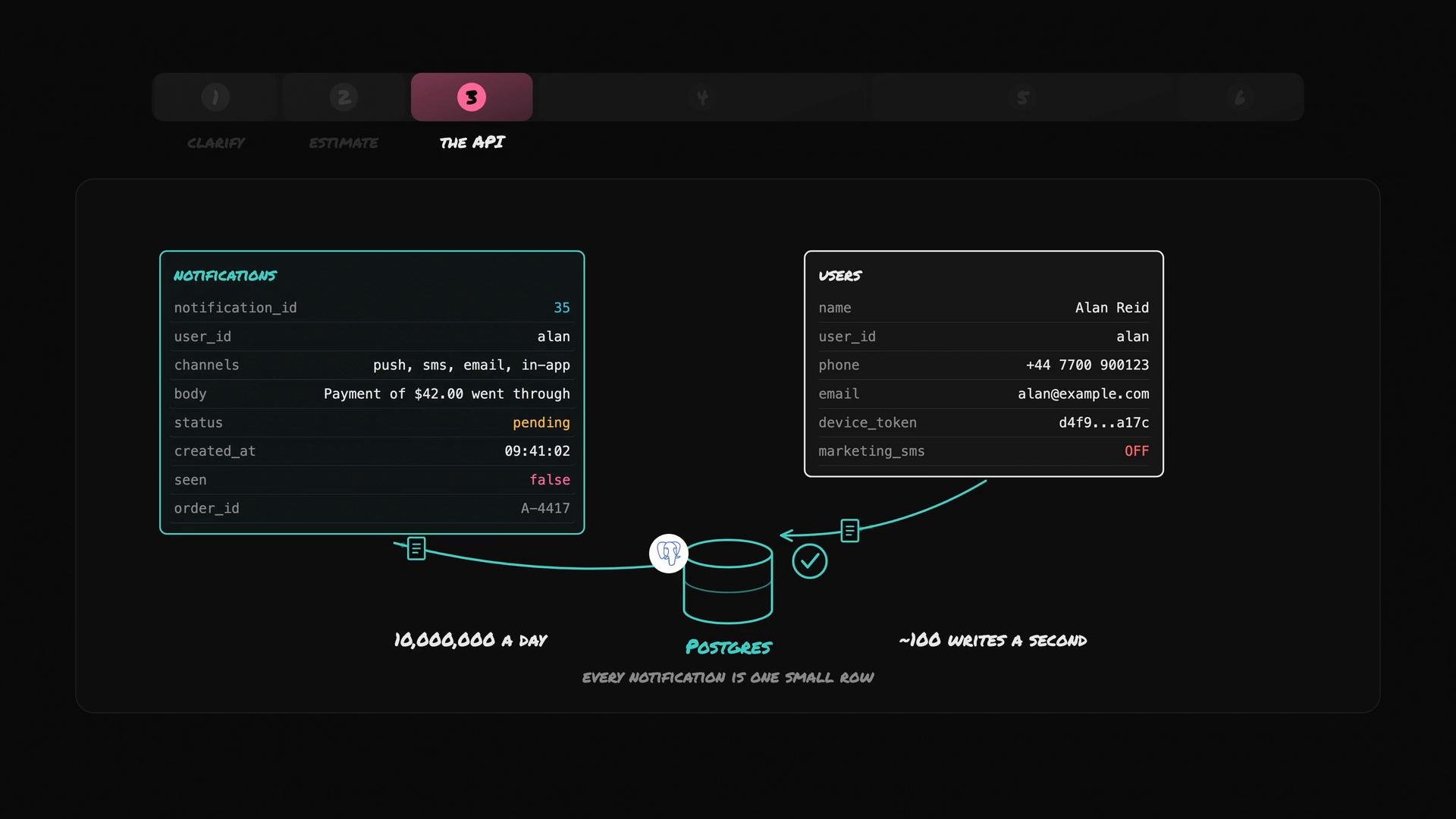
- Route notifications (phone, device token, email).
- Track state and retries.
- Support in-app visibility (seen/unseen).
- Correlate notifications to business objects (orders, refunds, etc.).
Illustrative example layout:
- A relational database such as Postgres is a reasonable starting point: each notification is a small row and Postgres handles thousands of writes per second with proper tuning.
- At ~10M notifications/day (≈115 writes/sec average), Postgres can perform well with indexes, partitioning, and batch writes.
- For burst protection, add buffering between the API and the DB (an in-memory queue or durable message queue) or use write batching/partitioned tables.
- For very large scale or long-term archival, consider an append-only log or a time-partitioned store and move cold data to cheaper storage.
- Use a durable queue (e.g., Kafka, RabbitMQ, SQS) or DB-backed work table for dispatchers to pick up pending notifications.
- Implement idempotency keys for retries with external providers.
- Use exponential backoff + jitter when retrying failed deliveries.
- Maintain per-provider rate limiting to avoid being throttled by APNs/FCM/Twilio/SendGrid.
- Record provider-specific delivery status and error codes for observability and debugging.
- APNs (Apple Push Notification service): https://developer.apple.com/documentation/usernotifications/setting_up_a_remote_notification_server
- FCM (Firebase Cloud Messaging): https://firebase.google.com/docs/cloud-messaging
- Twilio SMS: https://www.twilio.com/sms
- SendGrid Email: https://sendgrid.com/
- Postgres: https://www.postgresql.org/