

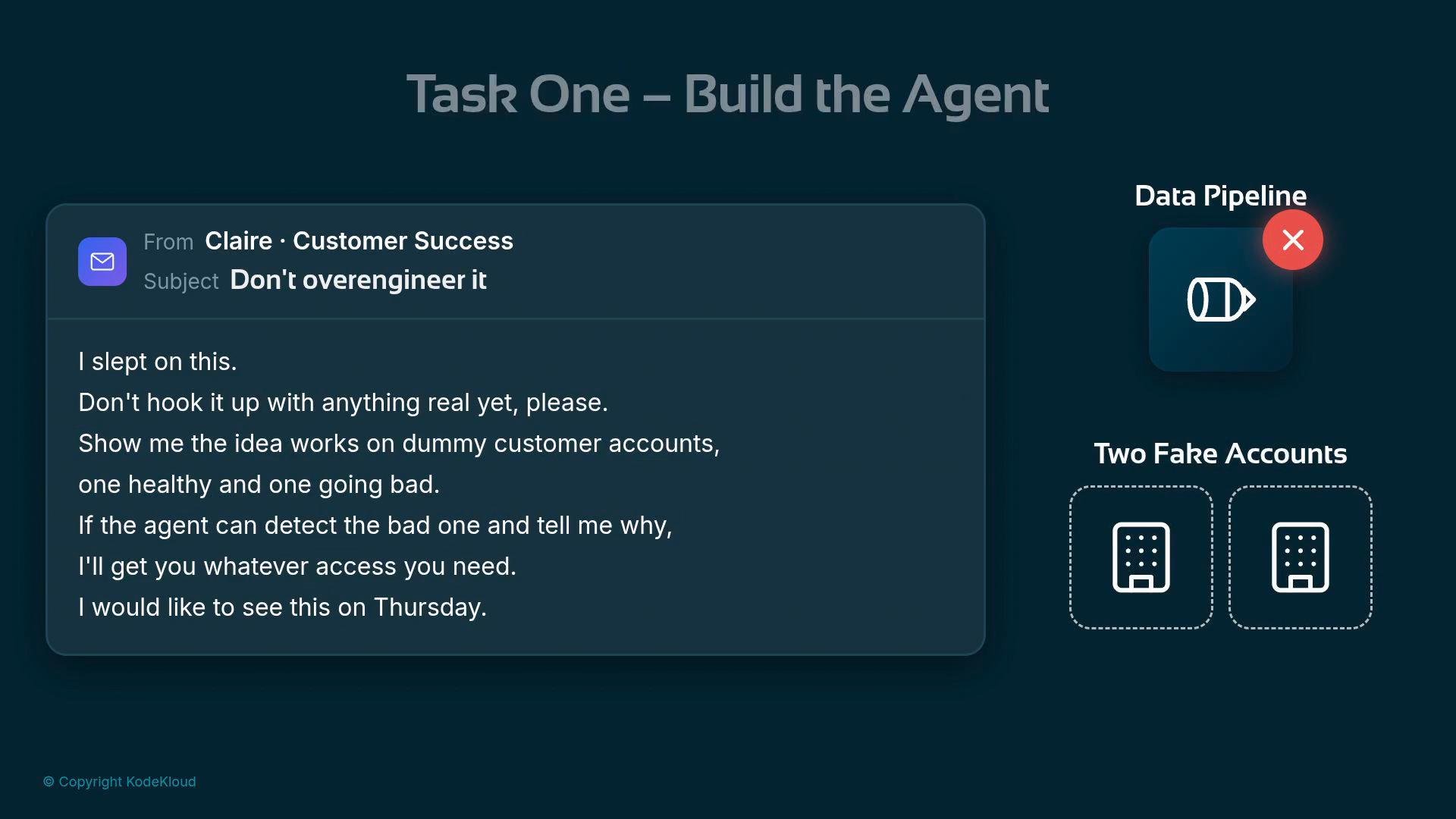
- Create a tiny in-memory dataset (two accounts) to simulate a warehouse.
- Expose a simple lookup function as a tool the agent can call.
- Instantiate an LlmAgent with that tool and an instruction telling it how to reason about churn.
- Drive the agent with a Runner and inspect the agent’s answer and the tool call it made.
- Tools in ADK are plain Python functions. The model inspects their names, signatures, and docstrings to decide when to call them.
- Keep docstrings clear: they are the tool’s advertisement to the model.
- C001 (Acme Corp): healthy, 22 logins in 30 days and 1 support ticket.
- C002 (Blipco): low activity, 1 login and 6 support tickets — likely churn risk.
A clear docstring and correct type hints are critical. The model uses them to decide whether a tool is relevant and when to call it.
Run the agent and ask Claire’s question
Use a Runner to drive a single-shot conversation:
get_customer in your code. The model inspected available tools (their names, type hints, and docstrings), determined that get_customer was relevant, and issued the call itself to retrieve evidence.
Internal tool call the agent performed:
- Start small: use fake data to validate reasoning before requesting access to production systems.
- Make tool docstrings explicit and include types — the model relies on them.
- Iterate on the agent’s instruction to refine output format (for example, require JSON output for programmatic parsing).
- Add more tools (e.g., activity history, billing, NPS) to improve evidence quality.
Do not point this prototype at production data. Use isolated test data and credentials while validating behavior. Only request real data access after you’ve shown the team the PoC results.
- ADK / Agent SDK docs (replace with your ADK provider docs)
- Python packaging and pip
- For more design patterns on tool-oriented agents see: Tool-Using LLMs