

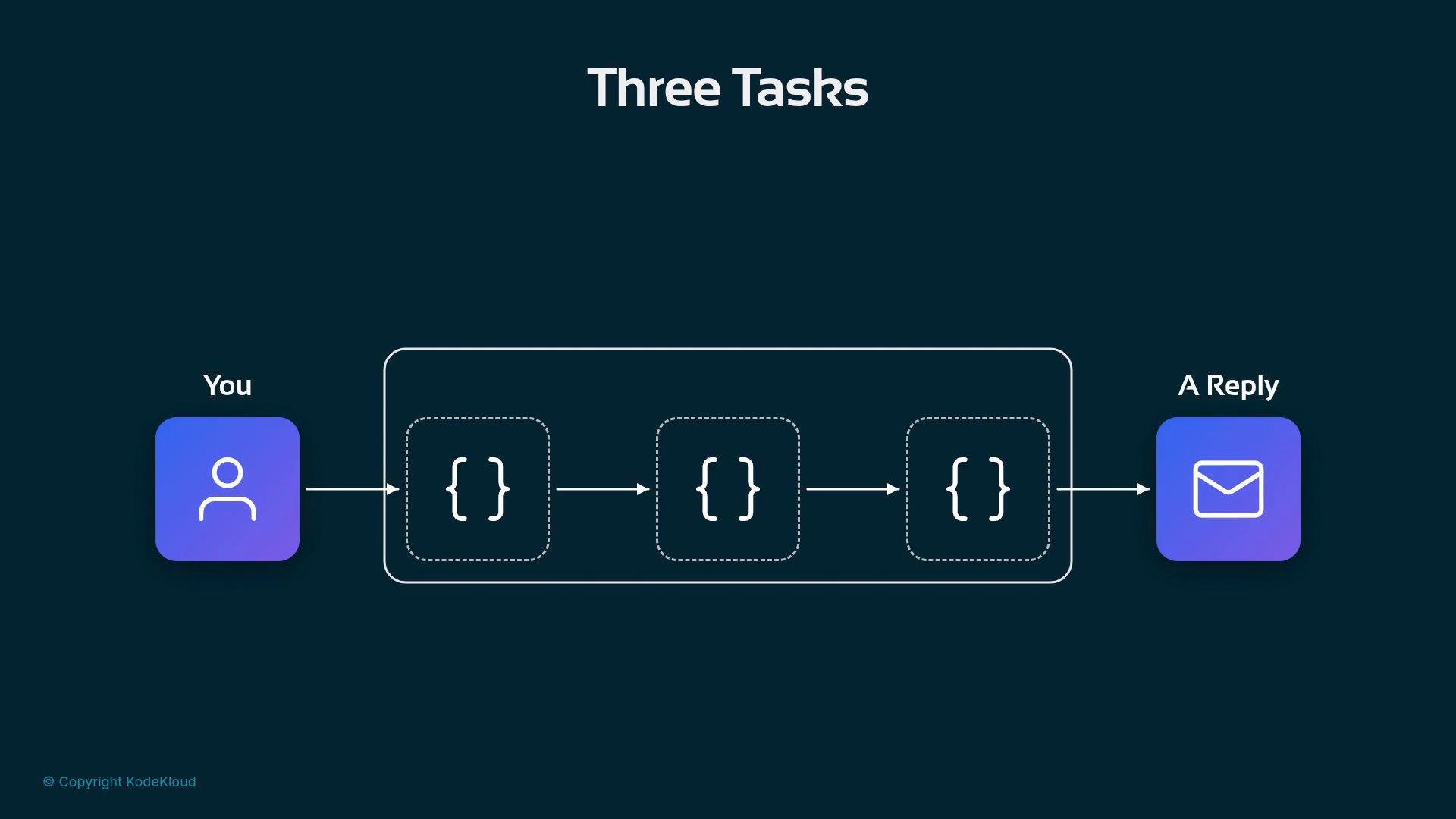
Task 1 — What is an agent?
An agent is not a single monolithic program. Conceptually it’s the composition of three simple, cooperating blocks:- A reasoning model that reads and composes answers.
- Plain‑English instructions that tell the model what to do.
- Tools the model can call to retrieve facts or run queries.
- Help a customer success team spot churn risk.
- Few logins or many support tickets → high risk.
- Provide a risk level and suggest one retention action.
Task 2 — The empty tools block
When the agent has model + instruction but no tools, it can’t fetch facts about a specific customer — the tools block is empty.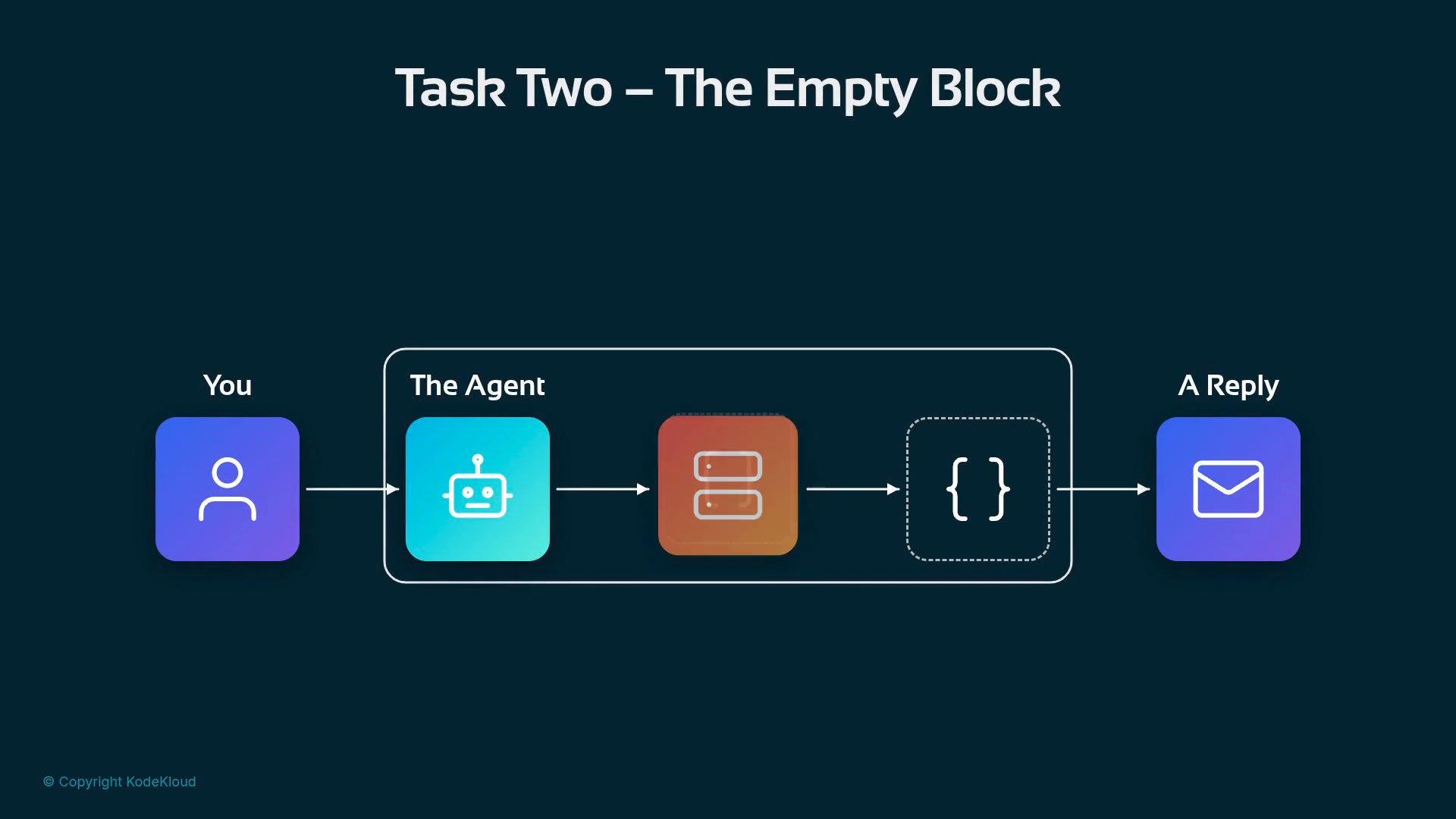

- Tools are defined and documented once on the server.
- Agents pick up available tools dynamically.
- You avoid maintaining one function per question per warehouse.
Publish tools (function definitions + endpoints) from a lightweight server so agents can discover and call them dynamically. This reduces maintenance and enables multiple agents to reuse the same, well-documented functions.
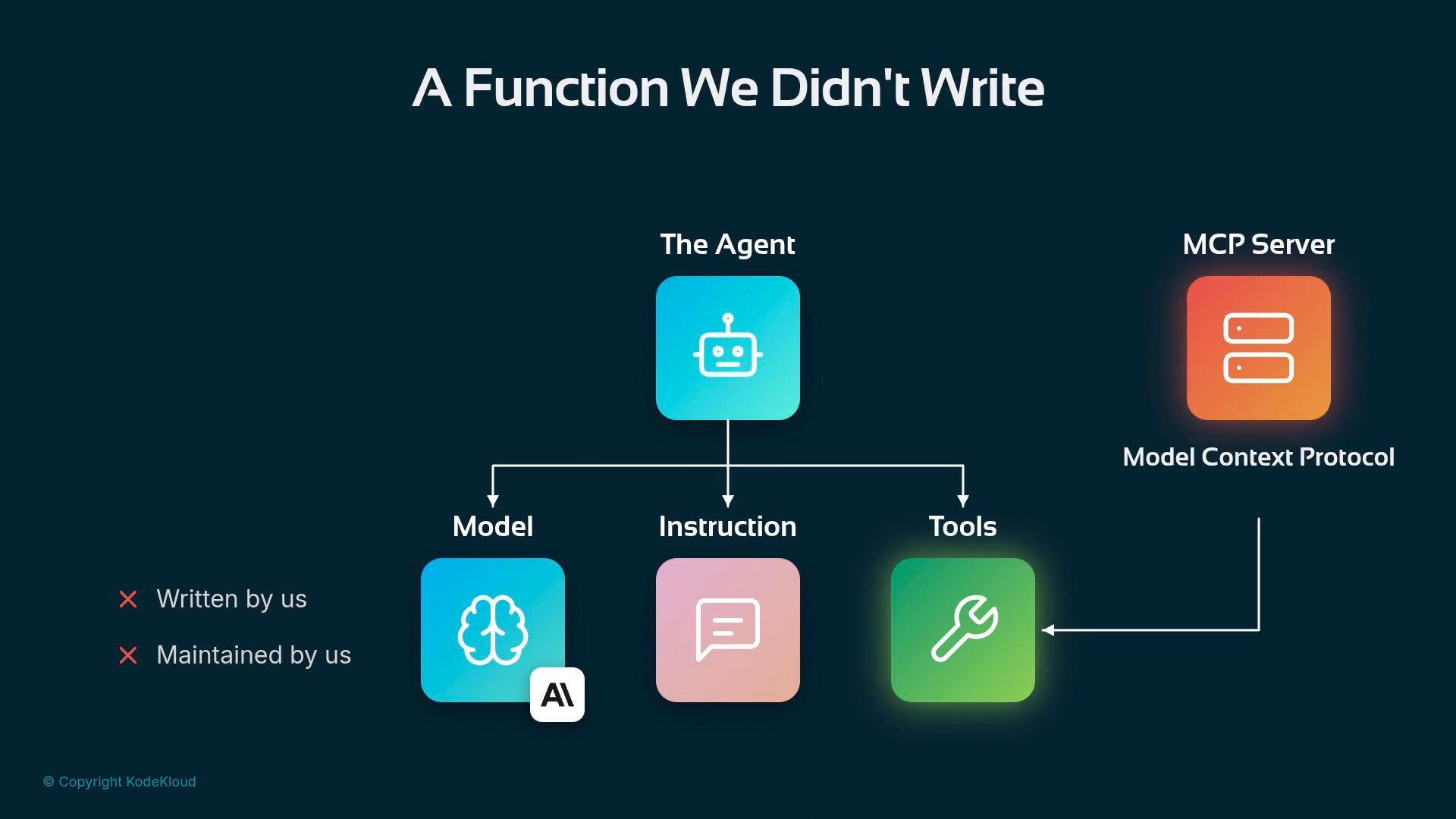
Avoid the combinatorial explosion of one-off functions. If you find yourself writing a new function for every slight variant of a query or for each warehouse, move to a discoverable tool architecture.
Task 3 — Go get the data
Now the surprise: Claire’s question about logins, tickets, and billing cannot be answered from a single warehouse. In larger organizations customer data is split across systems:- Product analytics (logins, feature usage, account age) often lives in BigQuery.
- Support tickets (text history, sentiment, urgency) may live in Databricks.
- Billing and contracts (monthly payment, contract type, contract_end_date) might live in Snowflake.
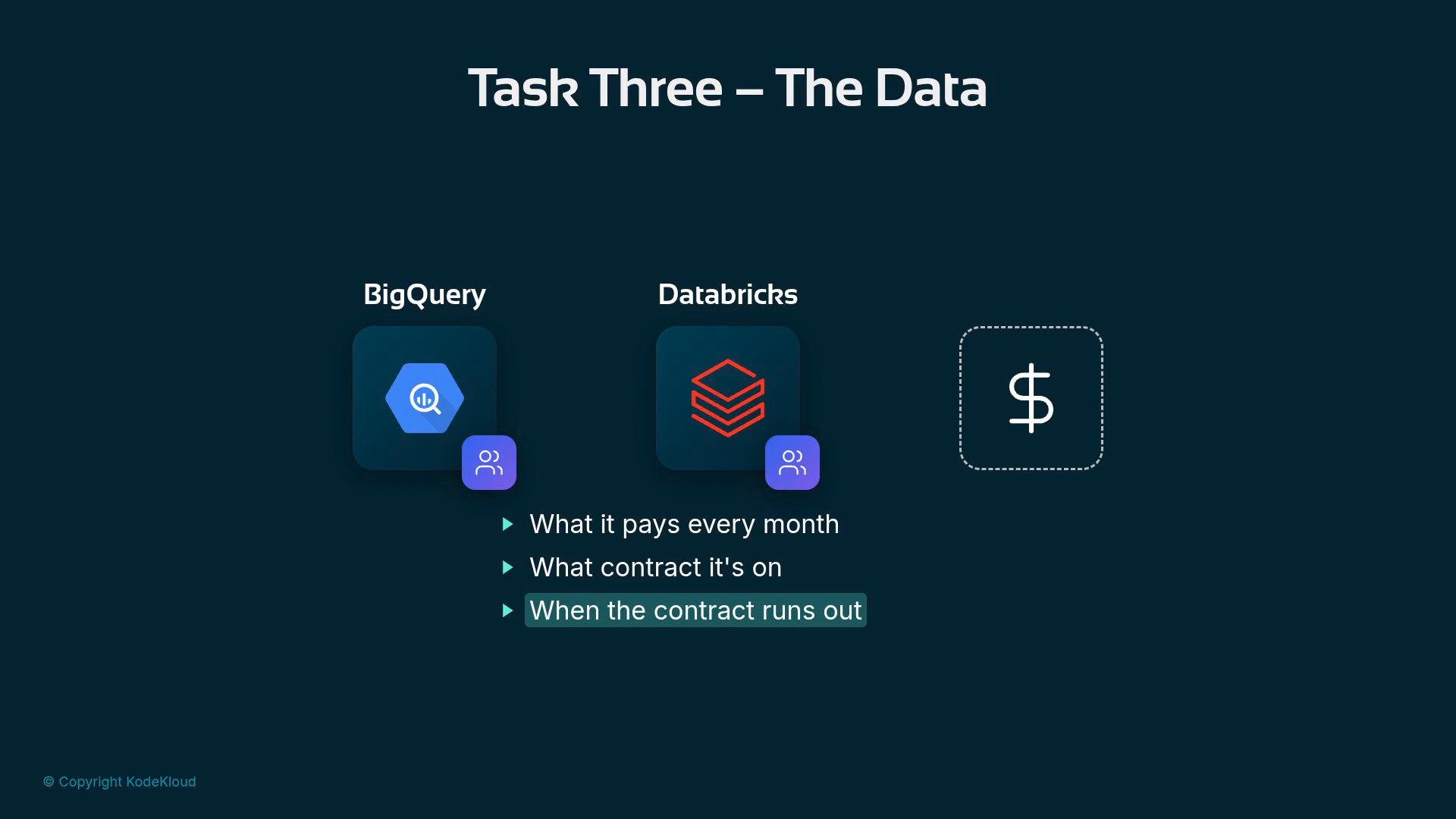
For example, Claire’s “12 renewals this quarter” is simply a count of contracts with a particular
contract_end_date:
contract_end_date -> those 12
The three warehouses contribute different layers of the same customer story. Crucially, they share the same customer ID key (e.g., cus-0003115) so you can join them into a single profile and compute features like churn risk.
Rather than writing bespoke functions per question and per warehouse, publish a set of discoverable tools (or a lightweight adapter layer) so the agent can call meaningful, well-documented functions. Example server-published tools might look like:
- The agent chooses which tool(s) to call based on the question.
- You avoid duplicating queries across agents and use cases.
- The agent combines model reasoning, instructions, and returned facts to produce a concise, factual reply to Claire.
Summary
- An agent = model + instructions + tools.
- Tools should be discoverable and server-published to avoid one-off function proliferation.
- Real data is often scattered (BigQuery, Databricks, Snowflake); join by customer ID to assemble a profile.
- With discoverable tools, the agent fetches, stitches, and reasons over the facts to label churn risk and recommend actions.