

Which five accounts have the sharpest usage drops? The MCP Toolbox lives in your project folder and publishes nine tools. Your agent must now choose the right ones to complete the churn analysis. The good news: most of your architecture stays the same.
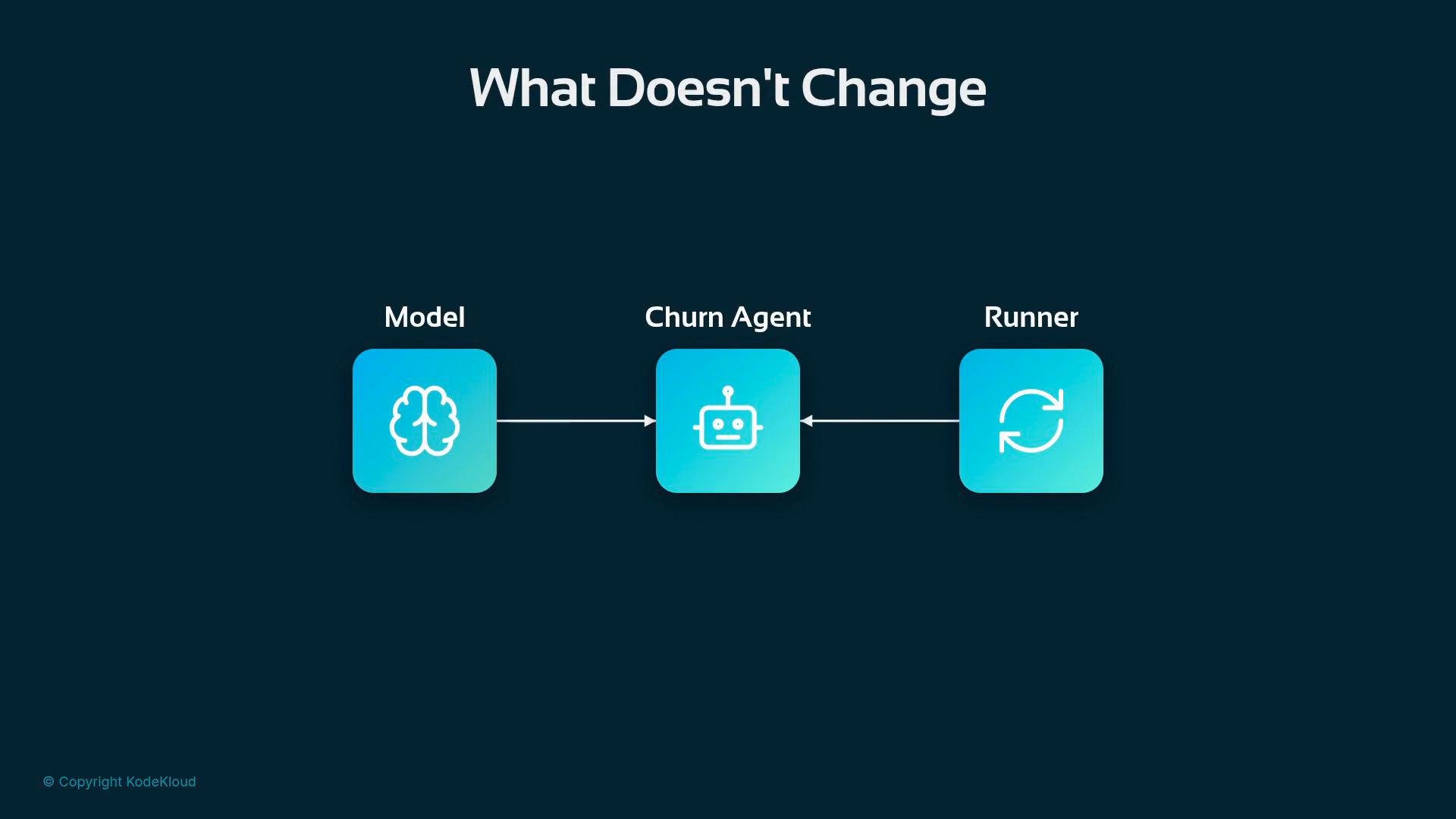
High-level setup
At a glance you wire the toolset into the agent just like any other tool:What each connection parameter means
Pass
os.environ into the subprocess environment so the Toolbox can inherit your credentials and authenticate to BigQuery.tool_filter is important: every tool you hand to the model is a potential distraction. For churn analysis the agent needs to read the schema and run queries — so that’s what you expose.
Instruction: the agent’s working context
Give the model the table and the columns it should consider. The instruction string becomes the agent’s working context:Columns: stanza and keep get_table_info in the toolset so the agent can inspect the table before querying (example below).
Running the agent — an example session
When you run the script you’ll see the Toolbox start and the ADK filter the tools the agent receives:execute_sql. For example:
You: Is customer cust-0003115 at risk?agent → execute_sql The agent composes and issues the SQL itself:
Answering Claire: Which five accounts have the sharpest drops?
Ask the agent directly and it will construct the ORDER BY / LIMIT query onusage_delta_30d:
You: Which five accounts have the sharpest usage drops right now?agent → execute_sql
Letting the agent discover schema automatically
If you want the agent to inspect the table itself, remove the explicit column list and keepget_table_info in the toolset. The agent will call get_table_info first, learn the schema, and then run queries:
Expanding agent capabilities with additional Toolbox tools
The Toolbox exposes more than SQL. Add analytics tools likeforecast or ask_data_insights and the agent can perform time-series forecasting or automated insight generation without you hand-coding those analyses:
Table: line in INSTRUCTION. The MCP Toolbox plus tool filtering gives you a compact way to surface only the capabilities the model needs while letting the model drive SQL and analyses.
Links & references
- BigQuery docs: https://cloud.google.com/bigquery
- ADK / MCP Toolbox: refer to your Toolbox distribution or internal docs for download and prebuilt plugin details
Carefully scope the
tool_filter and subprocess environment. Exposing unnecessary tools or leaking credentials into the subprocess can increase security risk. Use least privilege for production deployments.