It’s still Wednesday morning, and Lena’s offer stands. The other half of the customer is sitting in Genie Space, and her team pointed us straight at it. So, what is a Genie Space? Genie Space (part of Databricks) is a natural-language-to-SQL layer: a semantic layer that maps curated table metadata and human-friendly instructions into executable SQL. Lena’s team curates a set of tables and adds guidance on how to interpret them — in our case, the support_tickets table.
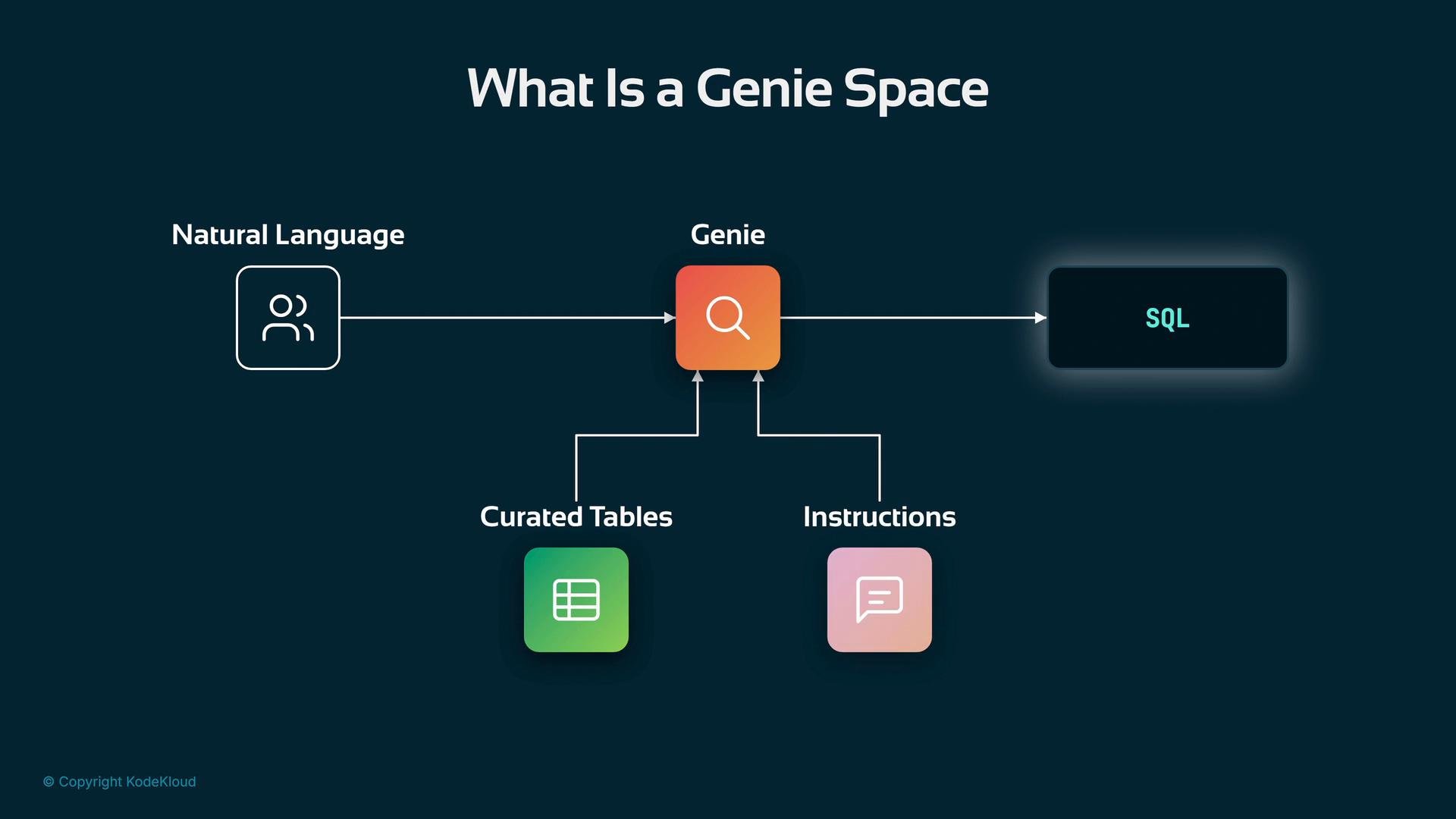
A diagram titled "What Is a Genie Space" showing natural language input flowing into a central "Genie" module that outputs SQL. The Genie is supported by curated tables and instructions feeding into it.
Because Genie is part of Databricks’ semantic layer, it already understands the catalog’s richer metadata — types, semantics, and curated instructions — so the agent no longer needs to craft raw SQL. Genie translates natural-language queries into SQL against curated tables and executes them under the identity represented by your Databricks token. Summary: Genie acts as an NL-to-SQL semantic layer that:
  • Knows curated table semantics and documentation.
  • Generates SQL for you and executes it using the Databricks identity/token.
  • Enables agents to ask higher-level, business-centric questions instead of raw SQL.
Support tickets dataset (example)
  • One row per ticket.
  • Important columns include ticket id, customer id (join key), category, priority, sentiment, hours-to-resolution, and a resolved boolean.
Fields overview Initial minimal export (example)
A more complete export includes resolution status and hours-to-resolution:
How Genie affects the agent architecture
  • Previously, the agent needed direct access to data sources and sometimes was responsible for writing SQL.
  • With Genie, the agent issues natural-language prompts; Genie generates and executes SQL against the curated semantic layer.
  • The agent’s responsibility shifts to higher-level orchestration and interpretation of results rather than SQL generation.
Authentication and governance To call the Genie endpoint you:
  1. Create a Databricks personal access token or use an OAuth app for production.
  2. Send the token as a Bearer token in the Authorization header when calling the MCP/Genie endpoint.
Example HTTP request to the MCP/Genie endpoint:
What the token represents
  • The token maps to your Unity Catalog identity and governs the resources and tools visible to the agent.
  • When the agent asks the MCP server what tools exist, MCP returns only the tools and metadata allowed by the token’s permissions.
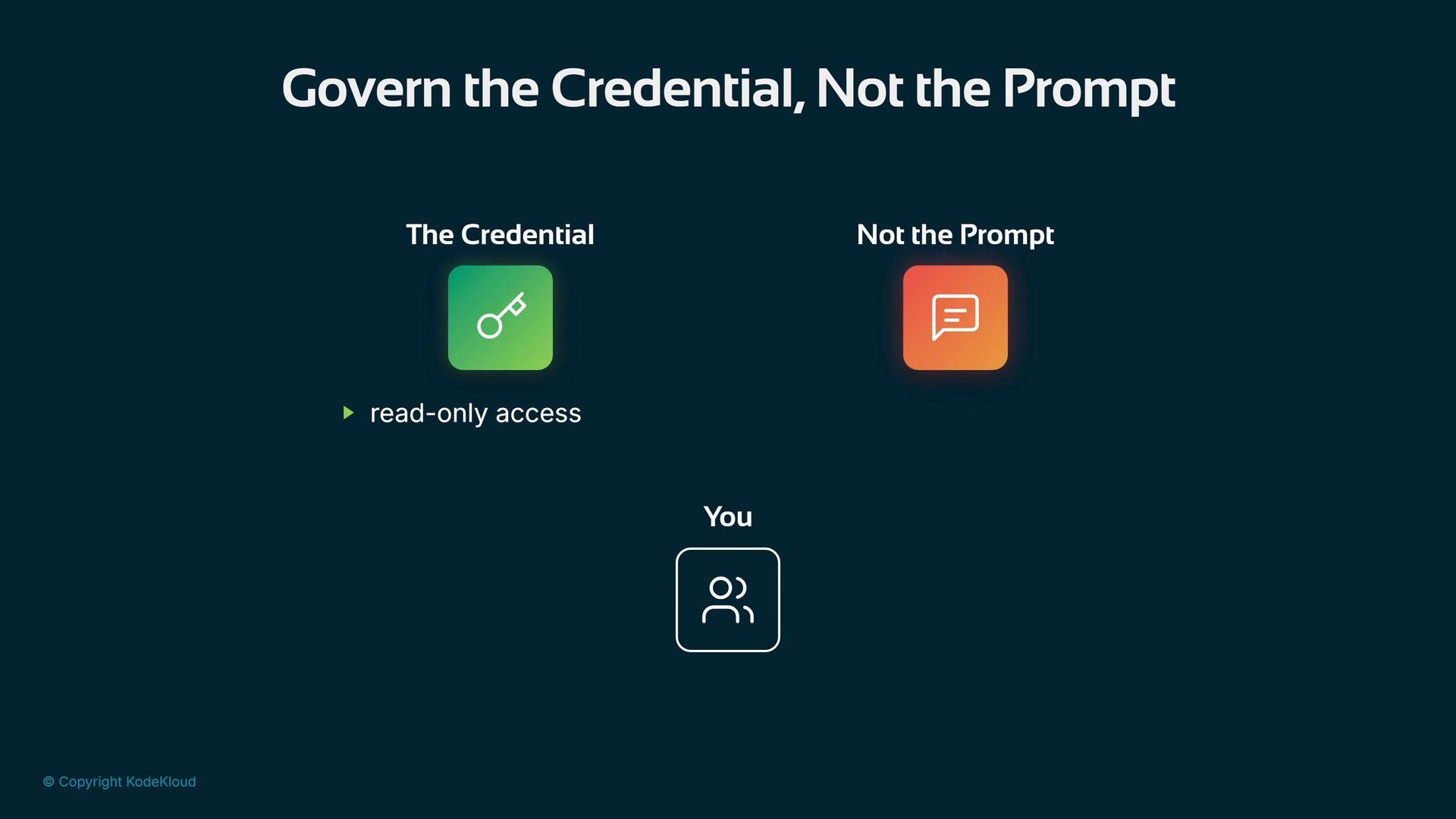
Key security principle: govern the credential, not the prompt — enforce access via scoped credentials rather than relying on prompt constraints.
A presentation slide titled "Govern the Credential, Not the Prompt" showing a green key icon labeled "The Credential" with "read-only access," an orange chat-bubble icon labeled "Not the Prompt," and a user icon labeled "You" below.
Always scope the Databricks token to the minimum privileges needed. Enforce governance at the credential level instead of relying on prompt restrictions.
Agent configuration changes when calling Genie Previously, the toolset used a local stdio binary connection:
With Genie you call a hosted MCP/Genie URL. Swap the connection to StreamableHTTPConnectionParams and provide the workspace host, authorization header, and timeout:
Environment variables Example .env entries:
Adjust your agent instruction to reference the semantic layer and the curated column semantics (instead of describing raw column usage):
No extra Python packages are required beyond the Databricks/BigQuery build and your existing agent code. Query example: ask the question BigQuery couldn’t answer Ask: “What are the support tickets for cust-0003115?” Genie writes SQL, runs it on the curated support_tickets table, and returns the detailed rows:
Compare that to the limited insight you had a week ago with BigQuery: it returned count-only results (e.g., 5), but lacked categories, priority, sentiment, resolution times, and resolved status — all of which are crucial for taking action.
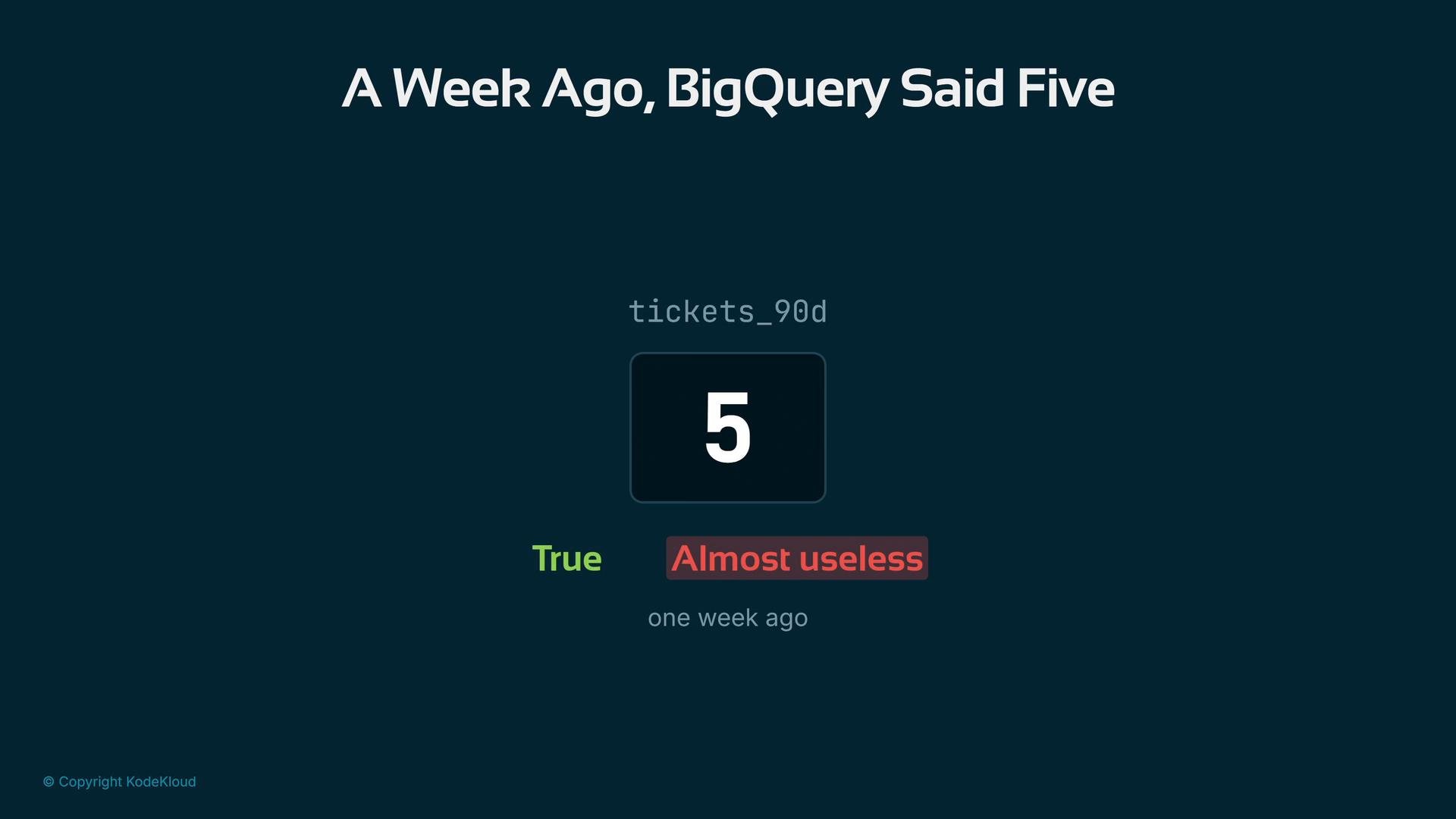
A dark-themed screenshot titled "A Week Ago, BigQuery Said Five" with a centered boxed number "5" labeled tickets_90d. Below it are green and red badges reading "True" and "Almost useless," and a "one week ago" timestamp.
This customer (cust-0003115) has been fighting with your billing system for three months, complained four separate times, waited nearly two days for answers, and currently has two open tickets. The agent’s risk verdict did not flip (it was high before and remains medium-to-high), but now you have a full picture to act on.
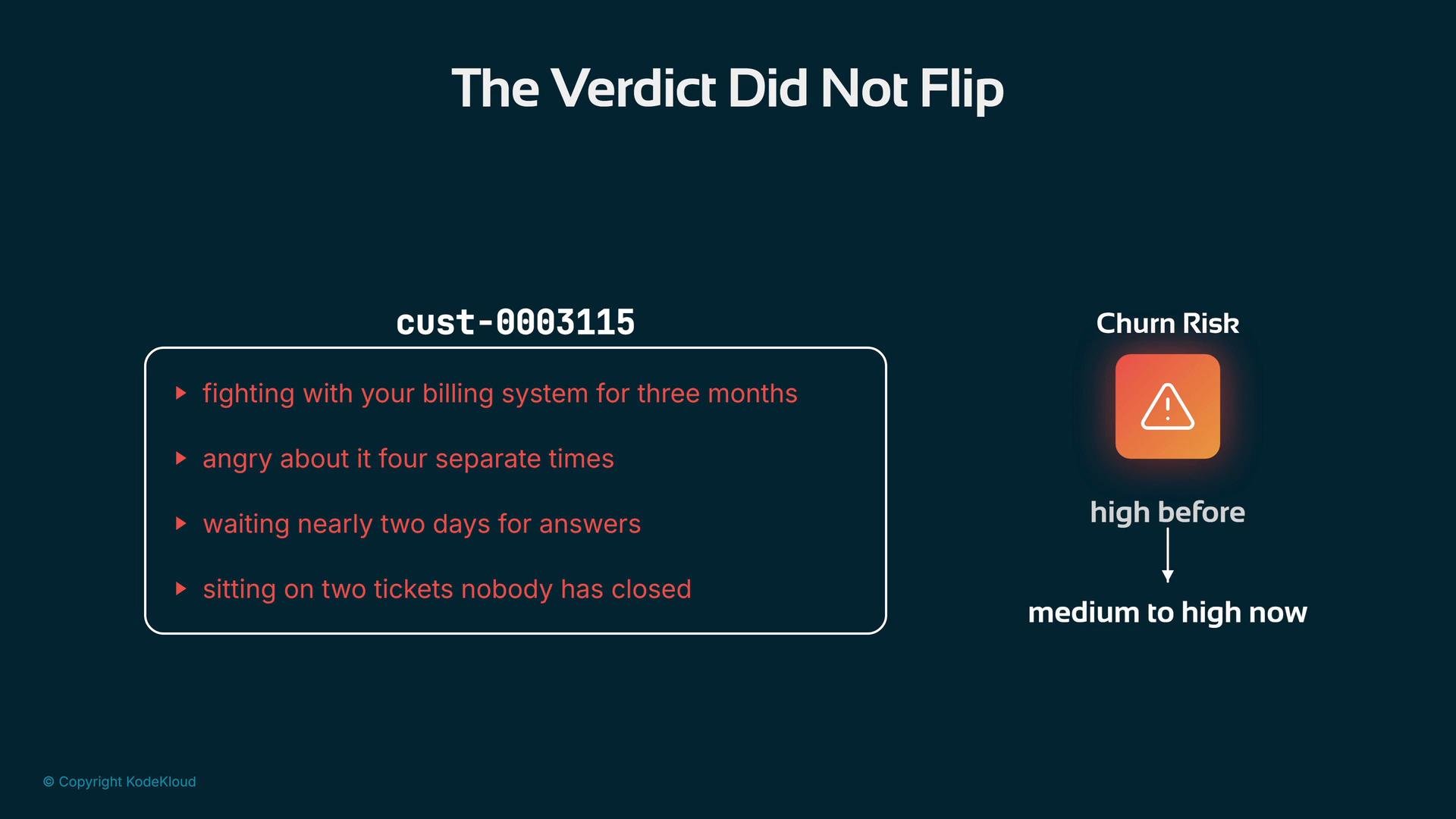
A dark teal presentation slide titled "The Verdict Did Not Flip" lists customer cust-0003115's complaints (billing fights, slow responses, open tickets) on the left. On the right is an orange warning icon labeled "Churn Risk" showing the risk moving from "high before" to "medium to high now."
Links and references

Watch Video