

- Whose credentials is the agent using?
- What can those credentials actually do?
- What stops it from running a DELETE query?
Whose credentials is the agent using?
You gave the toolbox your Application Default Credentials: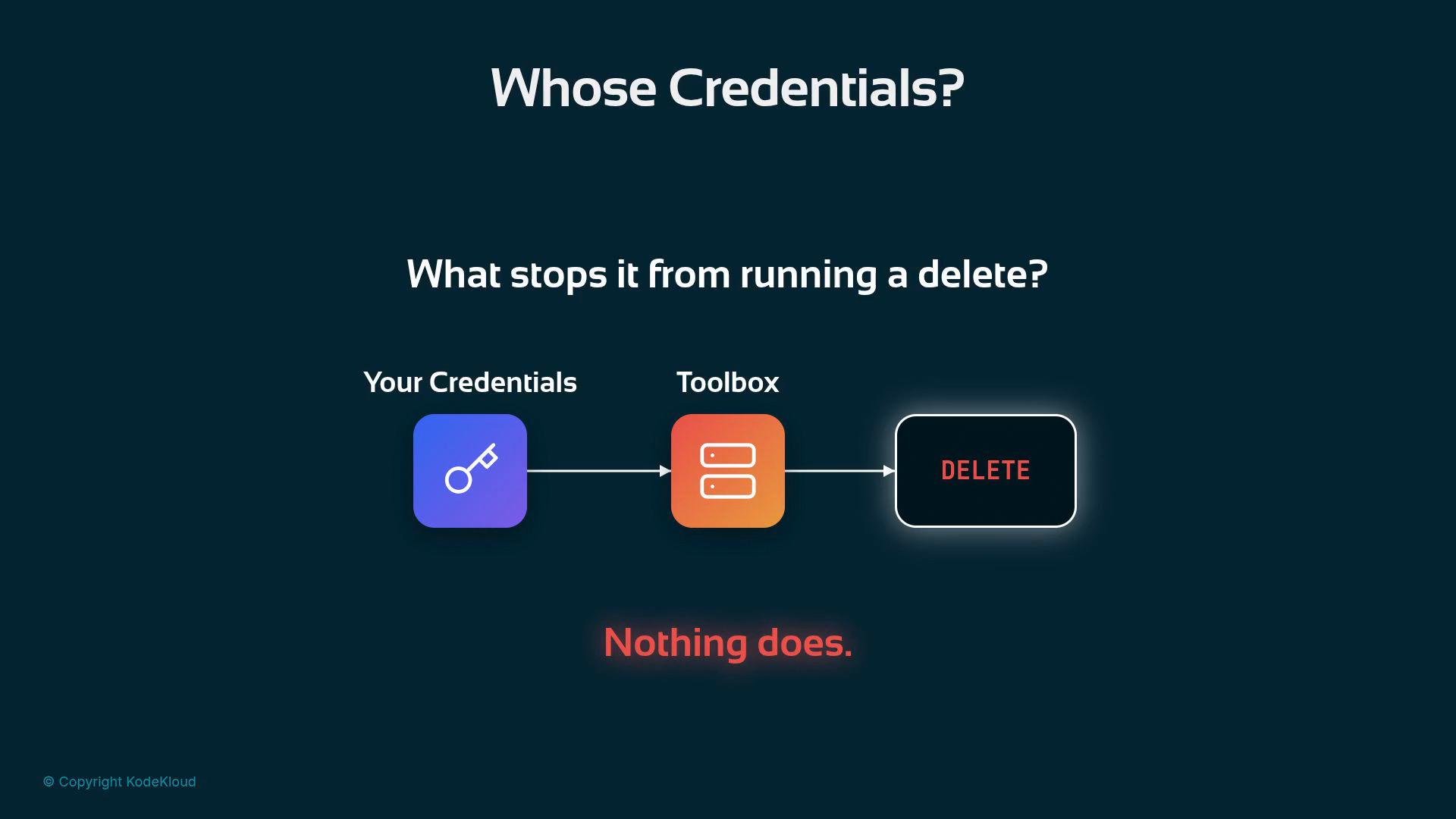
Why prompt-based guards fail
A polite instruction in the prompt is not a security control. For example, this prompt-based guard is ineffective:The real fix: govern credentials with least privilege
Create a dedicated service account for the toolbox and grant only the minimal roles it needs. Do not use your ADC or personal credentials for open-ended agents. Recommended minimal roles for a read-only analytics agent:
Give no write roles and no admin roles. With only these permissions, a DELETE or DROP will be refused by BigQuery because the service account does not have write privileges.
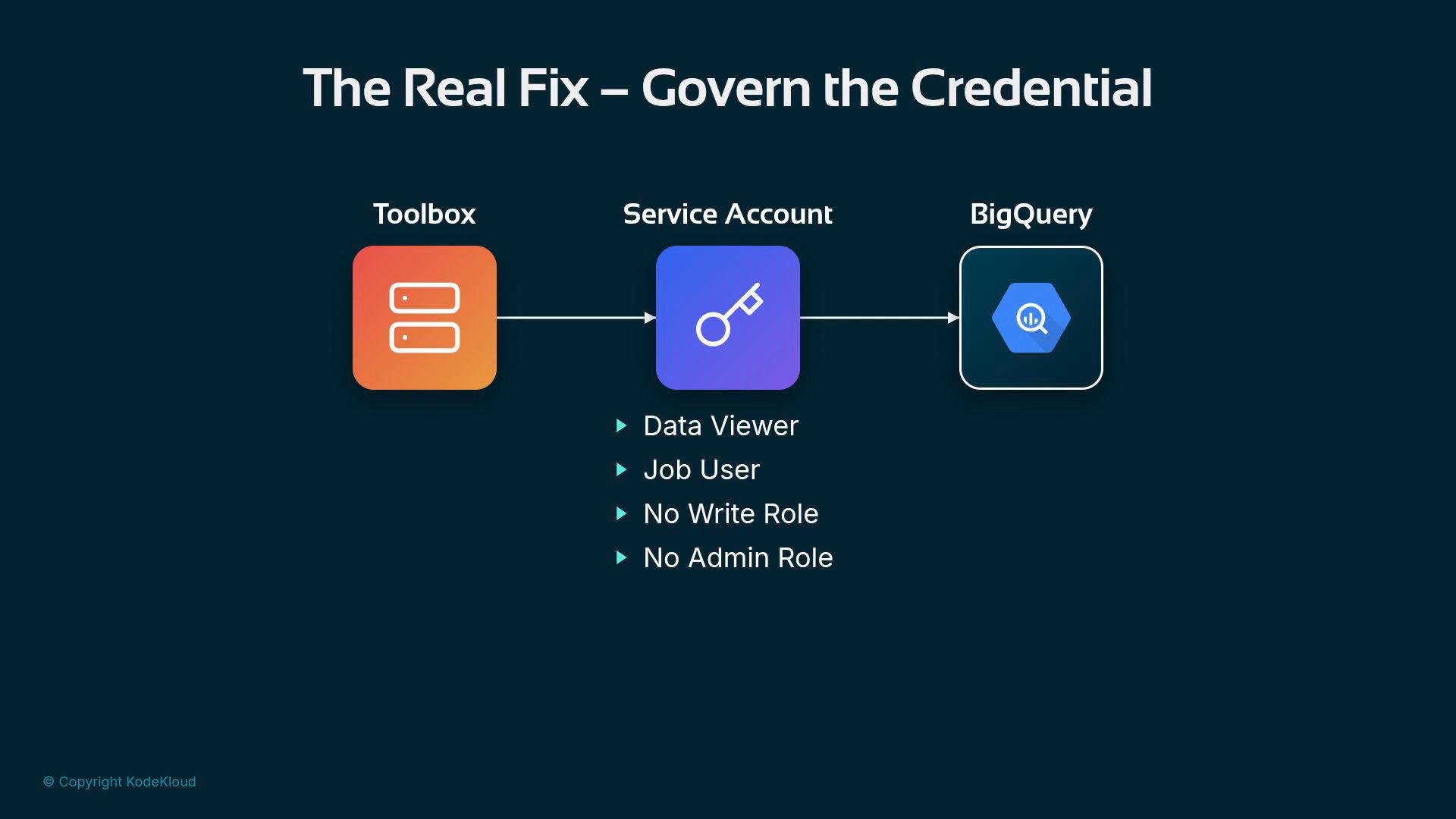
Give the agent the least privilege it needs. Use dedicated service accounts or keys with read-only permissions for open-ended queries, and reserve write permissions for tightly controlled tooling.
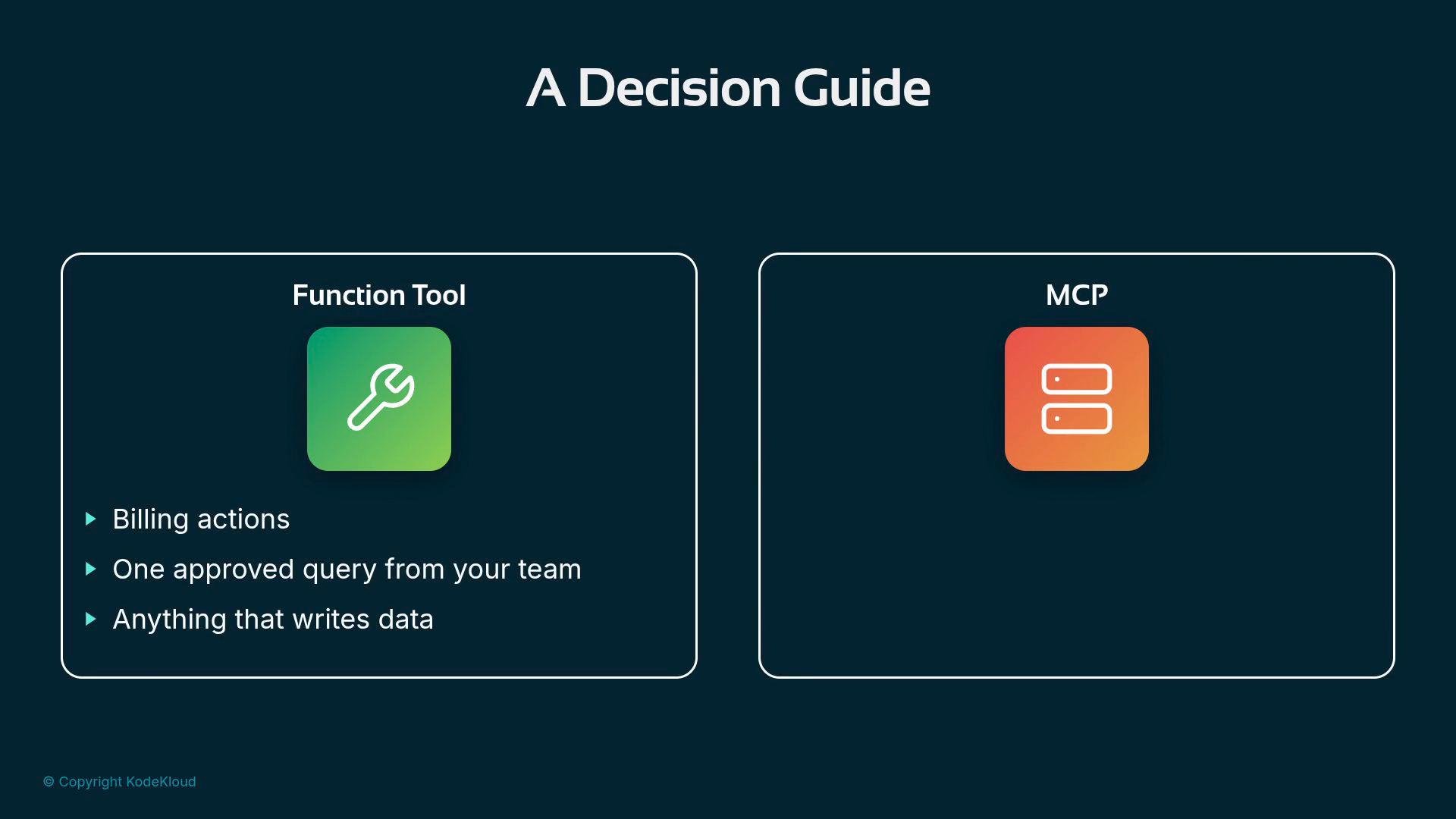
Decision guide: Function tool vs MCP-style toolset
When should you lock functionality behind a fixed function tool vs. provide an open-ended toolset (MCP-style)?
Use a function tool when you must guarantee a particular action (especially writes). Use an MCP-style toolset for read-heavy, open-ended questions where the same controlled data surface is shared across agents or applications. The two approaches can be composed — for example, an agent might use an MCP read toolset for exploration and call a function tool for a single allowed write.
Learn more about MCP patterns here: MCP-style toolset
One more point: avoid single-warehouse blind spots
All of the agent’s answers so far came from a single warehouse: BigQuery. That gives you a narrow view of the customer.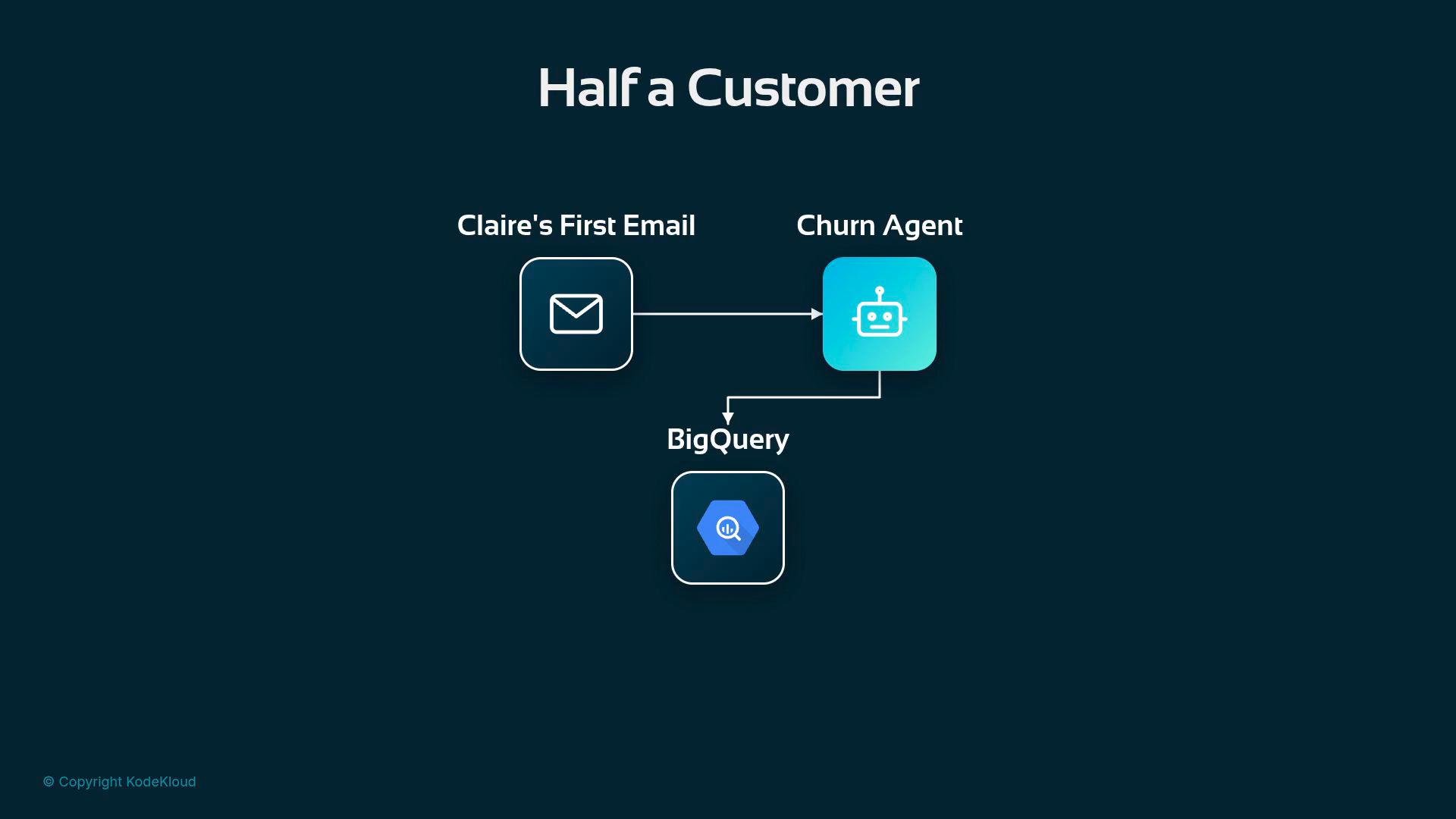
- Consolidating relevant sources into the controlled MCP surface, or
- Allowing dedicated read-only connectors for each source the agent should consider, with governed credentials for each connector.
- Do not give agents your personal ADCs for open-ended access.
- Create dedicated service accounts with least privilege (
bigquery.dataViewer,bigquery.jobUser) for read-only agents. - Use function tools for any write or billing-sensitive action.
- Combine MCP-style read toolsets with tightly controlled function tools when both exploration and a single allowed write are needed.
- Ensure agents can access all relevant data sources (not just one warehouse) to avoid partial or incorrect conclusions.