

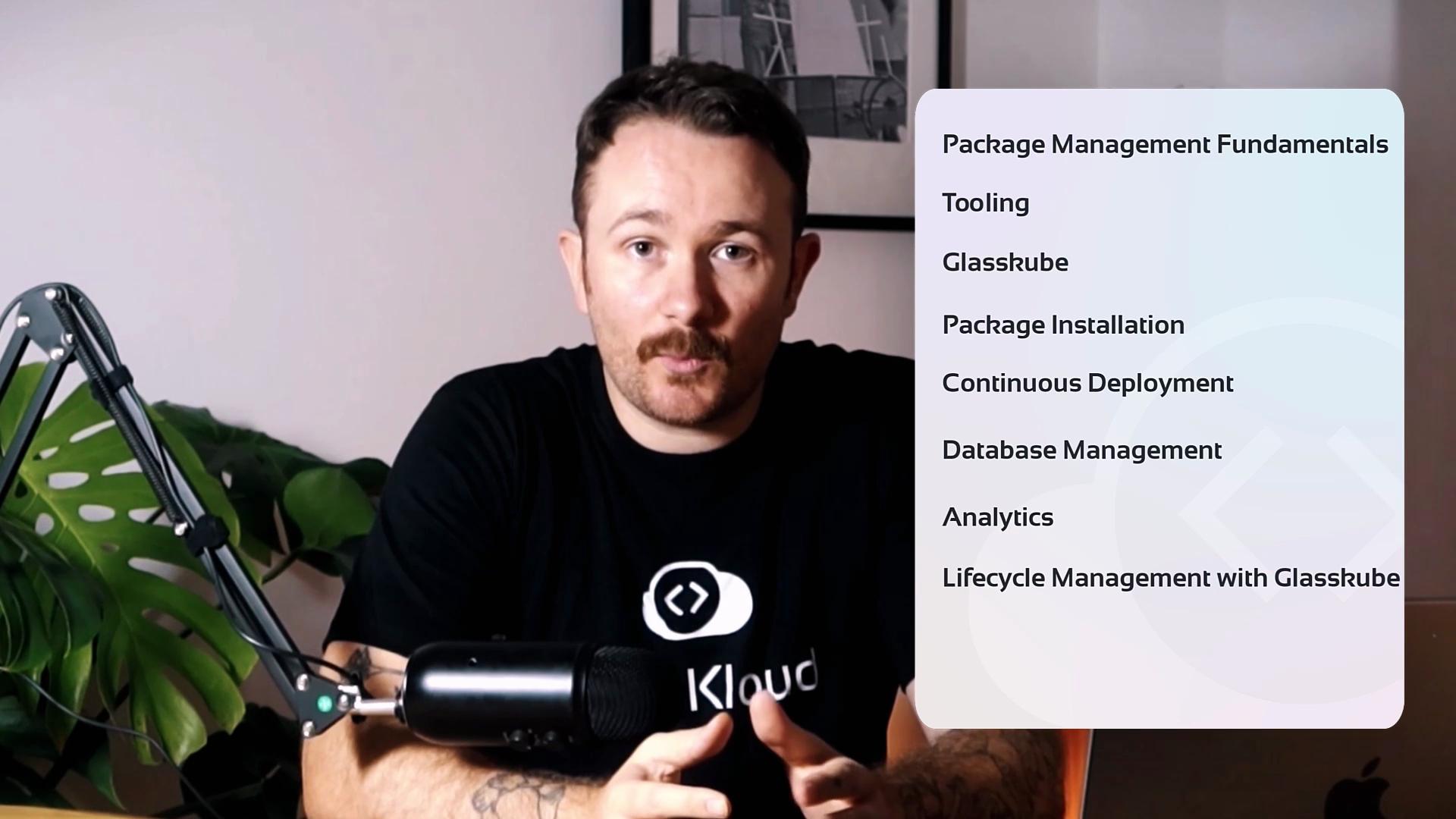
This course is focused on actionable workflows:
- Start with cluster validation and environment setup.
- Learn manifest and Helm best practices to keep deployments predictable.
- Use Glasskube to simplify package installations, updates, and rollbacks.
- Apply observability patterns: monitoring, logging, and alerting using community charts.
- Explore lifecycle and multi-repo strategies that scale across teams.
- Adopt GitOps practices for declarative, auditable package management.
- Interactive browser labs let you run the same commands shown in the lesson against a live cluster sandbox.
- Step-by-step exercises guide you through installing five common packages with Glasskube, validating deployments, and troubleshooting common issues.
- Each lab includes expected outputs, troubleshooting tips, and links to the upstream chart or project.
Join the community to ask questions, share insights, and collaborate with fellow learners as you progress through the labs and exercises.