

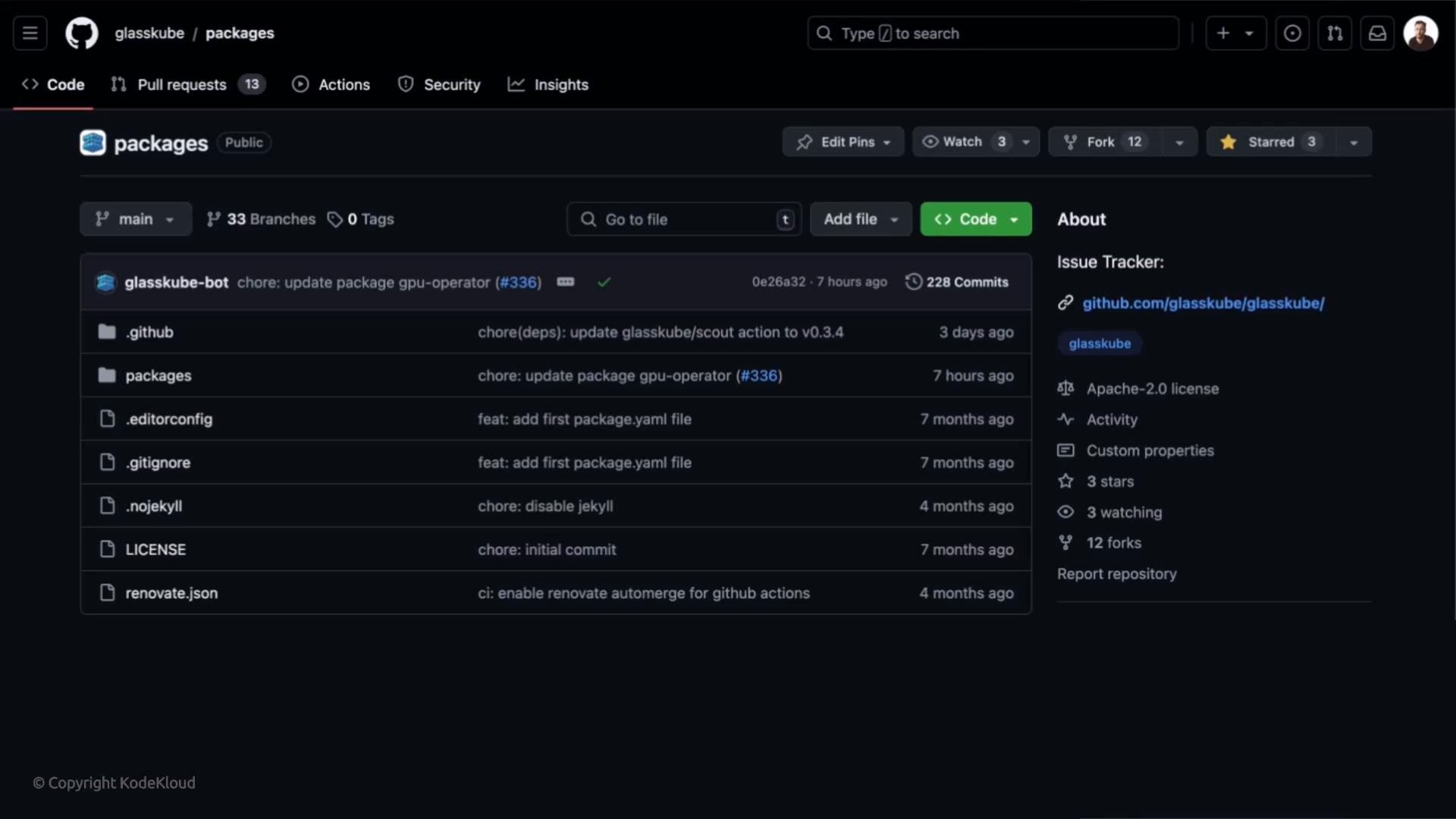
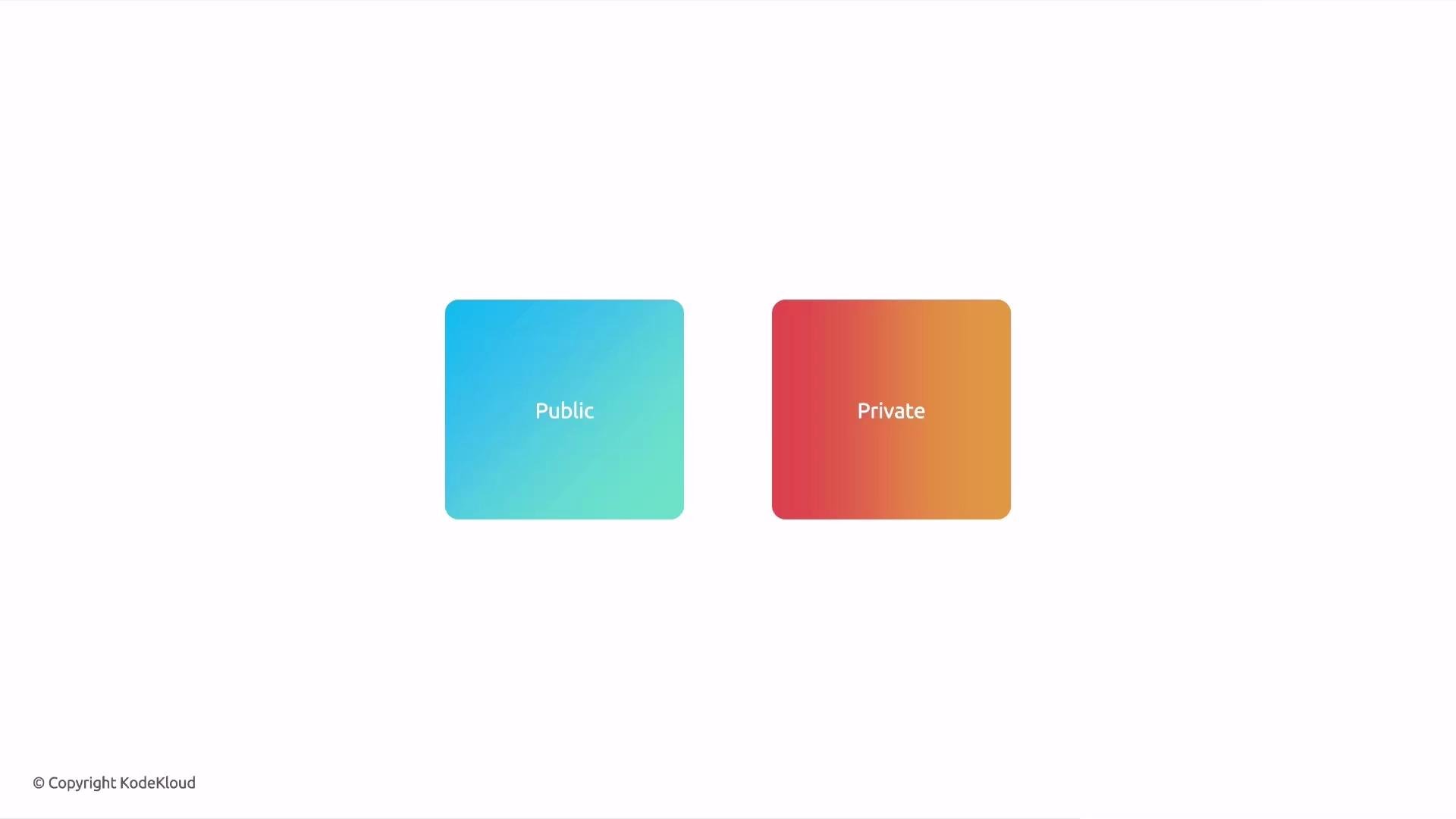
- Host organization-specific packages in a private repository.
- Create team-level repositories for independent development and controlled sharing.
- Maintain dev/test/staging registries and promote to production once validated.
index.yaml or packages) containing metadata for each package: name, latest version, short description, and optionally an icon URL. Point Glasskube at the raw file URL (for example, https://raw.githubusercontent.com/user/repo/branch/path/index.yaml) so it can parse package metadata directly. Avoid pointing to GitHub HTML pages or directory URLs.
Example index YAML (trimmed):
Glasskube parses the raw YAML index directly. Use the repository’s raw file URL (for example,
https://raw.githubusercontent.com/.../index.yaml) — do not use GitHub UI or directory URLs since those return HTML, not the raw YAML.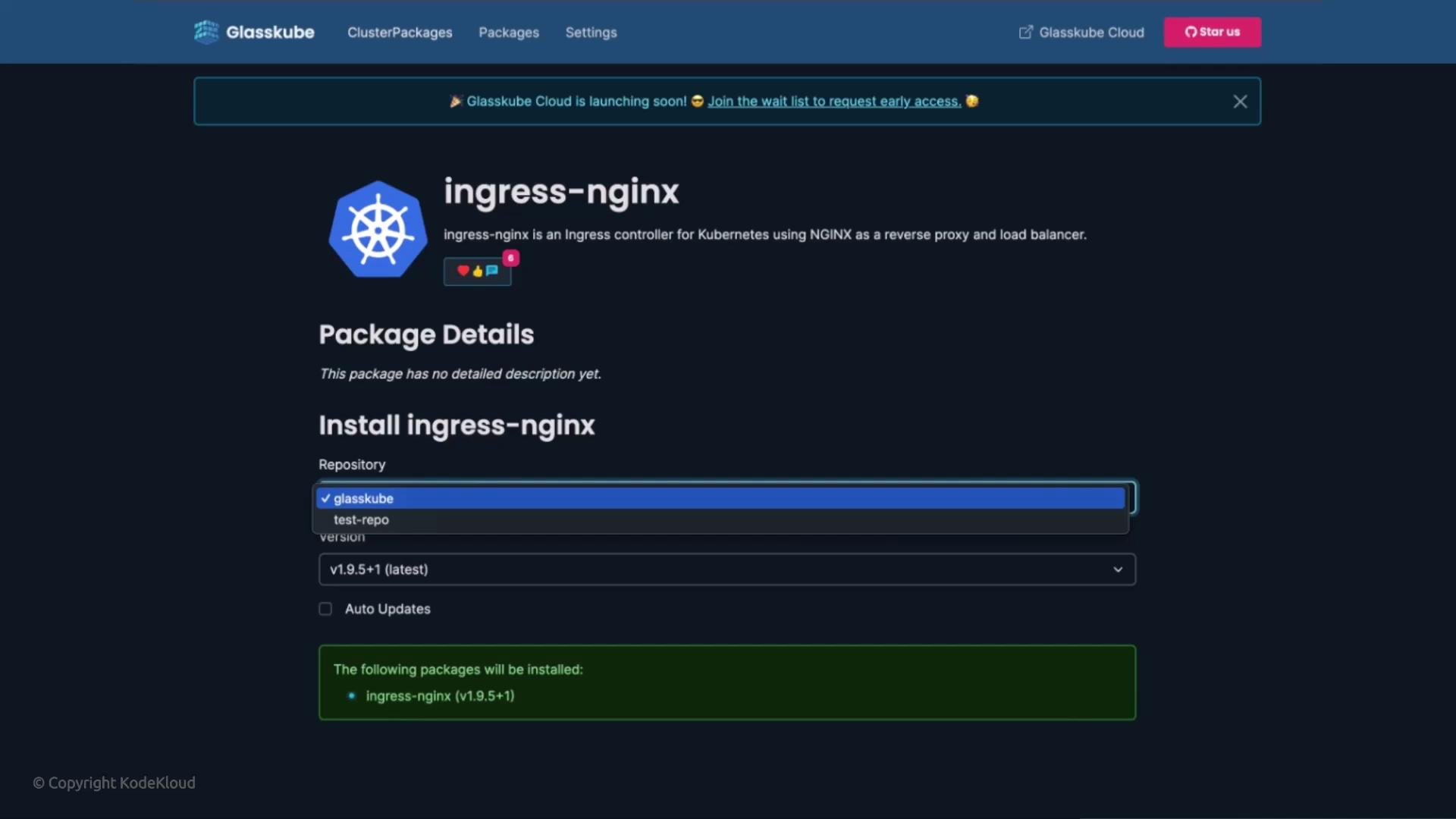
If you run
glasskube repo add without an --auth value when one is expected, the CLI will return usage help:
- In GitHub, go to Settings → Developer settings →
Personal access tokens. - Create a token with the minimum scope required (prefer repository-read access or fine-grained tokens scoped to the packages repository).
- Use that token with
--tokenor enter it interactively when prompted.
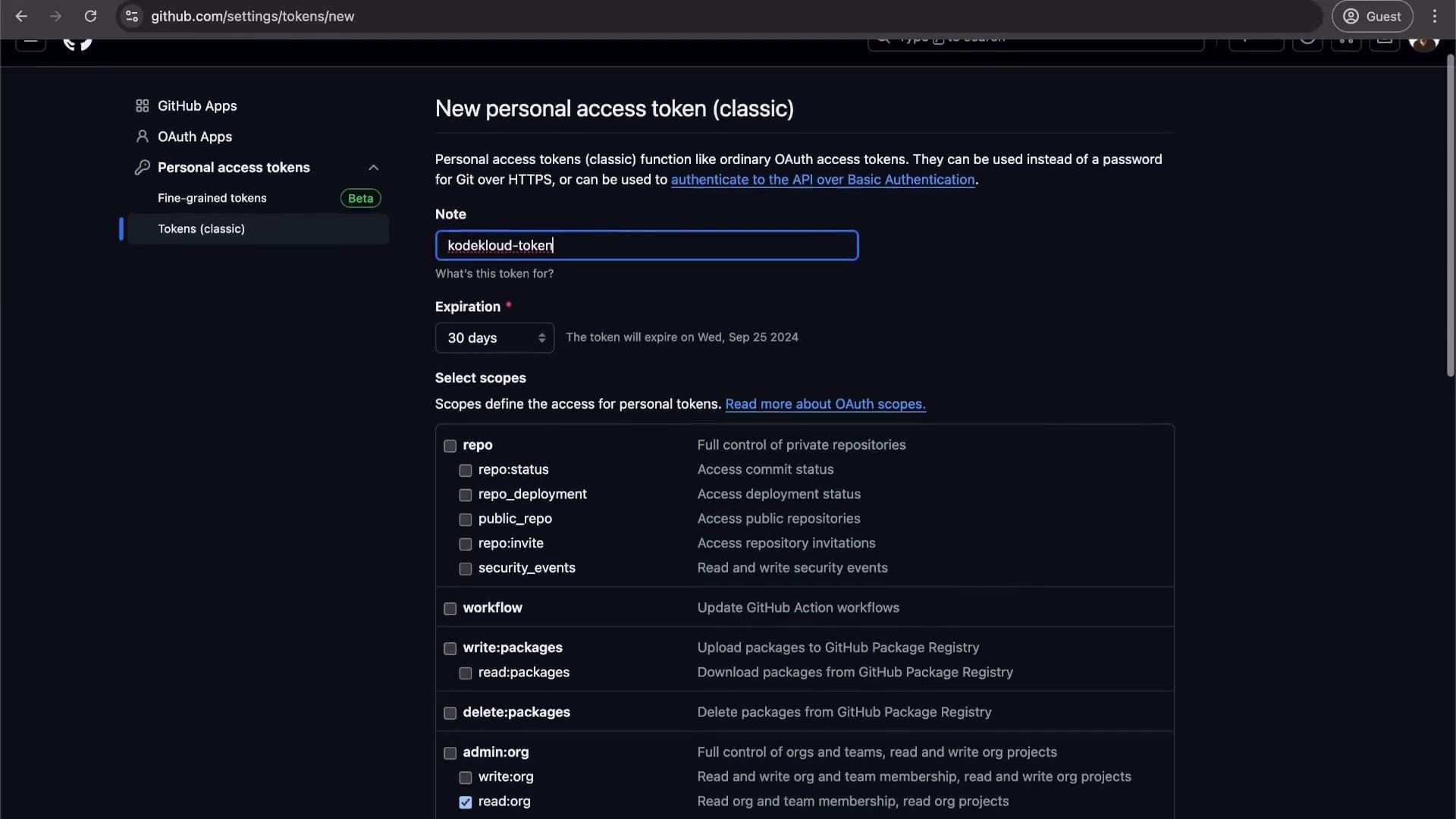
glasskube repo list will include the AUTH column and show the detected package count:
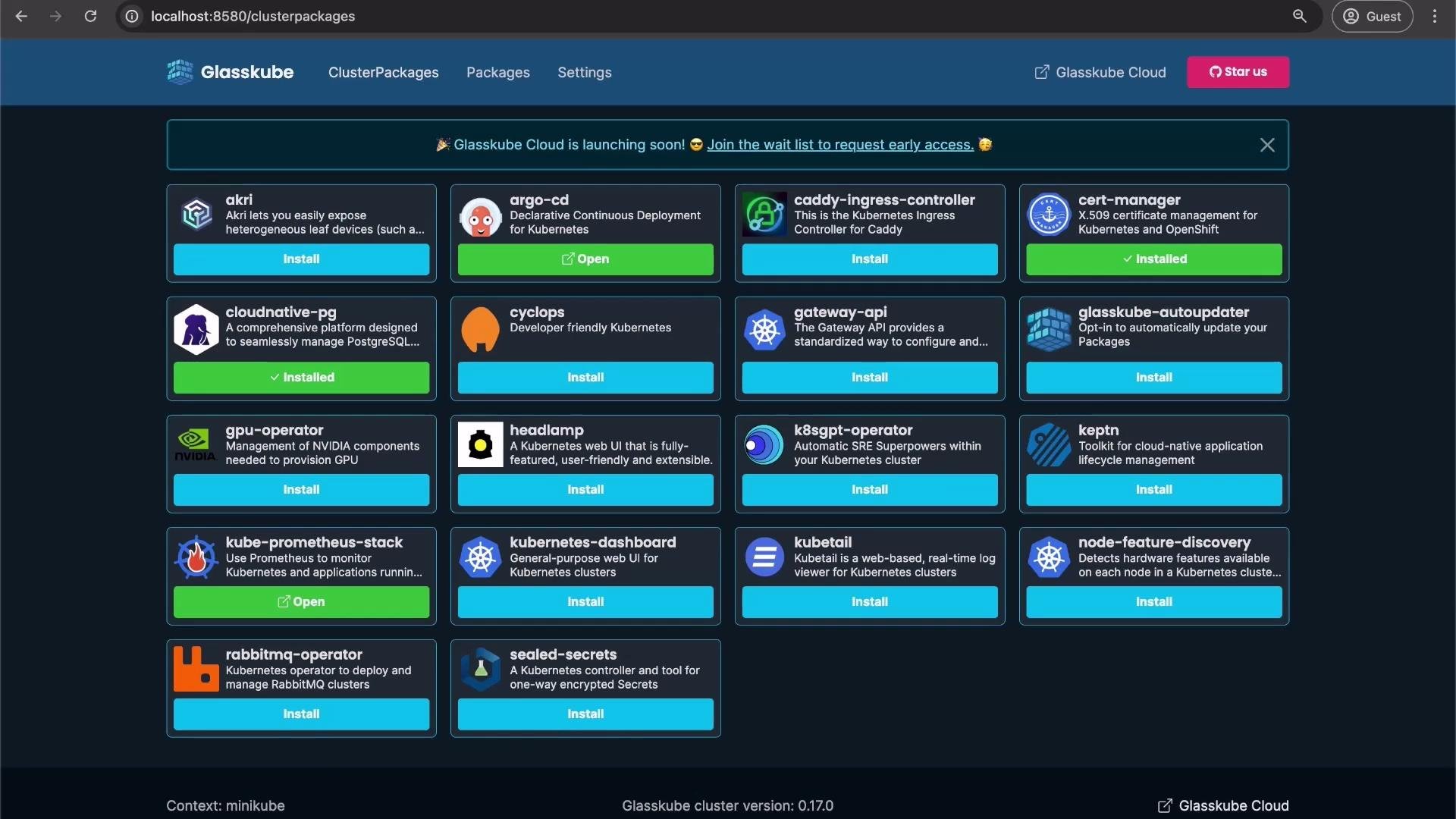
- Aggregate public and private package sources,
- Segregate dev/test/staging registries,
- Implement team or org-level package governance,
- Promote packages between repositories as part of your release workflows.
Always protect access tokens and follow least-privilege principles. Prefer fine-grained tokens or repository-scoped access when possible, and avoid embedding tokens in shared scripts or version control.
- Glasskube documentation: https://docs.glasskube.dev/ (if available)
- GitHub: Creating a personal access token — https://docs.github.com/en/authentication/keeping-your-account-and-data-secure/creating-a-personal-access-token