

- Cluster-scoped packages manage cluster-wide resources such as
ClusterRole,ClusterRoleBinding, andCustomResourceDefinition(CRD). - Because they operate at the cluster level, these packages are typically installed once per cluster and shared across namespaces.
- Common use cases: cluster networking, global observability, cluster-wide security tools, and CRD providers.
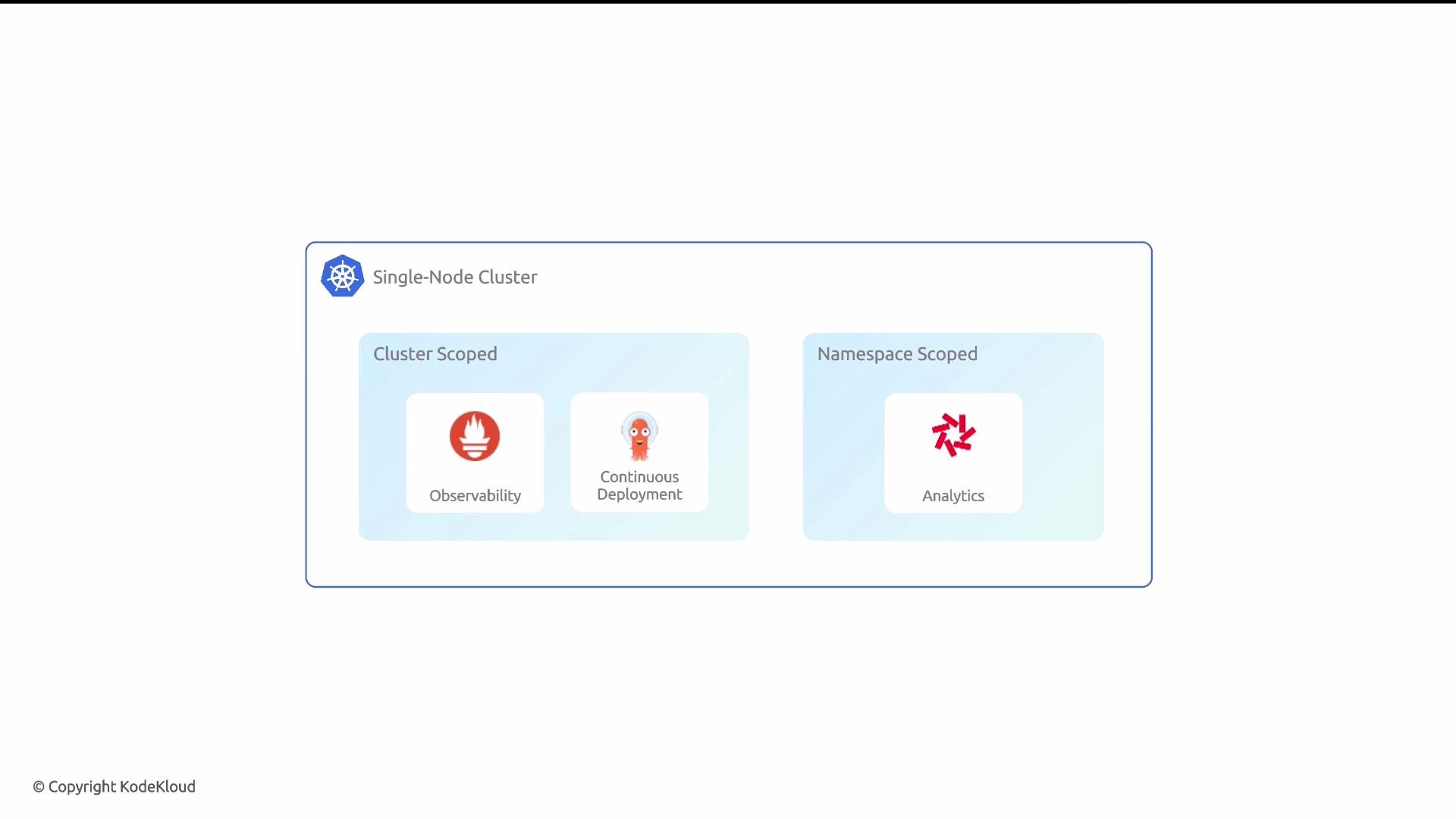
- Namespaced packages are confined to a single Kubernetes namespace and don’t manage cluster-level resources.
- They can be installed multiple times in different namespaces, providing isolated instances for teams, environments, or applications.
- Common use cases: per-team deployments, environment-specific instances (dev/stage/prod), and application-scoped tooling.
- Use cluster-scoped packages for functionality that must be shared across the cluster or that manages cluster-level resources (e.g., networking, cluster-wide monitoring, CRDs).
- Use namespaced packages when you need multiple isolated instances of the same package (e.g., separate team environments) or when the package only affects resources within a single namespace.
Cluster-scoped packages are ideal for functionality that must be installed only once per cluster (e.g., an operator that provides CRDs). Namespaced packages are best when you need repeatable, isolated deployments across namespaces.
- In the Glasskube web UI:
- Cluster-scoped packages appear under the
Cluster Packagestab. - Namespaced packages appear under the
Packagestab.
- Cluster-scoped packages appear under the
kind to ClusterPackage for cluster-scoped packages or Package for namespaced packages. For example:
Be cautious when authoring cluster-scoped packages: because they affect cluster-wide state, changes can impact all namespaces. Test cluster-scoped manifests in a safe environment before deploying to production clusters.
- Glasskube package docs: https://glasskube.dev/docs (refer to your Glasskube installation docs)
- Kubernetes RBAC and resources: https://kubernetes.io/docs/reference/access-authn-authz/rbac/
- CustomResourceDefinitions: https://kubernetes.io/docs/tasks/extend-kubernetes/custom-resources/custom-resource-definitions/