

Package overview
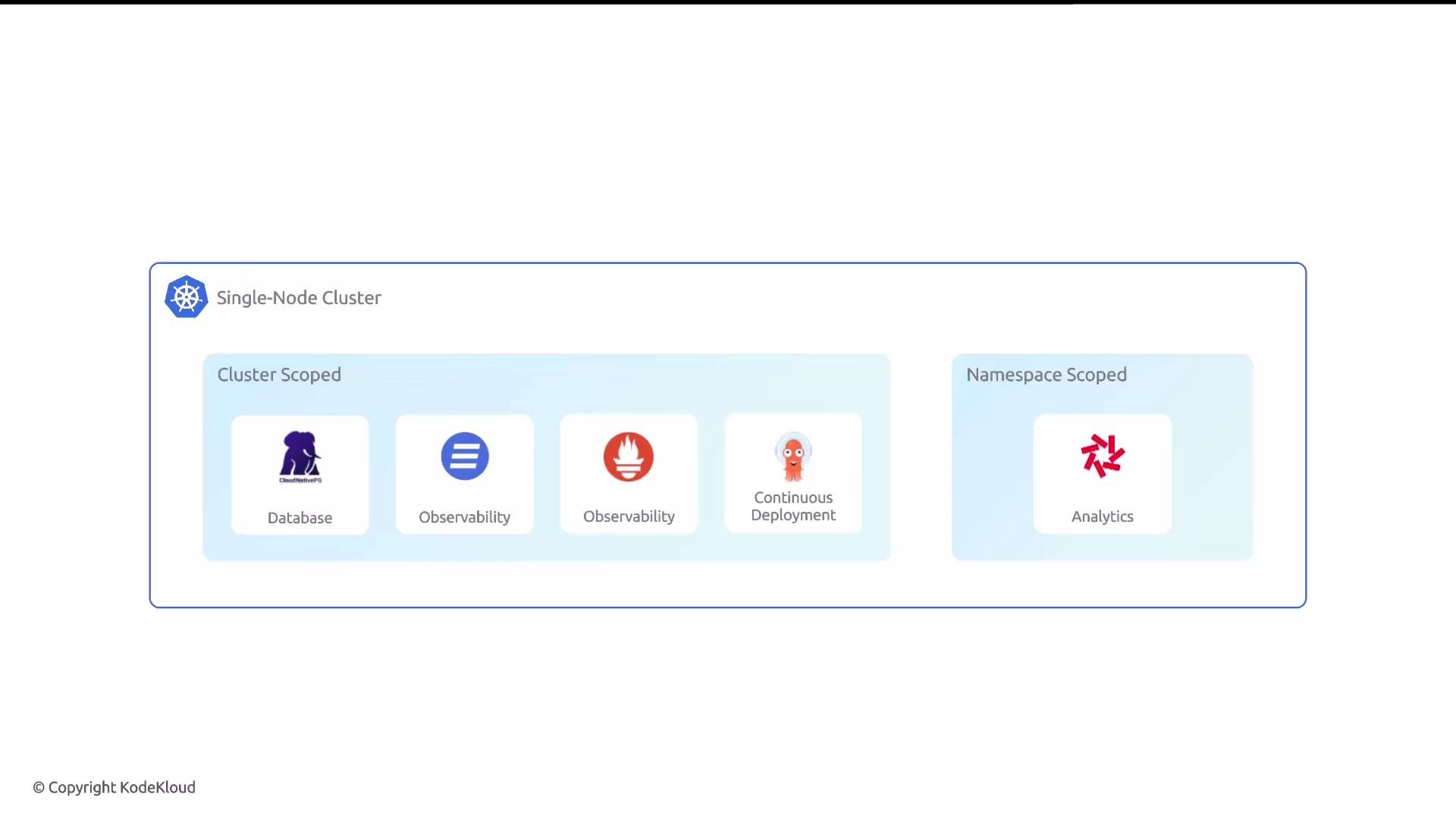
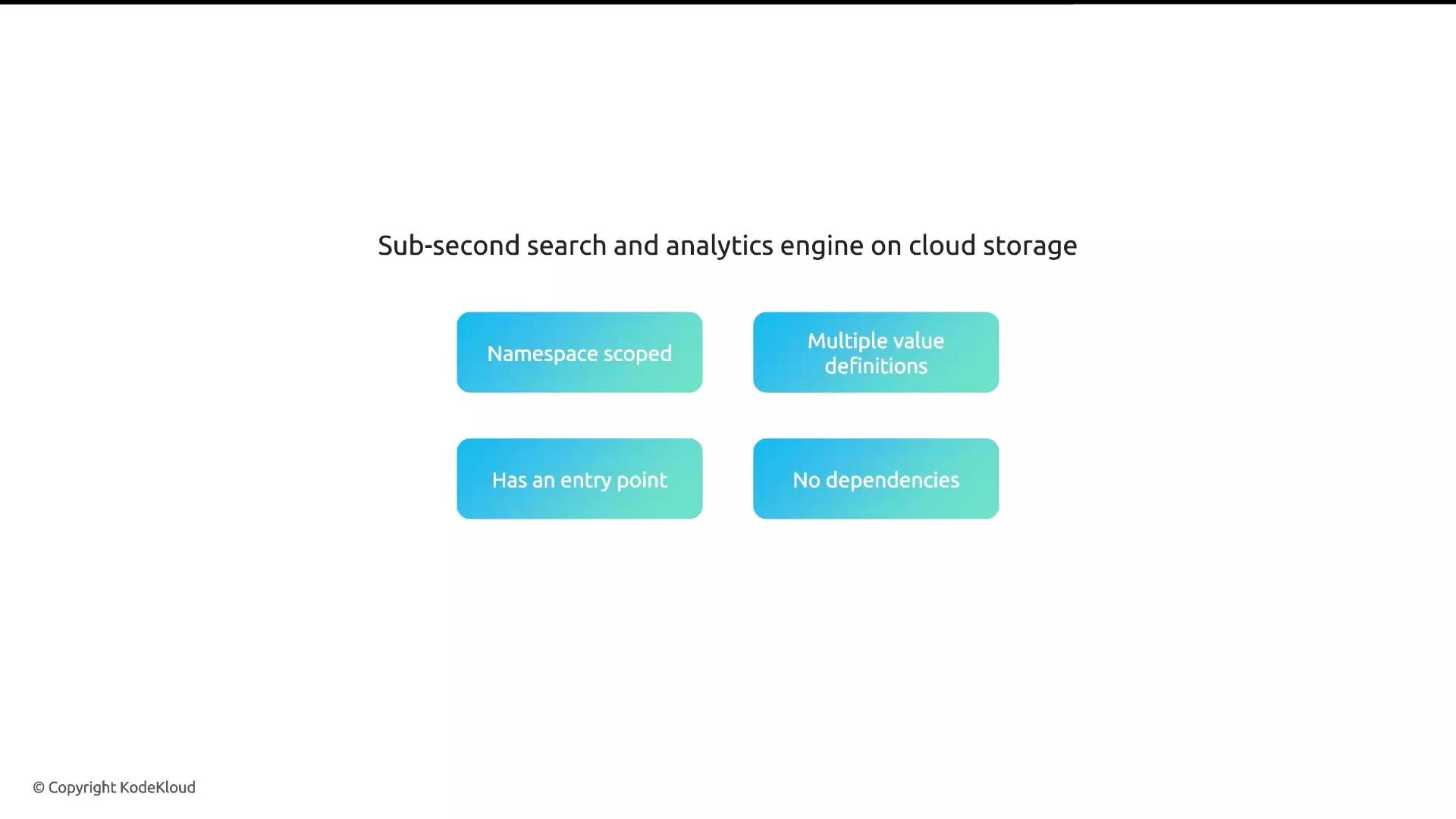
- Scope: Namespace-scoped package (Quickwit requires an existing namespace).
- Configuration: Several values must be supplied (see Required values).
- UI: Quickwit exposes a web-based UI (Glasskube provides an entry point to open it).
- Dependencies: None — Glasskube will not install additional packages for Quickwit.
Architecture and storage
Quickwit deploys a small set of components into the target namespace (indexer, searcher, janitor, control plane, metastore). A core design decision is that Quickwit externalizes object storage: indexes and metadata are stored in S3 or an S3-compatible object store. This approach enables high scalability and cost-efficient analytics at scale.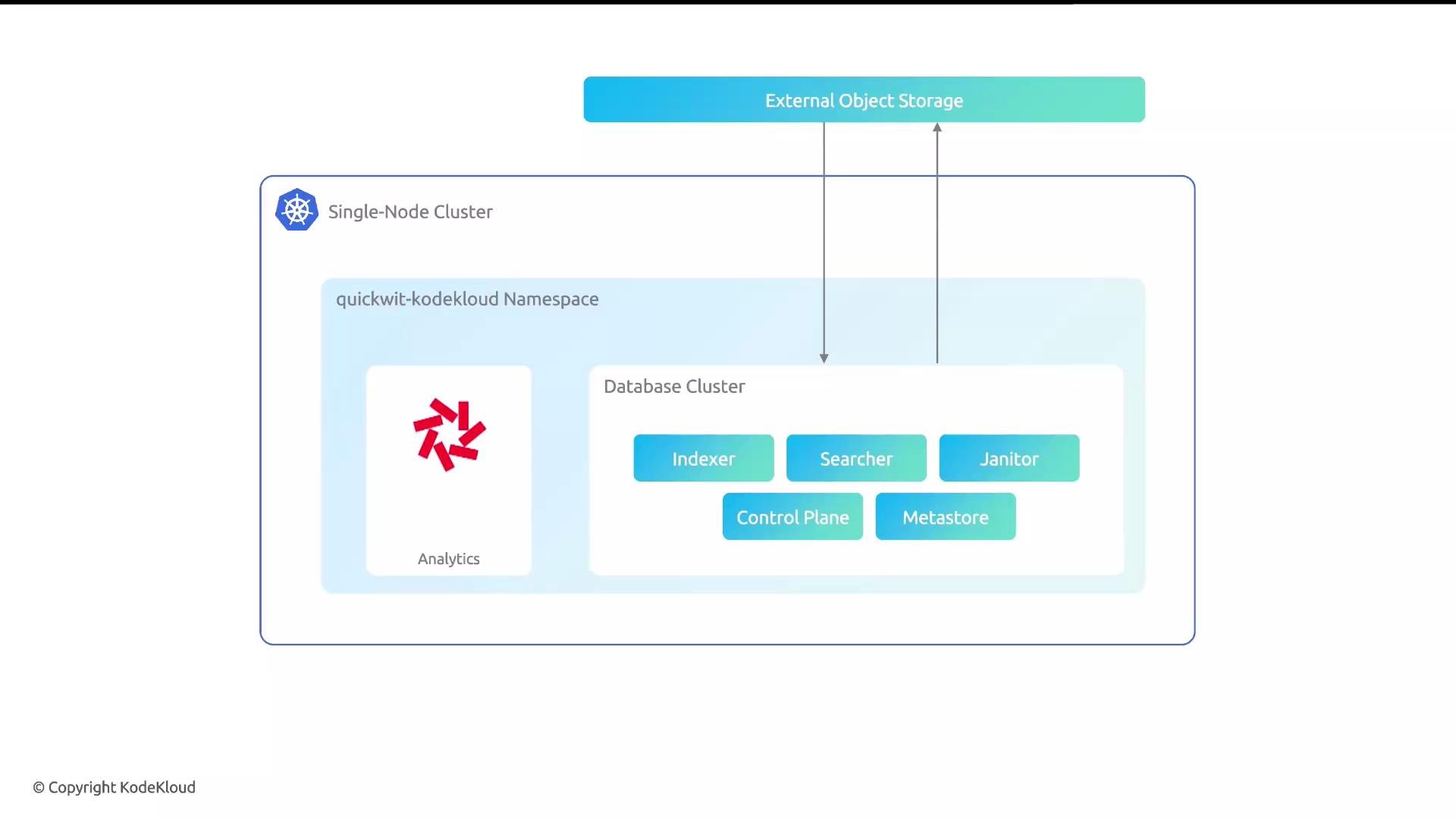
Required values (high level)
For most installations (including the demo) you will supply the following core values:
Optional values commonly used:
s3Endpoint— set for non-AWS S3-compatible endpoints (e.g., MinIO, Ceph).s3Flavor— choose the S3 flavor if your provider requires special handling.- Custom Quickwit domain or ingress settings for production-grade exposure.
You must create the target namespace in your cluster before installing a namespaced package like Quickwit. Glasskube does not auto-create the namespace for you.
Treat S3 credentials as secrets. Do not commit access keys to version control. In production, prefer IAM roles, temporary credentials, or Kubernetes secrets referenced by the package configuration.
Quickwit quickstart (local / binary / Docker)
You can validate Quickwit locally before deploying to Kubernetes. Install or check the binary: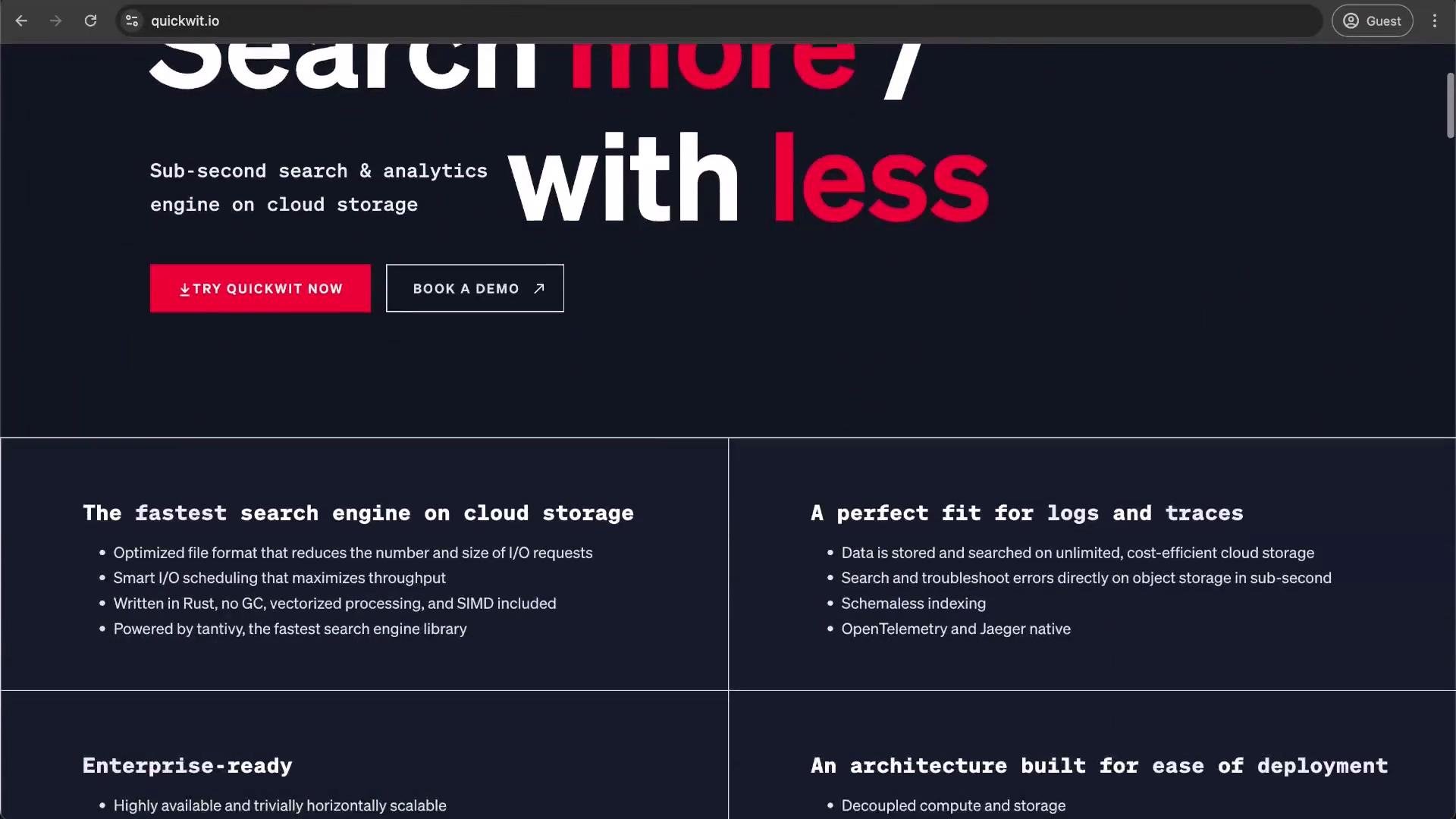
Installing Quickwit with Glasskube
- Open the Glasskube UI and go to the Packages tab. Locate the Quickwit package (namespaced) and click it to open the configuration form.
-
Create the namespace if it doesn’t exist. For this lesson we create
quickwit-kodekloud.
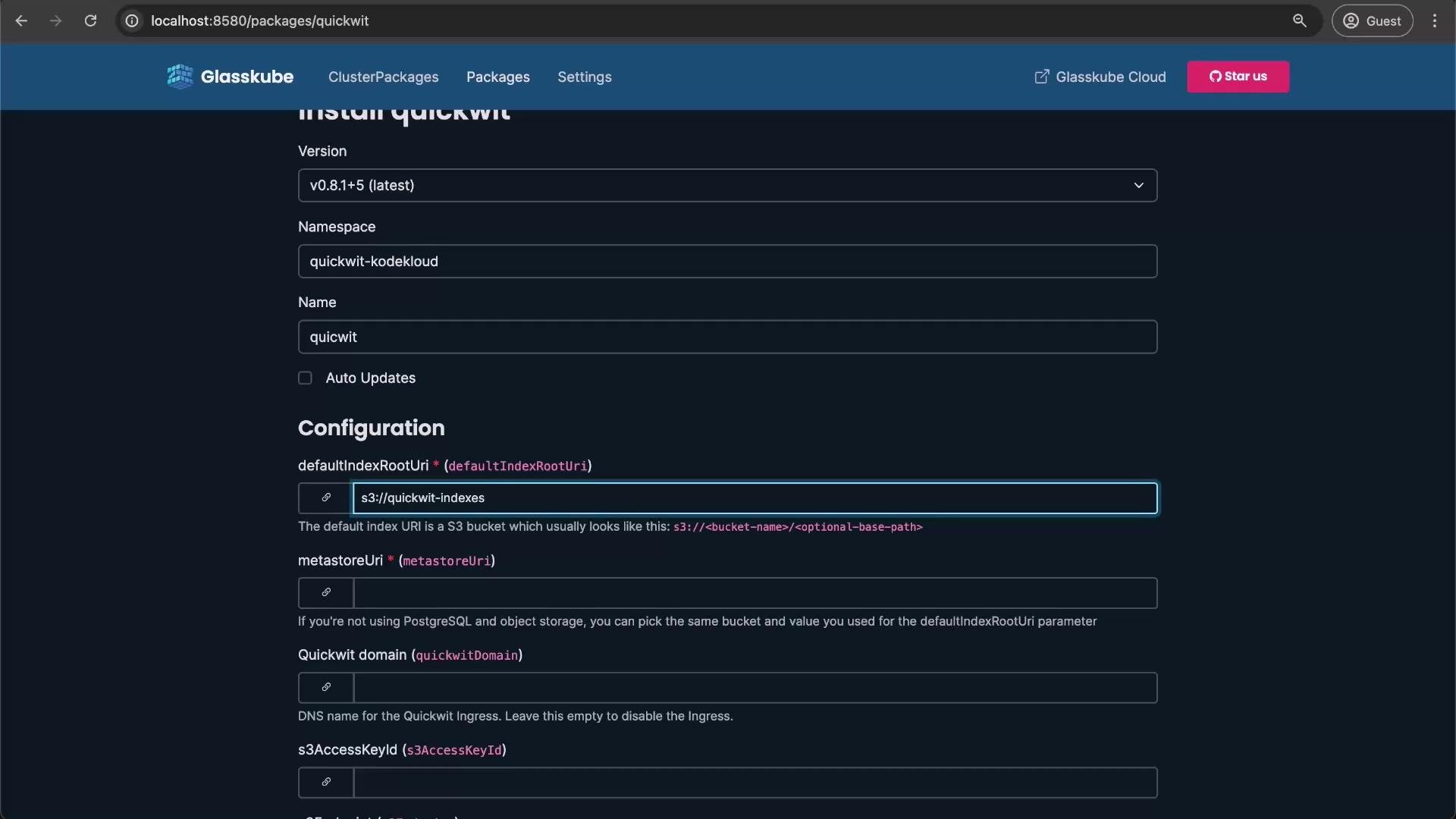
- In Glasskube’s package configuration form:
- Select the namespace:
quickwit-kodekloud. - Set the deployment name (for example:
quickwit). - Provide
defaultIndexUriandmetastoreUri(e.g.,s3://quickwit-indexes). - Enter
s3AccessKeyIdands3SecretAccessKey(use temporary credentials or an IAM-backed mechanism if possible). - Set
s3Region(e.g.,us-east-1). - Leave optional fields blank unless needed (e.g.,
s3Endpointfor MinIO).
- Select the namespace:
- Click Install. Deployment usually completes within 1–2 minutes depending on cluster resources.
Using the Quickwit web UI
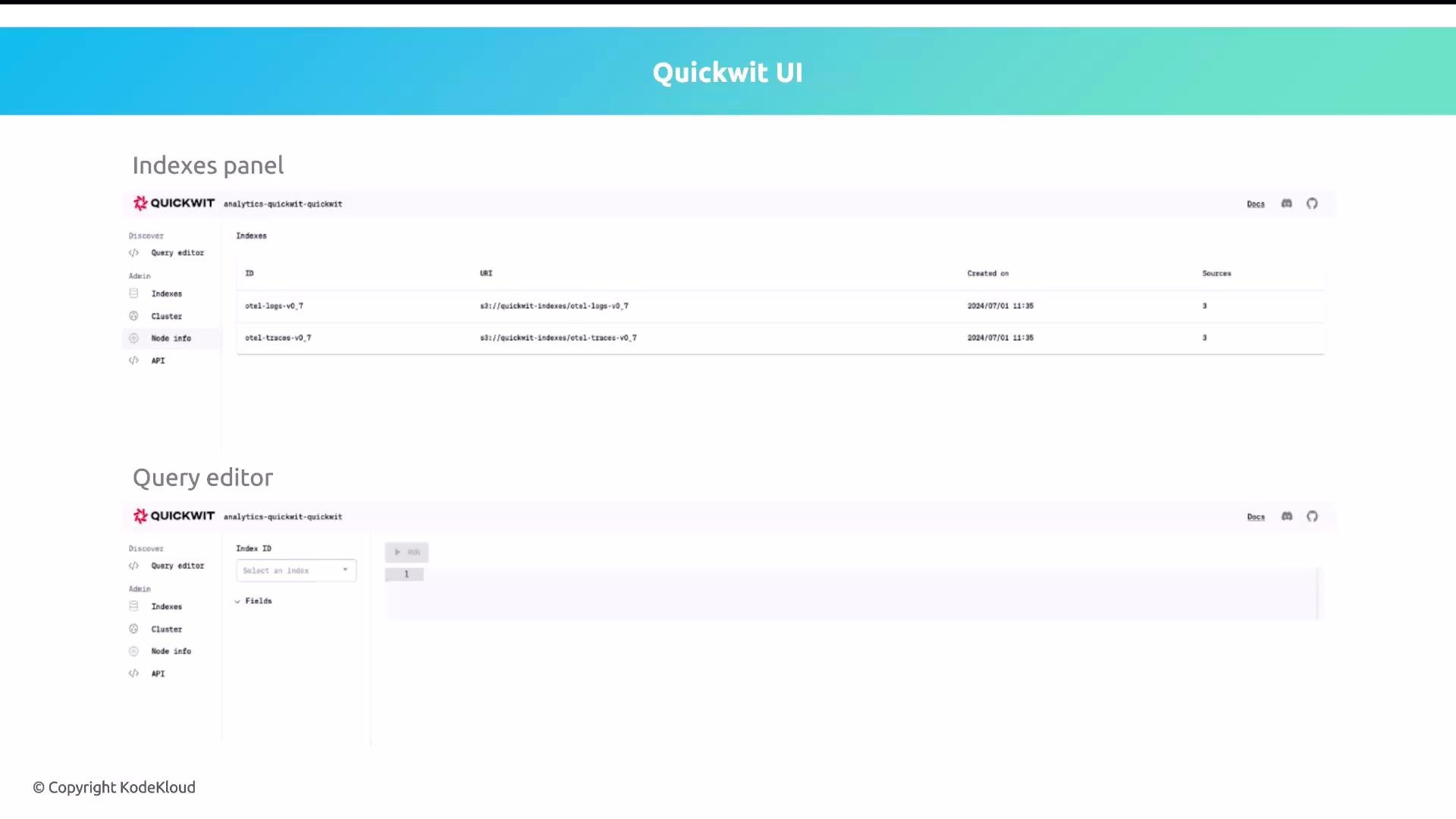
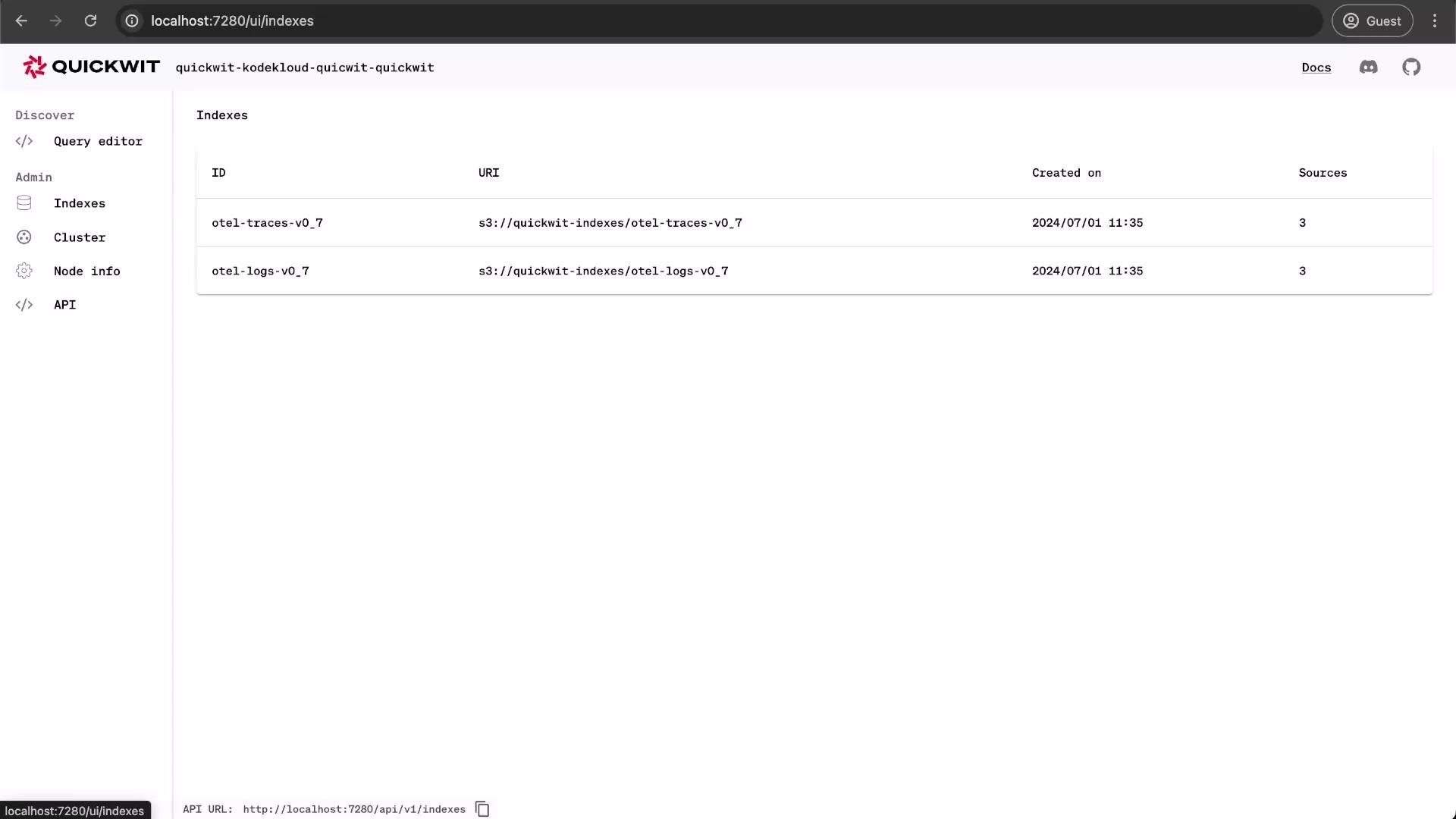
From the Quickwit web UI you can:- Create and manage indexes.
- Run queries using the Query editor.
- Inspect cluster and node status.
- Use the HTTP API for ingestion and queries.
Verification and next steps
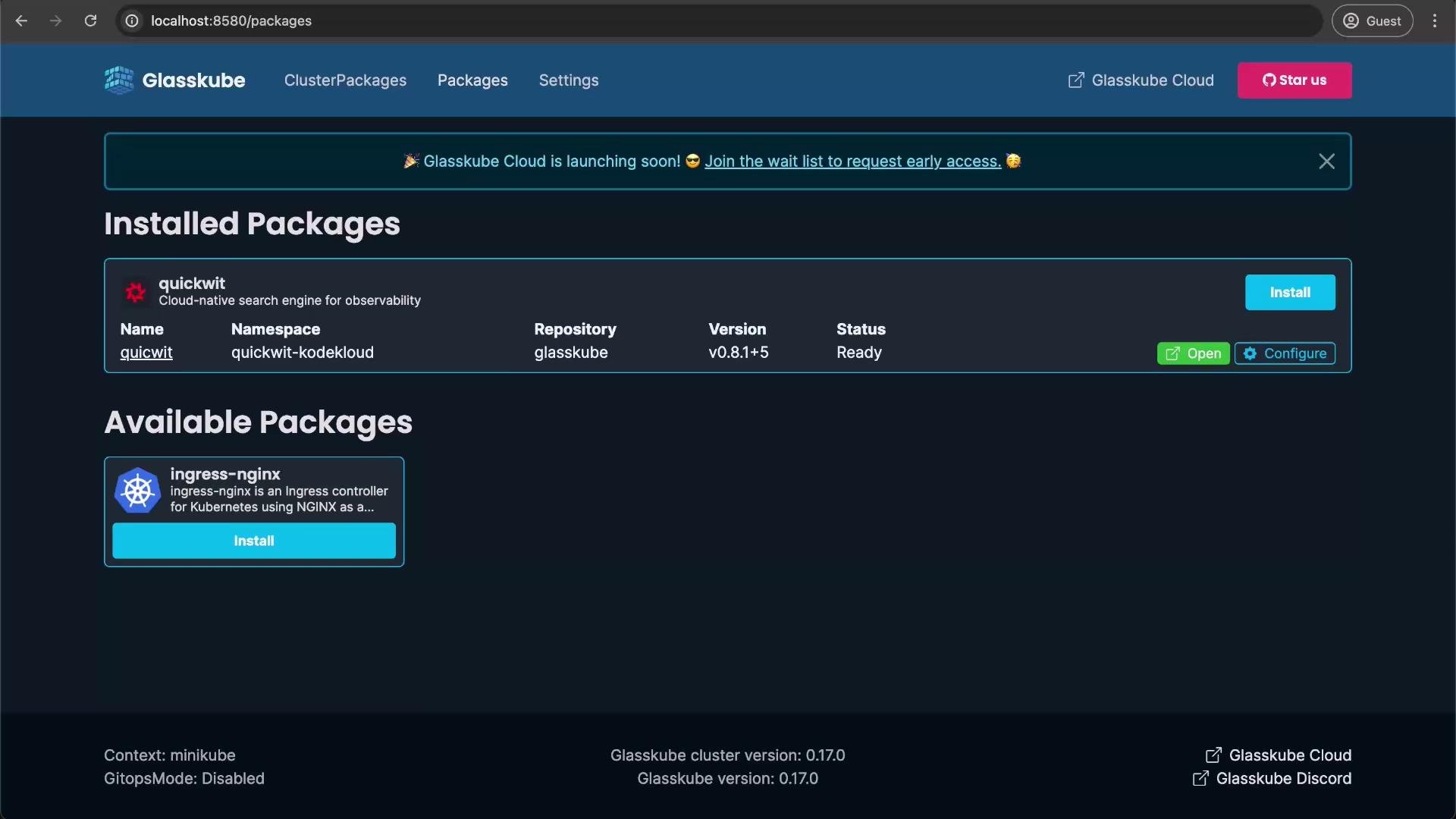
- Confirm pods are Running and Ready in the
quickwit-kodekloudnamespace. - Open the Quickwit web UI via Glasskube to create or query indexes.
- For production use, secure credentials via Kubernetes Secrets, consider an S3 lifecycle policy for index retention, and configure ingress/ingress TLS or a custom domain.
References
- Quickwit Quickstart — https://quickwit.io/docs/quickstart/
- Quickwit Documentation — https://quickwit.io/docs/
- Kubernetes Documentation — https://kubernetes.io/docs/
- Glasskube — check your platform docs or Glasskube UI for package-specific instructions