

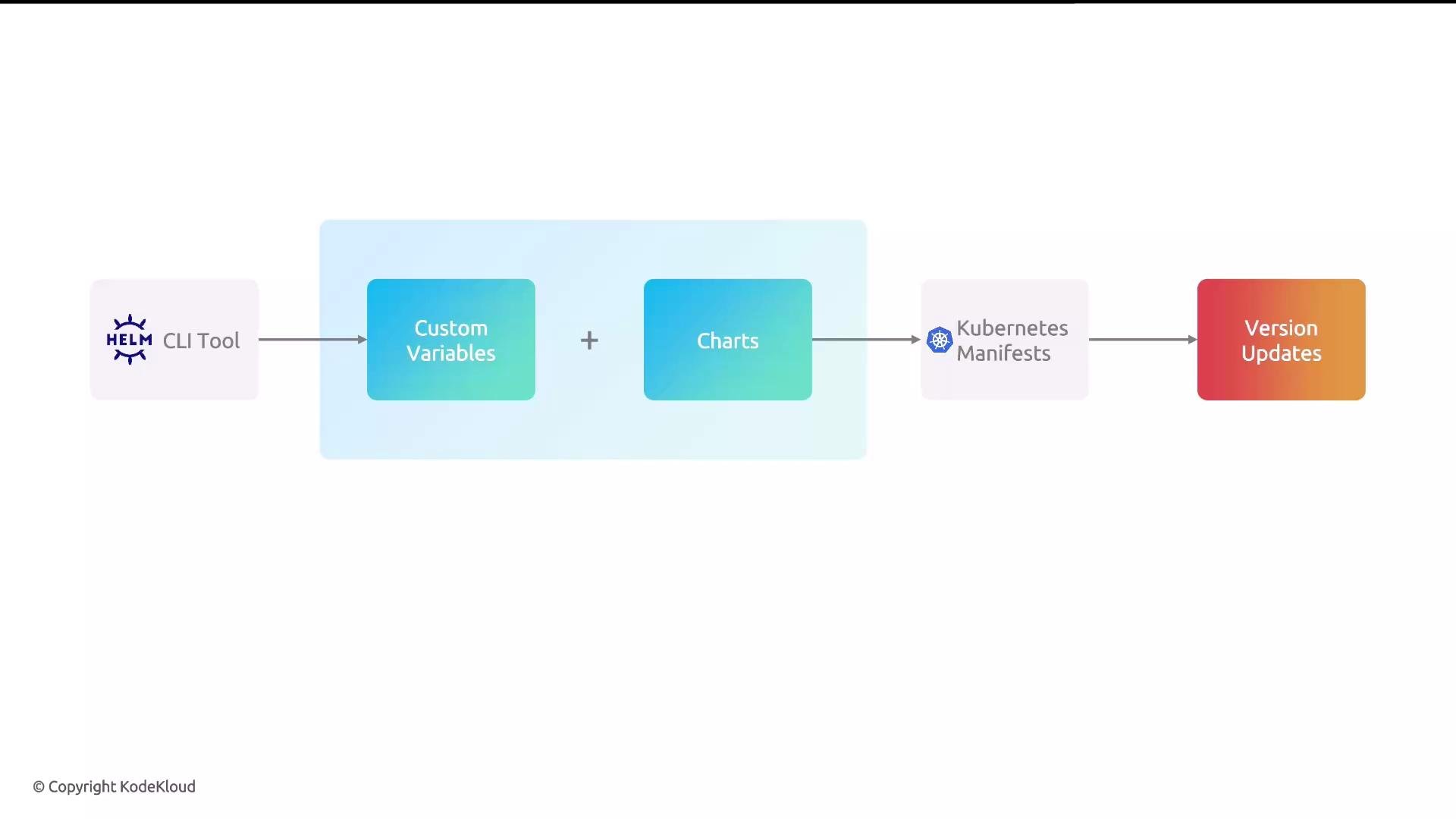
How Helm templating works
Helm’s templating engine uses the Go templating language to produce Kubernetes manifests from templates plus a set of values. Templates contain placeholders (e.g.,{{ .Values.name }}) that are populated from a values.yaml file, additional files passed with -f, or inline overrides via --set. Template rendering is typically performed client-side by the Helm CLI, producing the YAML that is either displayed (with helm template) or submitted to the API server (with helm install / helm upgrade).
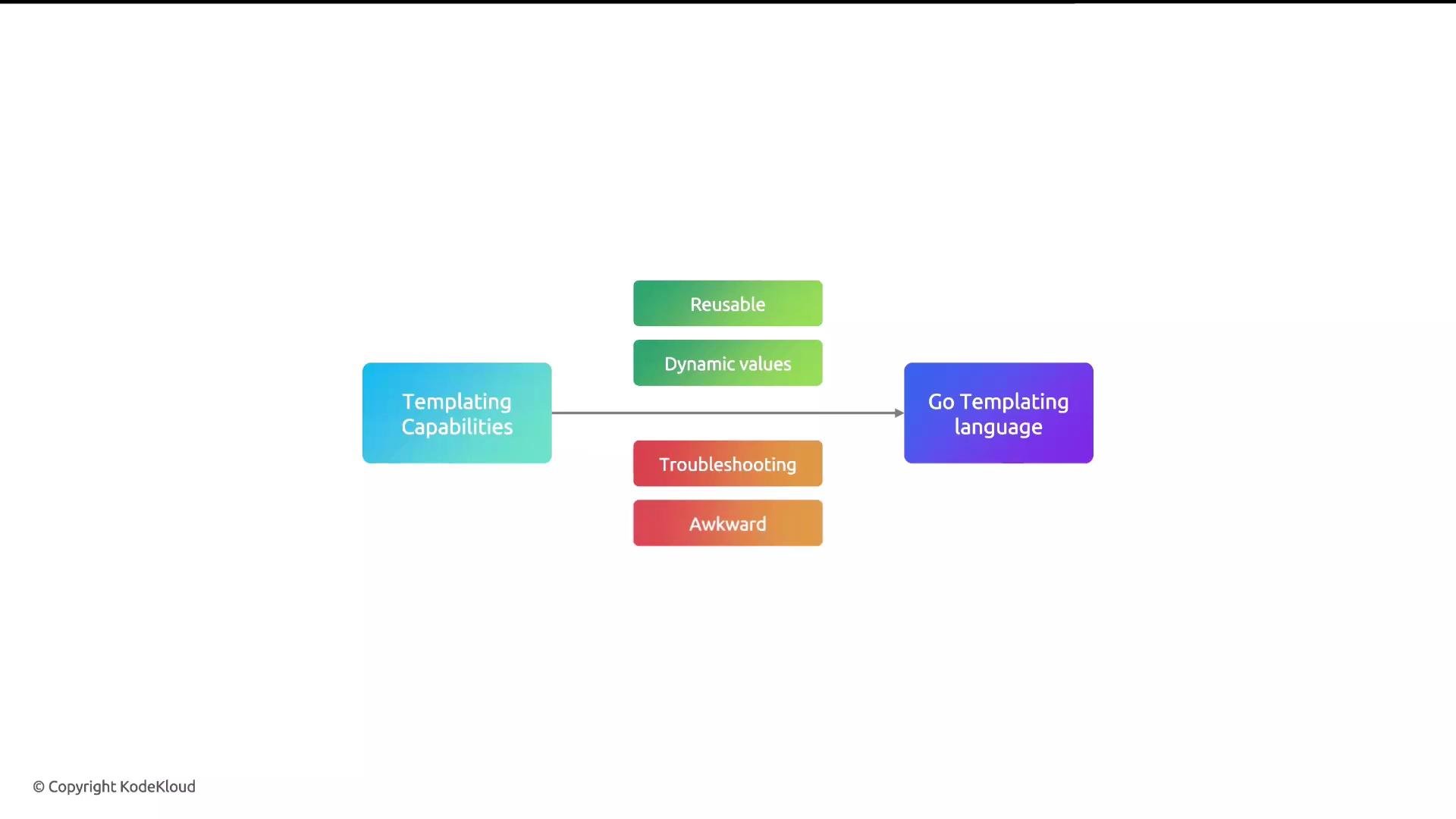
Helm templates are evaluated client-side by the Helm CLI (unless using a server-side rendering plugin). Values come from
values.yaml, from -f files, or from --set on the command line.Quick example — templating in Helm
Below is a minimal example showing:- a template file in
templates/deployment.yaml - a
values.yamlfile - commands to render and install the chart
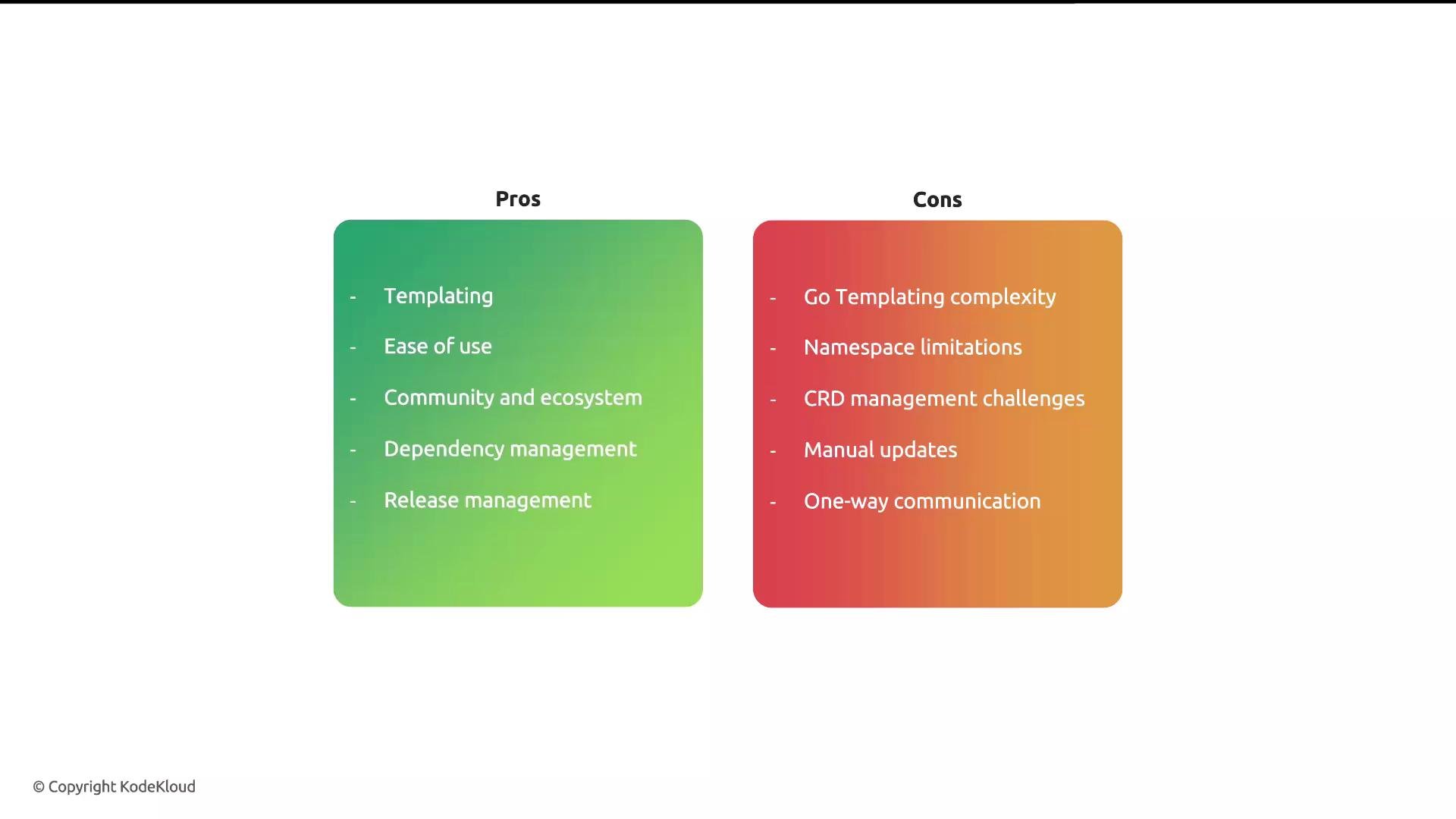
Be careful with templates that manipulate namespaces or CRDs. Helm does not automatically update CRDs, and dependency namespace handling can cause unexpected results unless charts are designed properly.
Pros and cons of using Helm
All in all, Helm excels at packaging and templating for Kubernetes workloads, but you should plan for lifecycle gaps (CRDs, automated upgrades, runtime health checks) by integrating additional tooling or processes where needed.
Links and references
- Artifact Hub — find community Helm charts
- text/template (Go) — Go templating language reference
- Helm documentation — official Helm docs and guides
- Kubernetes documentation — core API and resource references
- Helm for Beginners course (Mumshad Mannambeth) — recommended beginner resource