

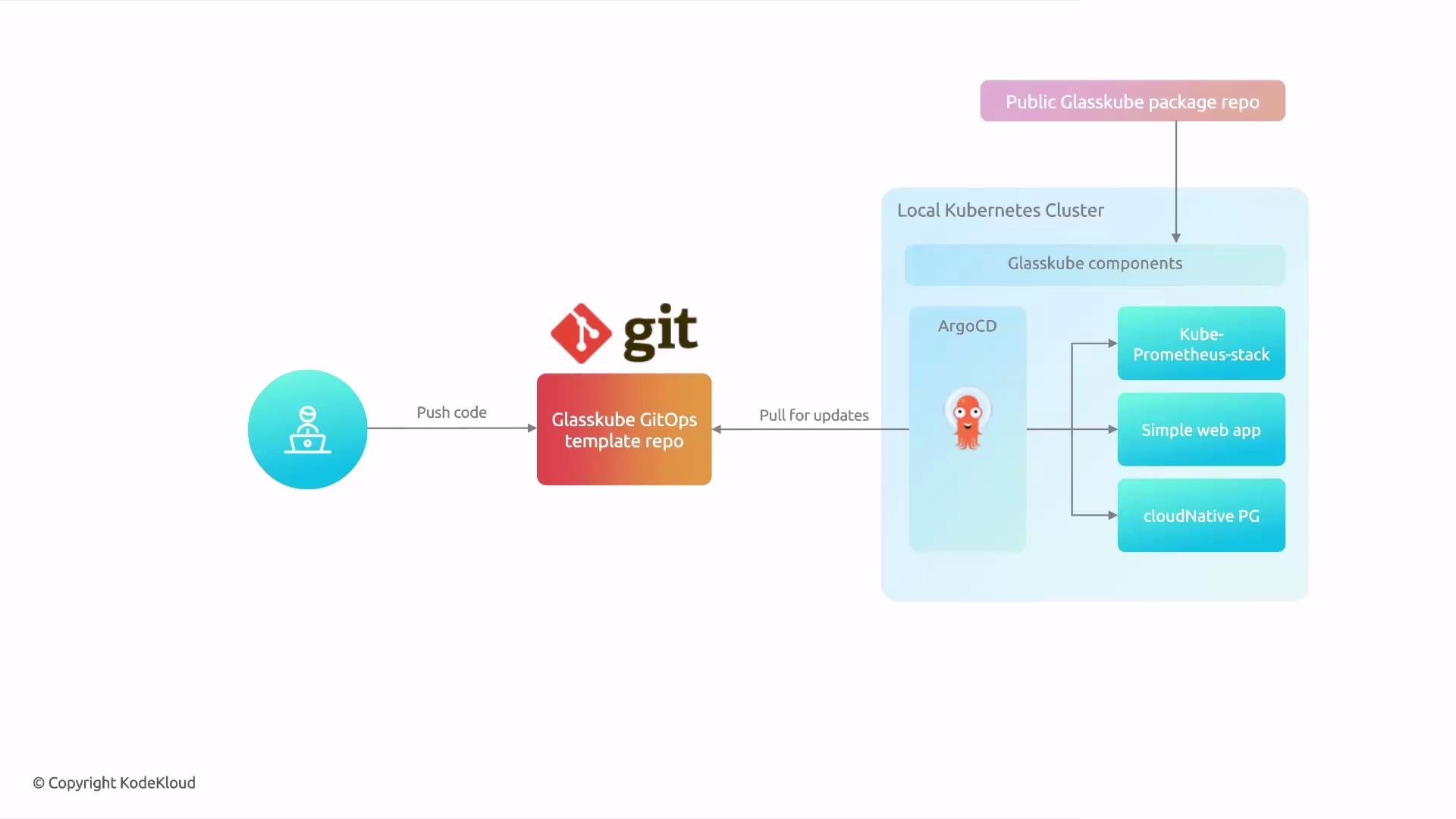
- The template bootstraps Argo CD, Glasskube components, and the package manifests you store in Git.
- The demo template includes kube-prometheus-stack, a sample web app, and CloudNativePG.
- Renovate can be integrated to automatically open pull requests for package upgrades.
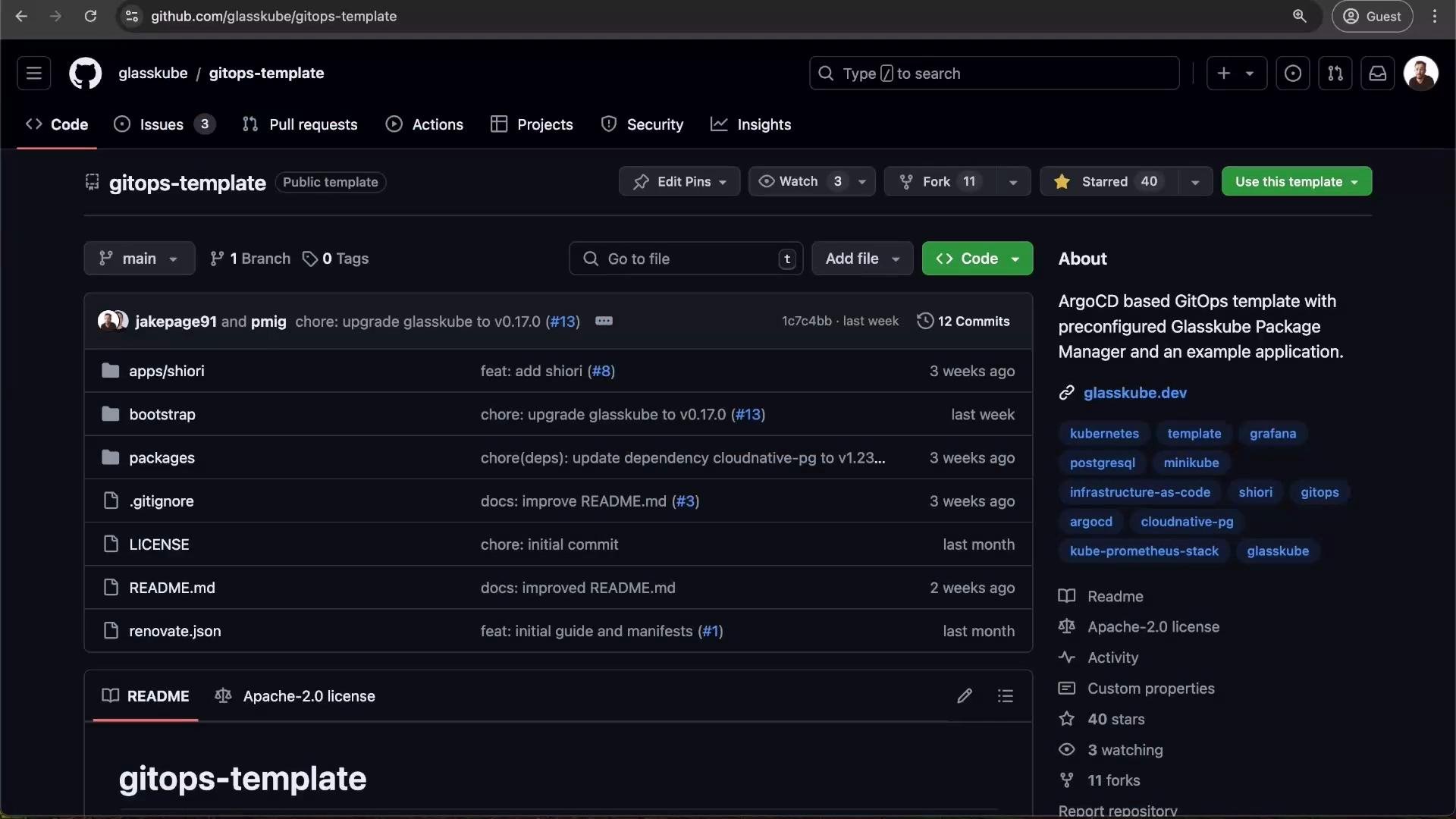
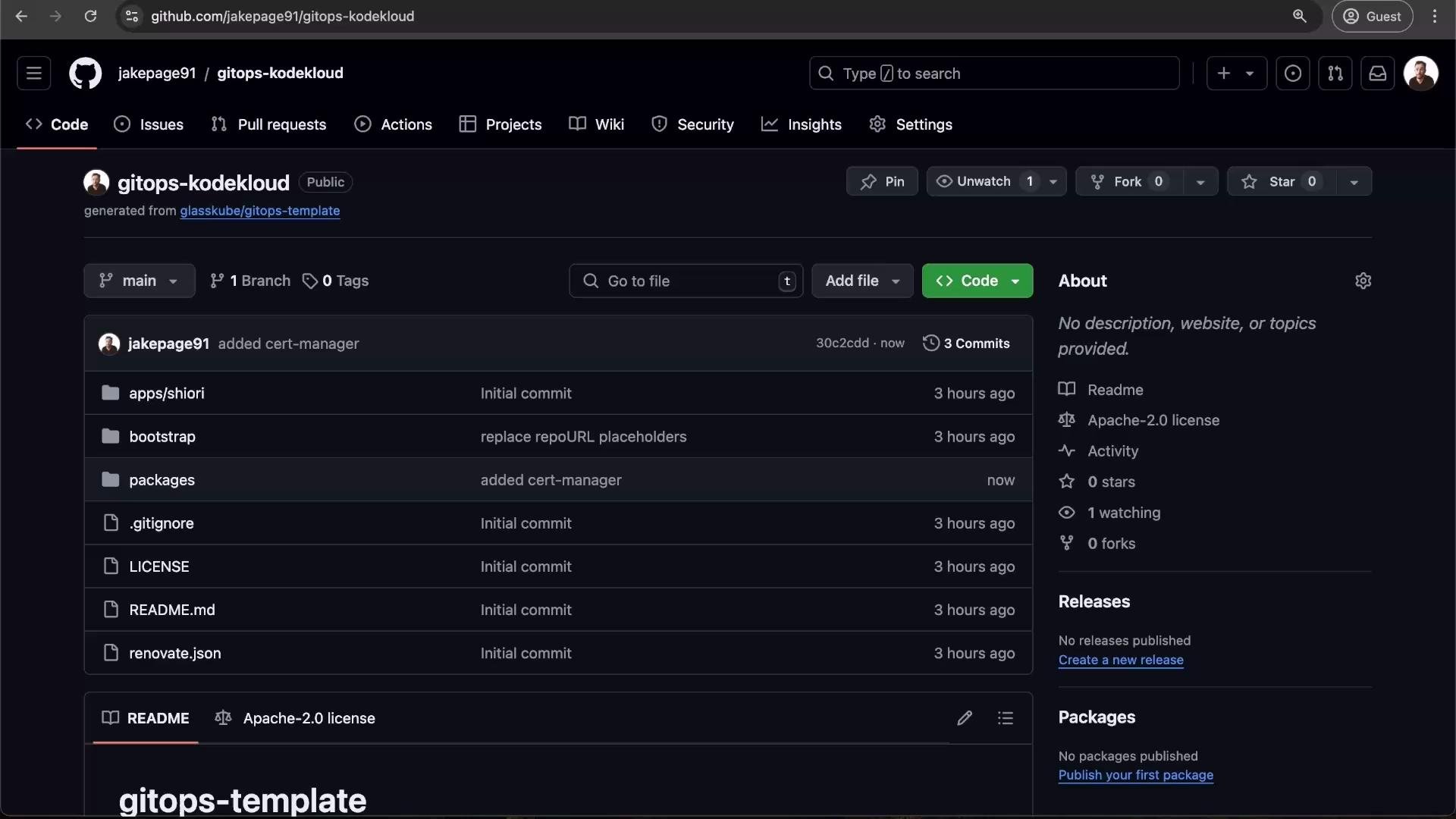
- Create a repository from the Glasskube GitOps template.
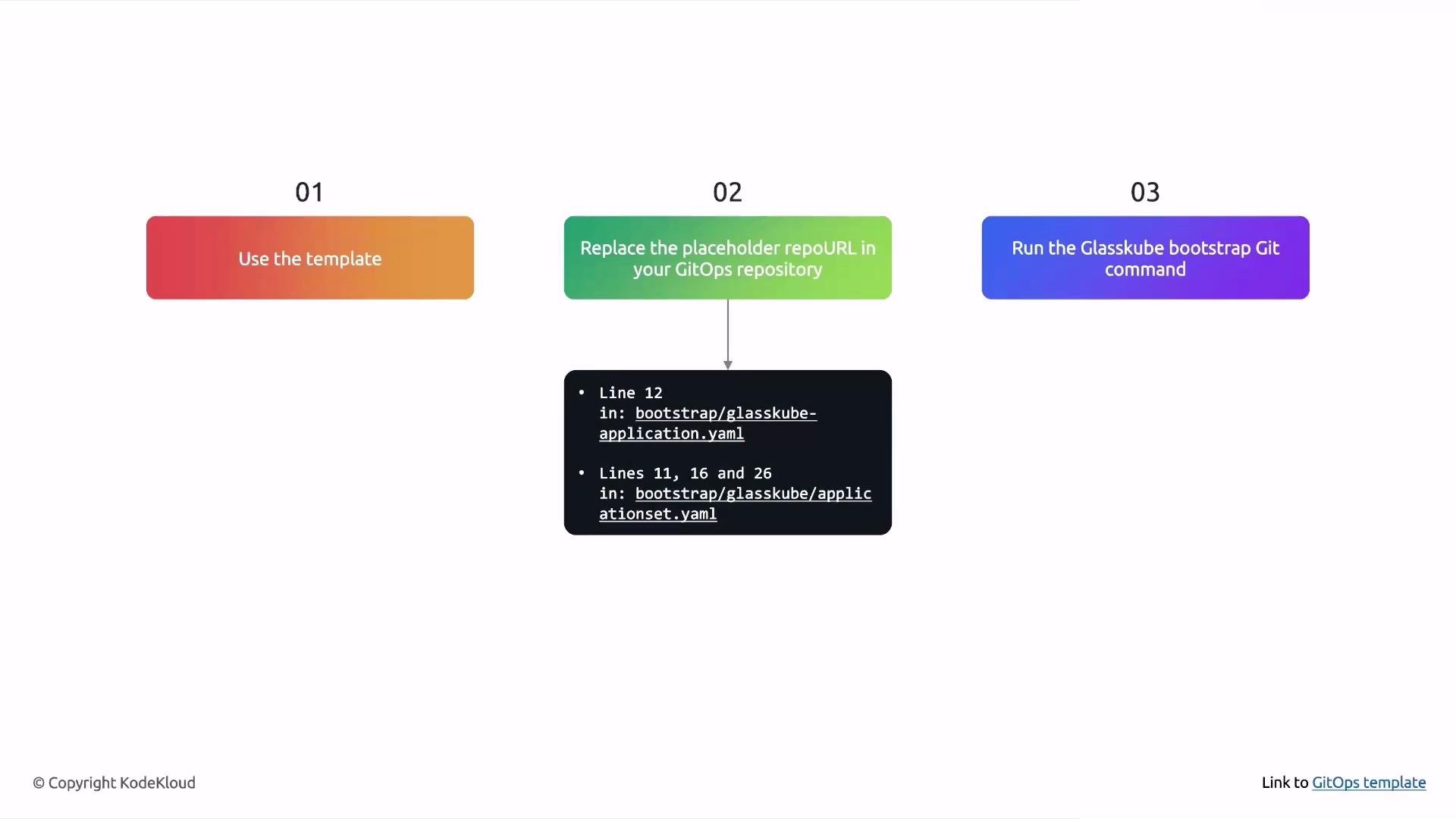
- Replace placeholder repository URLs inside the template (under
bootstrap/) with your repository URL. - Run the Glasskube bootstrap command in GitOps mode to push manifests and install Argo CD + Glasskube in your cluster.
Renovate integration (automated package upgrade PRs)
- Renovate can scan YAML manifests in your GitOps repo and open PRs when newer package versions exist.
- The Renovate regex manager in the template extracts
depNameandcurrentValuefrom package YAML and uses a Glasskube datasource to compute available upgrades.
gitops-kodekloud), replace the placeholder repoURL entries in the bootstrap manifests.
Files to update
Example excerpt (update
https://github.com/TODO/TODO to your repo URL):
main.
Create the repo and clone the template
- On GitHub, click “Use this template”, create a repository (for example
gitops-kodekloud), then clone it:git clone https://github.com/<your-org>/gitops-kodekloud.git
- Open and edit the bootstrap manifests described above.
- Commit your
repoURLchanges:
- Run the Glasskube GitOps bootstrap:
- “Couldn’t prepare manifests: no matches for kind ‘PackageRepository’ in version ‘packages.glasskube.dev/v1alpha1’”
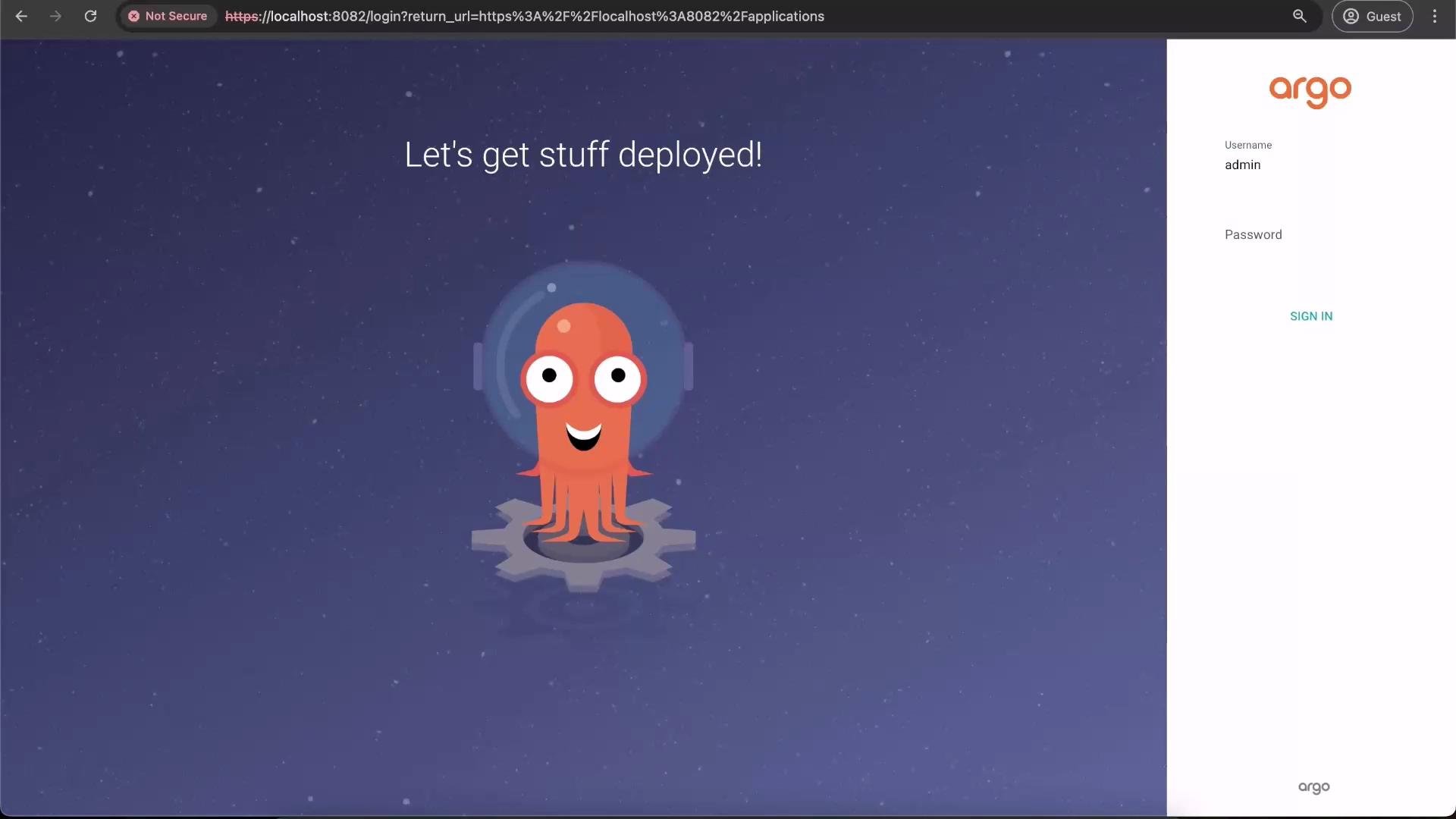
Tip: Argo CD startup and the first Application sync can take a few minutes. Use the Argo CD UI to monitor Application sync status and logs for troubleshooting.
- Generate the cluster package manifest (dry-run):
- The generated
cert-manager.yamlwill contain aClusterPackageresource. Example:
- Add the manifest into your GitOps repository under
packages/cert-manager/clusterpackage.yaml, commit, and push:
- Install the Renovate GitHub App: https://github.com/apps/renovate
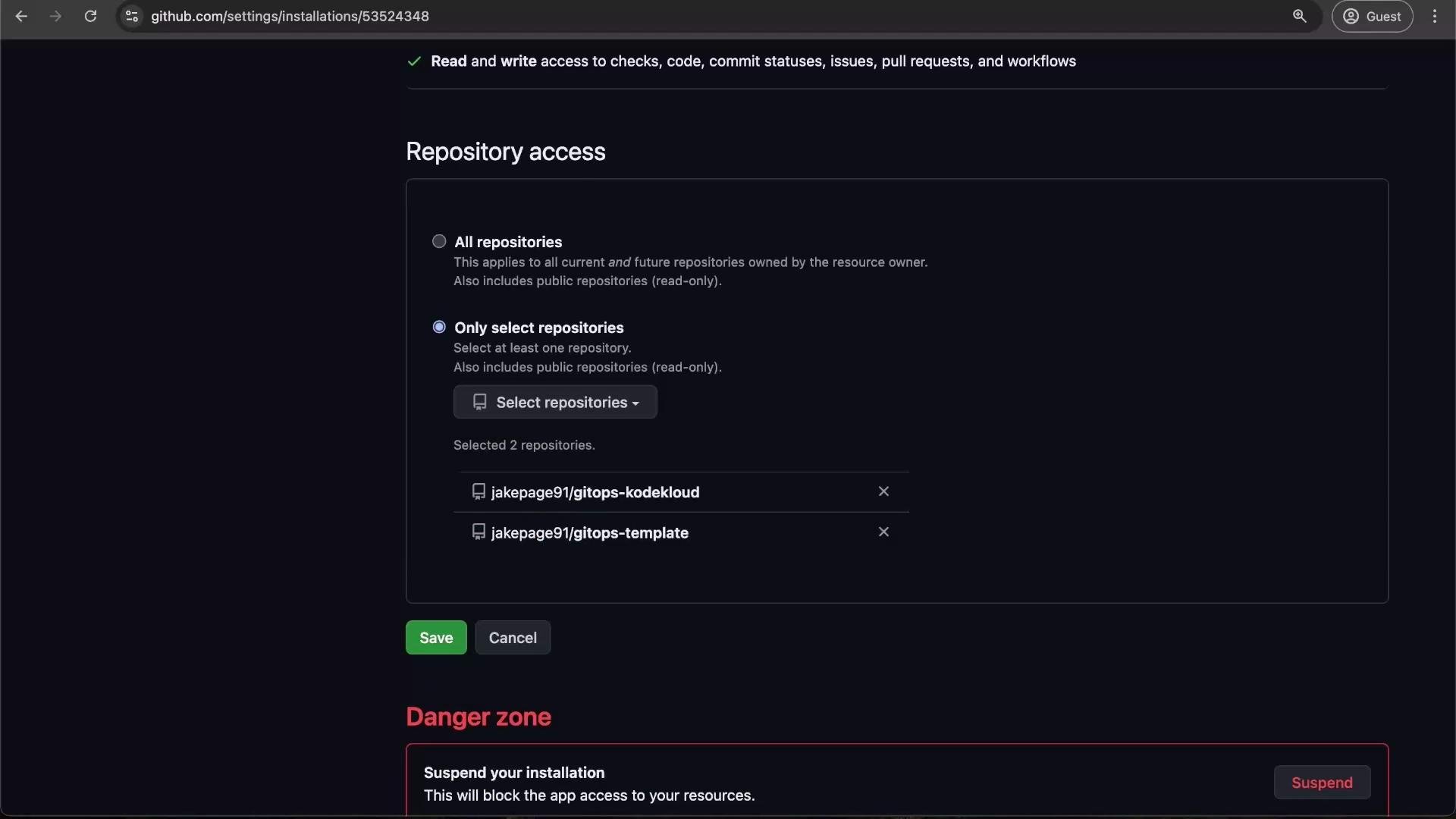
- Configure access: Click Configure → select “Only select repositories” → choose your GitOps repo (for example,
gitops-kodekloud) → Save.
renovate.json that uses a regex manager to locate packageInfo.name and packageInfo.version entries in YAML files. When Renovate opens an update PR, merging the PR updates Git; Argo CD then applies the updated package version automatically.
Confirming installed packages
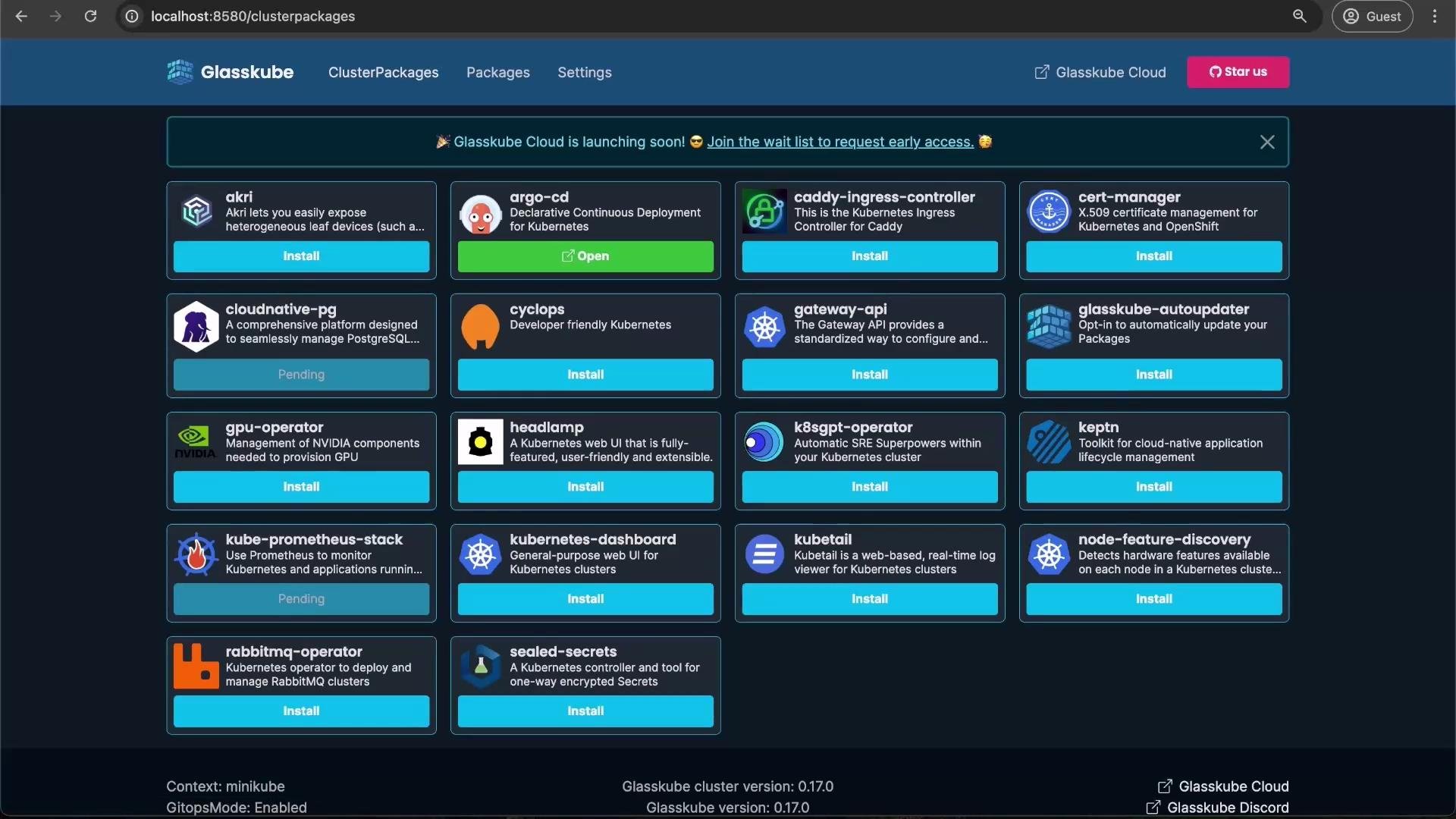
After reconciliation completes you should see packages such as cert-manager, kube-prometheus-stack, and cloud-native-pg installed and managed by Argo CD/Glasskube in the UI.
Updating Glasskube bootstrap manifests
To refresh the Glasskube manifests that bootstrapped your cluster (for example to pick up new versions or config changes), generate a new bootstrap YAML and commit it:
- Open Grafana for kube-prometheus-stack:
- Log in to Grafana:
- Username:
admin - Password:
prom-operator
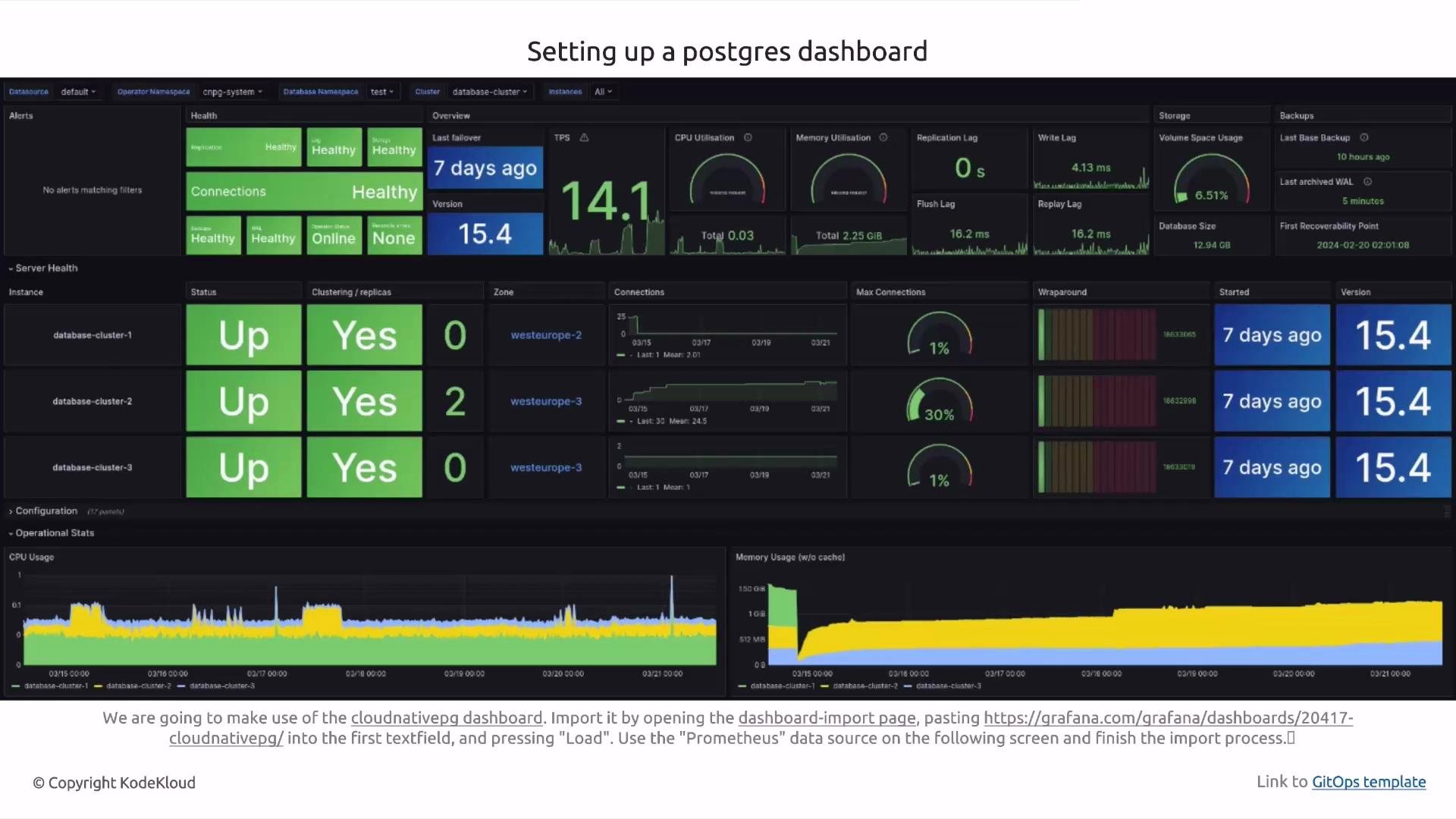
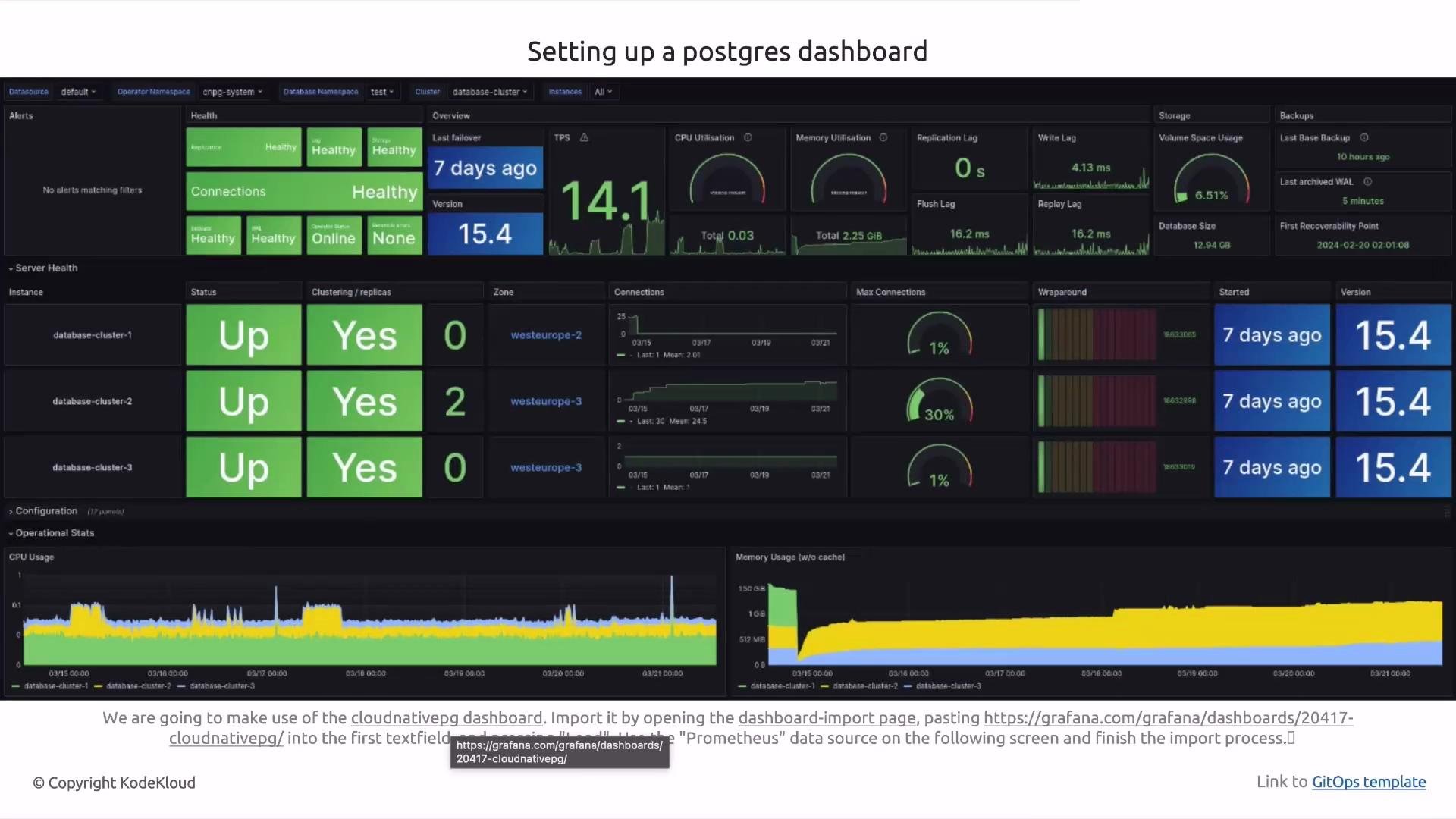
- Import the CloudNativePG dashboard: Dashboard → New → Import → enter the dashboard ID → choose the Prometheus data source.
- Use the Glasskube GitOps template to keep package definitions and cluster state in Git.
- Update
repoURLplaceholders, bootstrap in GitOps mode, and addpackages/*manifests to install packages. - Use Renovate for automated package upgrade PRs.
- Argo CD continuously reconciles cluster state to match Git — merge changes to deploy updates.
Tip: After pushing changes, allow a few minutes for Argo CD to detect and reconcile new manifests. If an application fails to sync, check the Argo CD application logs and the Glasskube controller logs for details.
- Glasskube project: https://github.com/glasskube
- Argo CD documentation: https://argo-cd.readthedocs.io/
- Renovate documentation: https://docs.renovatebot.com/
- Kubernetes documentation: https://kubernetes.io/docs/