

Connection Methods Overview
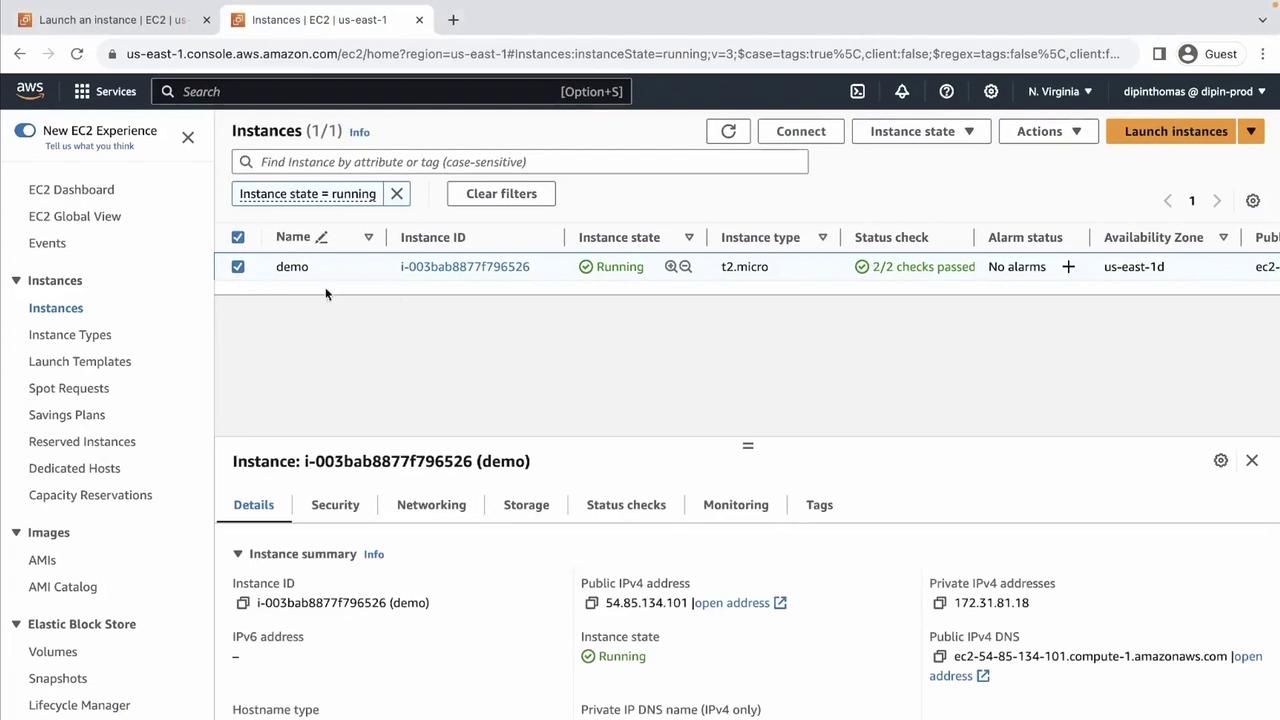
1. Select Your EC2 Instance
- Open the AWS Management Console and navigate to EC2 > Instances.
- Select your running instance (e.g., “demo”).
- Click the Connect button in the top right.
2. EC2 Instance Connect (Browser SSH)
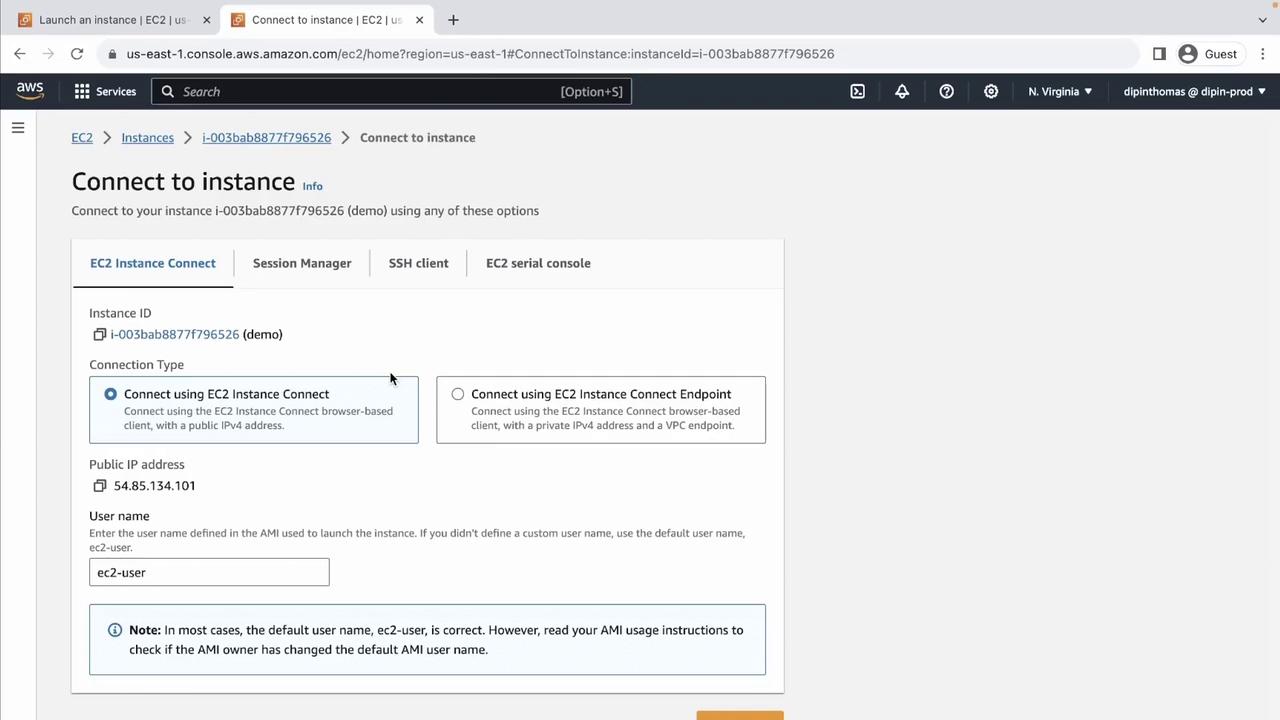
EC2 Instance Connect provides a quick, browser-based SSH session—no local keys required.- In the Connect dialog, choose EC2 Instance Connect.
- Confirm the Username (default is
ec2-useron Amazon Linux). - Click Connect.
3. EC2 Instance Connect (Private IP)
If your instance lacks a public IP but sits in a network-accessible subnet (VPN, Direct Connect), you can still launch EC2 Instance Connect over its private IP:- Select Connect over private IP in the same dialog.
You must be within the same VPC (or have network routing configured) for private IP SSH sessions.
4. AWS Systems Manager Session Manager
Session Manager lets you establish a shell session without SSH keys or opening inbound ports.Ensure your instance has:
- The SSM Agent installed
- An IAM role attached with
AmazonSSMManagedInstanceCorepolicy
5. SSH Client Using a PEM Key Pair
To SSH from your workstation, use the.pem file downloaded when you launched the instance.
-
Set secure permissions on the key:
-
Connect via SSH:
-
Accept the fingerprint when prompted:
-
Test network connectivity:
-
Exit the session:
6. EC2 Serial Console (Low-Level Access)
For troubleshooting boot or BIOS issues, use the EC2 Serial Console.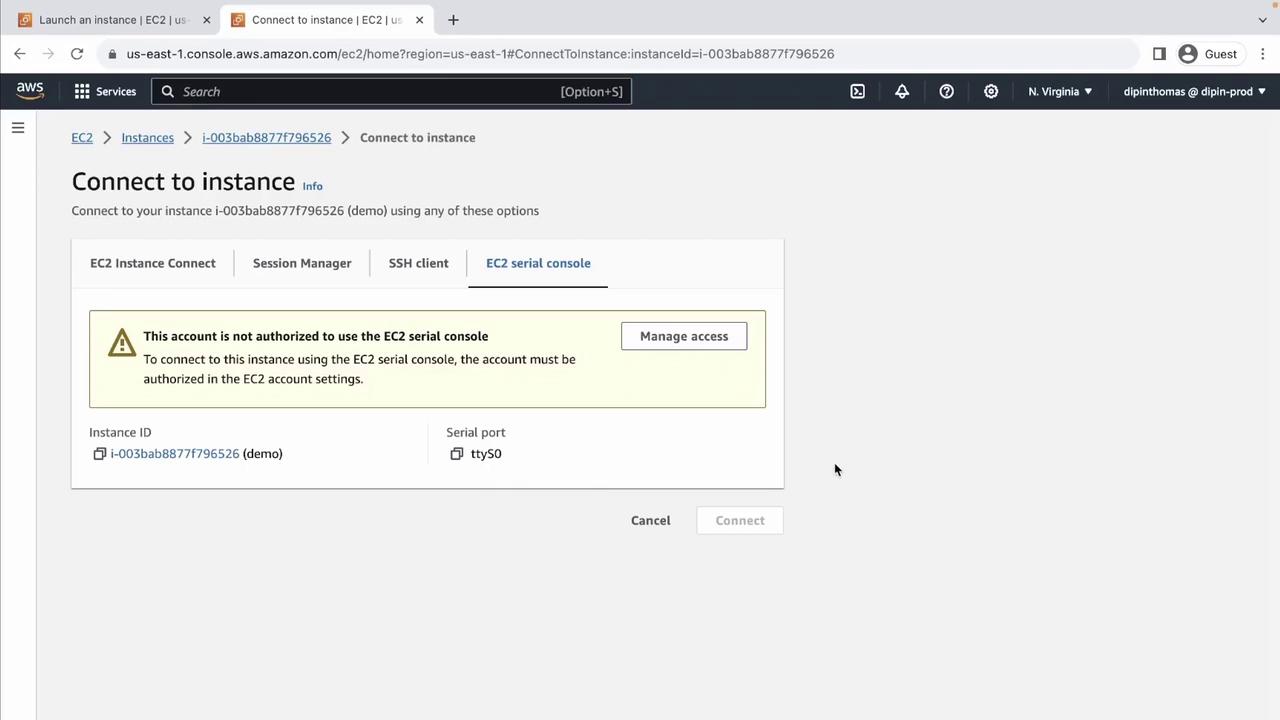
Your IAM principal must have explicit permission (
ec2-instance-connect:SendSerialConsoleSSHPublicKey) to use the EC2 Serial Console.Further Reading and References
- Amazon EC2 Instance Connect
- AWS Systems Manager Session Manager
- Connect to Your Linux Instance Using SSH
- EC2 Serial Console