

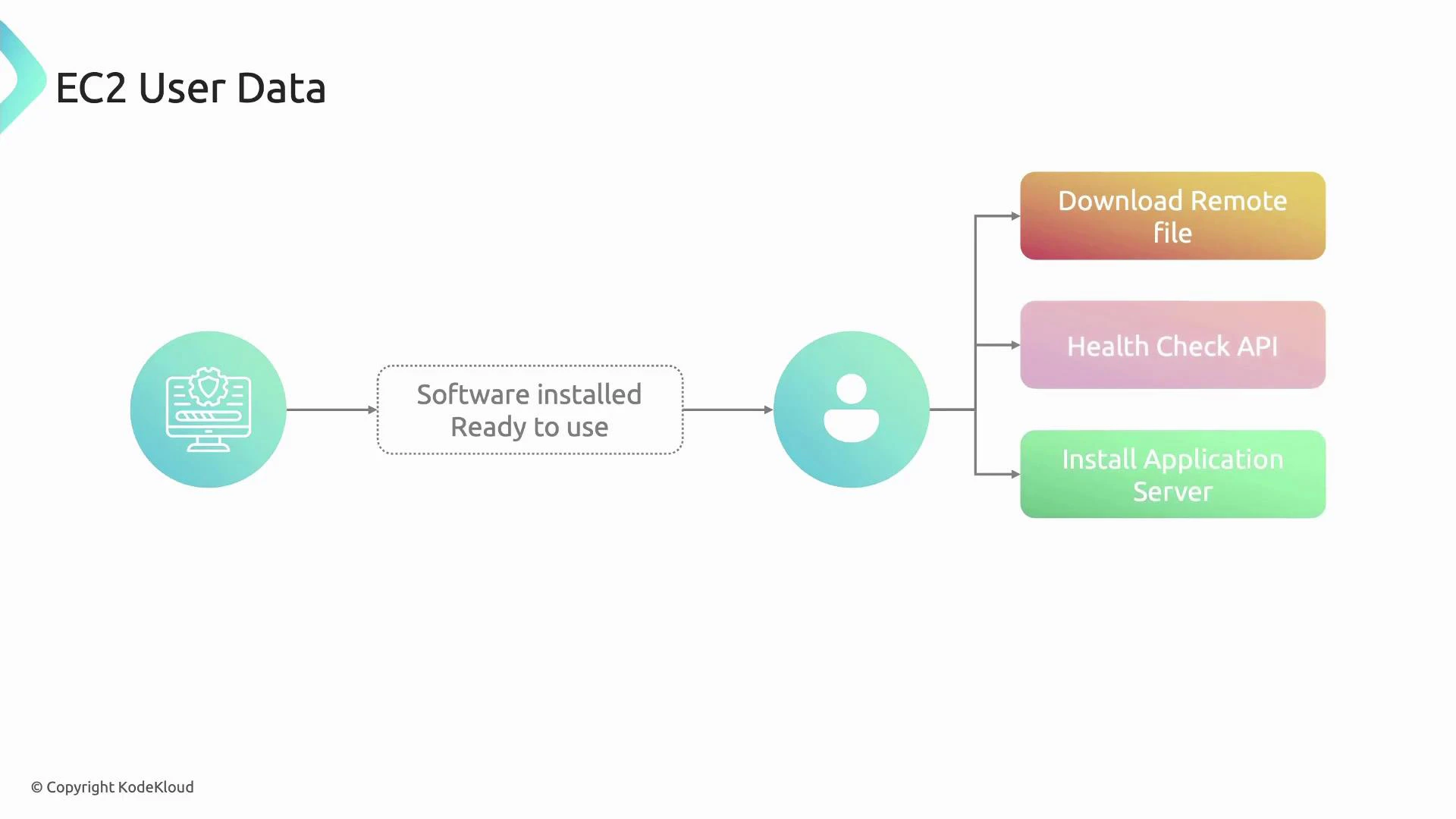
- User data is delivered to the instance at launch and interpreted by the instance (for example cloud-init on Linux or EC2Launch/EC2Config on Windows). EC2 treats the payload as opaque — it does not examine or validate the contents.
- The raw (pre-Base64) user data size limit is 16 KB.
- When launching via the AWS Console you can paste plain text; the console Base64-encodes it for you. When calling EC2 APIs or using SDKs, callers typically must provide Base64-encoded user data.
- When retrieved from the instance metadata service it is returned in decoded (human-readable) form. Some EC2 API responses (e.g., DescribeInstanceAttribute/UserData) return Base64-encoded user data that you must decode.
User data is best for one-time bootstrapping: installing packages, placing configuration files, registering with a service, or making the instance ready for traffic. For recurring or per-boot tasks, use cloud-init per-boot hooks, OS startup scripts, or configuration management tools like Ansible, Chef, or Puppet.
- The following example updates packages, installs and starts Apache (httpd), ensures it is enabled at boot, and writes a simple index page. This is suitable for Amazon Linux/CentOS-based images that use yum and systemd:
- IMDSv1 (not recommended for new deployments):
- IMDSv2 (recommended — requires a session token):
- Many EC2 API outputs provide the user data Base64-encoded; decode it after retrieval:
User data execution differs by OS and AMI:
- Linux AMIs: usually processed by cloud-init (which supports multiple formats and modules).
- Windows AMIs: processed by EC2Config or EC2Launch. If you require a script to run on every boot, configure the appropriate per-boot mechanism (cloud-init per-boot hooks, systemd units, or Windows Scheduled Tasks/Startup scripts) rather than relying on the one-time user data execution.
- AWS EC2 user data and metadata: https://docs.aws.amazon.com/AWSEC2/latest/UserGuide/ec2-instance-metadata.html
- cloud-init documentation: https://cloud-init.io/
- IMDSv2 (Instance Metadata Service Version 2): https://docs.aws.amazon.com/AWSEC2/latest/UserGuide/configuring-instance-metadata-service.html
- AWS CLI: https://docs.aws.amazon.com/cli/latest/userguide/cli-chap-welcome.html
- Use user data to fetch larger config or artifacts from S3, Git, or an artifact repository if your bootstrap exceeds the 16 KB limit.
- For immutable infrastructure, consider baking user data changes into a new AMI or using automation pipelines that rebuild instances with desired configuration.