

Challenges of Traditional Data Centers
In the 1980s and 1990s, organizations depended on on-premises data centers, facing:- Lengthy Provisioning
Ordering, racking, and configuring hardware could take weeks or months. - High Upfront Costs
Capital expenditures for servers, networking, and storage were significant. - Maintenance Overhead
Hardware failures, patch management, and firmware upgrades required dedicated teams. - Limited Agility
Scaling up or down on demand was virtually impossible without overprovisioning.
Emergence of Virtualization
The early 2000s saw the rise of virtualization, which enabled multiple virtual machines (VMs) to run on a single physical server. Key benefits included:- Improved Resource Utilization
- Faster Recovery and simplified maintenance
- On-Demand Flexibility for deploying new workloads
Introducing Amazon EC2
Amazon EC2 (launched in 2006) provides secure, resizable compute capacity in the AWS Cloud. Instead of procuring physical servers, you launch virtual instances with the CPU, memory, storage, and networking capacity you need.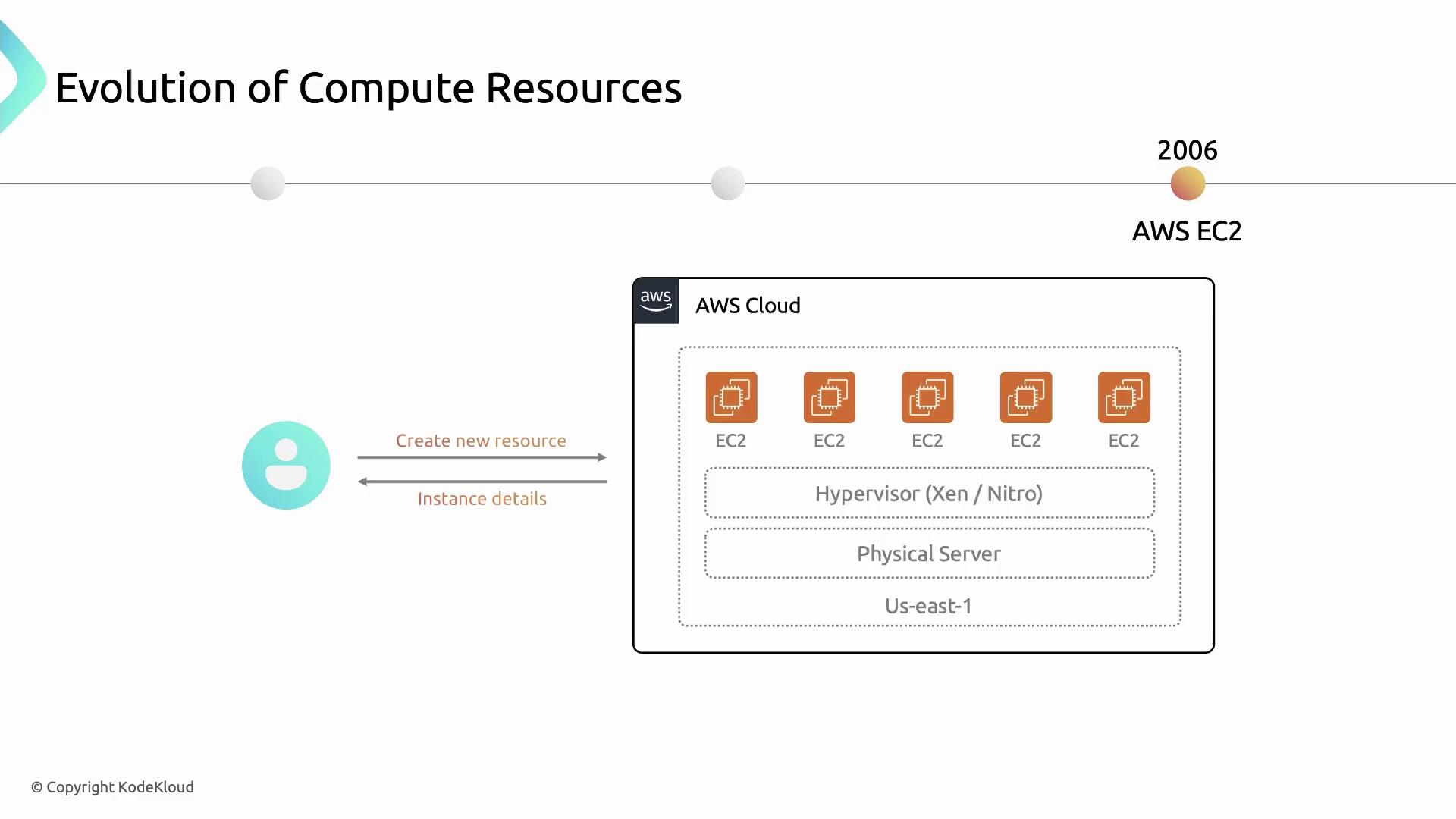
With EC2, provisioning a new server takes minutes instead of months—accelerating development cycles and innovation.
Key Features of Amazon EC2
Amazon EC2 offers a rich set of features to support diverse workloads:1. Instance Families
Choose from multiple instance families optimized for different use cases:2. Flexible Pricing Models
Optimize costs with multiple pricing options:Provisioning the wrong instance type or pricing model can lead to unexpected costs. Always analyze your workload patterns first.
3. High Availability & Reliability
- Regions & Availability Zones
Distribute instances across multiple AZs for fault tolerance. - Automated Hardware Replacement
AWS monitors and remediates failed hardware.
4. Elastic Scaling
- Auto Scaling
Automatically adjust capacity in response to demand. - Elastic Load Balancing
Distribute incoming traffic across healthy instances.
5. Customization & Control
- Amazon Machine Images (AMIs)
Preconfigure OS, application server, and applications. - User Data & CloudInit
Automate instance initialization scripts.