Table of Contents
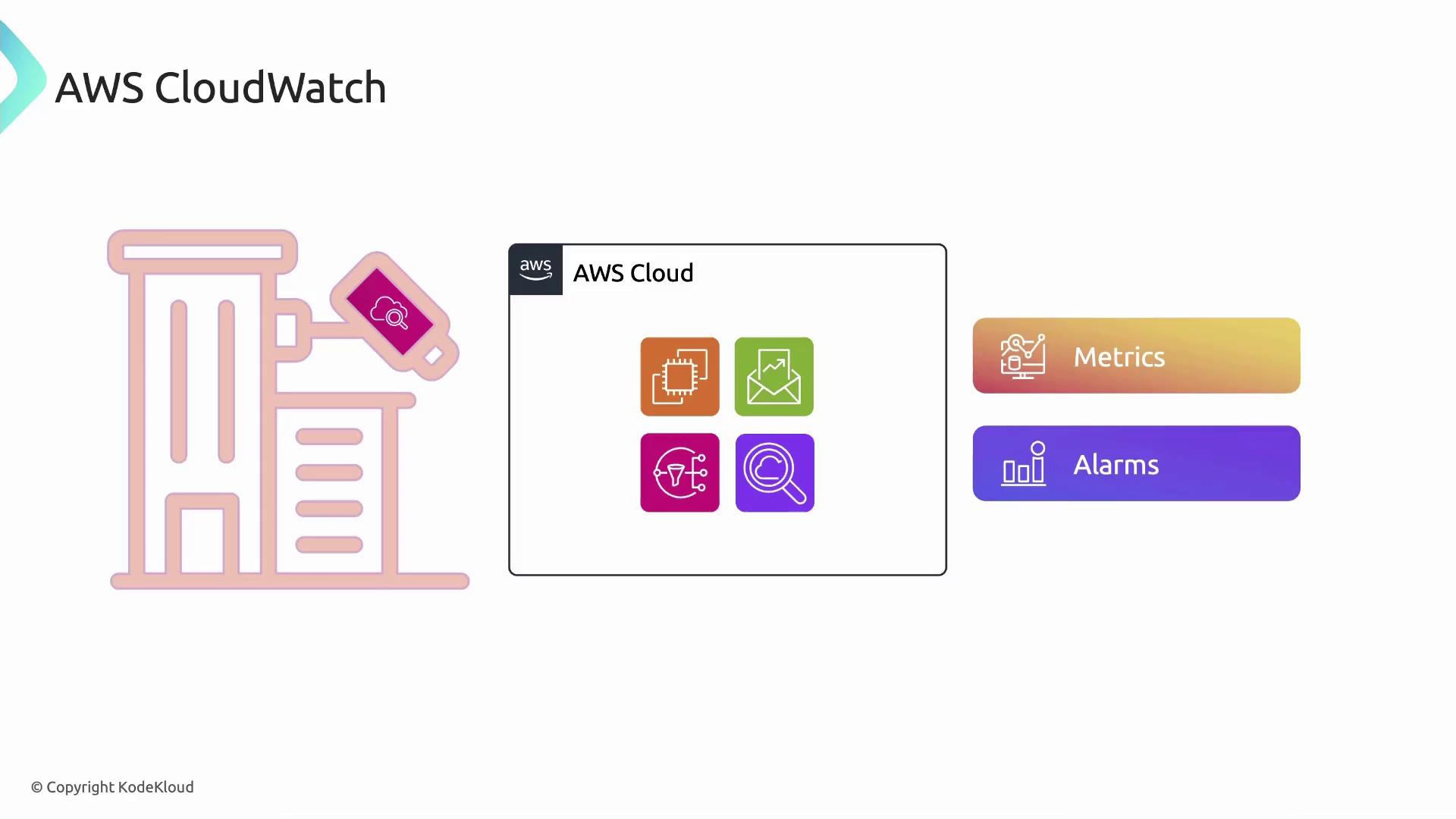
- Metrics and Alarms
- CloudWatch Dashboards
- Data Retention & Detailed Monitoring
- CloudWatch Agent
- CloudWatch Logs
- Additional Resources
Metrics and Alarms
CloudWatch metrics are time-ordered data points representing system and application measurements—such as CPU utilization, disk I/O, or network traffic—collected from your EC2 instances.- Create alarms to watch metrics and trigger automated actions (e.g., Auto Scaling) or notifications (e.g., Amazon SNS) when predefined thresholds are crossed.
- Use built-in metrics for EC2 or publish custom metrics for domain-specific KPIs.
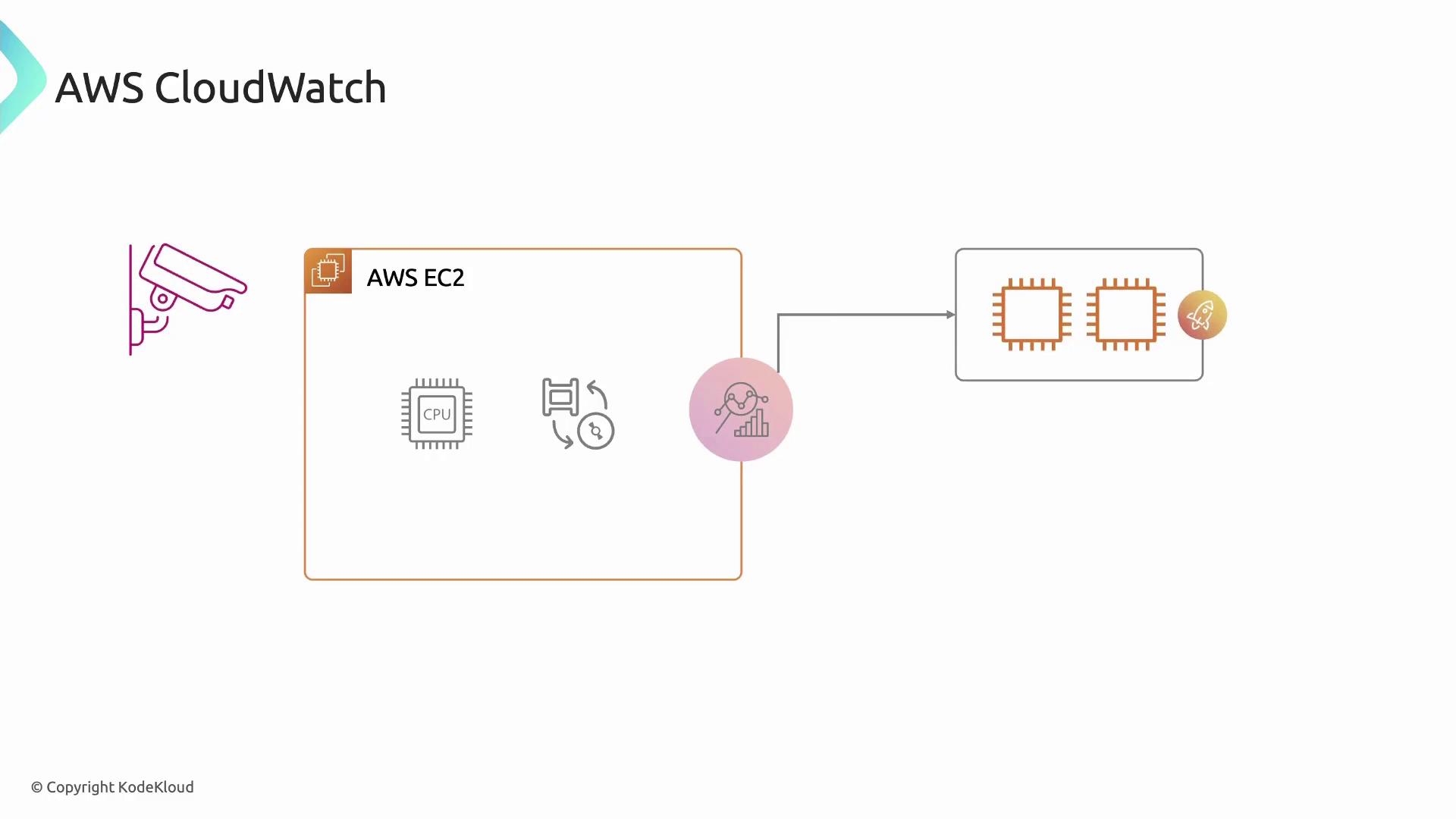
Common EC2 Metrics
Enabling detailed monitoring incurs additional charges. Review the CloudWatch pricing page before turning on one‐minute metrics.
CloudWatch Dashboards
Dashboards let you unify metrics, alarms, and logs into a single customizable view. You can:- Combine widgets (graphs, text, alarms) from multiple AWS accounts and regions.
- Share readonly dashboards with stakeholders for real‐time collaboration.
- Embed dashboards in internal portals or runbooks for incident response.
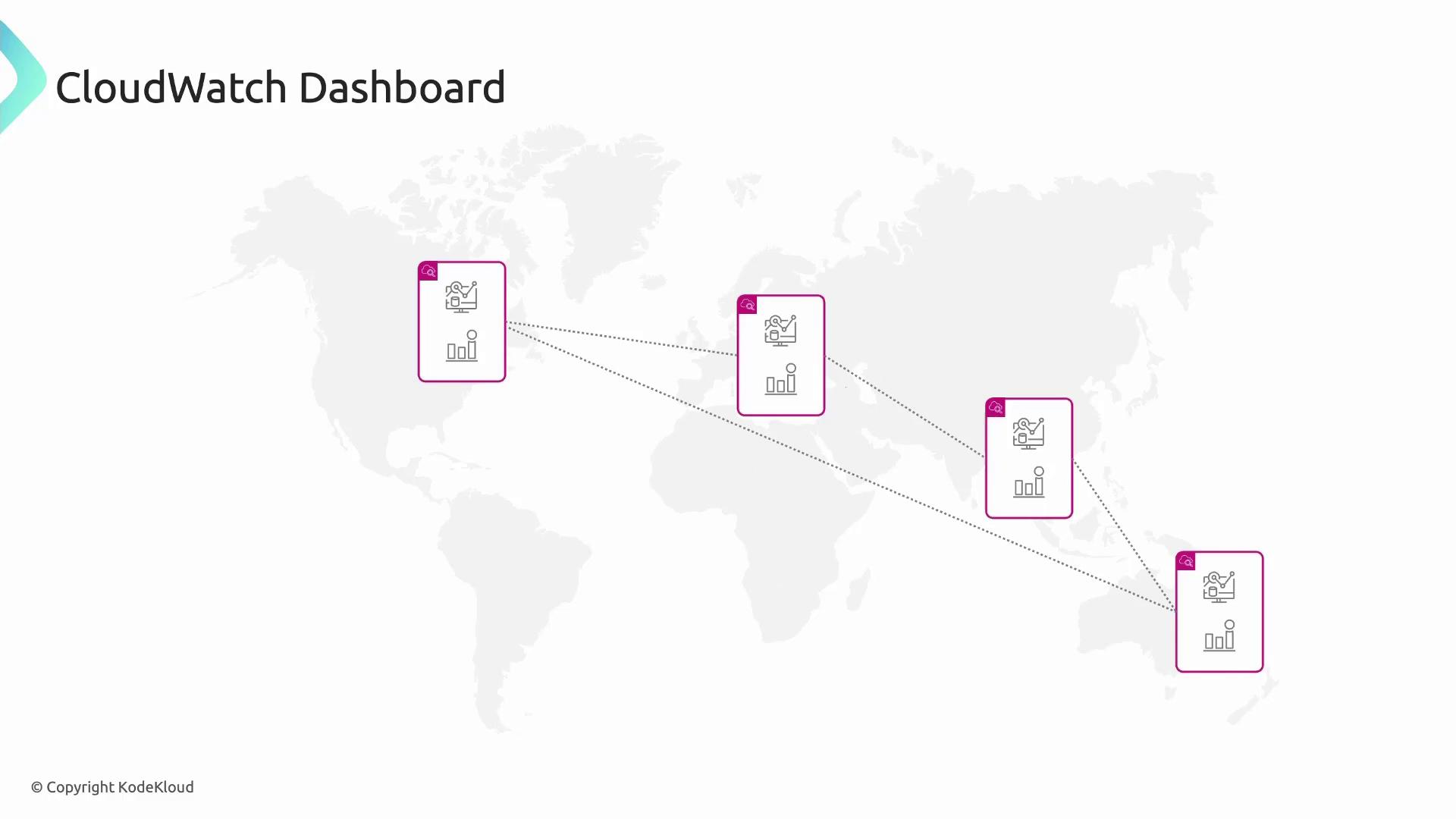
Use descriptive widget titles and color‐coded alarms to make critical metrics stand out on your dashboard.
Data Retention & Detailed Monitoring
CloudWatch automatically retains metrics at different granularities:
Detailed monitoring (1-minute resolution) is available for EC2 instances and certain services at extra cost. Custom metrics follow the same retention model once published.
CloudWatch Agent
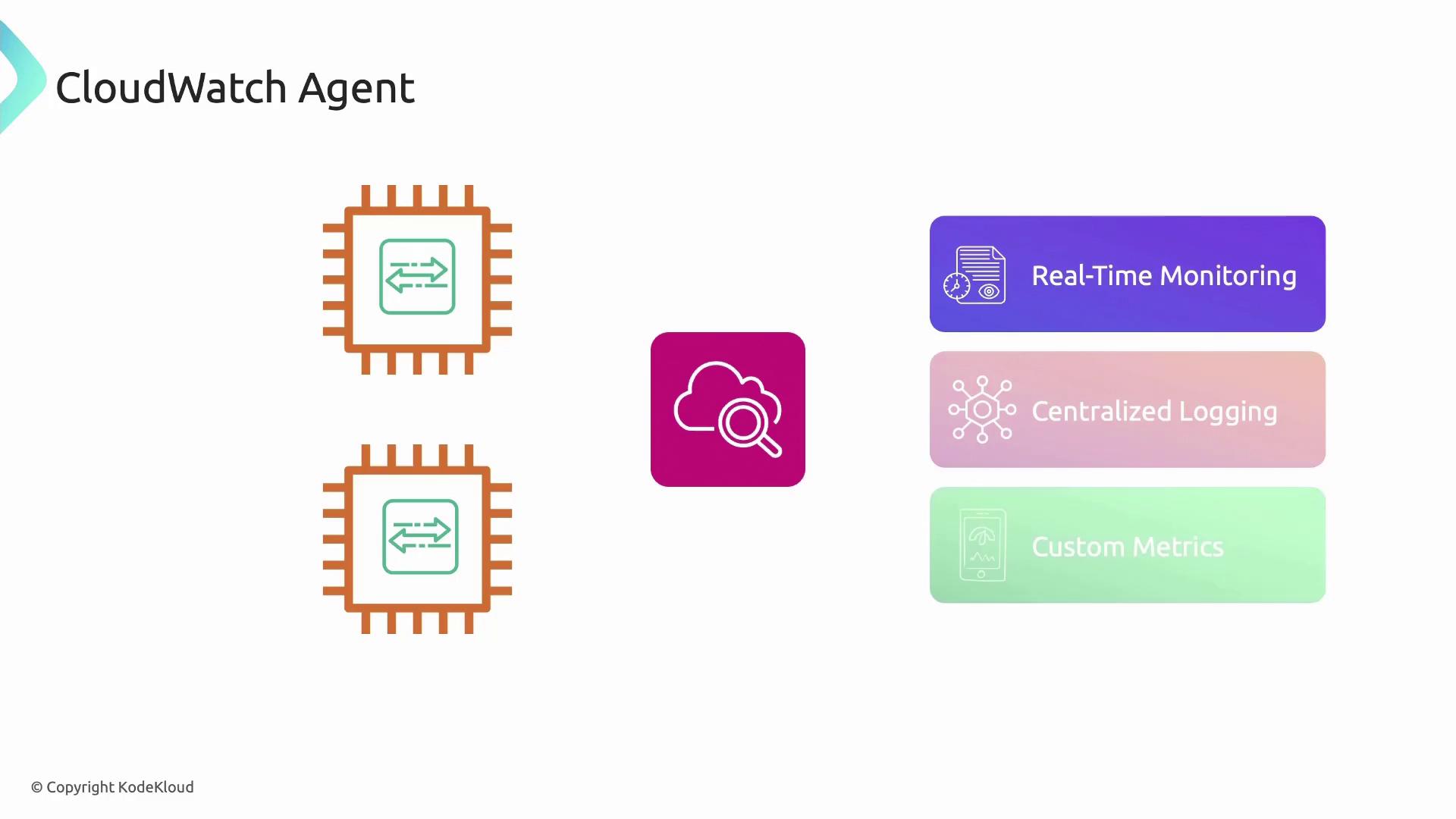
The CloudWatch Agent is lightweight software you install on EC2 instances (or on-premises servers) to collect system metrics, application logs, and custom data:- Real-time, high-resolution metrics (CPU, memory, disk, network).
- Centralized log collection for Linux and Windows (supports JSON, syslog, IIS, and more).
- Custom metric publishing via configuration files or the GetMetricData API.
Configure the agent with the unified CloudWatch Agent configuration file (
amazon-cloudwatch-agent.json) and deploy it using AWS Systems Manager for scale.CloudWatch Logs
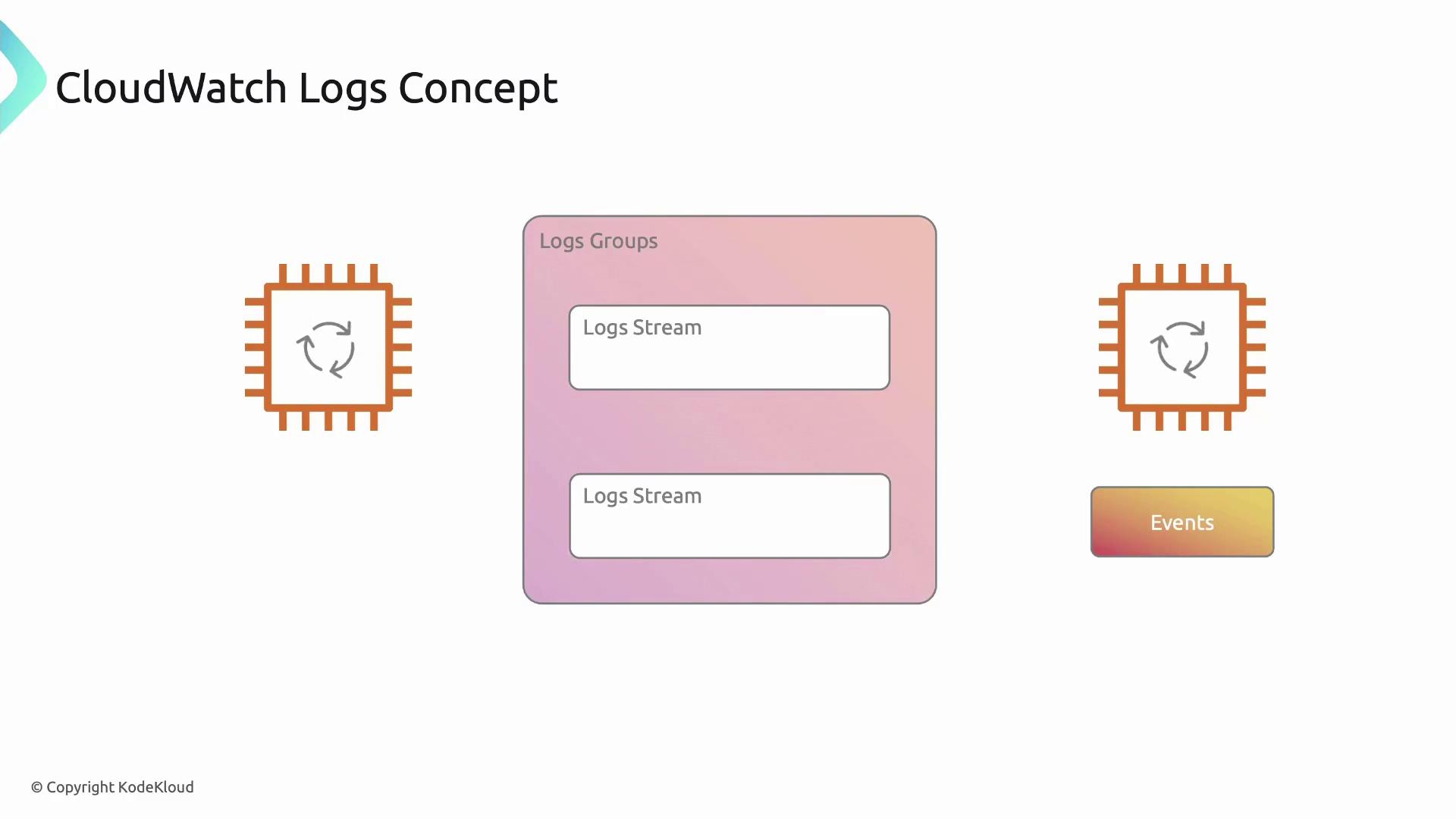
AWS CloudWatch Logs centralizes, monitors, and stores log data from EC2 instances, CloudTrail, VPC Flow Logs, and on-premises servers:- Log events: Individual records with timestamps (e.g., application errors).
- Log streams: Ordered sequences of events from a single source.
- Log groups: Containers for related streams with shared retention, access controls, and metric filters.