

Why Launch Templates?
When building multiple websites, you wouldn’t recreate your homepage layout from scratch each time. You’d use a template with common elements: header, footer, and content blocks.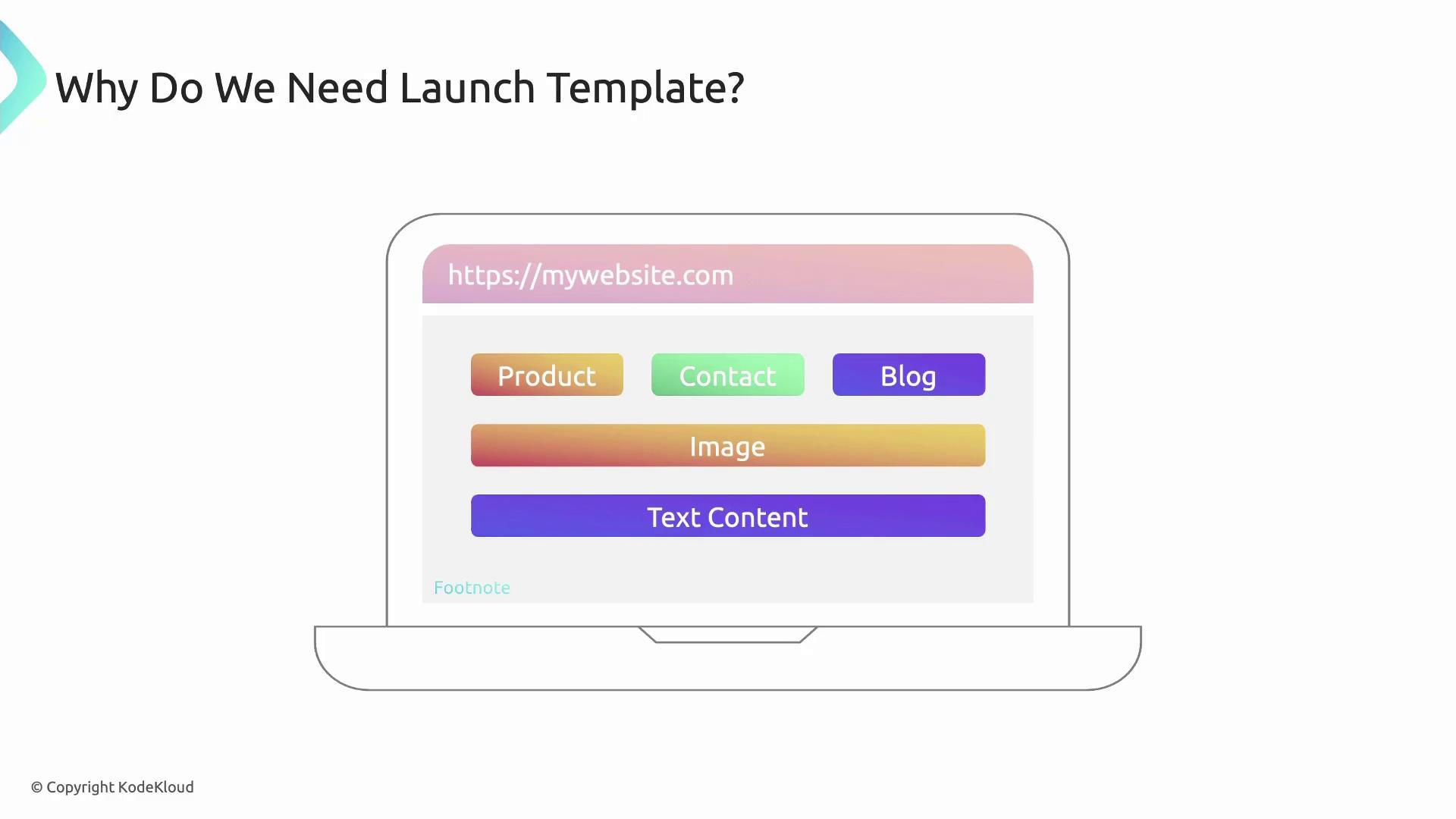
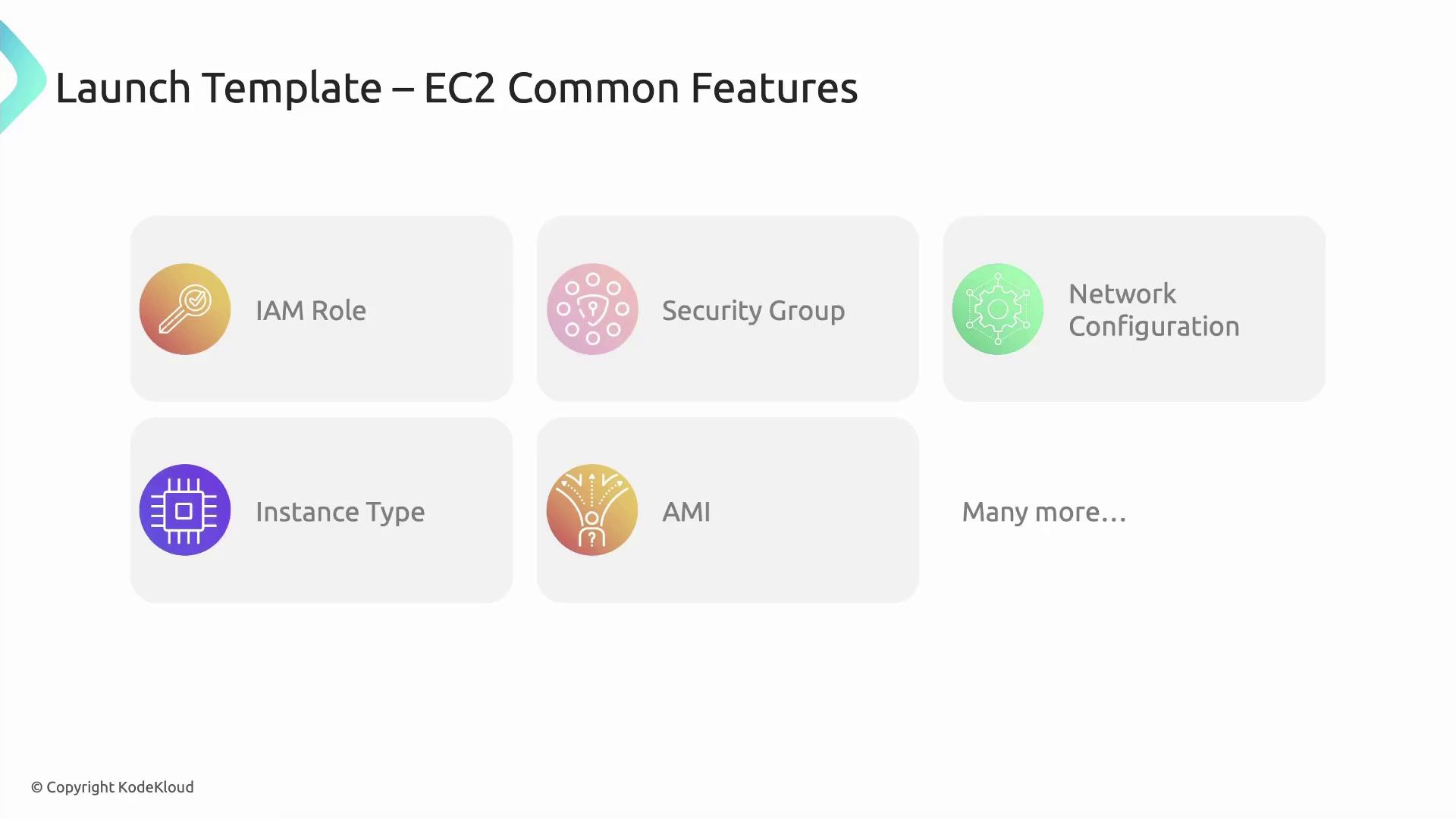
Core Features of Launch Templates
Launch templates let you bundle a wide range of EC2 settings: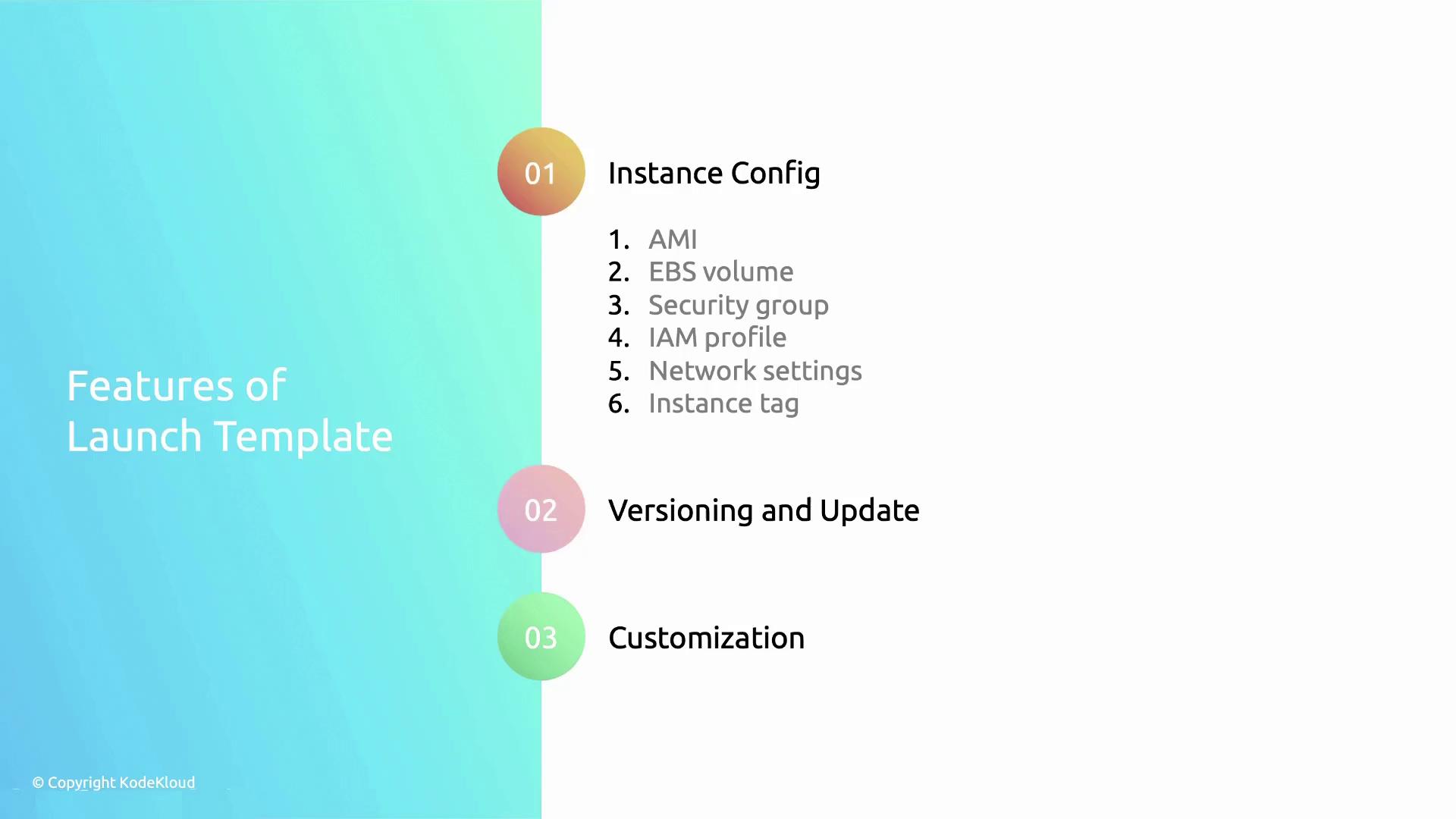
Versioning and Updates
Launch templates support versioning, so you can evolve settings without impacting running instances. Create new versions to roll out changes seamlessly.Each version is immutable—once created, you cannot modify it. Instead, create a new version to apply updates.
Parameterization and Overrides
Define default values in your base template, then override specific parameters—like subnet IDs, user data, or instance type—at launch time. This keeps templates DRY while still flexible.Additional Capabilities
Beyond core settings, launch templates can:- Mix purchase options (On-Demand, Reserved, Spot) in one template
- Automate with AWS SDKs, CLI, CloudFormation, Terraform
- Enable termination protection to prevent accidental shutdowns
- Pass user data scripts for automated bootstrapping
- Choose different AMIs per launch for diverse OS or stacks
Launching too many template versions can lead to clutter. Regularly clean up unused versions to stay organized.
Examples
Here’s how to create a simple launch template via the AWS CLI:Links and References
- AWS EC2 Launch Templates Documentation
- AWS CLI Command Reference
- Terraform AWS Launch Template Resource