This article explores managing disk partitions on AWS EC2 instances, focusing on EBS volumes and scheduling snapshots for data recovery.
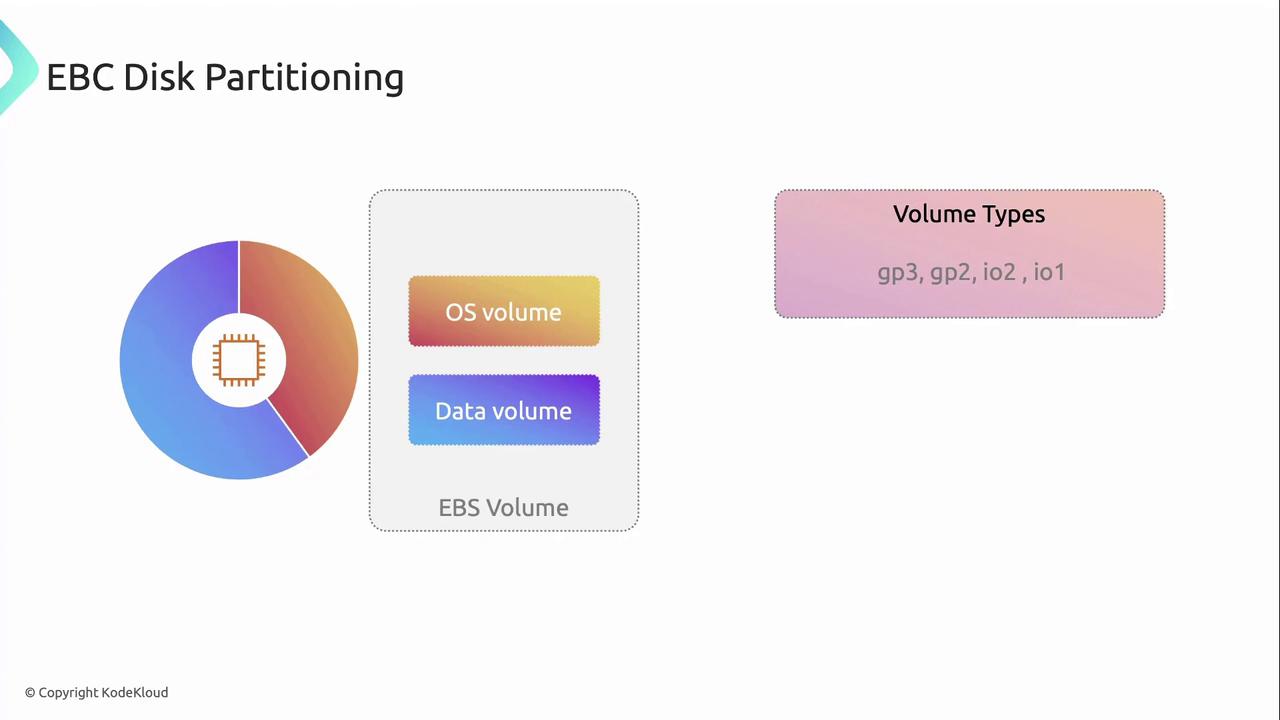
In this article, we explore how to manage disk partitions on AWS EC2 instances. By separating the operating system (OS) from application data into distinct partitions—and, crucially, onto separate EBS volumes—you minimize the risk of data loss if the OS partition becomes corrupted, and you simplify recovery.
Always ensure you have proper backups before resizing or modifying partitions. Unexpected interruptions can lead to data loss.
Selecting the appropriate EBS volume type is critical for meeting your performance requirements. AWS offers SSD-backed volumes with varying baseline throughput and IOPS:
Volume Type
Use Case
Baseline IOPS
gp3
Balanced cost and performance
Up to 16,000
gp2
General-purpose workloads
3 IOPS/GiB
io1
High-performance databases
Up to 64,000
io2
Mission-critical applications
Up to 64,000
gp3 volumes let you provision IOPS and throughput independently, often yielding cost savings for variable workloads.
Scheduling Point-in-Time Recovery with EBS Snapshots
To guarantee point-in-time recovery of your data, schedule regular EBS snapshots. A snapshot captures the exact state of a volume at the moment it’s taken, enabling you to restore data to that precise point.