

- Create a REST API.
- Add a root
ANYmethod that proxies to the Lambda. - Add a
{proxy+}resource and anANYproxy method (Lambda proxy integration,AWS_PROXY) to catch all sub-paths. - Grant API Gateway permission to invoke the Lambda.
- Deploy the API to a stage and expose the public invoke URL.
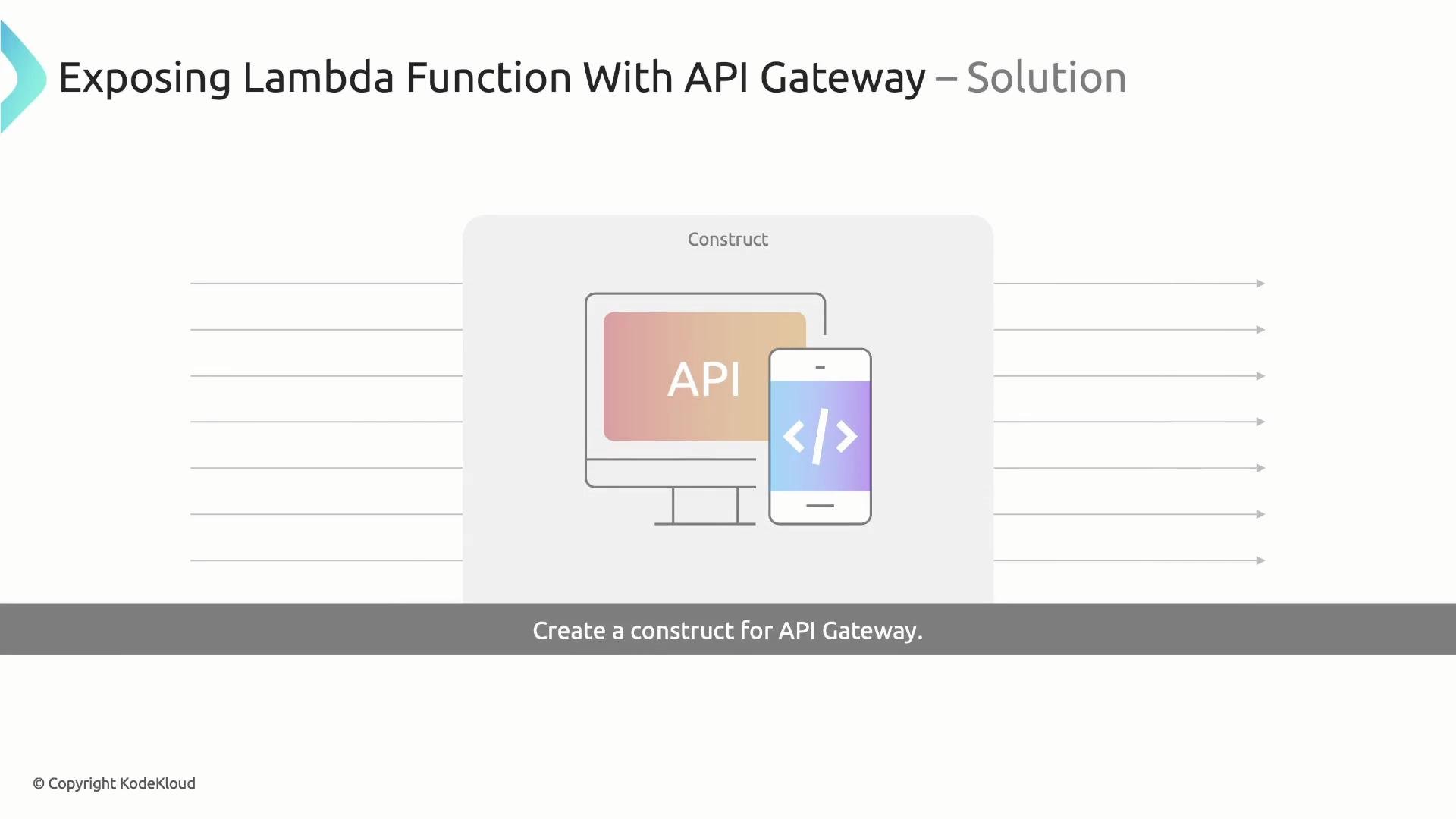
LambdaRestApi construct once implemented.
Naming helper: getConstructName
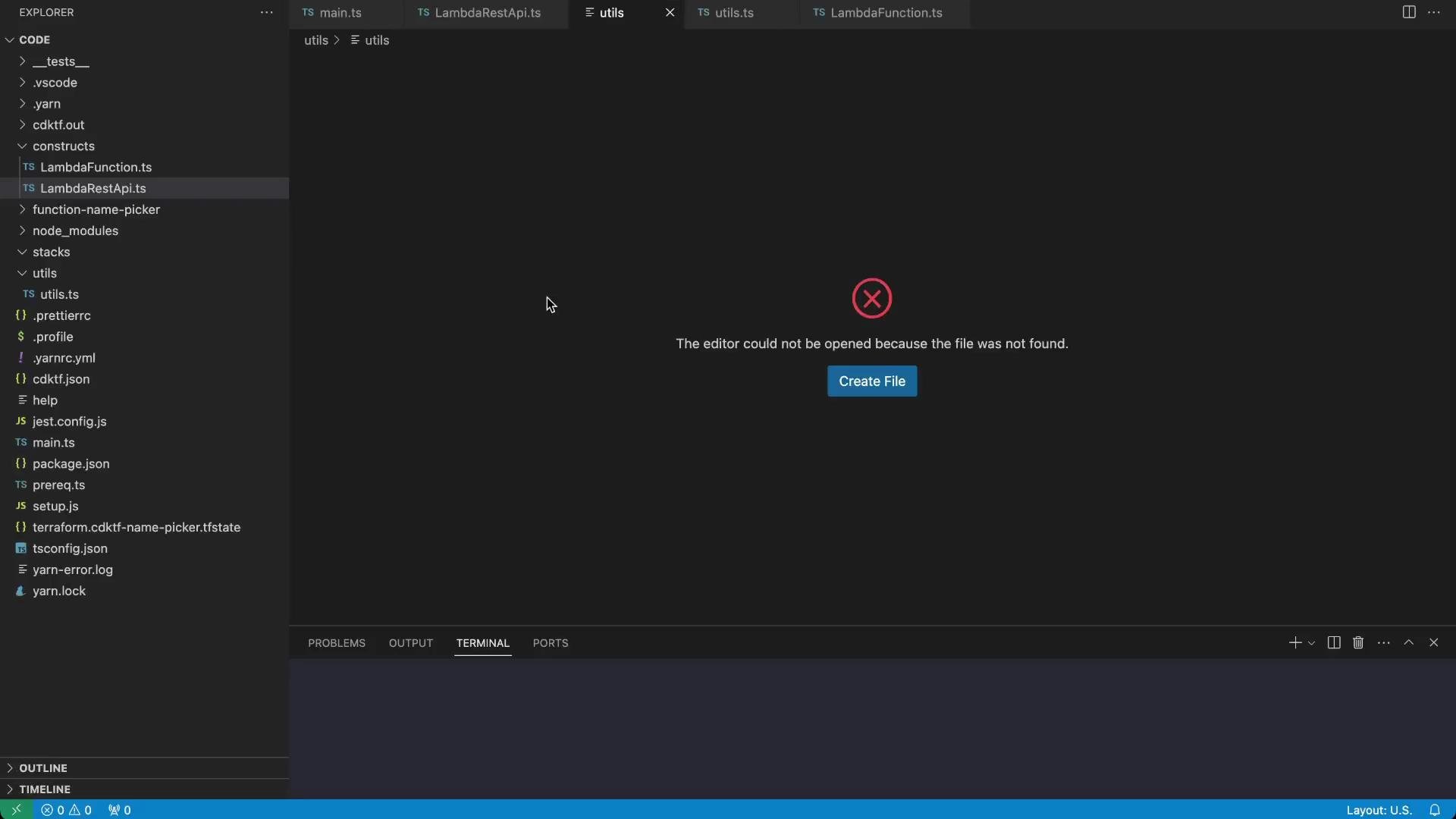
A small helper prefixes construct identifiers with the current Terraform stack id. This produces readable and unique resource names in the AWS console. Createutils/utils.ts:
LambdaRestApi construct
Createconstructs/LambdaRestApi.ts. The LambdaRestApi construct encapsulates all API Gateway resources and wiring required to expose a Lambda function via HTTP. Key responsibilities:
- Create an
ApiGatewayRestApi. - Add root
ANYmethod integrated with Lambda. - Create a
{proxy+}resource withANYmethod andAWS_PROXYintegration to forward all sub-path requests. - Add a
LambdaPermissionthat lets API Gateway invoke the Lambda. - Deploy the API to the specified stage and expose a
urlproperty.
constructs/LambdaRestApi.ts with the following implementation:
Implementation notes and best practices
- The root
ANYmethod and the{proxy+}ANYmethod together allow all HTTP methods (GET, POST, PUT, DELETE, etc.) to be proxied to the Lambda. - For Lambda proxy integrations,
integrationHttpMethodmust bePOST. - Use integration
type: 'AWS_PROXY'to enable forwarding of the full request payload and headers to the Lambda. - The
sourceArninLambdaPermissionrestricts invocation to this API. The pattern${restApi.executionArn}/*/*covers all stages and HTTP methods for the API.
If your deployment uses a different AWS region, update the
execute-api hostname in the url property or derive the region from the provider config to construct the correct invoke URL programmatically.Carefully scope
LambdaPermission with sourceArn. Overly broad permissions can allow unintended services to invoke your function. The example uses ${restApi.executionArn}/*/* to limit access to this API.Resources created by the construct
How to use the construct in your stack
- Implement your Lambda function as a construct (example provided in the sample stack).
- Instantiate
LambdaRestApi, passing the Lambda construct instance and the desiredstageName. - Use the construct’s
urlproperty to create aTerraformOutputor to wire that URL into other systems.
References
- API Gateway REST API (Terraform AWS Provider): https://registry.terraform.io/providers/hashicorp/aws/latest/docs/resources/api_gateway_rest_api
- Lambda Permission (Terraform AWS Provider): https://registry.terraform.io/providers/hashicorp/aws/latest/docs/resources/lambda_permission
- CDK for Terraform (cdktf): https://developer.hashicorp.com/terraform/cdktf