

execSync demo (not recommended) and the recommended TerraformAsset approach, which allows CDKTF/Terraform to detect code changes and redeploy automatically.
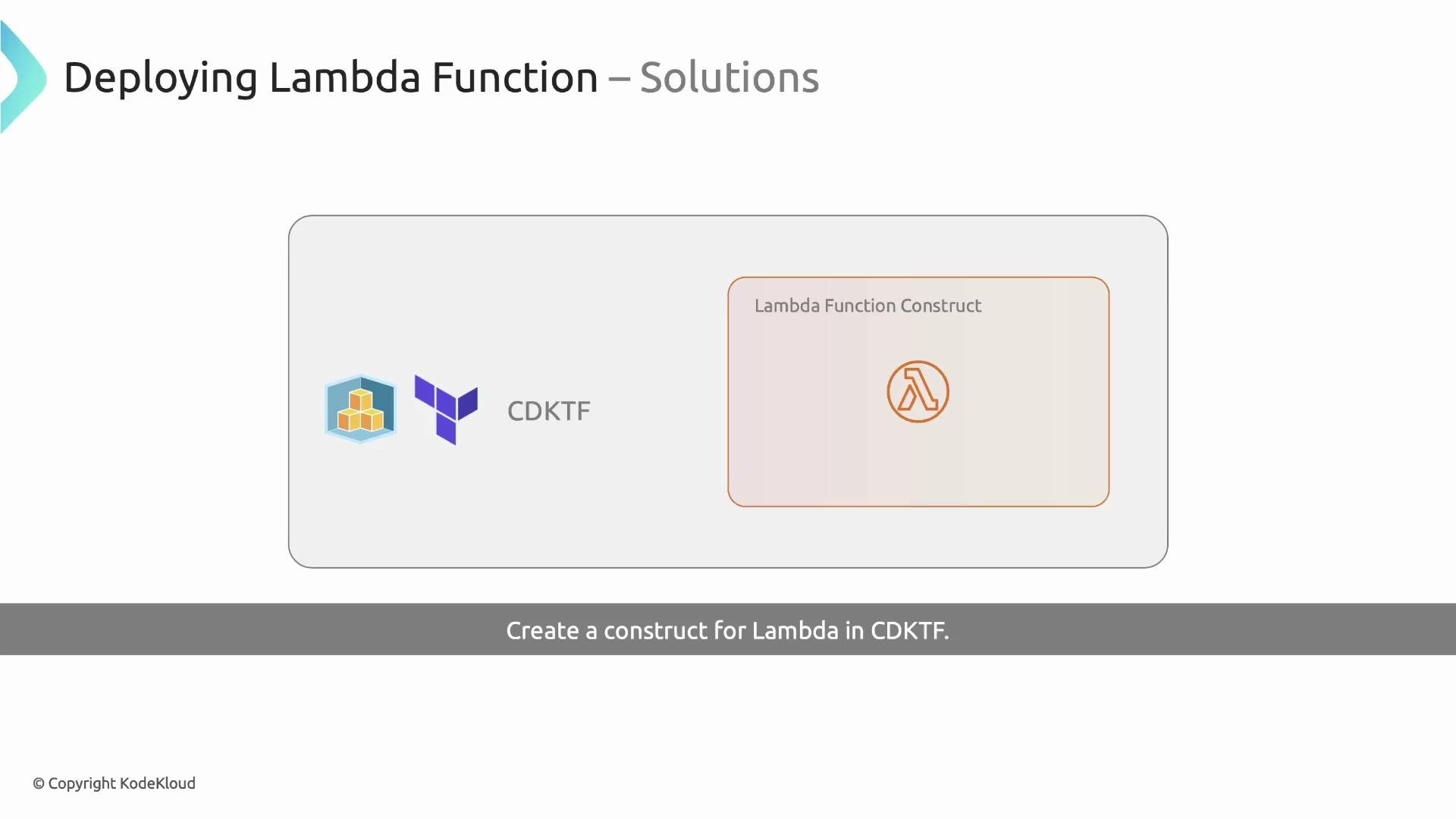
Create the Lambda construct file
Name the file according to the class (for exampleconstructs/LambdaFunction.ts). The construct:
- Accepts configuration props (e.g.
functionName,bundle, and other Lambda-specific options). - Creates an IAM role with an assume-role policy for Lambda.
- Attaches the AWS managed policy
AWSLambdaBasicExecutionRoleso the function can write logs to CloudWatch. - Packages the function code and configures the Lambda resource with the produced archive.
- Omit
roleandfilenamefrom public props so the construct fully controls the execution role and packaging artifact. - Provide a
bundleprop that points to the directory containing the function code (for packaging).
TerraformAsset approach (plus an execSync example shown but commented out):
We deliberately omit
role and filename from the public props so the construct controls them. Callers can still override other Lambda properties (for example timeout or handler).Using the construct in your stack
Instantiate the construct in your stack and pass thebundle directory (the folder that contains your function code) along with handler and optional overrides:
bundleshould be a path relative to your project root (oftenprocess.env.INIT_CWDis used inside the construct).- Provide
handlerin the usualfile.exportsformat (e.g.index.handler).
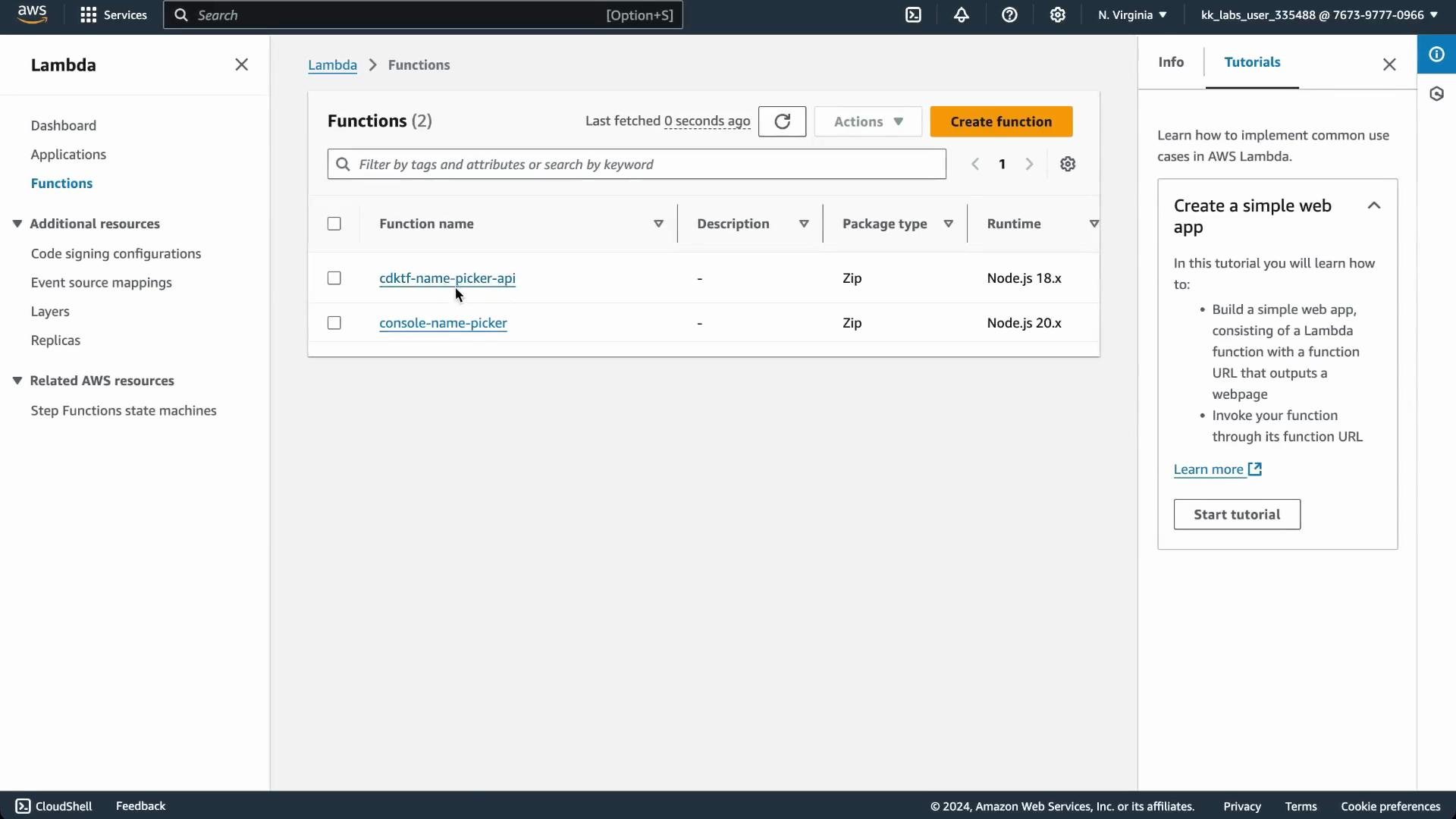
Verify the Lambda in the AWS Console
Afteryarn deploy (or your deployment command), you should see the Lambda function with its role and attached policy in the AWS Lambda console.
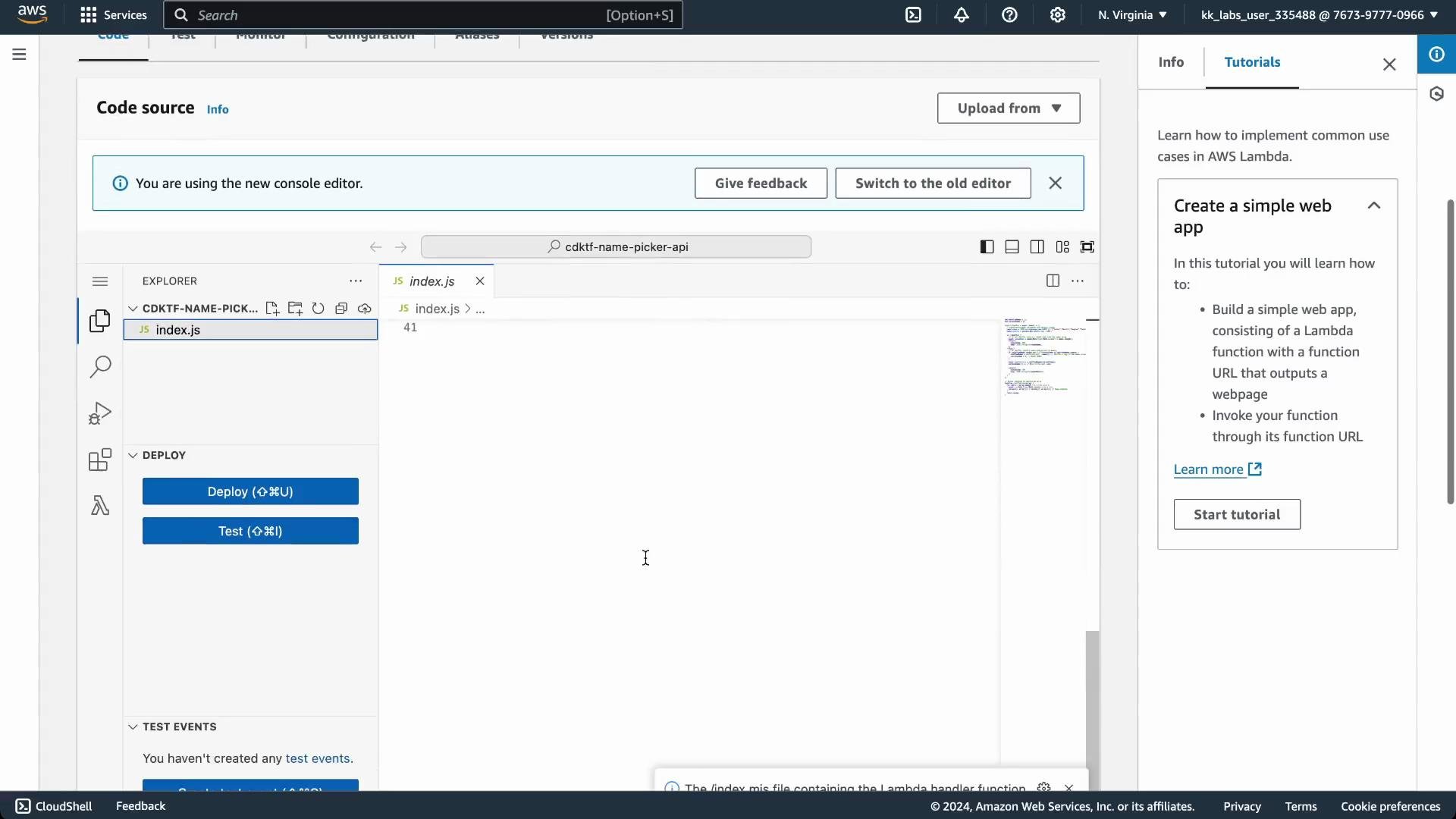
Example Lambda handler (index.js)
Save this file asfunction-name-picker/index.js. It’s a compact Node.js handler that either returns a random name or cycles through a shuffled list (when SHUFFLE=true).
Packaging approaches
This guide demonstrates two packaging strategies: a quickexecSync approach (for demonstration only) and the recommended TerraformAsset approach that integrates with Terraform’s change detection.
1) Packaging with execSync (not recommended)
This approach runs shell commands at synth time to create a ZIP archive. It works, but Terraform/CDKTF will not reliably detect code changes produced after the archive was created during synth.Running packaging during synth (via
execSync) means Terraform/CDKTF does not record the archive as an asset. Subsequent code changes may not trigger deploys — you can end up with “No changes” even when source changed.- Packaging happens outside Terraform’s asset tracking.
- Terraform won’t detect subsequent code changes and may skip deployments.
- Requires manual steps or extra tooling to ensure the archive is refreshed before each deploy.
2) Packaging with TerraformAsset (recommended)
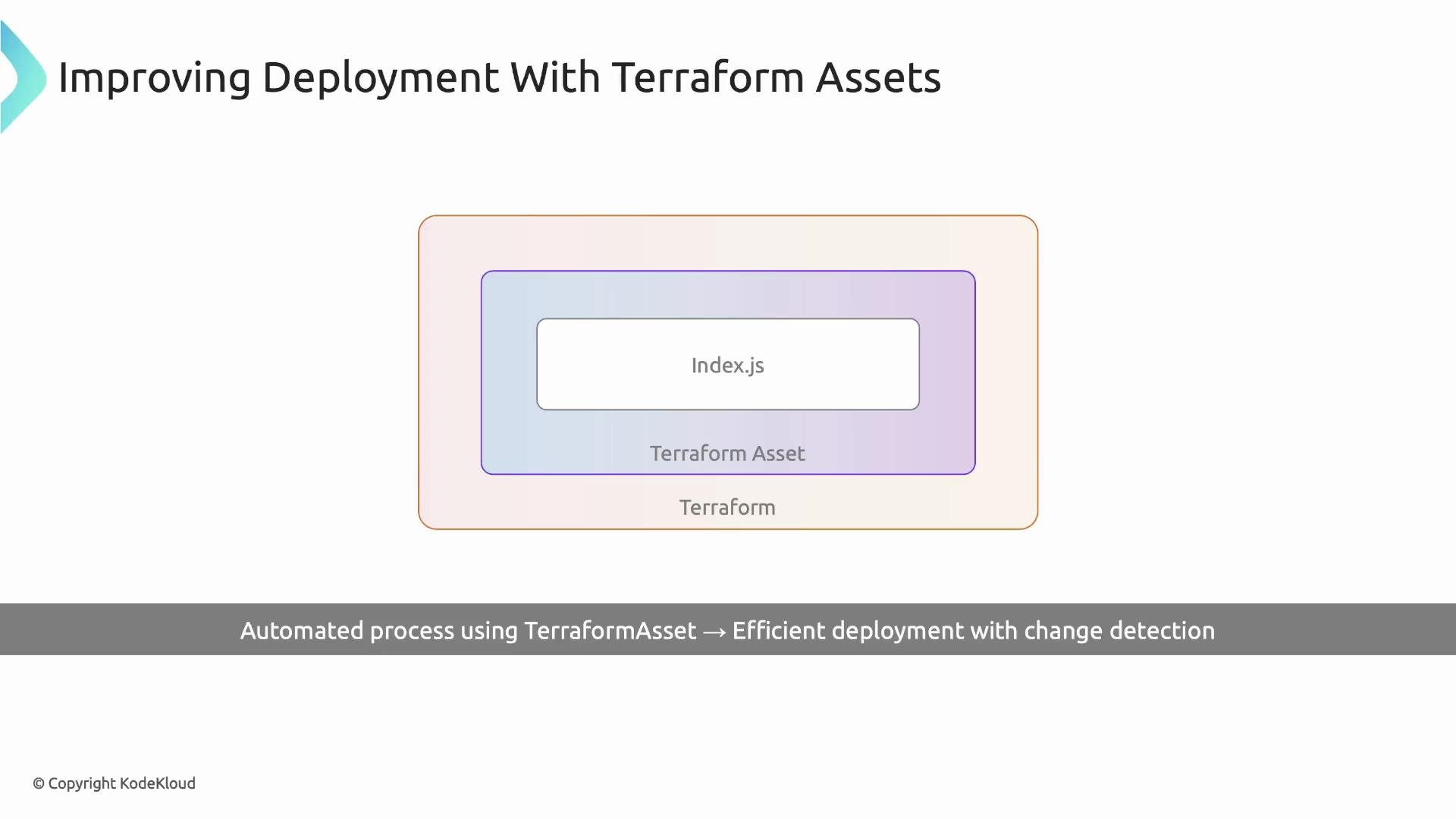
TerraformAsset produces an archive that Terraform treats as an asset. When the bundle contents change, Terraform will detect differences and prompt to apply updates, ensuring the Lambda is redeployed with the new code.
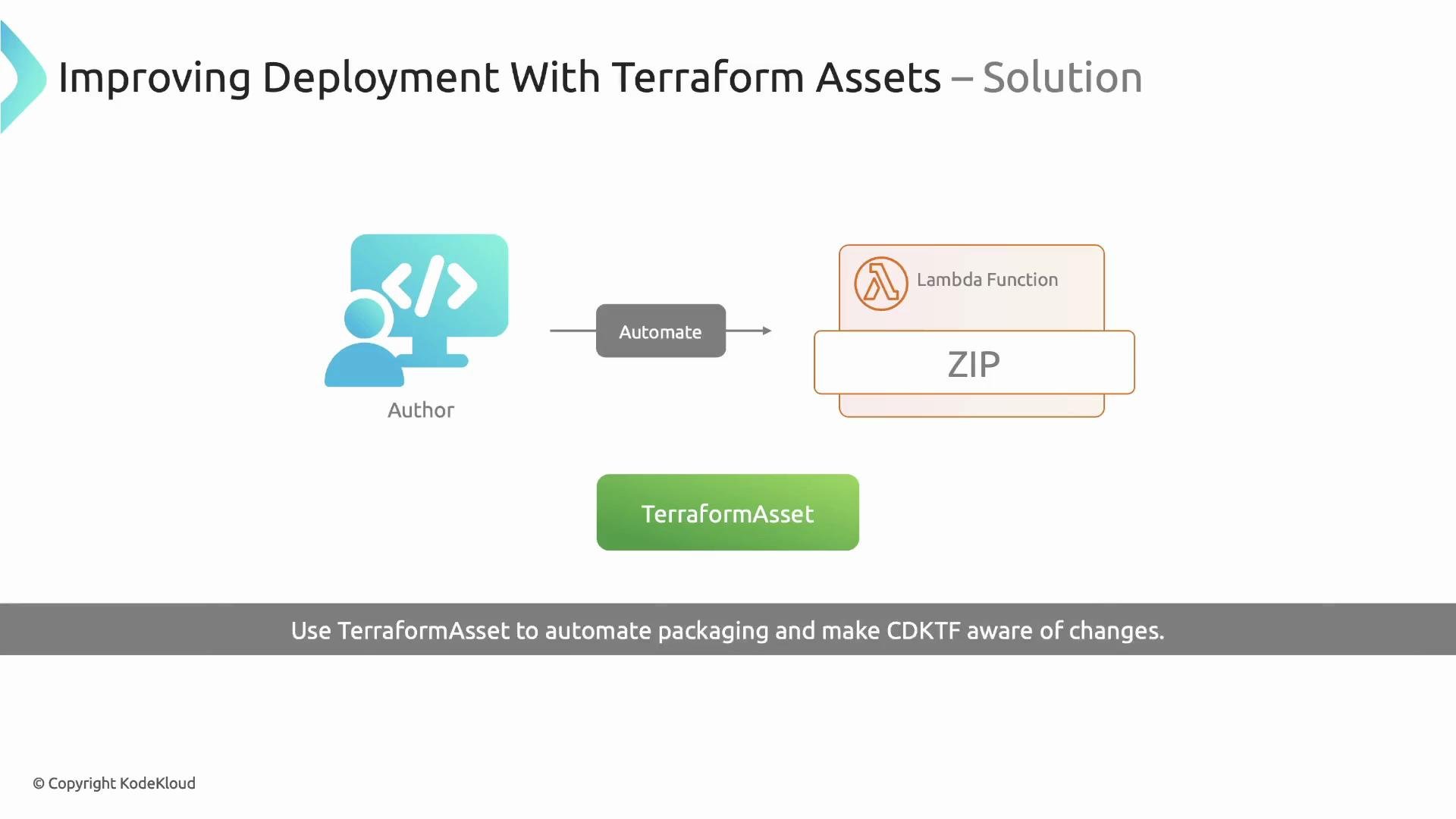
index.js and run yarn deploy (or your CDKTF deploy command):
- Terraform detects the updated asset hash.
- Terraform prompts and applies the change.
- The updated Lambda code is uploaded and becomes active.
- CloudWatch logs will reflect the new behavior (e.g. new
console.logoutput).
Quick comparison
Summary
- Encapsulate Lambda creation (role, policy attachment, function) into a reusable construct to standardize deployments.
- Prevent callers from providing
roleandfilenameso the construct manages permissions and packaging. - Avoid ad-hoc
execSyncpackaging unless you fully understand the limitations. - Use
TerraformAsset(withAssetType.ARCHIVE) to package function code and enable reliable change detection and deployments with CDKTF.
Links and references
- CDK for Terraform (CDKTF) documentation
- Terraform Asset documentation (see provider docs for asset handling)
- AWS Lambda docs
- AWS IAM policies for Lambda execution