

tsconfig.json file. This file tells the TypeScript compiler how to process your project and is usually placed at the root of your repository.
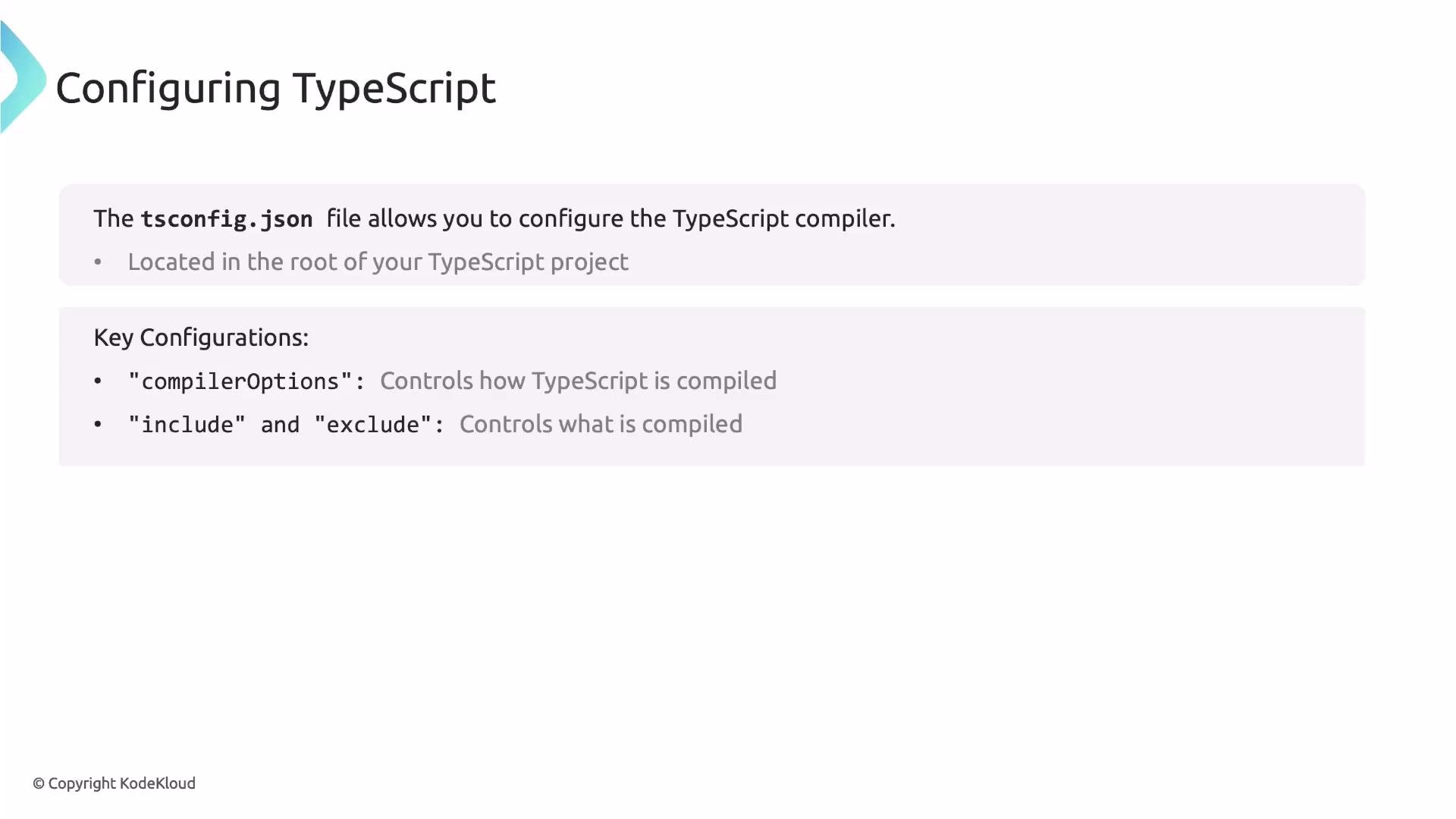
tsconfig.json controls
compilerOptions: fine-tunes the compiler behavior and output.include/exclude: determine which files are part of the compilation set.
compilerOptions
Below is a quick reference table of commonly used compiler options and when you might change them.
If you’re using a framework or starter template, it usually supplies a sensible
tsconfig.json. For most projects, start with that and adjust only when necessary.
If you’re new to TypeScript, prefer the
tsconfig.json that comes with your framework or starter project. It will usually have sensible defaults.tsconfig.json
A typical tsconfig.json you’ll encounter:
noUnusedLocals and noUnusedParameters flag dead code, unused imports, and forgotten variables.
Example of an unused local that will be flagged when noUnusedLocals: true:
expor instead of export) or malformed arrow functions.
Package manager messages
When adding dependencies you may also see warnings from your package manager. Example Yarn output:
include to specify files or glob patterns to compile, and exclude to keep files out of compilation. Common patterns:
Excluding
node_modules is standard because third-party packages are generally precompiled and do not need type-checking from your project compiler.
That concludes the section on configuring TypeScript.
- TypeScript Handbook — https://www.typescriptlang.org/docs/handbook/tsconfig-json.html
- tsconfig reference — https://www.typescriptlang.org/tsconfig