

- Why TypeScript is useful for infrastructure as code.
- TypeScript prerequisites and essential tools.
- How to initialize a TypeScript project from scratch.
- Run a simple Hello World script using TypeScript.
What is TypeScript?
TypeScript is a superset of JavaScript that adds static typing and modern language features. Static types enable many errors to be caught at compile time instead of at runtime, making infrastructure code more predictable and easier to debug.
- TypeScript is a strict superset of JavaScript — every valid JavaScript program is valid TypeScript.
- You can declare types for parameters, variables, and return values (for example,
string). The TypeScript compiler and many editors then report mismatches before you run your code.
Why TypeScript for infrastructure as code?
Static typing improves reliability for infrastructure code the same way it does for applications. For example, a type error in plain HCL may only show up duringterraform apply or terraform validate, whereas TypeScript (with CDK for Terraform or other IaC frameworks) surfaces the problem during development.
Terraform HCL example (error detected only at apply/validate):
Setting up a TypeScript project from scratch
You can follow along locally or in an online lab environment (e.g., KodeKloud Labs). The steps below explain what to install and why.Prerequisite: Node.js
TypeScript runs on the JavaScript toolchain. Node.js is the runtime that lets you run JavaScript/TypeScript on your machine (outside the browser). KodeKloud Labs include Node; for local installs, choose the method appropriate for your OS.Homebrew is not a Node.js package manager. Ensure Homebrew is installed by following the official instructions at
https://brew.sh/. Homebrew can install Node.js, but for Node package dependency management you should use npm, Yarn, pnpm, or Bun.Package manager choices
A package manager installs, updates, configures, and manages dependencies for your project. Common choices include npm, Yarn, pnpm, and Bun.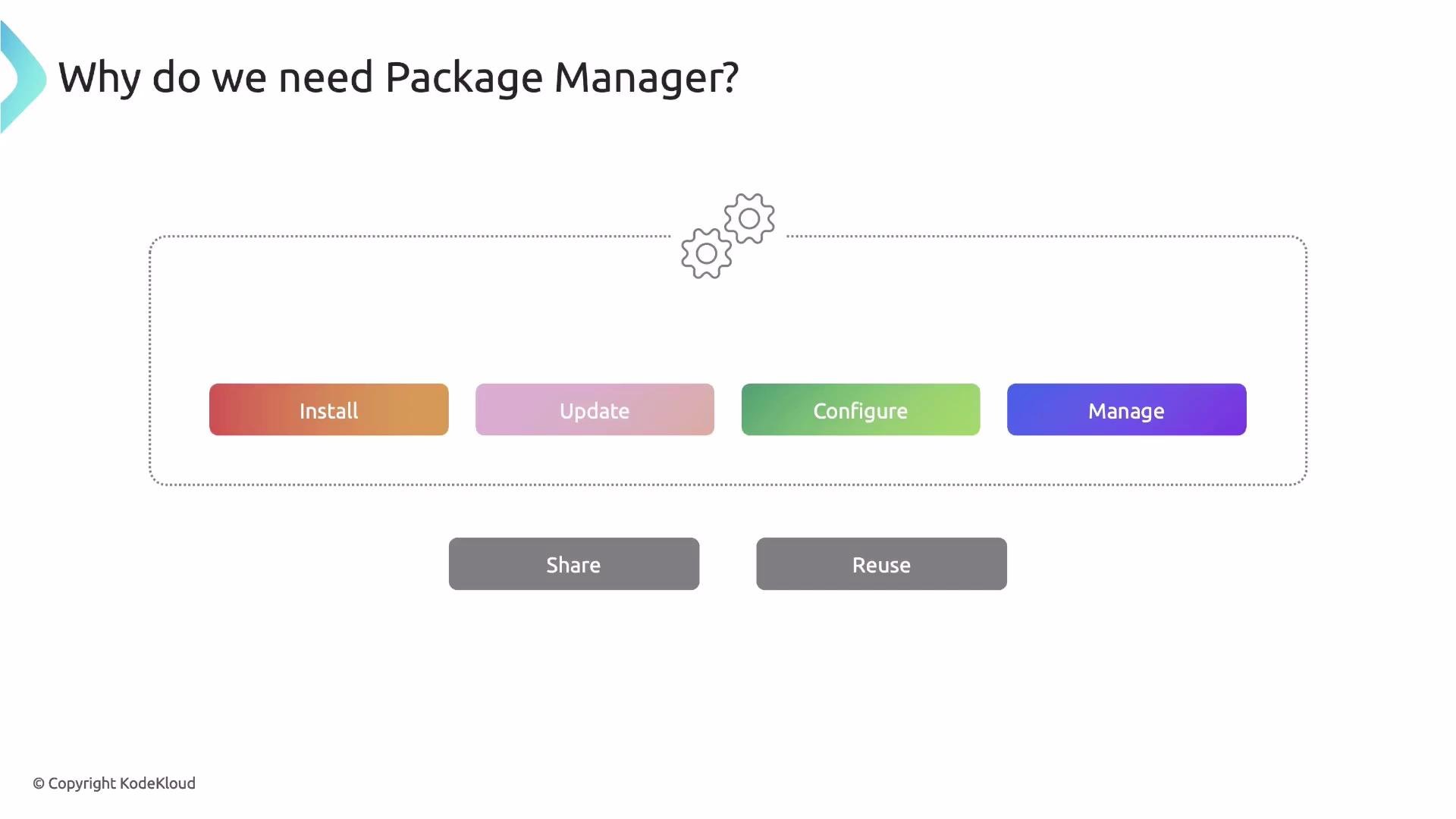
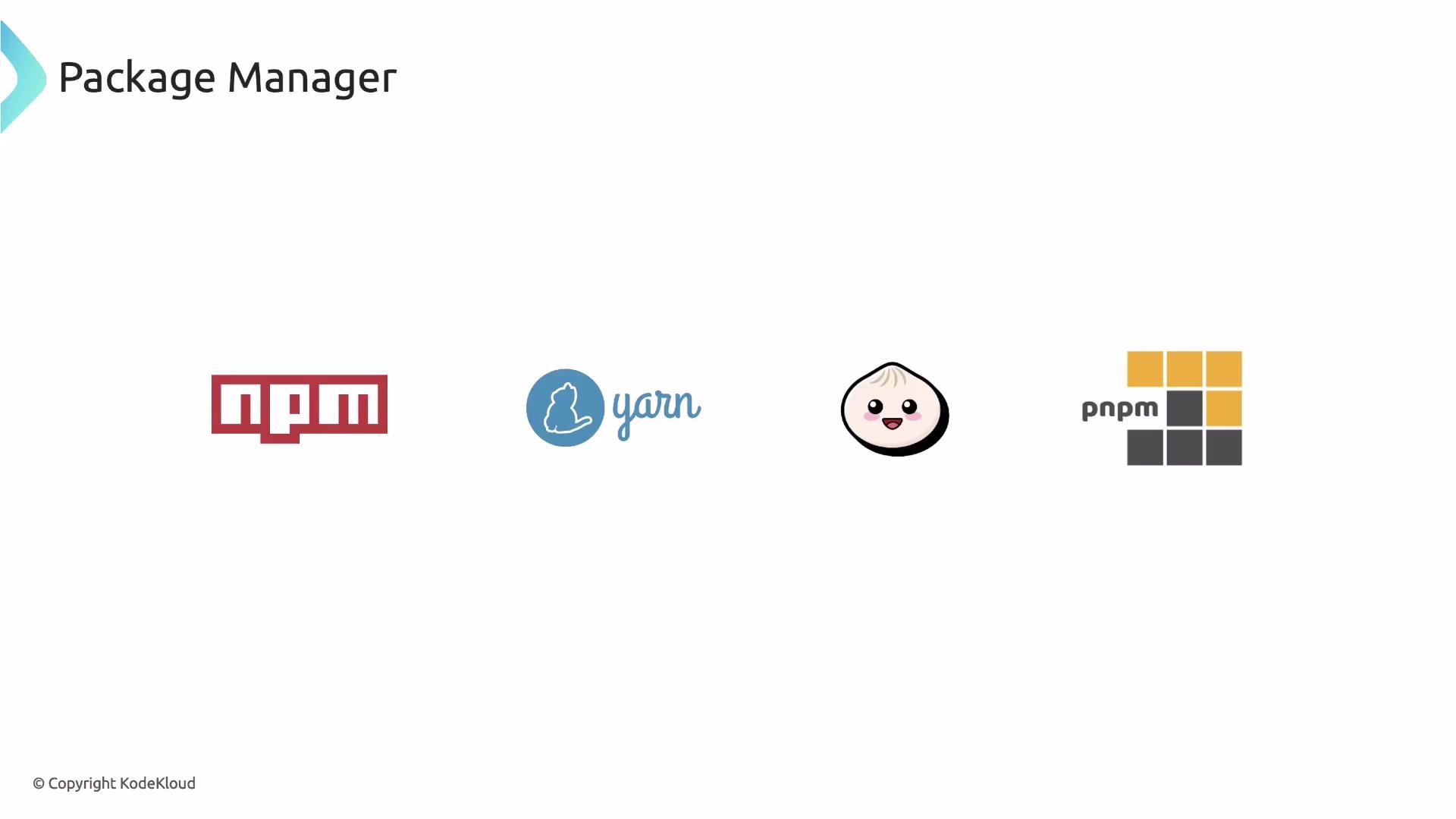
For this lesson we’ll use Yarn because it’s stable, fast, and caches packages locally. Other managers work similarly — choose the one you prefer.
Initialize a Yarn project:
package.json created by yarn init might look like:
package.json will include TypeScript in devDependencies:
node_modules/ to .gitignore. yarn init typically creates a .gitignore with common entries.
Hello World in TypeScript
Createindex.ts as the application entry point:
Run TypeScript directly (no compile step)
To run TypeScript files directly, usets-node. For automatic restarts during development use ts-node-dev.
ts-node runs TypeScript files directly without a separate compile step. ts-node-dev adds file watching and automatic restarts (useful for iterative development). For production you typically compile .ts to .js using tsc.package.json for development:
--respawn instructs ts-node-dev to restart the process whenever a watched file changes.
TypeScript compiler configuration
Createtsconfig.json to control compilation behavior. A sensible starter configuration:
ts-node-dev, editing index.ts and saving will automatically restart the process and print the updated output.
Recap
- TypeScript is a typed superset of JavaScript that improves reliability by catching many errors at compile time.
- Static typing is especially helpful when authoring infrastructure-as-code (IaC) — it surfaces type mismatches before you run provisioning commands.
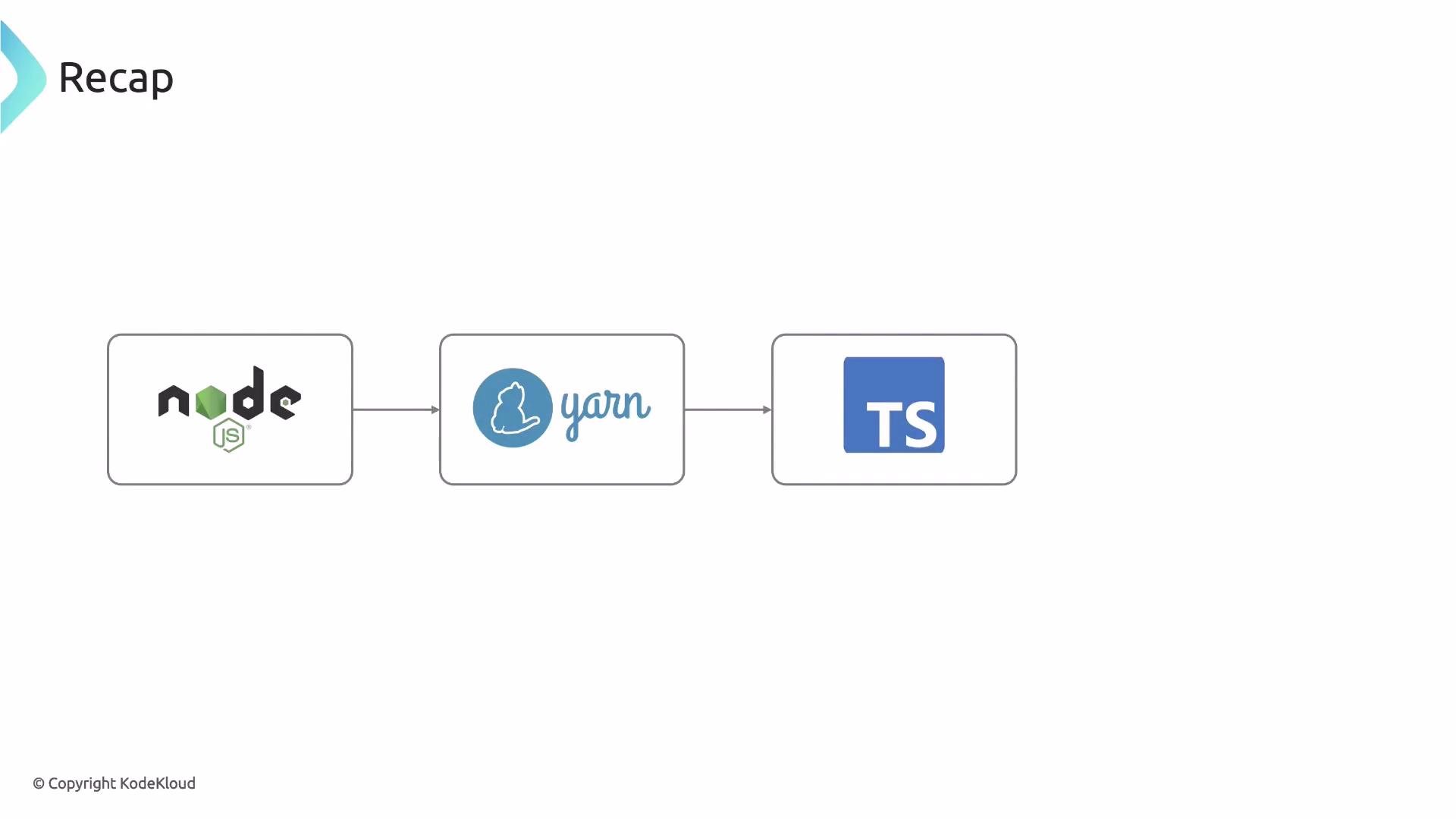
- We covered prerequisites (Node.js), package manager options, initializing a Yarn project, installing TypeScript and development tooling, adding a
tsconfig.json, and running a Hello World usingts-node-dev.
Links and References
- Node.js official: https://nodejs.org/
- Yarn: https://yarnpkg.com/
- TypeScript docs: https://www.typescriptlang.org/docs/
- CDK for Terraform (CDKTF): https://developer.hashicorp.com/terraform/cdktf
- KodeKloud Labs: https://learn.kodekloud.com/