

Benefits
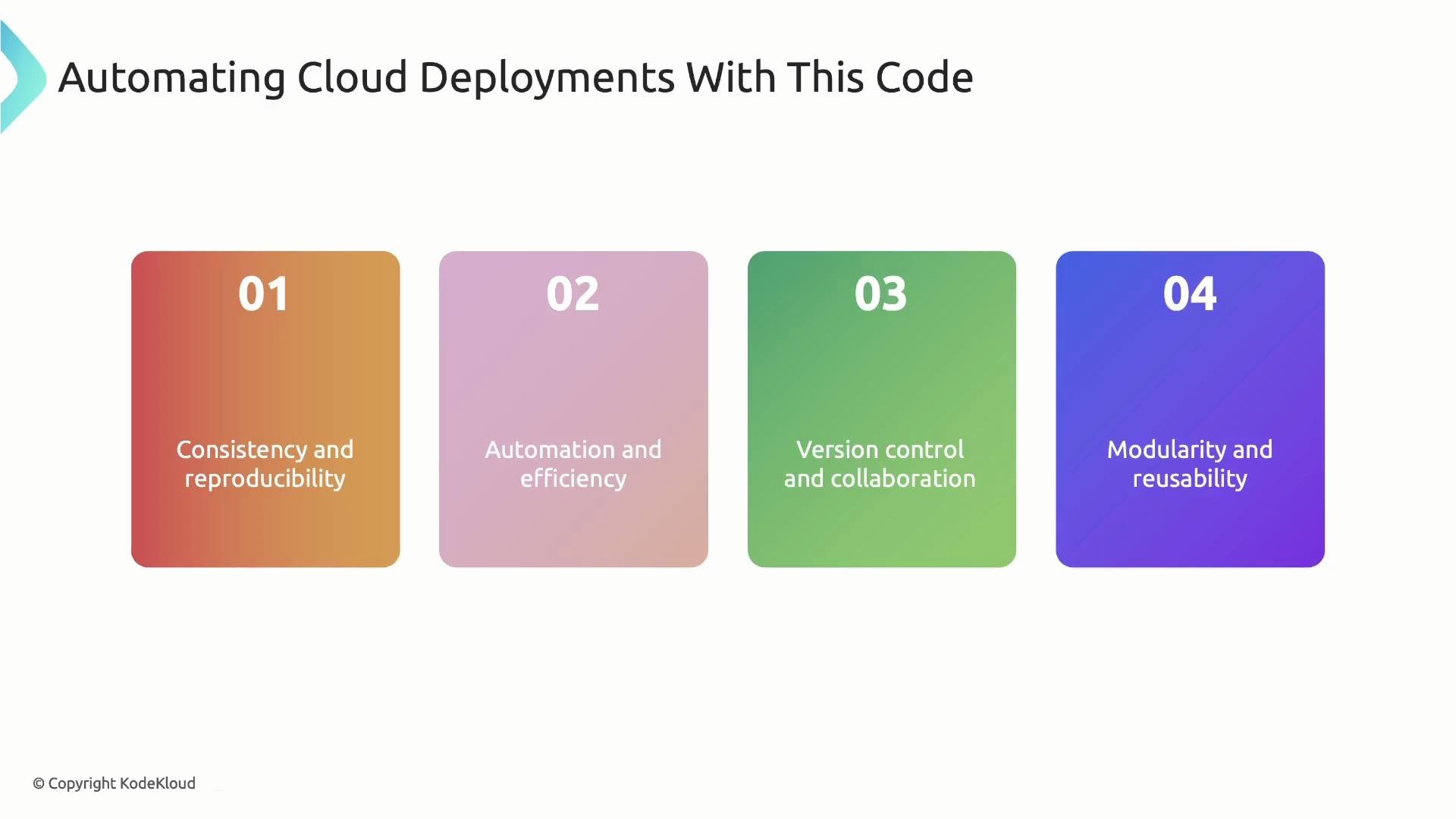
- Consistency and reproducibility
Infrastructure is defined as code, so deployments are consistent and predictable across environments (dev, staging, prod). This reduces configuration drift and makes rollbacks easier. - Automation and efficiency
A single CLI command can provision, update, or tear down resources across multiple providers (AWS, Azure, GCP, etc.), removing manual UI steps and human error. - Version control and collaboration
Store Terraform code in Git to track changes, review changes via pull requests, and collaborate across teams with auditable history. - Modularity and reusability
Break configurations into modules (e.g., an S3 bucket module that accepts anenvironmentvariable) to reuse patterns across accounts and environments and simplify complex architectures.
Limitations
- Learning curve for HCL
HashiCorp Configuration Language (HCL) is declarative and focused on infrastructure. Developers used to imperative languages (TypeScript, Python) will need time to learn HCL idioms and patterns. - Limited programming flexibility
HCL is not a general-purpose language: it lacks constructs such as classes, custom user-defined functions, and rich control flow. While built-in functions and expressions exist, representing complex logic can become verbose or awkward. - Type safety and validation
HCL provides limited compile-time type checking and editor autocompletion compared with typed languages. Many issues only surface atterraform validateorterraform apply, not directly in the editor.
object_lock_enabled expects a boolean, but the configuration sets a string value "foo":
terraform validate (or terraform apply), Terraform will report a type error:
terraform validate and terraform apply will succeed:
Type safety and improved editor tooling are primary motivations for using CDKTF or other language-based IaC approaches. These trade-offs and benefits are explored when adopting language-based IaC solutions.
Quick comparison: Benefits vs Limitations
References
- Terraform: https://www.terraform.io/
- HCL language: https://github.com/hashicorp/hcl
- CDK for Terraform (CDKTF): https://developer.hashicorp.com/terraform/cdktf