

Best practices depend on your use case. What’s ideal for a NestJS backend may not fit a React SPA or an IaC project. Treat these recommendations as adaptable guidance rather than dogma.
Organize code across multiple files
Prefer small files with a single responsibility. Clear separation of concerns improves readability, testability, and parallel collaboration.- Group related types, functions, and classes, but keep files focused (e.g., one service, one module, one logical unit).
- Avoid very large files that mix responsibilities; split them into smaller units.
- Use index (barrel) files sparingly: they can simplify imports but may also hide large dependency graphs and create circular-dependency risks.
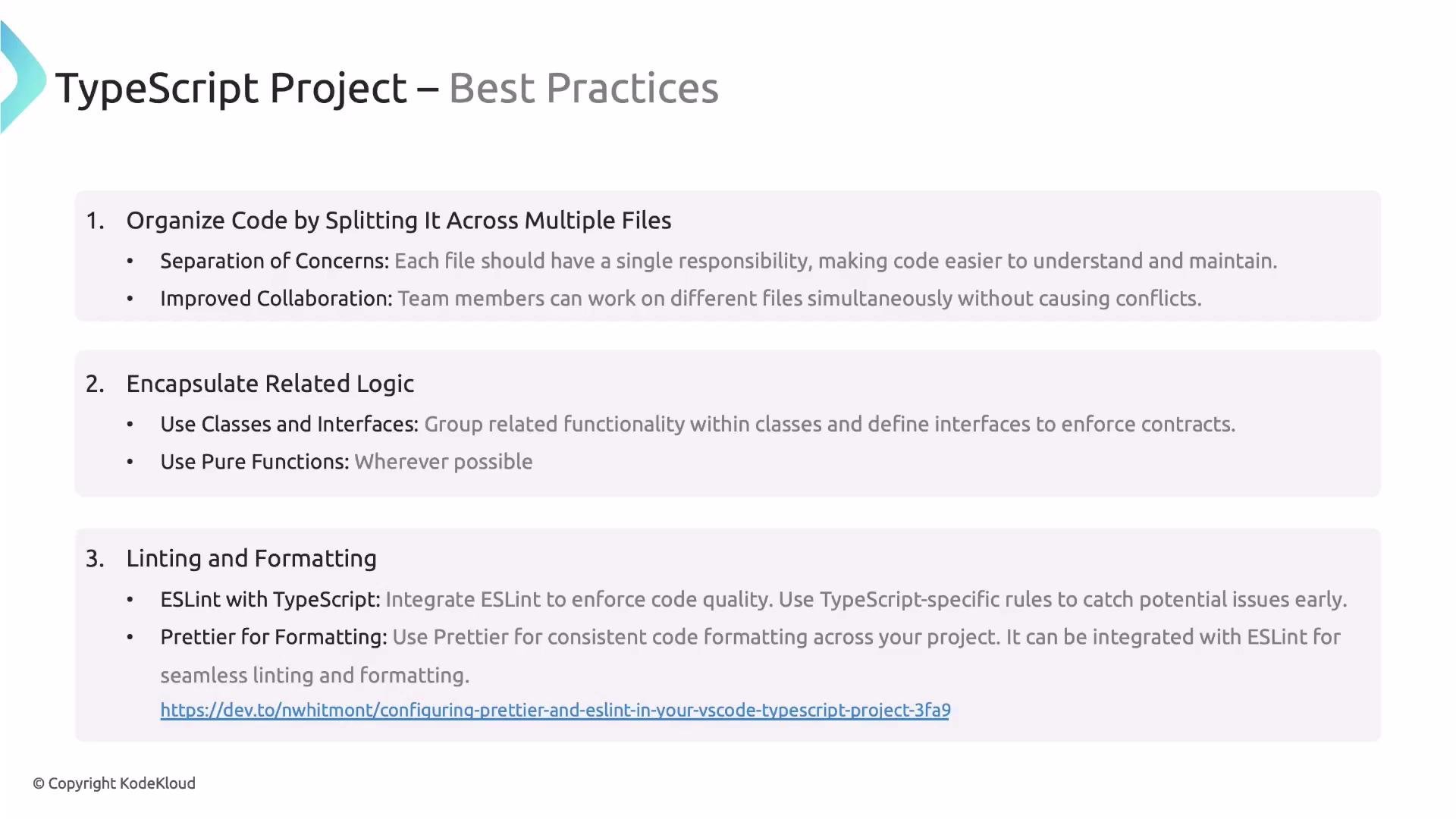
Encapsulate related logic
Group behavior and data where it belongs so each unit has a clear contract and responsibilities.- Classes & interfaces: good for explicit contracts and shared behavior across implementations.
- Pure functions: prefer small, deterministic functions with no side effects where possible — easier to test and reason about.
- Modules: expose a minimal public surface, keep implementation details private to the module.
Linting and formatting
Run automated linting and formatting to maintain code quality and consistent style across the team.- ESLint: catch likely bugs and enforce code-quality rules (unused vars, unreachable code, consistent use of
const, etc.). - Prettier: enforce formatting (line breaks, quotes, spacing). Prefer letting Prettier handle formatting and ESLint handle semantics.
- Integrate
@typescript-eslint/parserand@typescript-eslint/eslint-pluginfor TypeScript support. - Use
eslint-config-prettierto avoid rule conflicts between ESLint and Prettier. - Add checks to pre-commit hooks (husky + lint-staged) and to CI pipelines.
Integrate linting and formatting into CI to ensure consistent quality across pull requests.
File and identifier naming
Pick a convention early and stick to it. Document it in your repository’s style guide and enforce via linters.
Examples in code:
Additional practical items
- tsconfig: enable
strictearly and considernoImplicitAny,strictNullChecks, andnoUncheckedIndexedAccessto catch issues early. - Types: prefer explicit types on public APIs; rely on inference for local variables when it improves readability.
- Tests: unit tests for pure logic; integration tests for external interactions (databases, network, etc.).
- Scripts: include helpful npm scripts:
npm run build,npm run lint,npm test,npm run typecheck. - CI: run lint, typecheck, and tests in CI for every PR to avoid regressions.
- Dependencies: keep
devDependenciesseparate from runtime dependencies; rely on lockfiles and update dependencies deliberately.
Enable TypeScript
strict mode early in a project to catch subtle bugs. Migrating a large codebase to strict later can be time-consuming.