

1. Reproducing & Resolving a Jinja2 Template Error
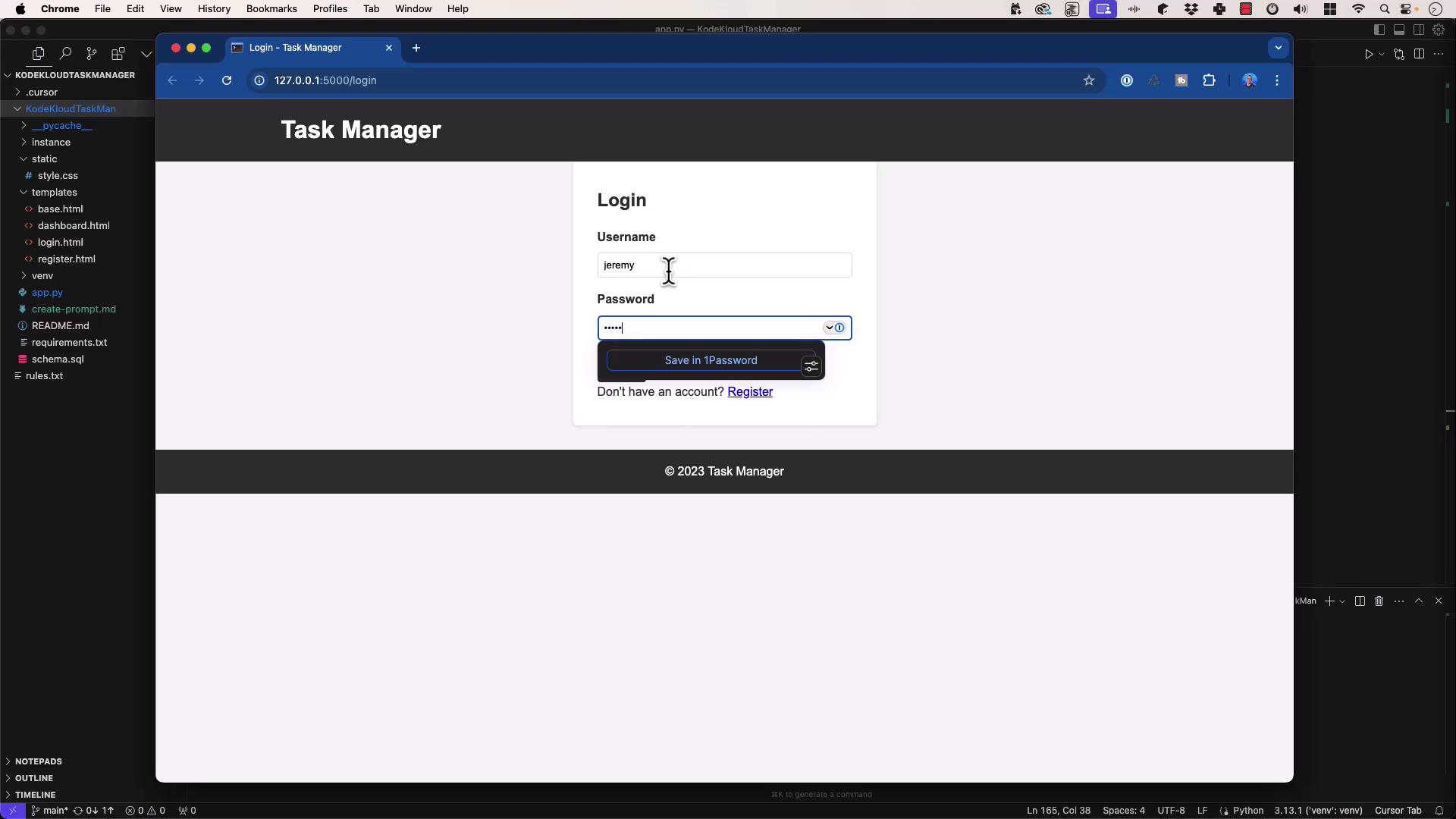
- Start your Flask development server and navigate to the login page.
- Log in with valid credentials.
- After logging in, you may encounter:
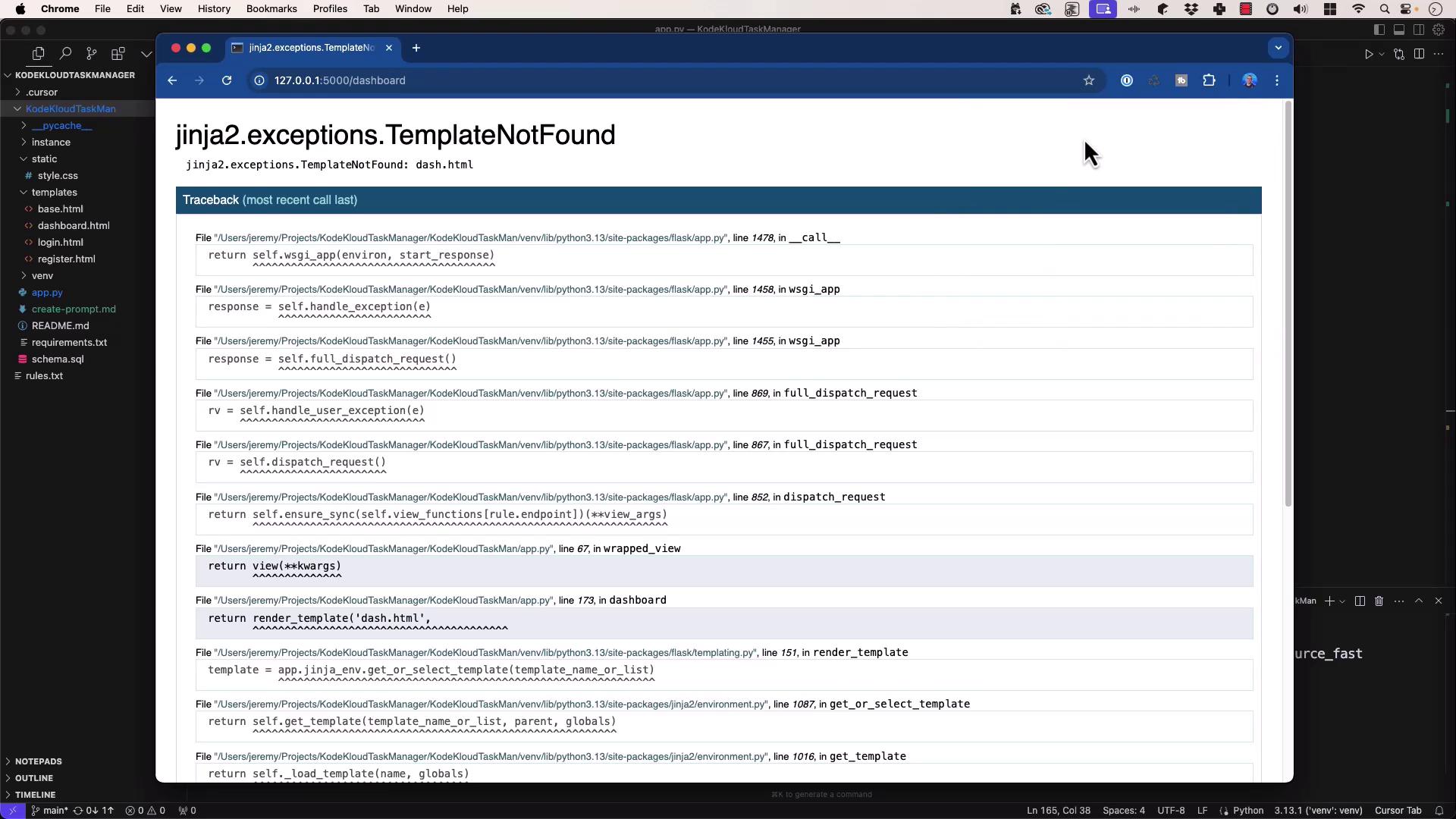
The Faulty Route
In app.py, the dashboard route is defined as:Feeding the Error and Code to Composer
“Help me debug this error.”Composer identifies:
Issue: You referencedash.html, but your templates directory containsdashboard.html.
Solution: Rename the template or update the call torender_template('dashboard.html', …).
Always verify your
templates/ folder matches the filenames you pass to render_template().Applying the Fix
2. Debugging a Database Column Typo
Next, attempt to create a new task via the web interface: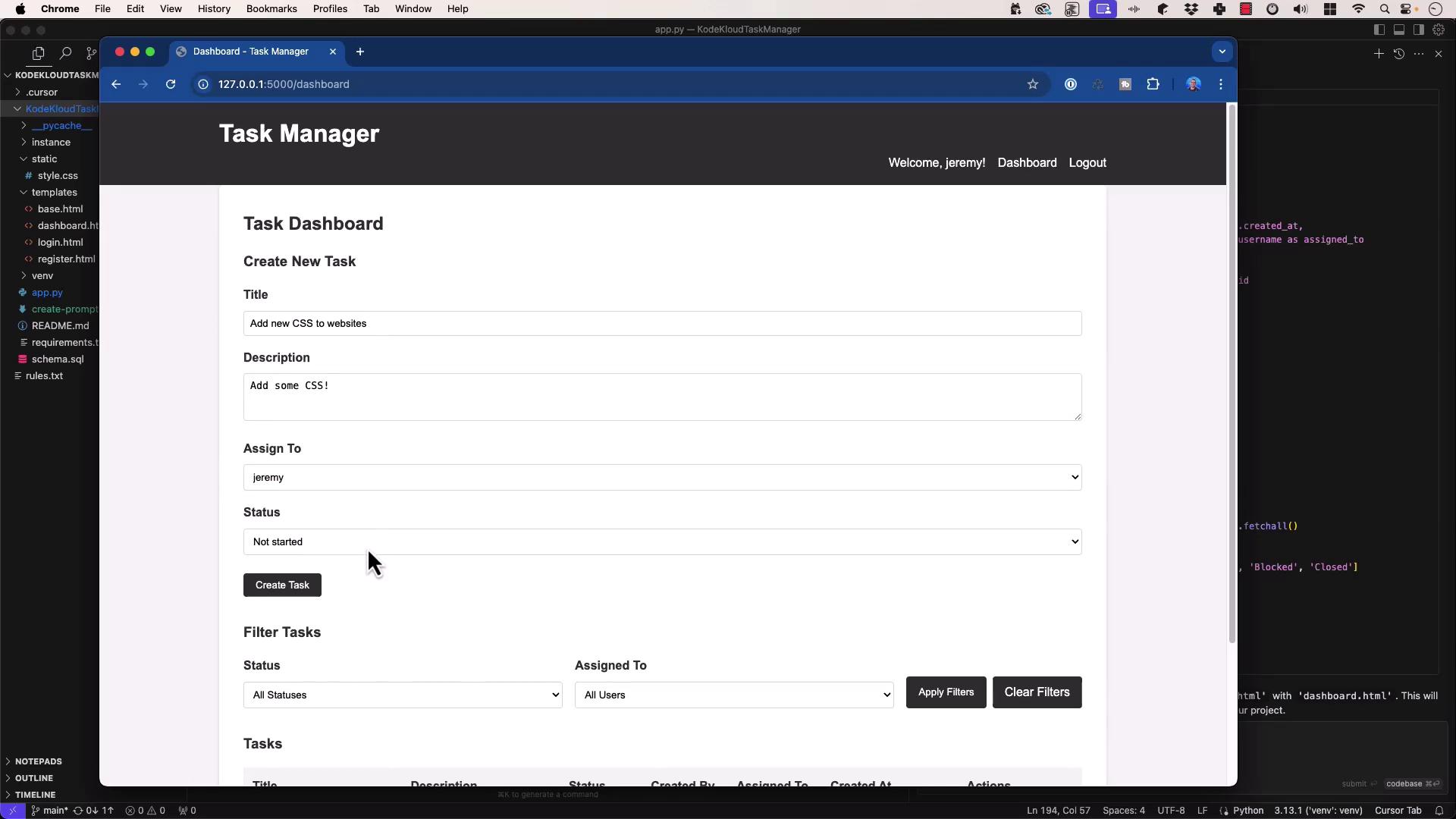
The Faulty INSERT Statement
In app.py, the handler is:Feeding Code and Error to Composer
Cause: The column namestatu3is mistyped. It should bestatus.
Fix: Correct the column name in the SQL statement.
Double-check your database schema (e.g.,
schema.sql) before running migrations or inserts.Applying the Fix
3. Best Practices for AI-Assisted Debugging
-
Capture Complete Context
- Include full tracebacks or error messages.
- Paste only the relevant code where the error occurred.
-
Provide Schema or Definitions
- Share your
schema.sqlor data models so the AI can verify table and column names.
- Share your
-
Trust but Verify
- Apply your own programming knowledge to confirm suggested changes align with your codebase.
-
Experiment with Multiple Models
- If Composer’s recommendation isn’t clear, try another model (e.g., GPT-3.5, GPT-4, Gemini) or start a fresh session.
-
Use Logs as Supplemental Context
- Include application or server logs (from SSH sessions or production environments) for deeper insights.