

- Find where configuration and connections are defined (e.g., database settings).
- Locate file-handling and I/O logic such as CSV readers or upload handlers.
- Surface CLI helpers and initialization routines so you can set up or rebuild runtime state.
- Click the regular Submit button to send your prompt to the chat LLM.
- Press Command-Enter (macOS) or Control-Enter (Windows/Linux) to submit the prompt to the codebase indexer/search, which searches across your repository.
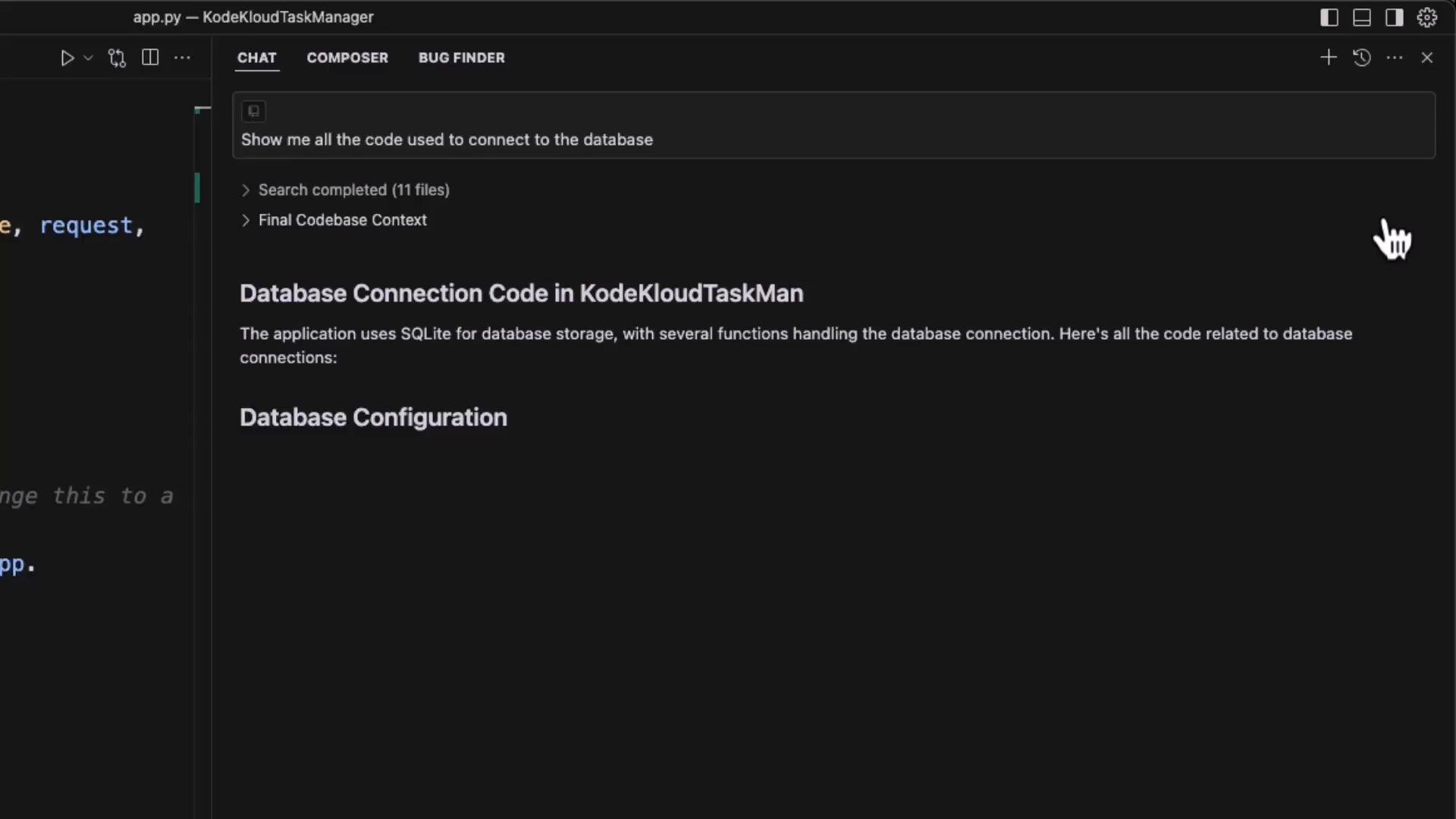
Examples of useful natural-language queries
- “Show me all code that opens the SQLite database” — returns files and snippets referencing
sqlite3.connect,app.config['DATABASE'], andget_db. - “Where do we handle CSV files?” — returns occurrences of
csv.reader,read_csv, and any upload/processing routes. - “How does the application initialize the database?” — returns
init_db()and the CLI command.
- Use
@Codebase(or the codebase submission shortcut) to target repository-wide searches explicitly. - Narrow or expand searches by file patterns (e.g., restrict to
.jsfiles or excludevendor//node_modules/) so results are focused and relevant. - Use @mentions or include specific files to pull those files into the chat context for a single query.
- Rapidly locate code paths affected by a change (e.g., migrating from SQLite to PostgreSQL or introducing SQLAlchemy).
- Speed up refactors by showing where CSV or other I/O occurs across the repo.
- Improve onboarding and code reviews by surfacing relevant snippets and the files that matter for a given change.
When preparing for production, never leave
app.config['SECRET_KEY'] = 'dev' in place. Store secrets and DB credentials in environment variables or a secrets manager, and ensure correct file permissions for your instance path and database file.- Be explicit with search scope: include or exclude directories and file extensions to reduce noise.
- Combine natural-language queries with code symbols (e.g.,
get_db,sqlite3.connect) for high-precision results. - When investigating behavior across multiple files, pull a small set of files into context first, then expand if needed.
- Quickly find all code paths that need change when swapping databases or libraries.
- Uncover I/O and data-processing hotspots for performance or security reviews.
- Reduce time-to-insight for new team members by surfacing the exact files and snippets tied to a question.