

Initial Context: Flask Task Manager Scaffold
Use this simple Flask application as a reference throughout our examples:Always replace the default
SECRET_KEY with a strong, unpredictable string before deploying to production.Specific vs. Creative Prompts
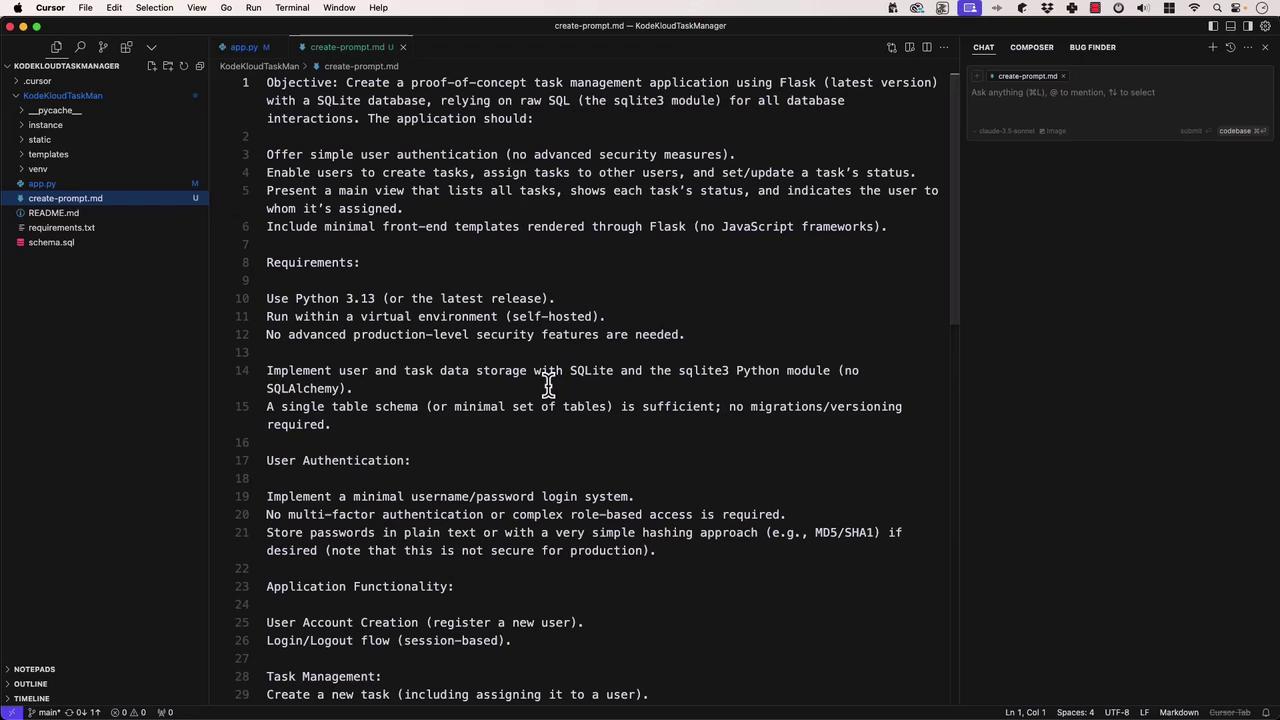
Knowing when to lock down every detail versus when to let the model surprise you is crucial:- Specific Prompts
Provide clear objectives, constraints, and examples. Ideal for scaffolding or boilerplate code that must meet exact requirements. - Creative Prompts
Offer a high-level request (e.g., “Build a task manager in Python”) and let the model explore solutions. Great for brainstorming or exploring alternatives.
Zero-Shot Prompting
Zero-shot means “no examples provided.” You simply state the task and expect the model to understand it. Use case: Quick utility functions or well-defined algorithms. Example prompt: “Write a function that calculates the Fibonacci sequence up to n terms.”Zero-shot is fast and straightforward, but your prompt must be unambiguous.
One-Shot Prompting
One-shot gives the model one example of the desired format, then asks it to generalize. Prompt:- Here’s a JavaScript function that sorts objects by a property:
- Now write a function that finds the intersection of two arrays.
Few-Shot Prompting (Viewport Prompting)
Few-shot provides multiple examples so the model can learn a pattern before continuing. Examples:“Convert the requirement User session expires after 30 minutes of inactivity into a Jest test case.” Model’s response:
Chain-of-Thought Prompting
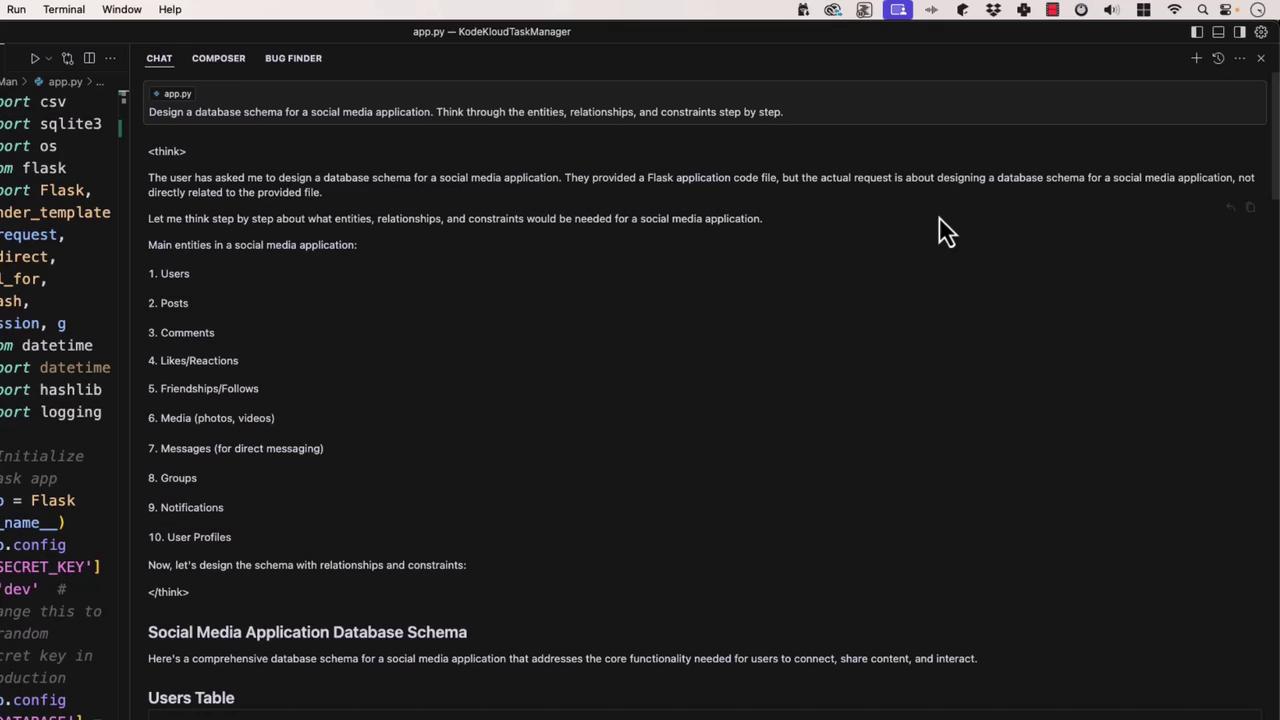
Ask the model to “think aloud,” providing step-by-step reasoning before delivering a solution. Prompt:“Design a database schema for a social media app, reasoning through entities, relationships, and constraints.”
Self-Consistency Prompting
Generate multiple candidate solutions, evaluate each, and select the best. This boosts reliability for critical tasks. Prompt:“Write a regex matching valid email addresses, test it against these samples:
- valid@example.com
- invalid@
- user.name+tag@example.co.uk
- @example.com”
email-validator library for robust checks.
General Rules for Effective Prompting
- Be specific and clear.
- Provide context—code snippets, error logs, folder structure.
- Use structured formats: bullets, numbered steps, or tables.
- Specify output format (e.g., “Return TypeScript definitions”).
- Iterate and refine based on model feedback.
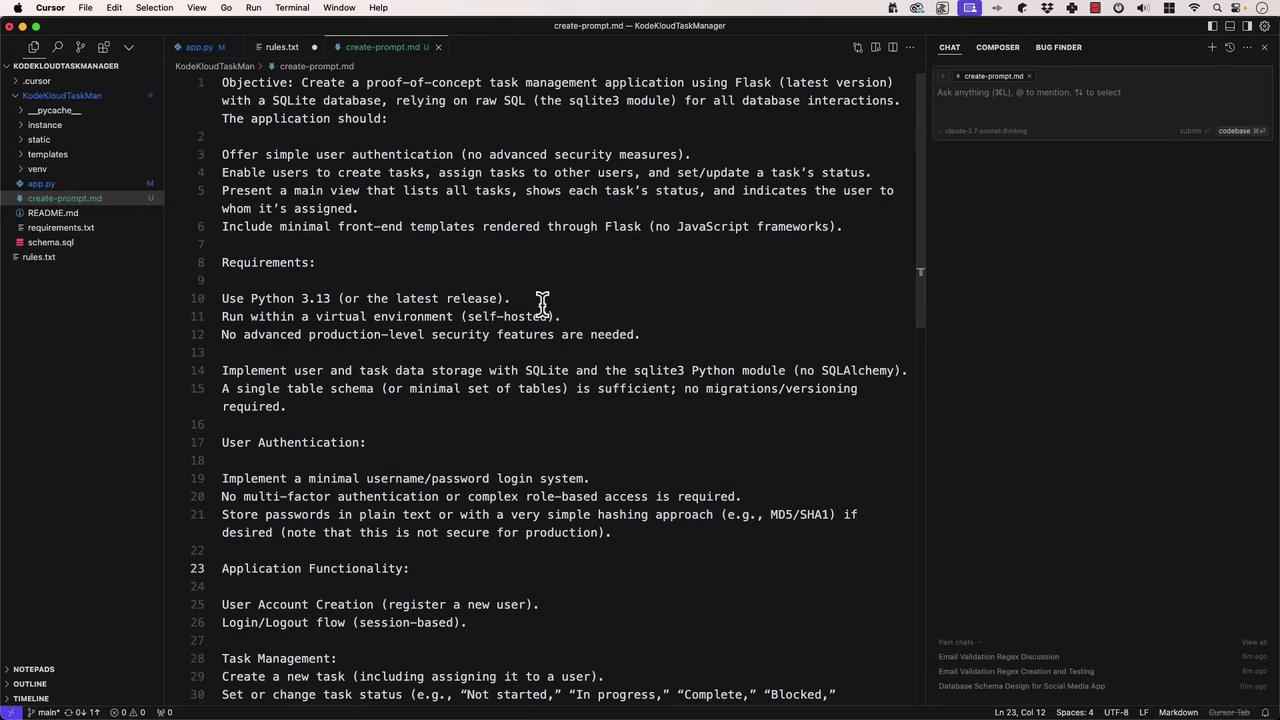
Prompting Techniques at a Glance
With these prompt engineering strategies in your toolkit, you can direct LLMs to produce consistent, accurate, and well-structured results. Happy prompting!