import os, sqlite3, logging
from flask import Flask, g, render_template, request, redirect, url_for, session, flash
from werkzeug.security import generate_password_hash, check_password_hash

app = Flask(__name__)
app.config['SECRET_KEY'] = 'dev'  # Rotate in prod
app.config['DATABASE'] = os.path.join(app.instance_path, 'task_manager.sqlite')

def get_db():
    if 'db' not in g:
        os.makedirs(app.instance_path, exist_ok=True)
        g.db = sqlite3.connect(app.config['DATABASE'], detect_types=sqlite3.PARSE_DECLTYPES)
        g.db.row_factory = sqlite3.Row
    return g.db

@app.teardown_appcontext
def close_db(e=None):
    db = g.pop('db', None)
    if db: db.close()

def init_db():
    db = get_db()
    with app.open_resource('schema.sql') as f:
        db.executescript(f.read().decode('utf8'))

@app.cli.command('init-db')
def init_db_command():
    """Initialize the database."""
    init_db()
    print('Initialized the database.')

# Authentication helpers
def login_required(view):
    from functools import wraps
    @wraps(view)
    def wrapped_view(**kwargs):
        if 'user_id' not in session:
            return redirect(url_for('login'))
        return view(**kwargs)
    return wrapped_view

@app.route('/register', methods=('GET','POST'))
def register():
    if request.method == 'POST':
        username, password = request.form['username'], request.form['password']
        db, error = get_db(), None
        if not username: error = 'Username is required.'
        elif not password: error = 'Password is required.'
        elif db.execute('SELECT id FROM users WHERE username=?', (username,)).fetchone():
            error = f'User {username} already exists.'
        if error is None:
            db.execute('INSERT INTO users (username, password) VALUES (?, ?)',
                       (username, generate_password_hash(password)))
            db.commit()
            return redirect(url_for('login'))
        flash(error)
    return render_template('register.html')

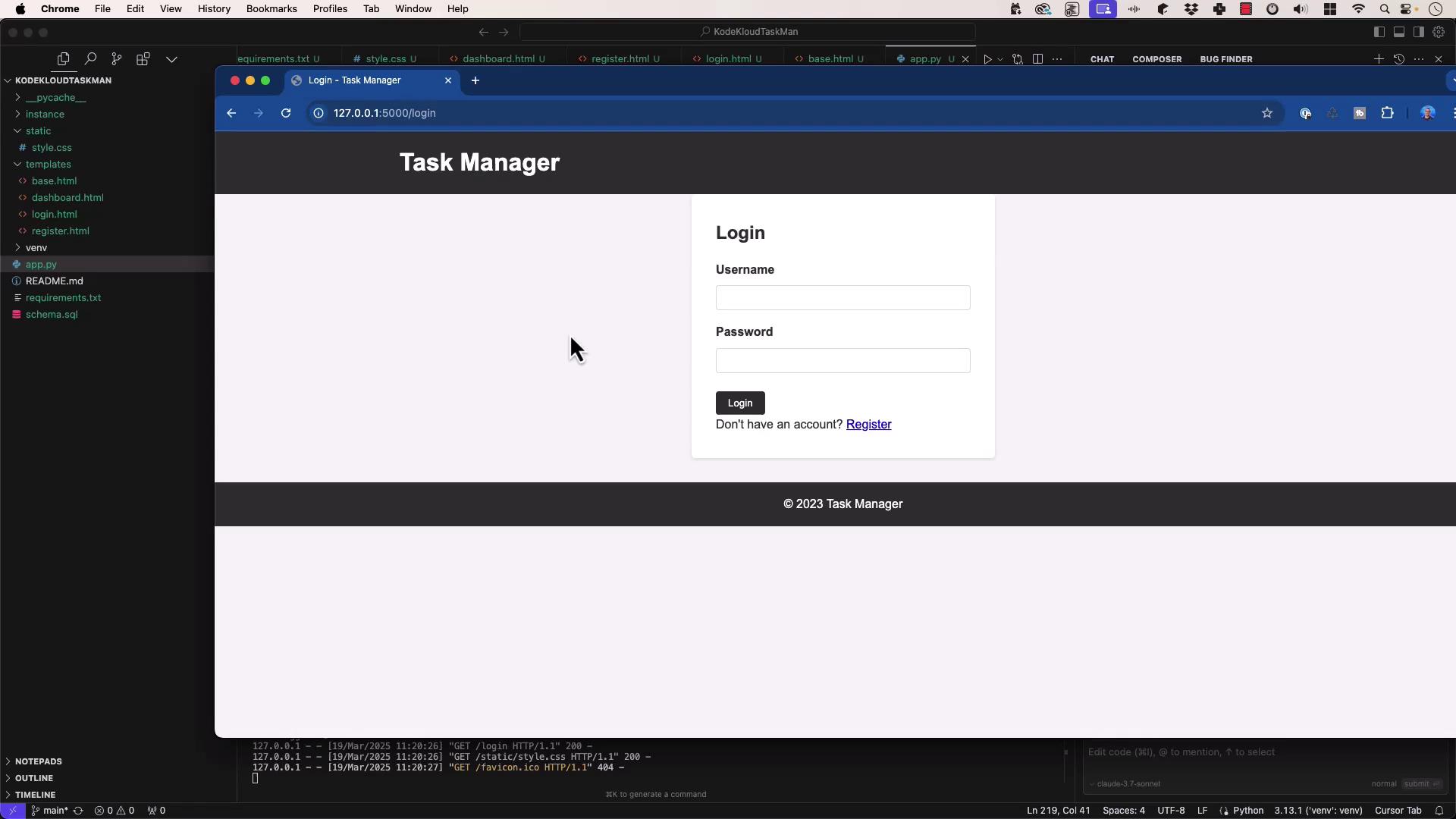
@app.route('/login', methods=('GET','POST'))
def login():
    if request.method == 'POST':
        username, password = request.form['username'], request.form['password']
        db, user = get_db(), None
        user = db.execute('SELECT * FROM users WHERE username=?', (username,)).fetchone()
        if user and check_password_hash(user['password'], password):
            session.clear()
            session['user_id'] = user['id']
            return redirect(url_for('dashboard'))
        flash('Invalid credentials.')
    return render_template('login.html')

@app.route('/logout')
def logout():
    session.clear()
    return redirect(url_for('login'))

@app.route('/')
def index():
    return redirect(url_for('dashboard' if 'user_id' in session else 'login'))

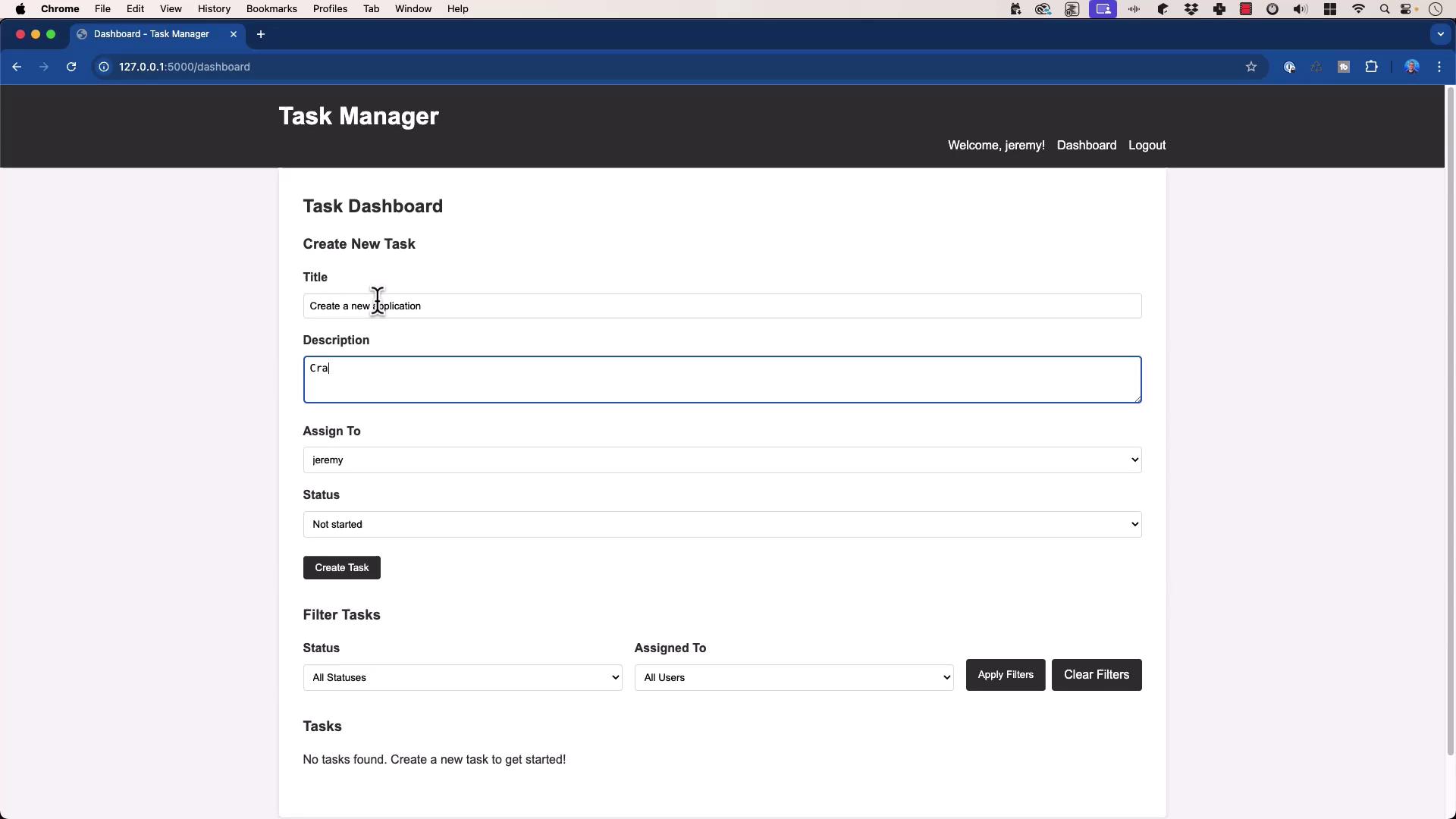
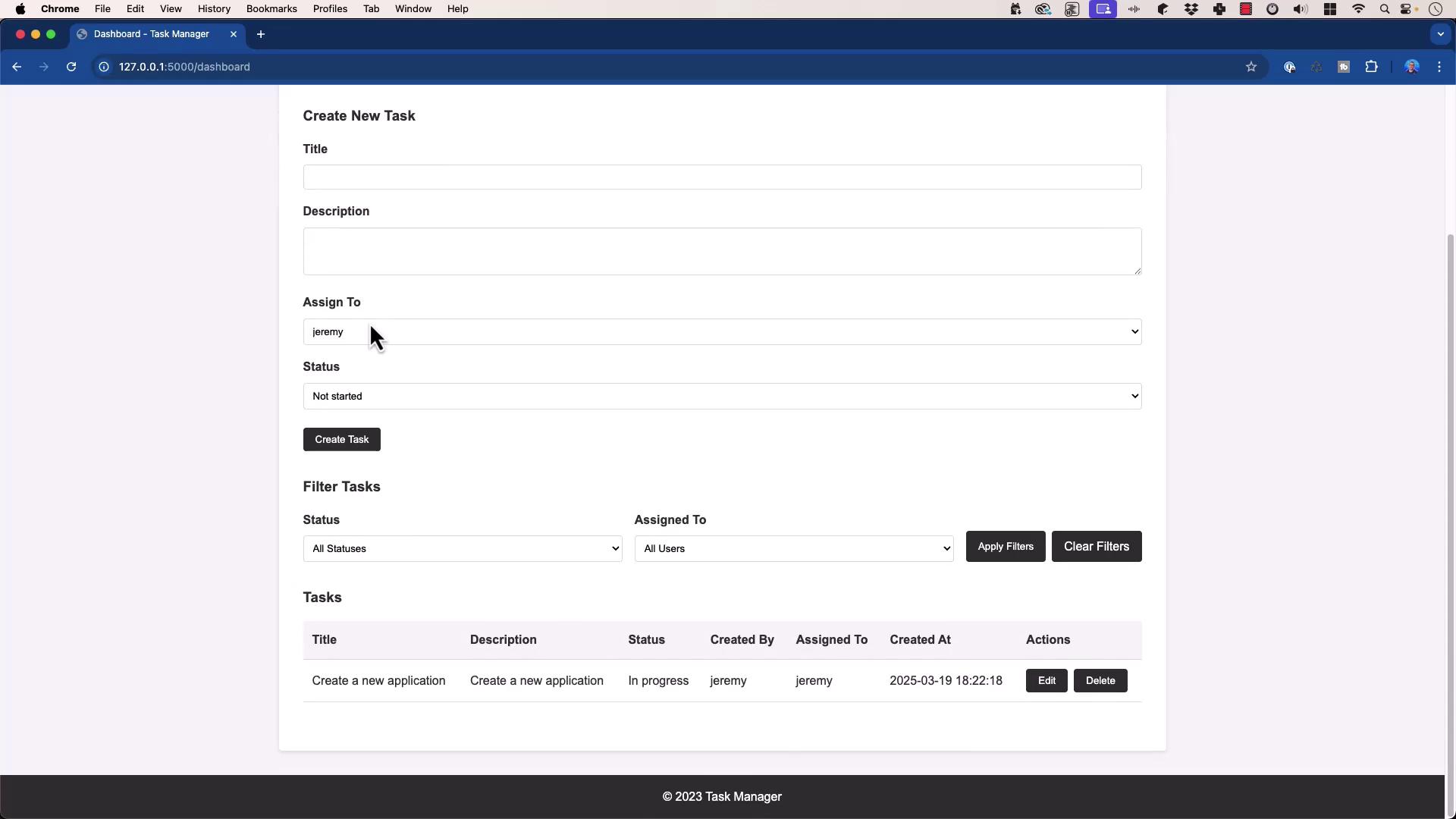
@app.route('/dashboard')
@login_required
def dashboard():
    status_filter = request.args.get('status', '')
    user_filter   = request.args.get('user', '')
    query = """
        SELECT t.id, t.title, t.description, t.status, t.created_at,
               c.username AS created_by, a.username AS assigned_to
        FROM tasks t
        JOIN users c ON t.created_by = c.id
        JOIN users a ON t.assigned_to = a.id
        WHERE 1=1
    """
    params = []
    if status_filter:
        query += ' AND t.status = ?'; params.append(status_filter)
    if user_filter:
        query += ' AND assigned_to = ?'; params.append(user_filter)
    query += ' ORDER BY t.created_at DESC'
    tasks    = get_db().execute(query, params).fetchall()
    users    = get_db().execute('SELECT id, username FROM users').fetchall()
    statuses = ['Not started','In progress','Complete','Blocked','Closed']
    return render_template('dashboard.html',
                           tasks=tasks, users=users,
                           statuses=statuses,
                           status_filter=status_filter,
                           user_filter=user_filter)

@app.route('/task/create', methods=('POST',))
@login_required
def create_task():
    title = request.form['title']
    description = request.form['description']
    assigned_to = request.form['assigned_to']
    status = request.form['status']
    db = get_db()
    db.execute(
        'INSERT INTO tasks (title, description, status, created_by, assigned_to) VALUES (?, ?, ?, ?, ?)',
        (title, description, status, session['user_id'], assigned_to)
    )
    db.commit()
    flash('Task created successfully!')
    return redirect(url_for('dashboard'))

@app.route('/task/<int:id>/update', methods=('POST',))
@login_required
def update_task(id):
    status = request.form['status']
    assigned_to = request.form['assigned_to']
    db = get_db()
    db.execute('UPDATE tasks SET status=?, assigned_to=? WHERE id=?',
               (status, assigned_to, id))
    db.commit()
    flash('Task updated successfully!')
    return redirect(url_for('dashboard'))

@app.route('/task/<int:id>/delete', methods=('POST',))
@login_required
def delete_task(id):
    db = get_db()
    db.execute('DELETE FROM tasks WHERE id=?', (id,))
    db.commit()
    flash('Task deleted successfully!')
    return redirect(url_for('dashboard'))

if __name__ == '__main__':
    logging.basicConfig(level=logging.DEBUG)
    app.run(debug=True, host='0.0.0.0', port=5000)