This article explains the role of nameservers in DNS, their function in domain resolution, and the importance of redundancy and distributed architecture.
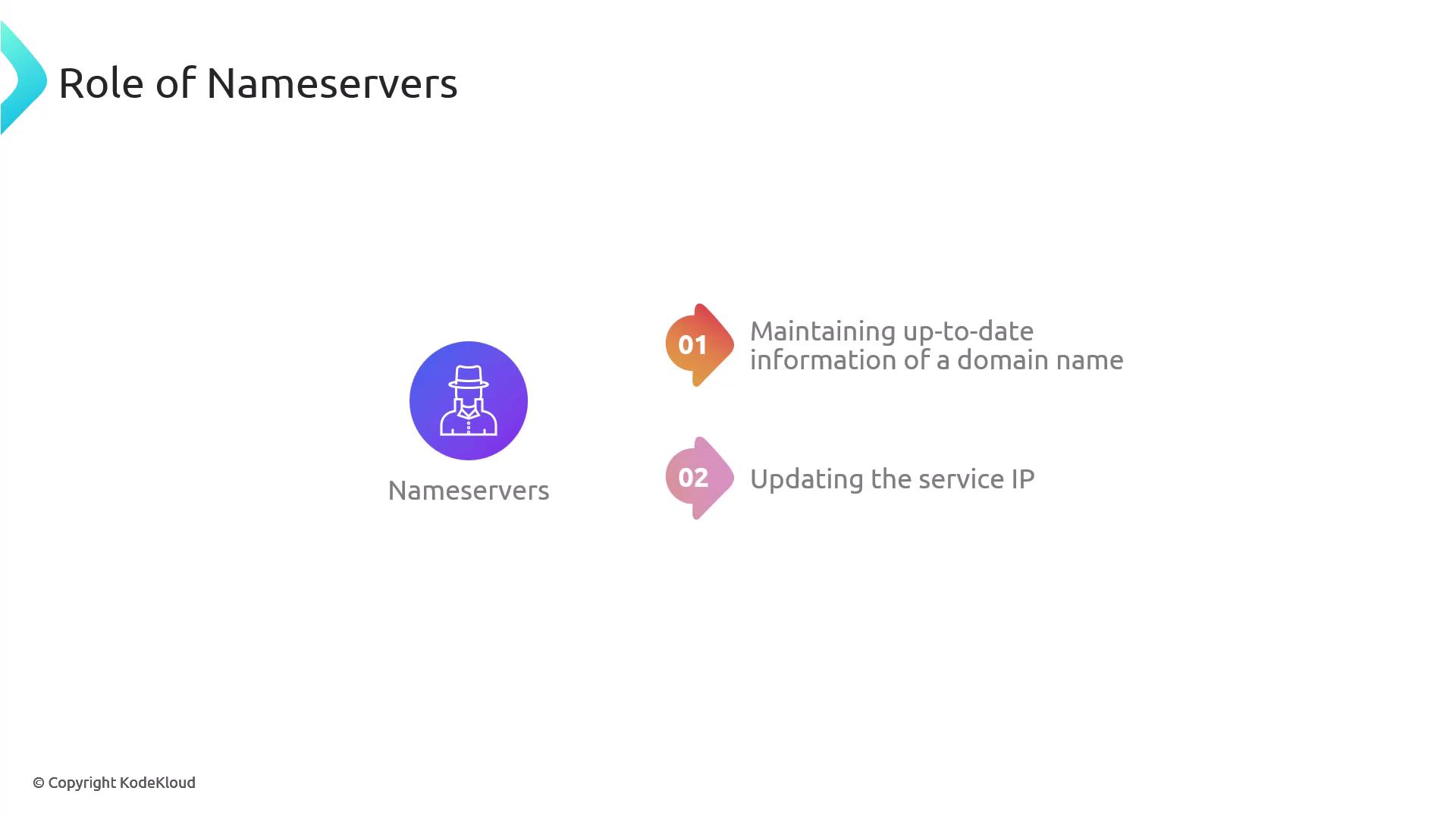
DNS resolvers operate like skilled detectives, tracking down IP addresses with the help of authoritative nameservers that maintain the definitive records for specific domains. Essentially, DNS maps user-friendly domain names to the underlying IP addresses of the servers hosting the service. Without DNS, users would be forced to remember numerical IP addresses for every website, making the Internet much less accessible.Nameservers play a crucial role in maintaining up-to-date information about domain names, ensuring each domain is correctly associated with its server IP address.
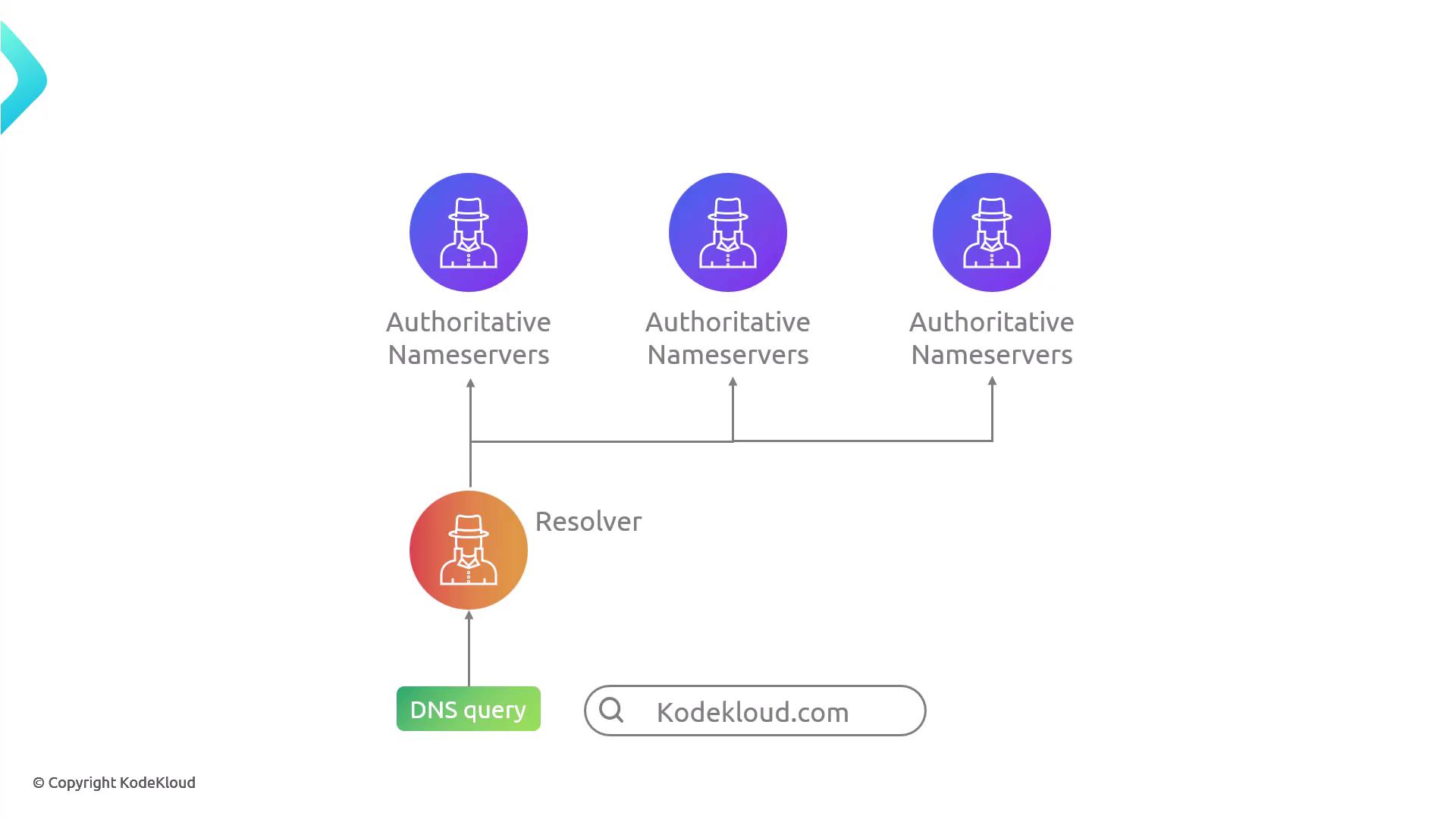
When you type a domain name into your browser, a DNS query is initiated. Your resolver, acting as the detective, begins investigating by communicating with the authoritative nameservers—the official source for the domain’s records—to obtain the correct IP address.
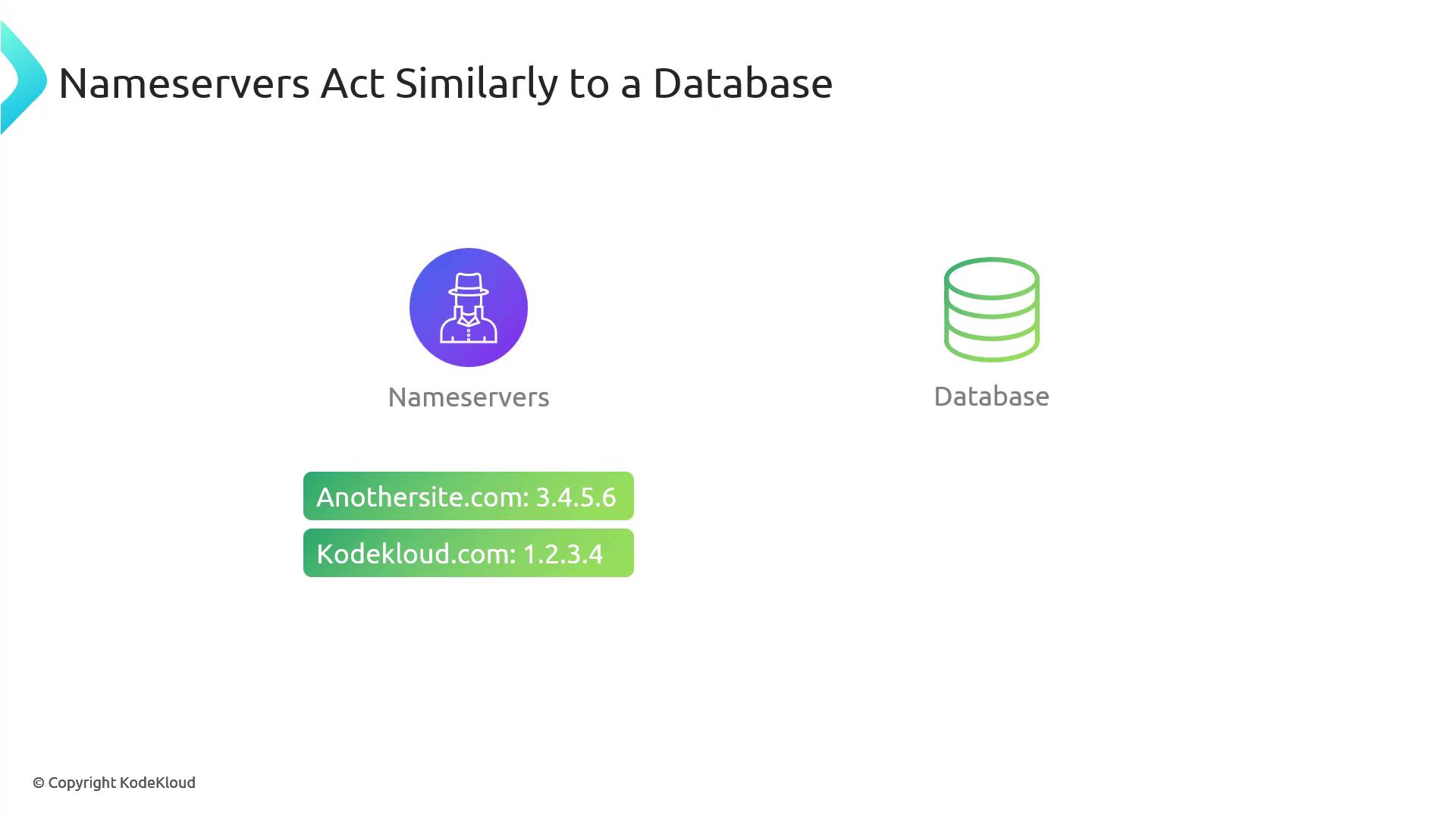
Nameservers function similarly to databases by storing and managing domain names along with their associated IP addresses. This design follows established principles of database management.
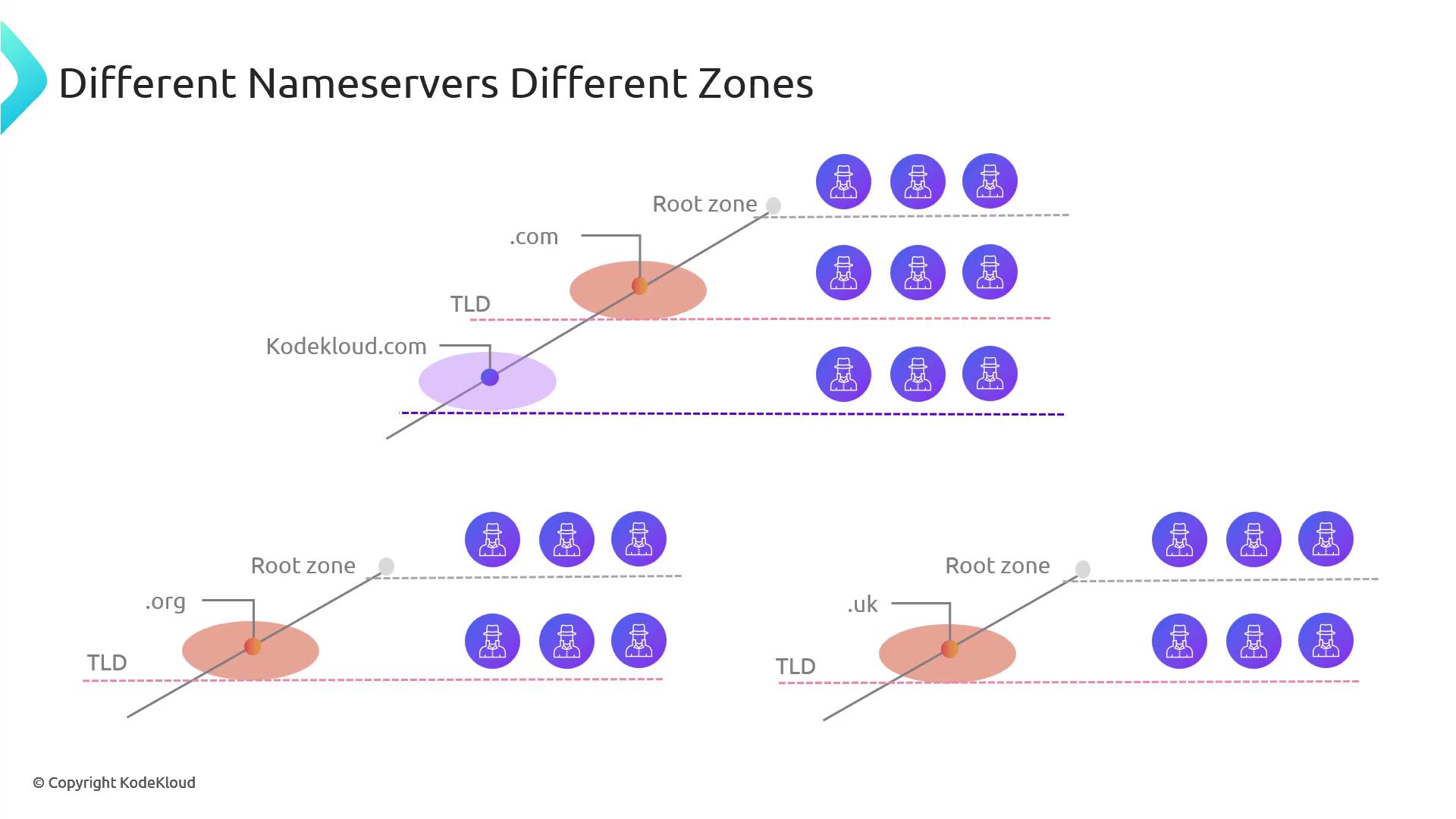
In large-scale database systems, effective data management strategies—like sharding—are used to split a vast database into manageable parts. This approach not only enhances performance but also bolsters reliability by ensuring each server only handles its designated portion of the data.Similarly, the DNS system adopts a distributed architecture. Rather than one server managing every domain record on the Internet, nameservers are assigned to different zones. For example, some nameservers are in charge of .com domains, others handle .org, and still others manage country-specific domains like .uk. This design ensures seamless performance even if one nameserver faces issues.
Each nameserver maintains zone files in a defined format containing various resource records. Below is an example of a basic zone file:
Copy
Ask AI
$TTL 86400@ IN SOA ns1.example.com. admin.example.com. ( 2024111001 ; Serial 3600 ; Refresh 1800 ; Retry 604800 ; Expire 86400 ) ; Minimum TTL IN NS ns1.example.com. IN NS ns2.example.com.@ IN A 192.0.2.1www IN A 192.0.2.1mail IN A 192.0.2.2
In this zone file:
A records map domain names to IPv4 addresses.
NS records specify the authoritative nameservers for the domain.
Redundancy is ensured by having at least two nameservers per domain.
For optimal reliability, each domain should include at least two nameserver entries to maintain service availability even during failures.
To demonstrate the concept of redundancy, consider querying Google’s nameservers using the dig command. The following command retrieves the NS records for google.com:
Copy
Ask AI
$ dig google.com NS; <<>> DiG 9.18.28-0ubuntu0.24.04.1-Ubuntu <<>> google.com NS;; global options: +cmd;; Got answer:;; ->>HEADER<<- opcode: QUERY, status: NOERROR, id: 32582;; flags: qr rd ra; QUERY: 1, ANSWER: 4, AUTHORITY: 0, ADDITIONAL: 9;; OPT PSEUDOSECTION:; EDNS: version: 0, flags:; udp: 512;; QUESTION SECTION:;google.com. IN NS;; ANSWER SECTION:google.com. 302892 IN NS ns2.google.com.google.com. 302892 IN NS ns4.google.com.google.com. 302892 IN NS ns3.google.com.google.com. 302892 IN NS ns1.google.com.;; ADDITIONAL SECTION:ns3.google.com. 302892 IN A 216.239.36.10ns3.google.com. 302892 IN AAAA 2001:4860:4802:36::ans2.google.com. 302892 IN A 216.239.32.10ns2.google.com. 302892 IN AAAA 2001:4860:4802:32::ans1.google.com. 302892 IN A 216.239.36.10ns1.google.com. 302892 IN AAAA 2001:4860:4802:34::ans4.google.com. 302892 IN A 216.239.38.10ns4.google.com. 302892 IN AAAA 2001:4860:4802:38::a;; Query time: 20 msec;; SERVER: 10.255.255.254#53(10.255.255.254) (UDP);; WHEN: Thu Nov 24 14:11:48 CST 2024;; MSG SIZE rcvd: 287
The output above confirms that Google uses four nameservers. This redundancy is a common strategy used by large organizations to ensure that DNS queries are consistently resolved, even if one of the servers becomes unreachable.
One of the nameservers is designated as the primary nameserver. Think of this primary nameserver as the lead agent that maintains the master copy of the zone data, distributing updated information to its peers through replication. You can identify the primary nameserver using the SOA (Start of Authority) record. For example:
In this example, ns1.google.com is identified as the primary nameserver. It holds the master copy of the zone data and replicates its records across other nameservers. This design guarantees that all nameservers offer consistent and up-to-date information, even if one server encounters an issue.
Zone transfers are crucial for fault tolerance; they synchronize data among nameservers by copying zone data from the primary server to its peers.
The distributed and redundant design of nameservers is essential for ensuring reliable Internet functionality. Through strategies like distributed management, zone file maintenance, and zone transfers, nameservers work together to provide continuous and accurate domain resolution—even in the face of individual server failures.For more detailed information on DNS and related topics, consider exploring additional resources such as Kubernetes Documentation and Docker Hub.