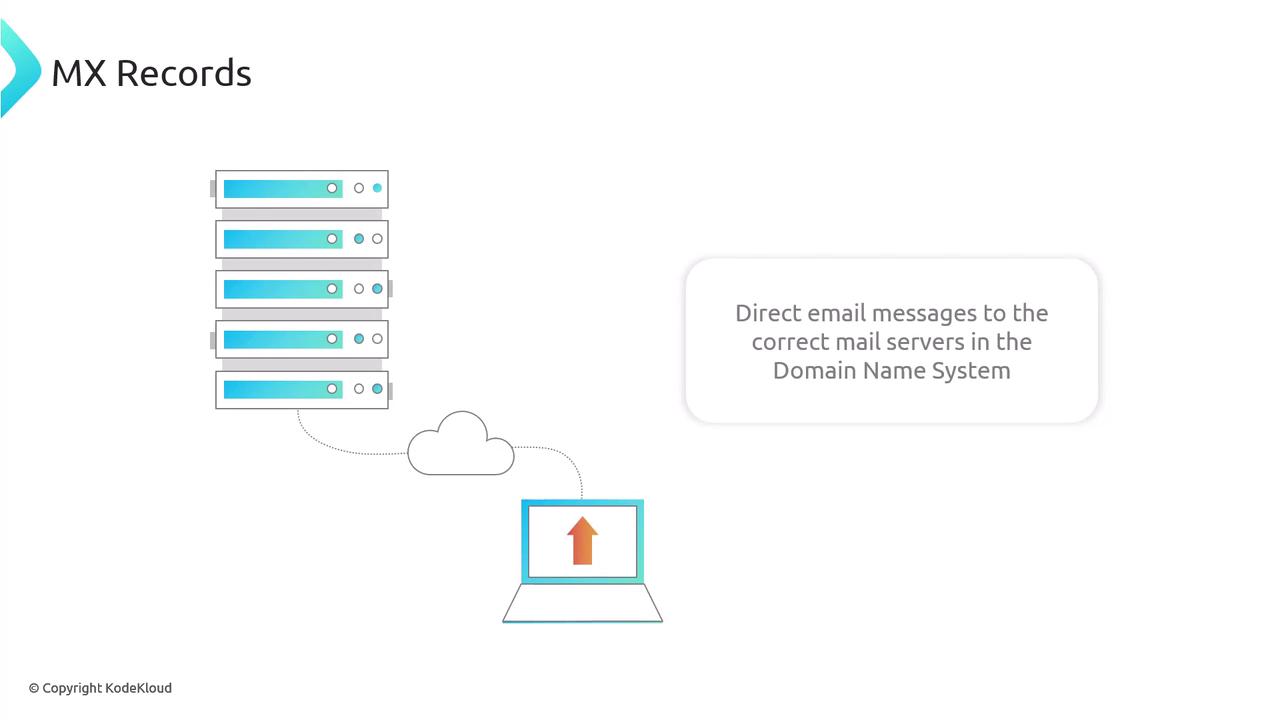
This article explores MX records, detailing their structure and role in email delivery. When you reply to an email—for example, one sent from a cochla.com address using your Gmail account—several behind-the-scenes steps occur:Documentation Index
Fetch the complete documentation index at: https://notes.kodekloud.com/llms.txt
Use this file to discover all available pages before exploring further.
- Since your email is hosted by Gmail, Google selects a Gmail mail server for SMTP delivery.
- The Gmail server performs a DNS query for the MX records of the cochla.com domain to locate the appropriate mail servers.
- Once the MX records are returned, the server with the highest priority (lower number) is chosen, and an A record lookup is performed to fetch its IP address.
- The email is then delivered to that IP address.
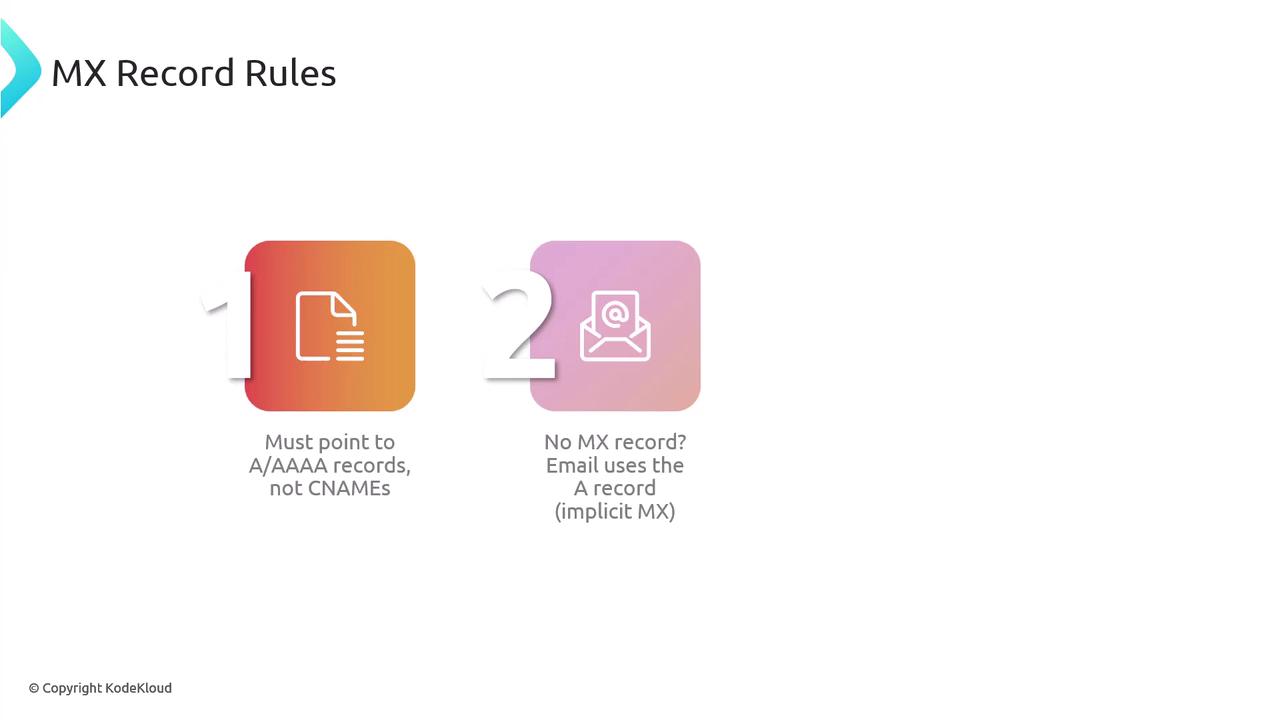
MX records must always point to valid hostnames configured with A (or AAAA) records. This ensures that incoming emails can be correctly resolved to the respective IP addresses.
Anatomy of an MX Record
An MX record is composed of several components:- Domain Name: The domain you own and manage.
- TTL (Time to Live): For instance, “300” seconds means DNS servers cache the record for 5 minutes before checking for updates.
- IN: Indicates the Internet class, a standard for modern DNS records.
- MX: Specifies that the record is a mail exchange record.
- Priority: Numerical values (e.g., 1, 5, 10) indicate the order of preference. Lower values mean higher priority.
- Mail Server Hostname: A valid SMTP server hostname that will receive email for the domain.
MX Record Priority and Redundancy
Email systems rely on MX record priorities to choose the optimal mail server for delivery. For example, running the query for kodekloud.com’s MX records may return the following:Ensure that MX records point exclusively to hostnames with A or AAAA records. Pointing to CNAME records can cause delivery issues. If no MX records are present, email will fallback to the domain’s A records, a concept known as implicit MX.
Email Security and Authentication Protocols
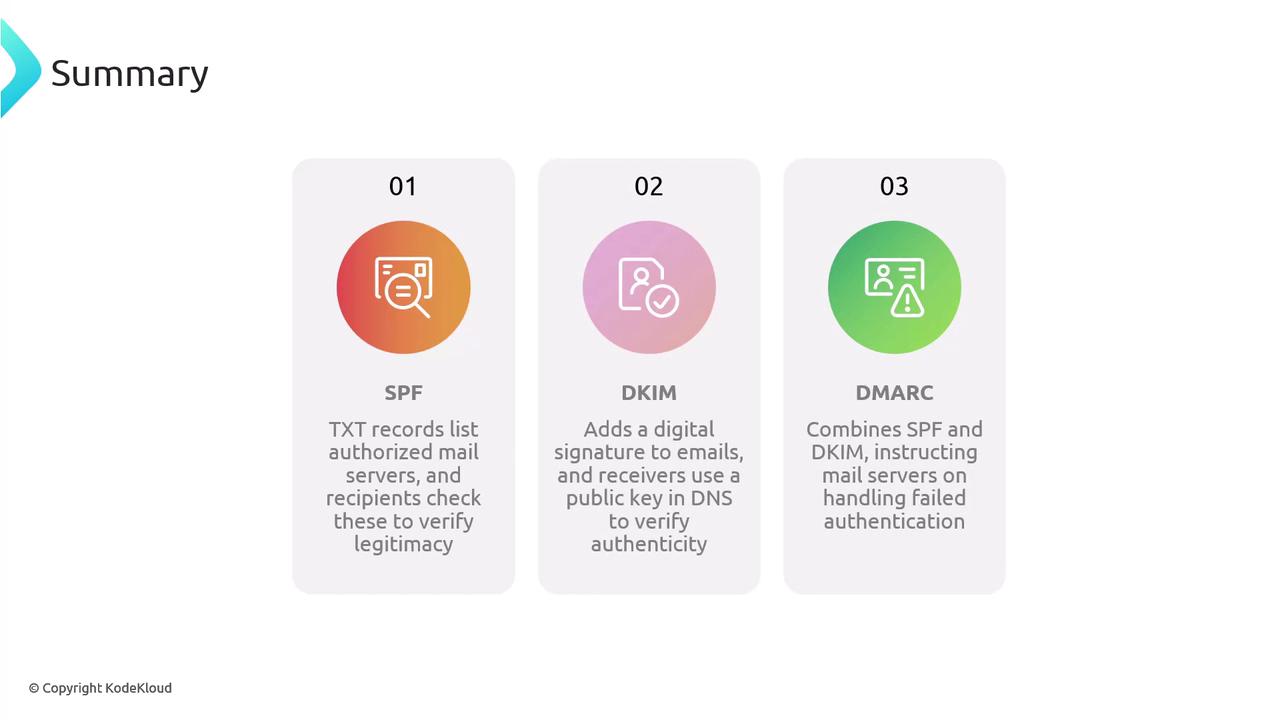
Security in email communications is critical. Without proper configurations, attackers could intercept emails or spoof sender addresses. Modern email systems utilize three key protocols to enhance security:SPF (Sender Policy Framework)
SPF uses TXT records to specify which mail servers are authorized to send emails on behalf of your domain. For example:DKIM (DomainKeys Identified Mail)
DKIM adds a unique digital signature to each outgoing email. This signature is created using a private key held by your mail server, while the corresponding public key is published in a TXT record within your DNS:DMARC (Domain-Based Message Authentication, Reporting, and Conformance)
DMARC policies work in conjunction with SPF and DKIM. They are also stored as TXT records and instruct receiving servers on how to handle emails that fail authentication checks. Actions can include rejecting, quarantining, or simply reporting the non-compliant emails: