Use this file to discover all available pages before exploring further.
DNS offers a variety of record types for different purposes. In this lesson, we explore three additional DNS record types: TXT, SRV, and PTR records, each serving unique roles in domain management and service discovery.
TXT records were initially created to hold human-readable notes but have since evolved into versatile machine-readable data carriers. They are often used to verify domain ownership and authorize various services, such as 1Password, Google Site Verification, and email services secured by SPF (Sender Policy Framework).To request a TXT record for a domain, you can use the dig command with the TXT option. Think of TXT records as digital sticky notes indicating that “the owner of this domain approves this service.” Below is an example of how TXT records for kubernetes.io might appear:
In this example, the TXT records not only verify domain ownership for services like 1Password and Google, but the SPF record also restricts email sending to authorized servers, thereby reducing spoofing risks.
SRV records are essential for service discovery as they map specific services to a domain. These records act like digital pins on a map, indicating where a given service is running and how to connect to it. For example, in Kubernetes clusters, SRV records help pods locate and communicate with other services. Whenever services are created, modified, or removed via the Kubernetes API, CoreDNS automatically updates its SRV records, ensuring accurate service resolution.Below is an example SRV record that helps locate a web server service:
_service_._protocol.name TTL class SRV priority weight port target_http._tcp.webserver.default.svc.cluster.local. 30 IN SRV 0 100 8080 webserver.default.svc.cluster.local.
The diagram below visually represents how SRV records facilitate service discovery:
Additionally, observe how CoreDNS interacts with the Kubernetes API and cluster components:
If you’re interested in a deeper exploration of Kubernetes service discovery with SRV records, let us know for a future lesson.
PTR records, also known as pointer records, are used for reverse DNS lookups. Unlike a standard DNS query that maps a domain name to its IP address, a reverse DNS lookup finds the domain name associated with a given IP address. The dig command with the -x flag is used for this purpose.Consider the following example where a reverse DNS lookup is performed for the IP address 8.8.8.8:
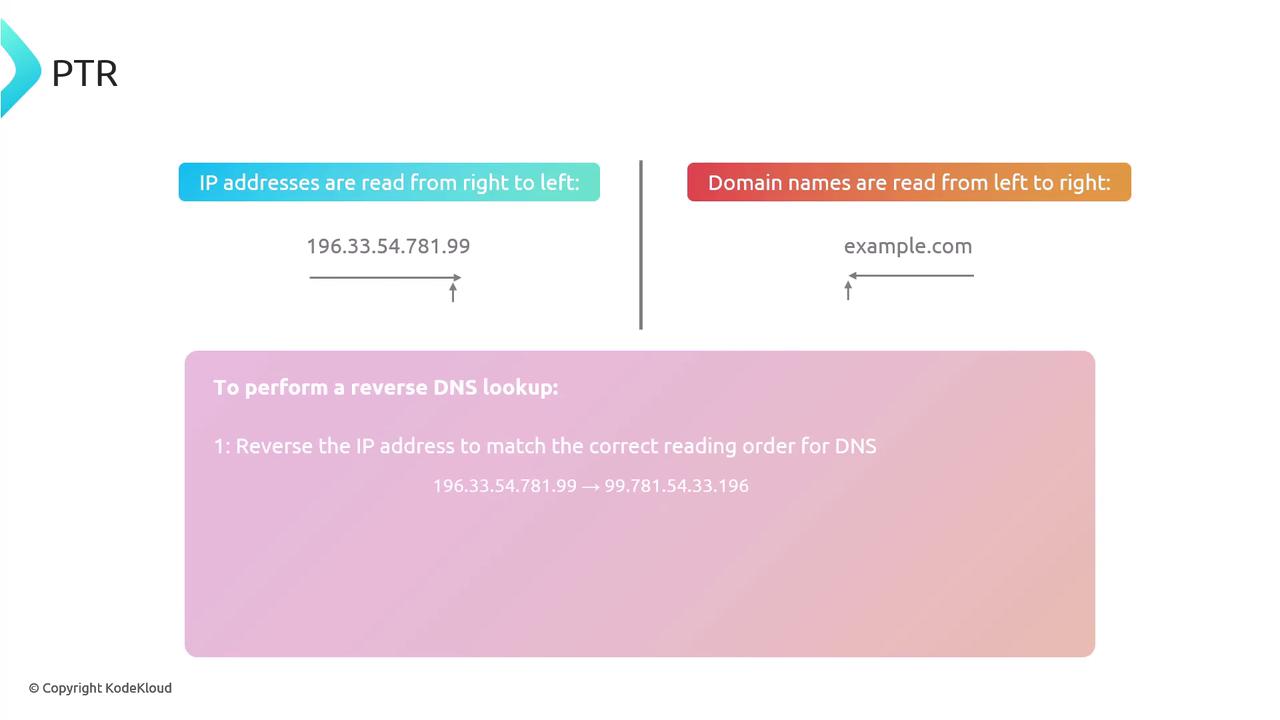
In a reverse DNS lookup, the IP address is reversed and appended to the .arpa top-level domain. For clarity, the following diagram explains this process, highlighting that while domain names are read left to right, IP addresses are processed from right to left for reverse mapping:
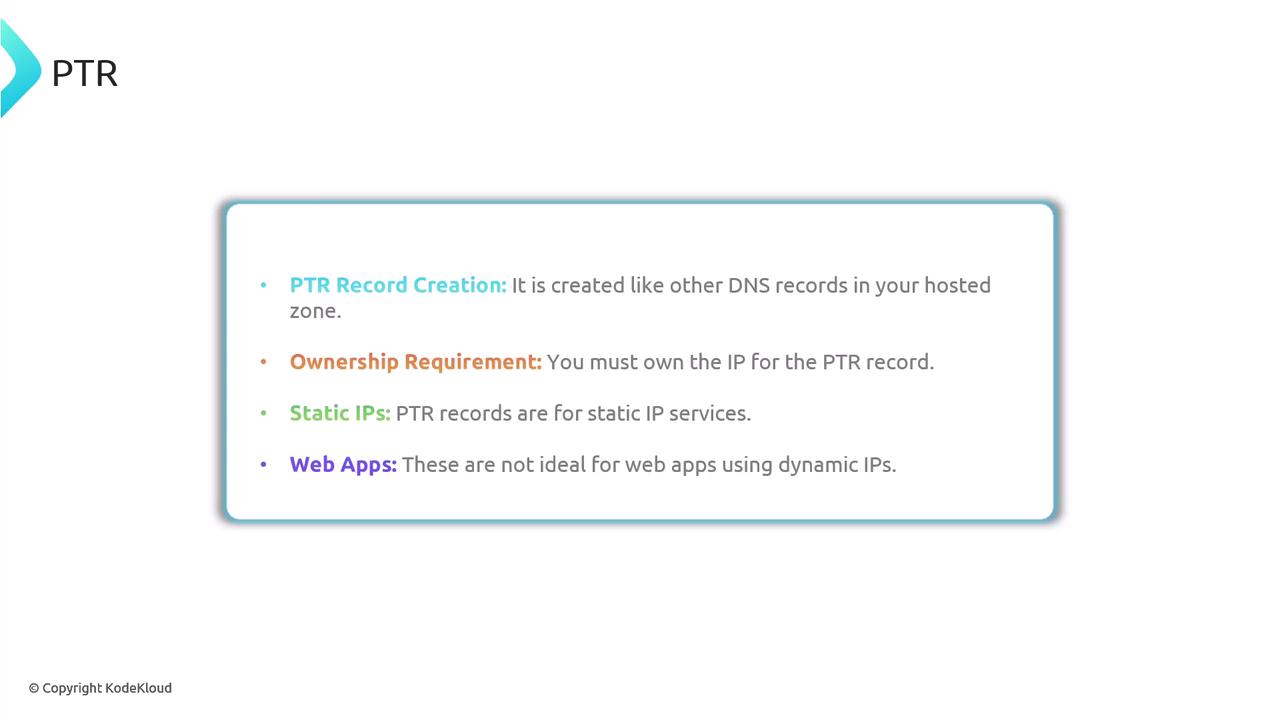
The reverse mapping continues with queries to subdomains until an authoritative answer is returned. In our example, the PTR record confirms that 8.8.8.8 maps to dns.google. You can validate this result by querying the A records of dns.google.com.It is important to note that PTR records are created like any other DNS records within your hosted zone (using services such as Route 53, Cloudflare, or another registrar). However, you must own the IP address to create a PTR record. PTR records are most effective for static IP addresses since web applications relying on dynamic IP addresses might face limitations.
Ensure that you have control over the IP addresses when setting up PTR records, as this is crucial for proper reverse DNS lookups and service authorization.