This article explains the concept of Time-to-Live (TTL) in DNS and its impact on caching and DNS resolution processes.
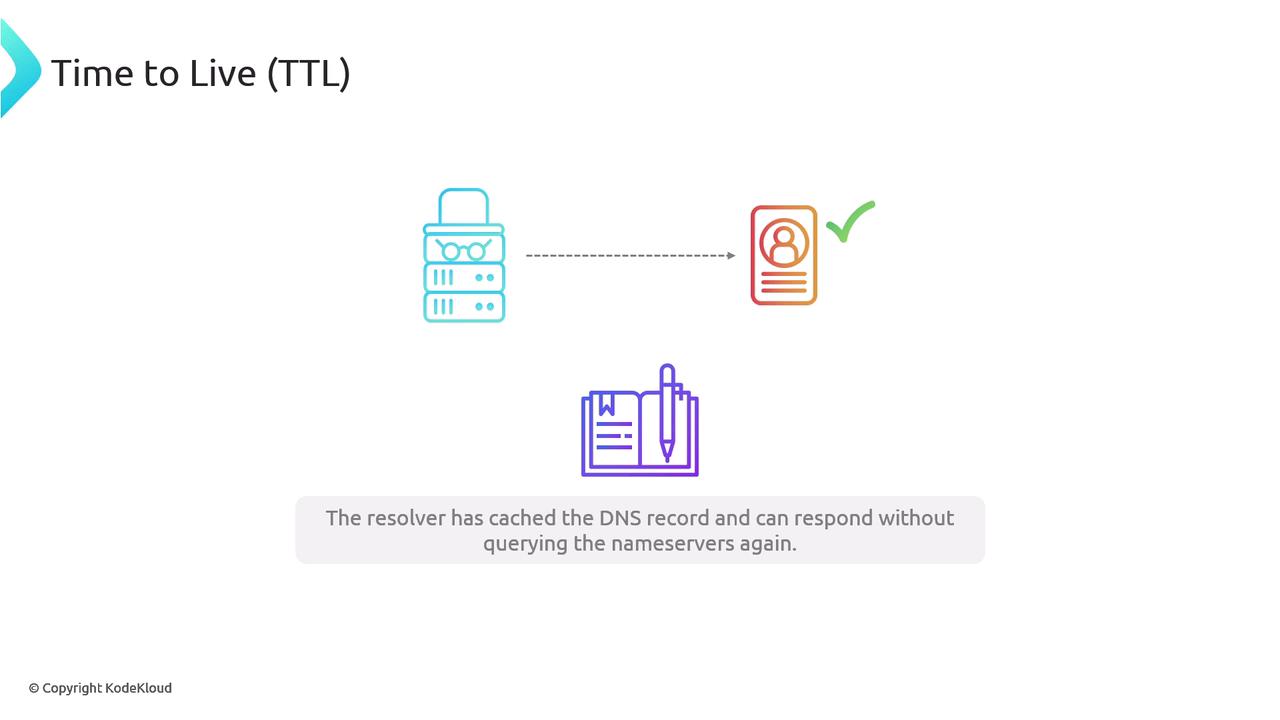
DNS was designed with high performance in mind. With countless systems interacting via network calls, DNS leverages a caching mechanism to reduce the number of queries sent to authoritative name servers. This caching not only speeds up DNS responses but also minimizes the overall network load.Before delving into TTL specifics, it’s essential to acknowledge RFC 1034 Section 2.2, “Design Goals,” which has outlined these foundational principles since the 1980s. RFCs (Requests for Comments) are standard documents specifying protocols and best practices for the internet. Familiarity with these documents can be valuable when diving deep into DNS or similar protocols.For those new to the concept of caching, imagine a detective who records every clue in his notebook after solving a case. When a similar case arises, the detective quickly refers to his notes instead of starting from scratch—this is analogous to how a DNS resolver can reply using cached data instead of querying the authoritative name servers again.
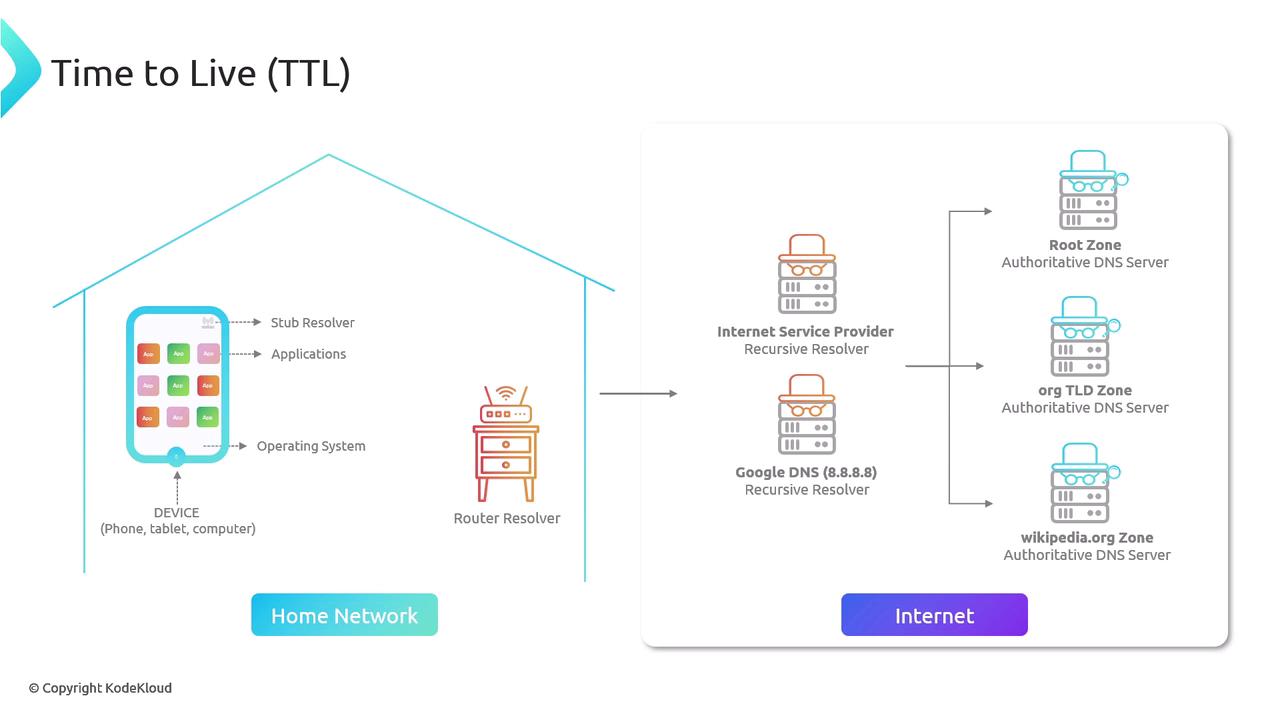
Caching is critical in minimizing repetitive resolution processes and thereby reducing load and traffic across DNS infrastructure. The following diagram provides a technical overview of the key players in DNS resolution, complementing our detective analogy.
Client Initiation: Every internet-connected device—whether a computer, phone, or smart TV—can issue DNS queries. It all begins with an application on your personal device.
Stub Resolver: The application triggers a DNS request that is first handled by a stub resolver in the operating system. On Linux systems, this can be traced using the getAddrInfo system call.
Recursive Resolver Handoff: Since a stub resolver lacks the ability to query name servers directly, it forwards the request to a recursive resolver.
Router Forwarding: Before the request reaches public recursive resolvers, it usually passes through a router’s resolver, also known as a forwarding resolver.
Public Recursive Resolver: Once outside the local network, the query is processed by a public recursive resolver.
Querying Name Servers: The recursive resolver then queries the appropriate name servers, starting at the Root Zone, progressing to the Top-Level Domain, and finally reaching the specific domain level required.
When the TTL value expires, cached data is considered stale, and the DNS resolver is forced to re-fetch updated information from the authoritative name servers.
DNS uses TTL (Time-to-Live) to determine how long a domain record remains cached before a refresh is needed. Think of it as an expiration date on the detective’s notebook entry. For instance, when you run the dig command on KodeKloud.com, the TTL may appear as 300 seconds (5 minutes):
$ dig kodekloud.com; <<>> DiG 9.10.6 <<>> kodekloud.com;; global options: +cmd;; Got answer:;; ->>HEADER<<- opcode: QUERY, status: NOERROR, id: 45769;; flags: qr rd ra; QUERY: 1, ANSWER: 3, AUTHORITY: 0, ADDITIONAL: 1;; OPT PSEUDOSECTION:; EDNS: version: 0, flags: udp: 512;; QUESTION SECTION:;kodekloud.com. IN A;; ANSWER SECTION:kodekloud.com. 300 IN A 104.26.10.250kodekloud.com. 300 IN A 104.26.11.250kodekloud.com. 300 IN A 172.67.68.105;; Query time: 166 msec;; SERVER: 2806:10c0:ffff:e#53(2806:10c0:ffff::e);; WHEN: Fri Jan 10 02:19:40 CST 2025;; MSG SIZE rcvd: 90
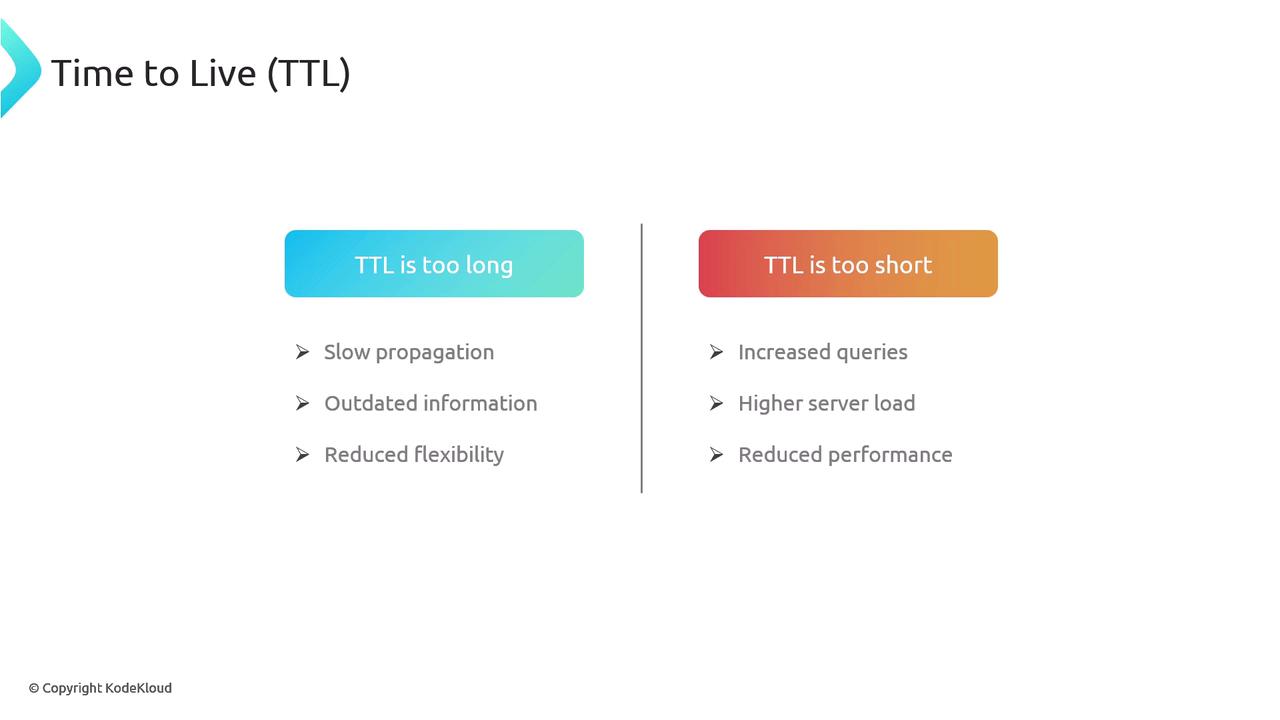
A properly configured TTL is a balancing act. A TTL set too long can delay the propagation of DNS record changes (for instance, updating CNAME or A records or changing name servers). On the other hand, a very short TTL can lead to frequent queries to authoritative name servers, which might negate caching benefits.In the KodeKloud.com example above, all three A records share a TTL of 300 seconds. However, it’s worth noting that different records under the same domain can be assigned distinct TTL values based on how often they are expected to change.
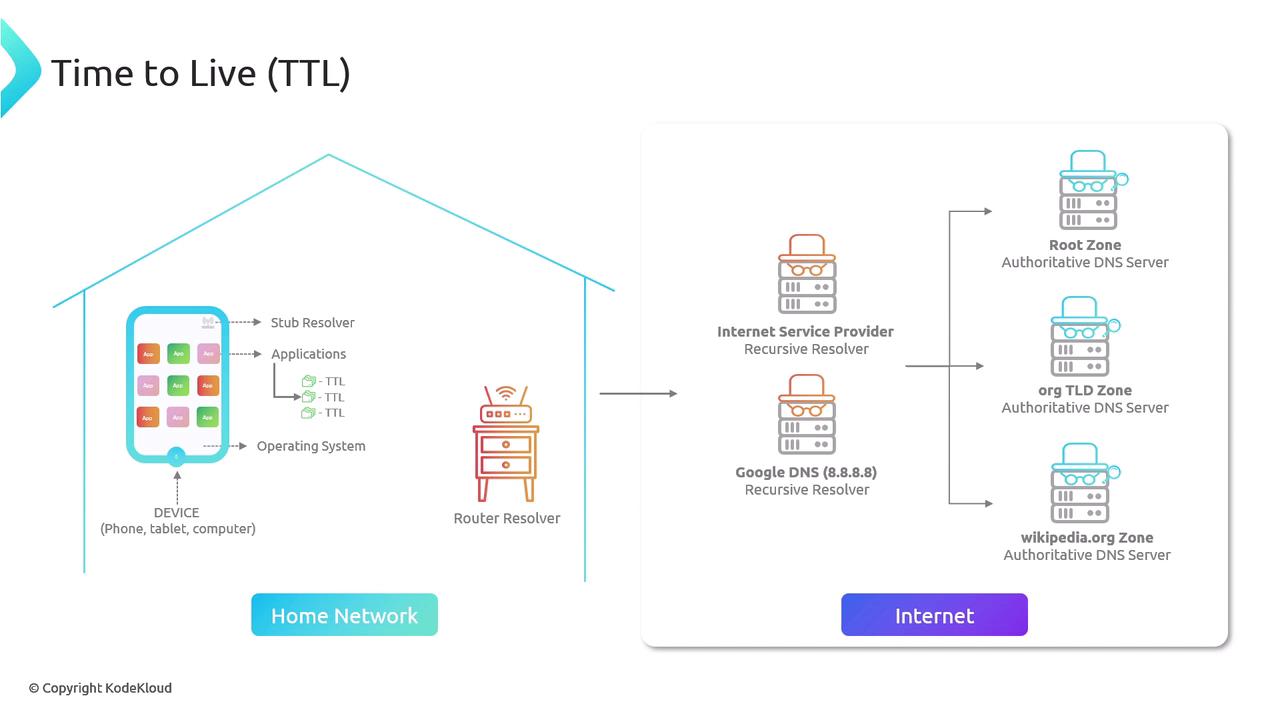
Beyond public DNS resolution, it’s important to consider private networks as well. Within private networks, multiple components (such as the operating system and individual applications) may independently cache DNS responses. This can sometimes lead to inconsistencies—for example, a domain might resolve correctly in the ping command but not update in a web browser due to varying cache expiration policies.
In some cases, applications might ignore the TTL provided by DNS records, further complicating DNS resolution in private networks. This independent caching behavior can result in conflicting responses from different applications.
Inconsistent caching policies across operating systems and applications can lead to discrepancies in DNS resolution. Ensure that you troubleshoot DNS issues by considering internal device caches alongside public DNS configurations.
In a later section of this article, we will dive deeper into methods for clearing DNS caches as an essential troubleshooting step when facing DNS resolution issues.