

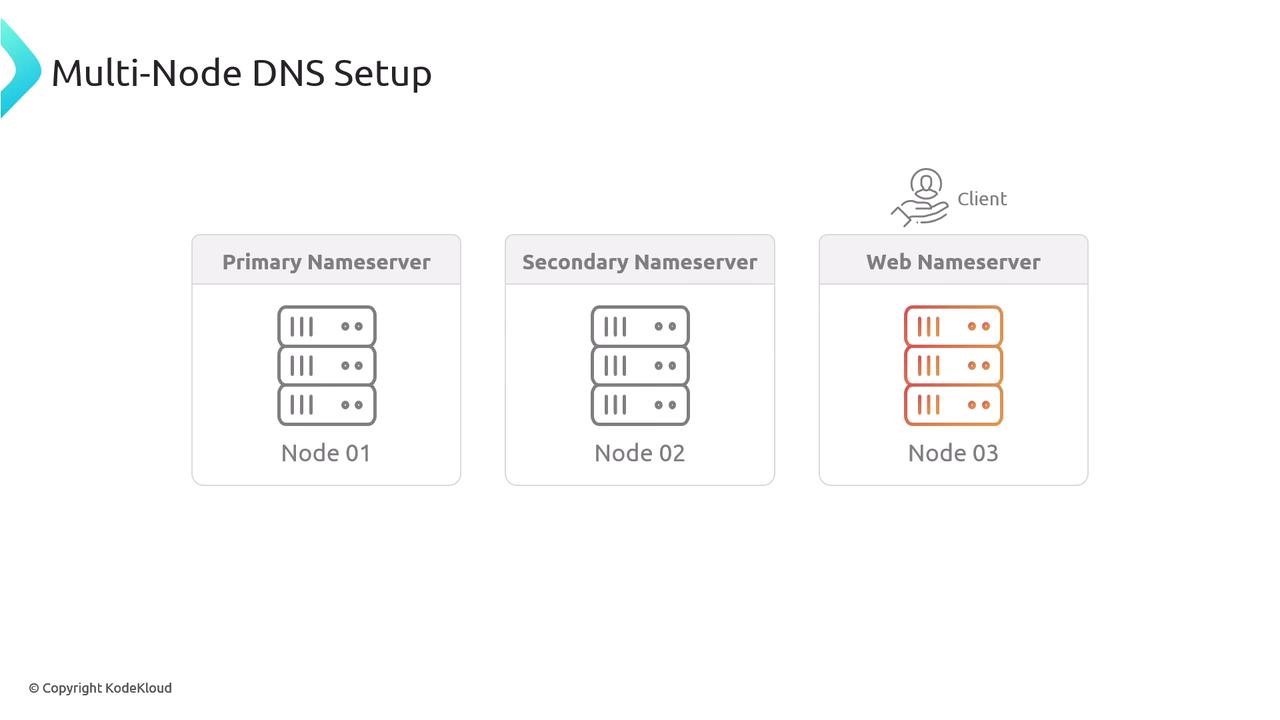
• node-02: Secondary nameserver
• node-03: Webserver running an application (and acting as a client) Below is an illustration of the multi-node DNS setup:
Primary Nameserver Setup (node-01)
Begin by installing and configuring BIND9 on node-01, which will serve as the primary nameserver.1. Install and Start BIND9
Start the BIND9 service:2. Configure the Zone File
Edit the zone configuration file (typicallynamed.conf.local) to specify the zone information. In this example, our domain is multinode.kodekloud.lab and its zone file is stored in /etc/bind. The configuration should indicate that node-01 is the primary (master) server for the zone:
Gather the IP addresses for node-01 and node-02 before updating the zone file. These IP addresses will be used within the zone file.
3. Verify IP Addresses
Run the following commands to check the IP addresses of node-01 and node-02:4. Create the Zone File
Create the file/etc/bind/db.multinode.kodekloud.lab with the following content. This file sets the Start of Authority (SOA) record, NS records, and A records for node01, node02, and node03:
5. Restart and Verify
After saving the zone file, restart the BIND9 service:Secondary Nameserver Configuration (node-02)
Next, configure node-02 as the secondary (slave) nameserver.1. Install BIND9 on node-02
SSH into node-02 and start the BIND9 service:2. Confirm the Primary Server’s IP
From node-02, verify the IP address of node-01:3. Configure the Secondary Zone
Edit thenamed.conf.local file on node-02 to declare it as a secondary nameserver. Use node-01’s IP (192.5.84.8) as the master:
4. Configure Zone Transfer on the Primary (node-01)
Ensure that thenamed.conf.options file on node-01 allows transfers to node-02. An example configuration:
5. Test the Secondary Setup
Verify node-02’s configuration by querying for zone data:Webserver (node-03) Configuration
Now, configure node-03 as the webserver and set it up to work with DNS.1. Set Up Nginx on node-03
SSH into node-03, install Nginx, and start the service:2. Add a CNAME Record for the Webserver
Update the zone file on the primary nameserver (node-01) by adding a CNAME record for the webserver. SSH into node-01 again and open the zone file/etc/bind/db.multinode.kodekloud.lab to include the following record:
3. Update DNS Settings on node-03
On node-03, update the/etc/resolv.conf file to use node-01’s IP as the primary nameserver. An example resolv.conf might look like:
4. Verify DNS Resolution
Finally, validate the full setup on node-03 by running:Through these detailed steps, you have successfully set up a multi-node DNS configuration with a primary nameserver (node-01), a secondary nameserver (node-02), and a webserver (node-03) hosting an Nginx service with a CNAME record pointing to it. This setup ensures reliable DNS resolution across your multi-node environment.