

Docker on Windows: Available Options
There are two primary methods to run Docker on Windows:- Docker Toolbox
- Docker for Windows
Docker Toolbox
Docker Toolbox was the original solution for Windows users looking to work with Docker when a native Linux environment was not directly available. This approach is ideal if you are working on a Windows system without a built-in Linux host in the lab or cloud. In this scenario, you install virtualization software such as Oracle VirtualBox or VMware Workstation on your Windows machine, then deploy a Linux virtual machine (for example, Ubuntu or Debian) where Docker is installed. Keep in mind that this method does not support running Windows-based Docker images and containers; it is primarily used to run Docker on a Linux virtual machine hosted from Windows. Docker Toolbox simplifies the setup by bundling several helpful tools, including:- Oracle VirtualBox
- Docker Engine
- Docker Machine
- Docker Compose
- A user-friendly interface called Kitematic
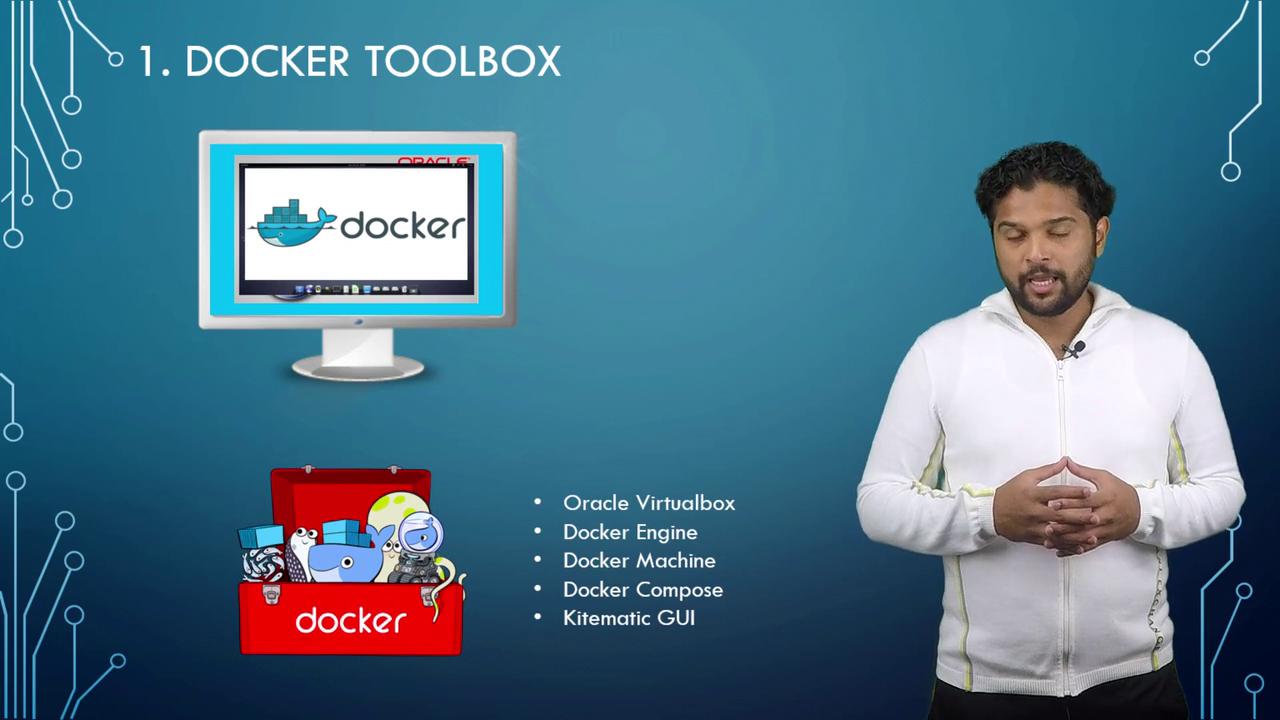
Ensure that your system meets the prerequisites: a 64-bit processor, Windows 7 or later, and that virtualization is enabled on your machine.
Docker for Windows
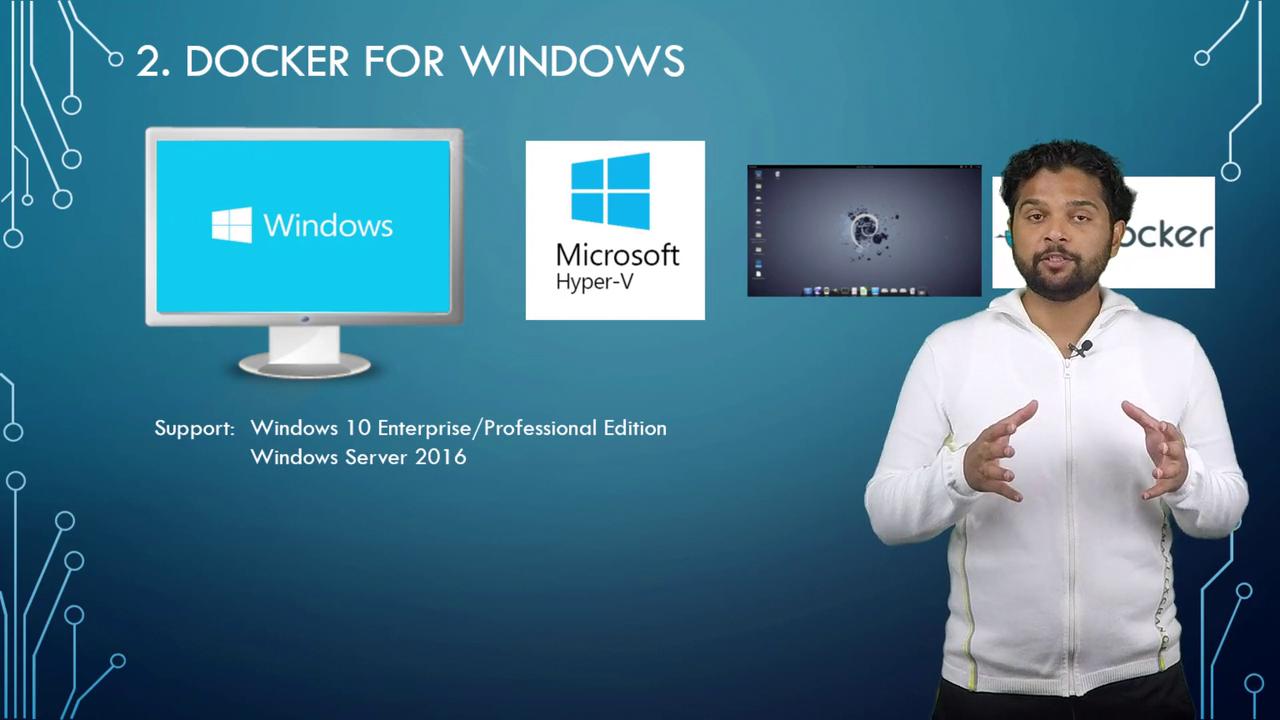
Docker for Windows is the modern solution that leverages Microsoft’s native virtualization technology, Hyper-V, and eliminates the need for third-party tools like Oracle VirtualBox. During installation, Docker for Windows automatically sets up a lightweight Linux system running Docker Engine on Hyper-V. Because Docker for Windows uses Hyper-V, it is supported only on:- Windows 10 Enterprise or Professional editions
- Windows Server 2016
Windows Containers
Introduced in early 2016, Windows containers allow you to create and run Windows-based images on a Windows Server environment, similar to how Linux containers operate on Linux systems. With Windows containers, you can containerize Windows applications and distribute them via platforms like Docker Store or Docker Hub. There are two types of Windows containers available:- Windows Server Containers: These containers share the OS kernel with the host, much like Linux containers.
- Hyper-V Isolated Containers: Each container is deployed in its own lightweight virtual machine, ensuring complete kernel isolation and enhanced security between the container and the host.
- Windows Server Core
- Nano Server – a minimal, headless version that is conceptually similar to Alpine Linux.
- Windows Server 2016
- Nano Server
- Windows 10 Professional and Enterprise editions (supporting only Hyper-V isolated containers)
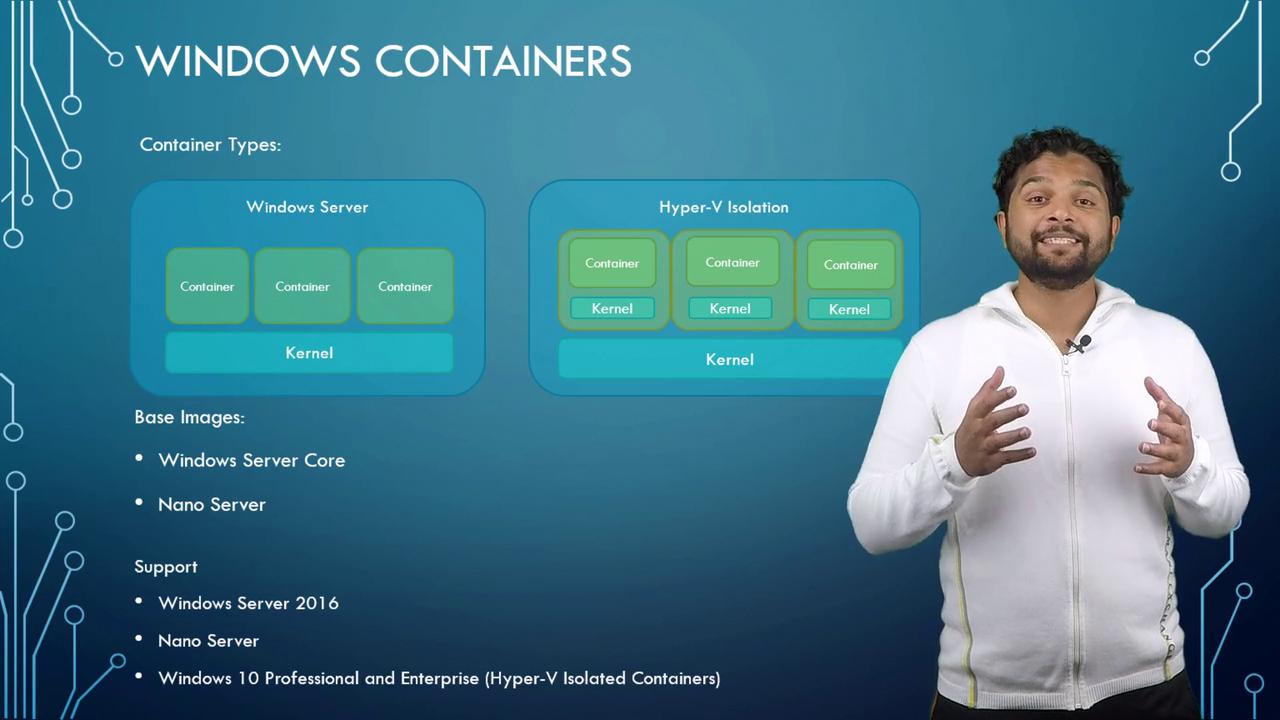
Using Hyper-V isolation, each container operates within its own optimized virtual machine, ensuring full kernel isolation and increased security between your containers.