

DocumentDB is MongoDB-compatible and works with many
MongoDB drivers and tools. Always verify compatibility for the specific MongoDB driver version and features your application depends on before migrating.DocumentDB clusters: storage and instances
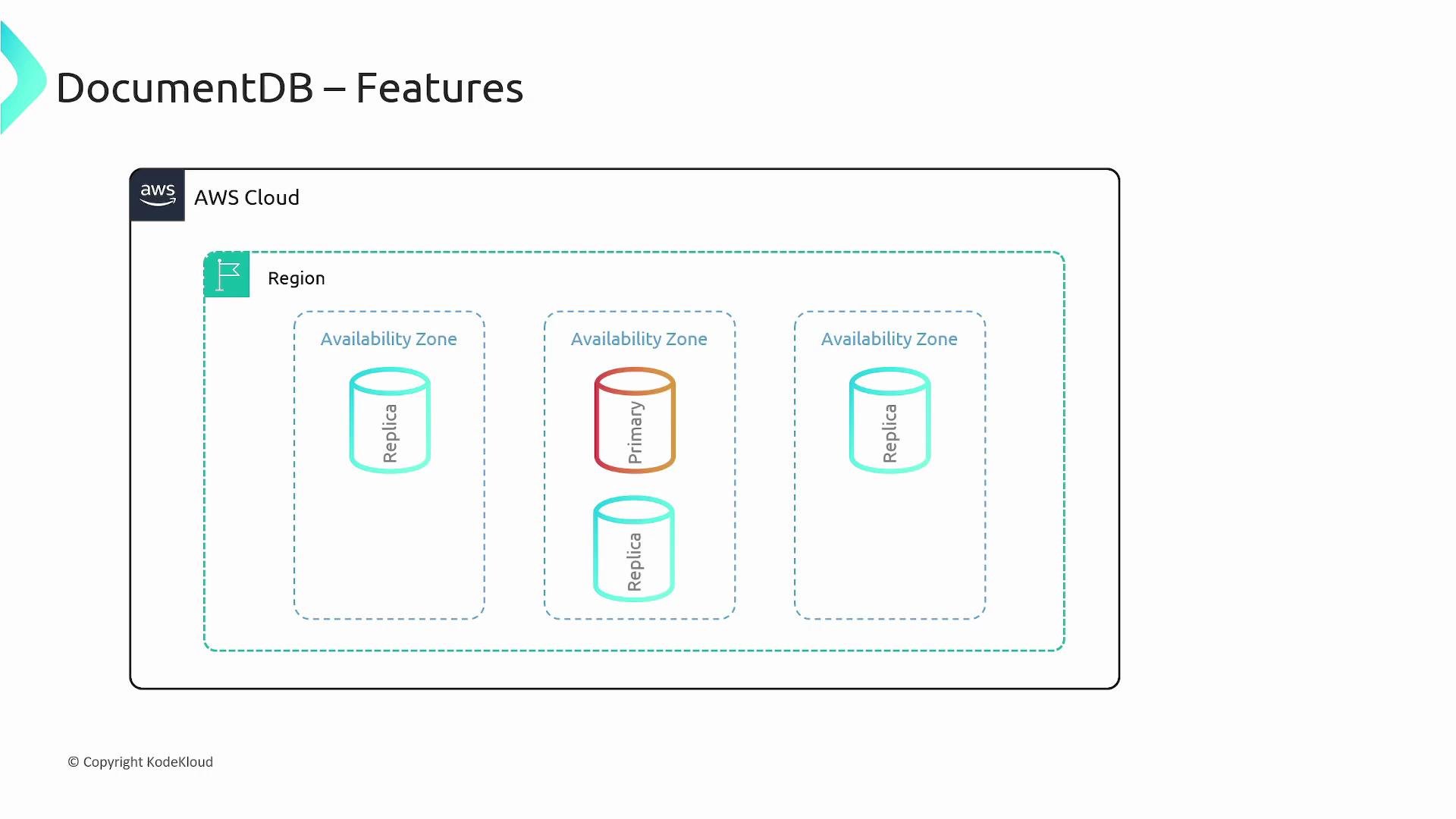
When you create a DocumentDB deployment you provision a cluster. A cluster separates storage from compute and consists of:- A single cluster volume that manages the stored data for all instances in the cluster.
- Uses cloud-native storage and replicates data six ways across three Availability Zones for high durability and availability.
- Supports up to 64 TB of data.
- One or more instances (compute) that provide processing capacity for reads and writes to the shared cluster volume.
- Instances read from and write to the cluster volume.
- A cluster supports between 1 and 16 instances.
Instance roles
- Primary instance
- Exactly one primary per cluster.
- Supports reads and writes; performs data modifications to the cluster volume.
- Replica instances
- Up to 15 replicas in addition to the primary.
- Read-only: dedicated to serving read traffic against the cluster volume.
Global clusters
DocumentDB global clusters allow low-latency, highly available global workloads:- Replicate data automatically from the primary cluster to up to five secondary clusters in other AWS Regions.
- Use fast storage-based physical replication from the primary to secondaries.
- Let you scale secondary clusters independently (different instance counts or sizes) from the primary, enabling cost/performance trade-offs across regions.
Key features
- MongoDB compatibility: Many MongoDB drivers and tools work with DocumentDB, but confirm feature parity for your application.
- Storage auto-repair: Automatically detects failed segments of the cluster volume and reconstructs repaired segments using other replicas.
- Page cache (buffer pool) managed outside the main database process: The cache can survive a DB process restart, keeping the buffer pool warm and reducing recovery time.
- Fast crash recovery: Crash recovery runs asynchronously on a parallel thread so the database can be available quickly after a crash.
- Write durability: Writes are durably recorded on a majority of storage nodes before being acknowledged to clients.
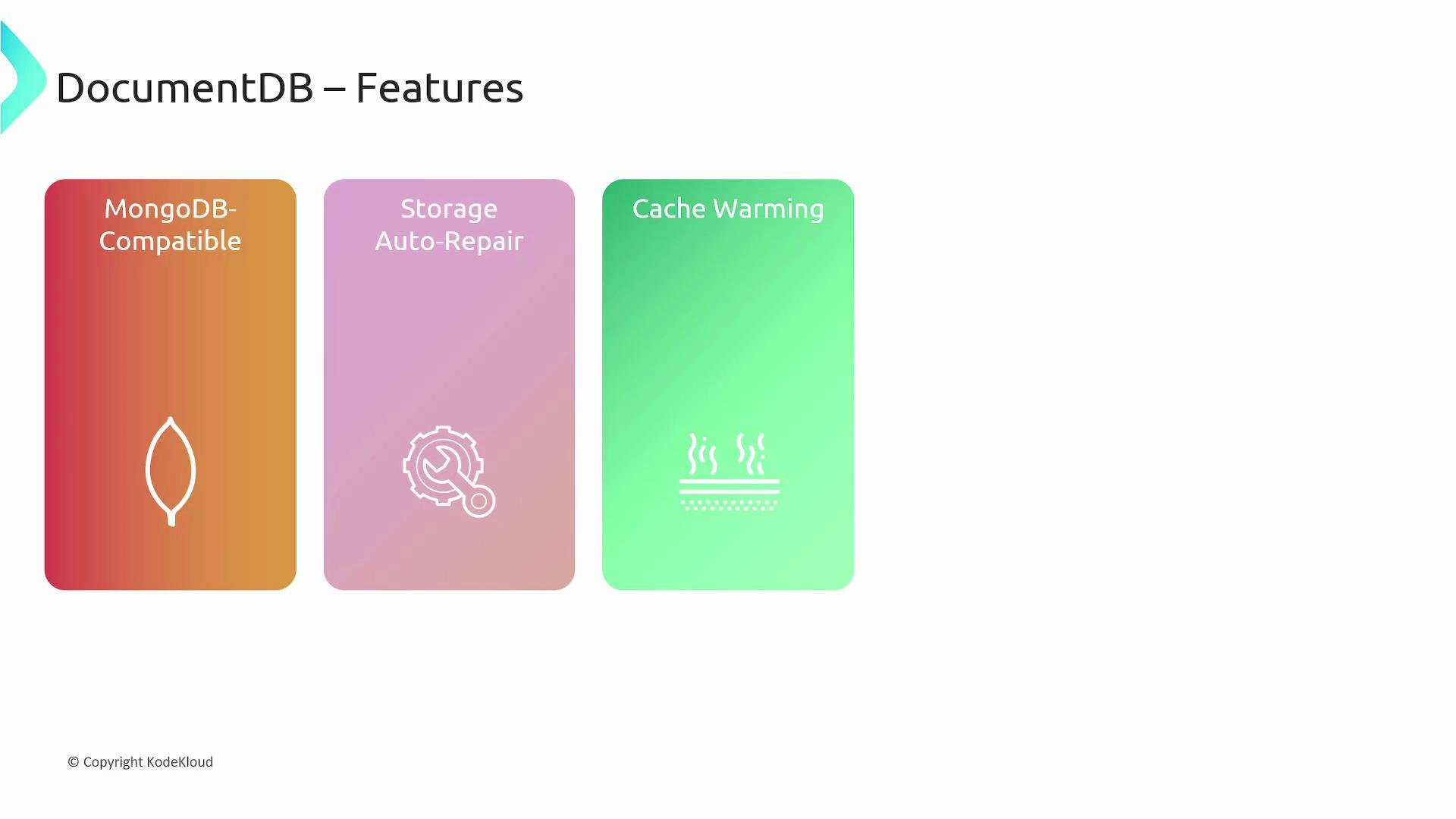
DocumentDB aims for MongoDB compatibility, but there are differences and unsupported features (e.g., some storage engine internals, specific server-side features). Test your application against DocumentDB in a staging environment before full migration.
Replicas and read scaling
Replica instances are optimized for read scaling. Because replication is done at the cluster volume level, replica instances’ CPU and memory are dedicated to serving read operations. This architecture makes it easy to add or remove replicas to match read capacity and cost requirements. Use replicas to:- Offload read-heavy workloads from the primary.
- Serve analytic or reporting queries that can tolerate slightly stale data (depending on read preference).
- Distribute read traffic across Availability Zones for higher availability.
Read preferences
DocumentDB supports MongoDB client-side read preferences so applications can tune consistency, latency, and throughput. Common read preferences:- primary
- Routes reads to the primary. If the primary is unavailable, reads fail.
- primaryPreferred
- Prefer the primary but fall back to a secondary if the primary is unavailable.
- secondary
- Routes reads to secondary replicas only. If no replicas are available, reads fail.
- secondaryPreferred
- Prefer a secondary, but fall back to the primary if no secondary is available.
- nearest
- Routes reads to the instance with the lowest measured client latency.
Common use cases
- Content management systems that benefit from flexible document schemas.
- User profiles, preferences, and session stores mapped naturally to documents.
- Read-scalable applications, including global low-latency reads using global clusters.
- Analytics or reporting workloads run against replica instances to avoid primary impact.
Summary
Amazon DocumentDB is a fully managed, MongoDB-compatible document database that reduces the operational burden of running MongoDB workloads on AWS. Key advantages include:- Storage replicated six ways across three Availability Zones for durability.
- Decoupled compute and storage so instances can be scaled independently.
- Global clusters for cross-region replication and low-latency reads.
- Client-side MongoDB read preferences to balance latency and consistency.

Links and references
- Amazon DocumentDB overview: https://aws.amazon.com/documentdb/
- MongoDB documentation: https://www.mongodb.com/docs/
- MongoDB drivers and read preferences: https://www.mongodb.com/docs/manual/core/read-preference/
- Amazon RDS (managed relational databases): https://aws.amazon.com/rds/